Zigbee2MQTT rotary knobs expose only raw MQTT events, which makes flexible and reusable configuration in Home Assistant unnecessarily complex.
I built a blueprint that turns those low-level events into configurable gestures via the UI and reliably filters noisy “tail” events, and I’m happy enough with the result to share it with the community.
Assign your own actions to Zigbee2MQTT rotary-knob gestures in Home Assistant. Supports Command/Event modes and includes noise filtering for false “tail” events.
- Works with many Zigbee2MQTT rotary knobs (brands such as Moes, Girier, and others — mostly AliExpress-sold models)
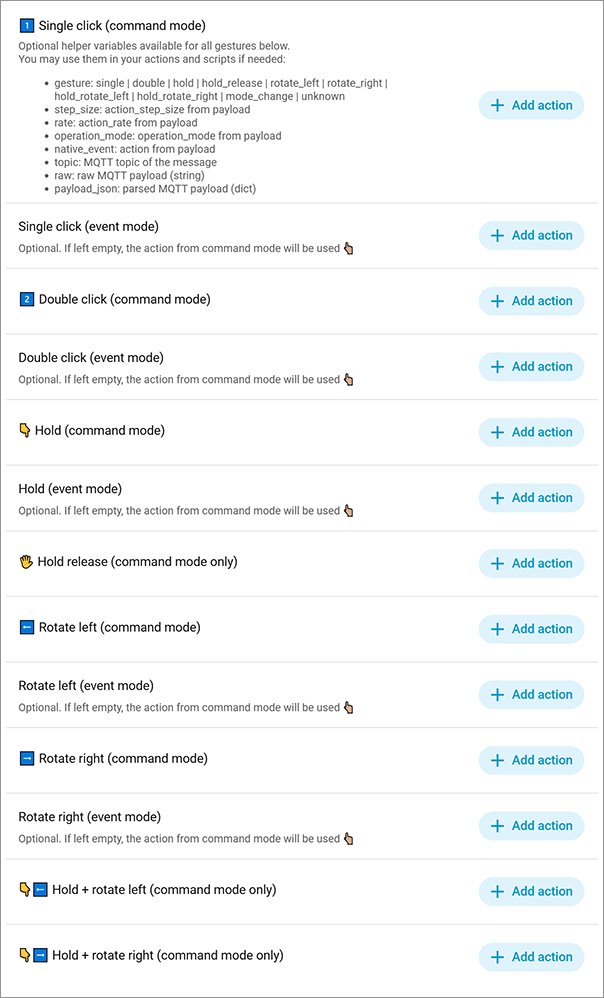
- Bind gestures to any HA actions or scripts, with optional helper parameters (gesture, step_size, rate, etc.)
- Supports both Command and Event operation modes (typically switched using a triple-click on most knobs)
- Noise filtering for accidental “tail” events (e.g., unwanted rotation after hold+rotate, or a single click triggered after rotation)
- Allows visual customization of native low-level event mappings if your knob uses different payload values
- Supports configuring automation mode and maximum concurrent runs
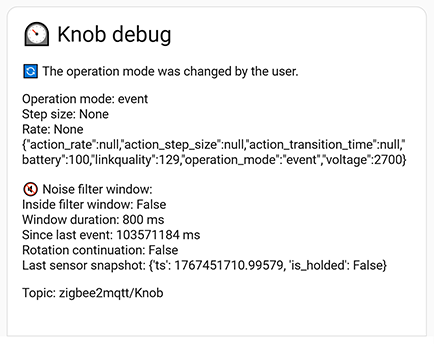
- Debug output available via notifications or logs
Core idea of this blueprint — assign actions to gestures instead of handling raw MQTT events.

 Please, check official documentation, a lot of usefull details here
 Some additional screenshots: