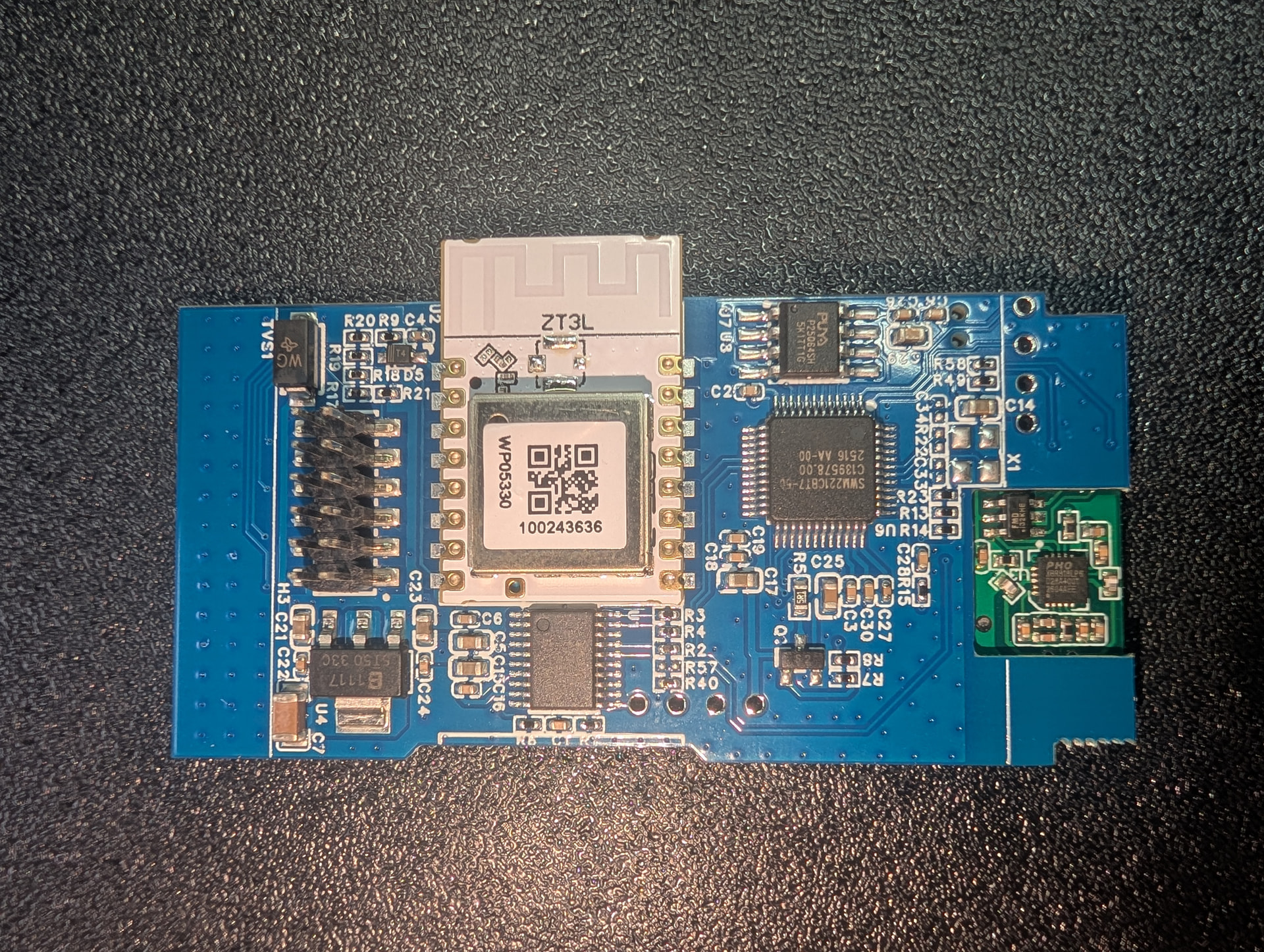
Zemismart ZMZ609-2 Zigbee 2-gang touchscreen switch
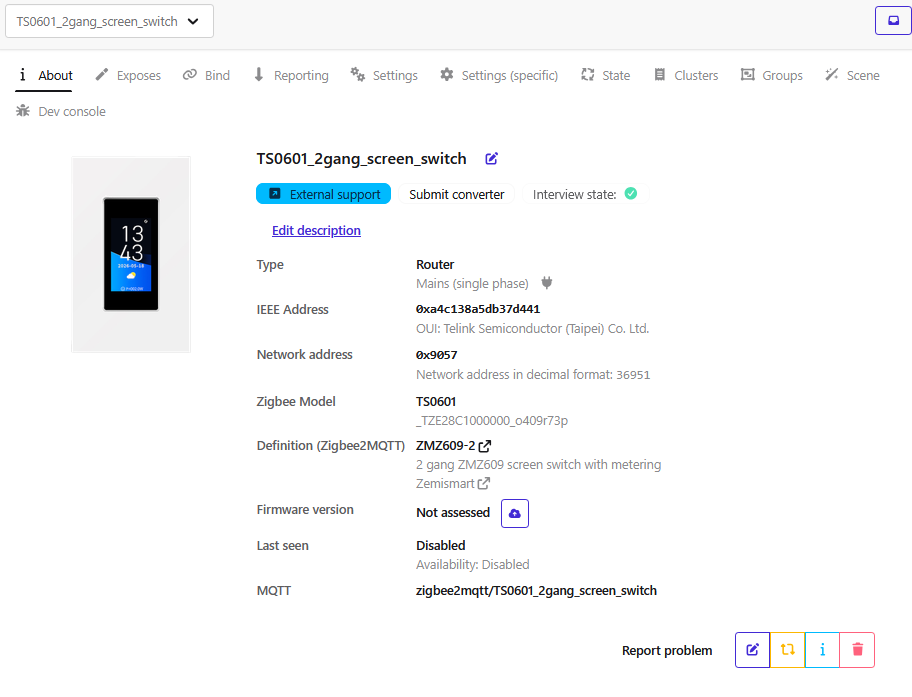
I recently had the opportunity to test the Zemismart ZMZ609-2 Zigbee 2-gang touchscreen switch: https://fr.zemismart.com/products/zmz609-2
When I started testing the device, it was not supported by Zigbee2MQTT. I therefore analysed its Zigbee traffic, endpoints, clusters and manufacturer-specific commands, and implemented the required converter myself.
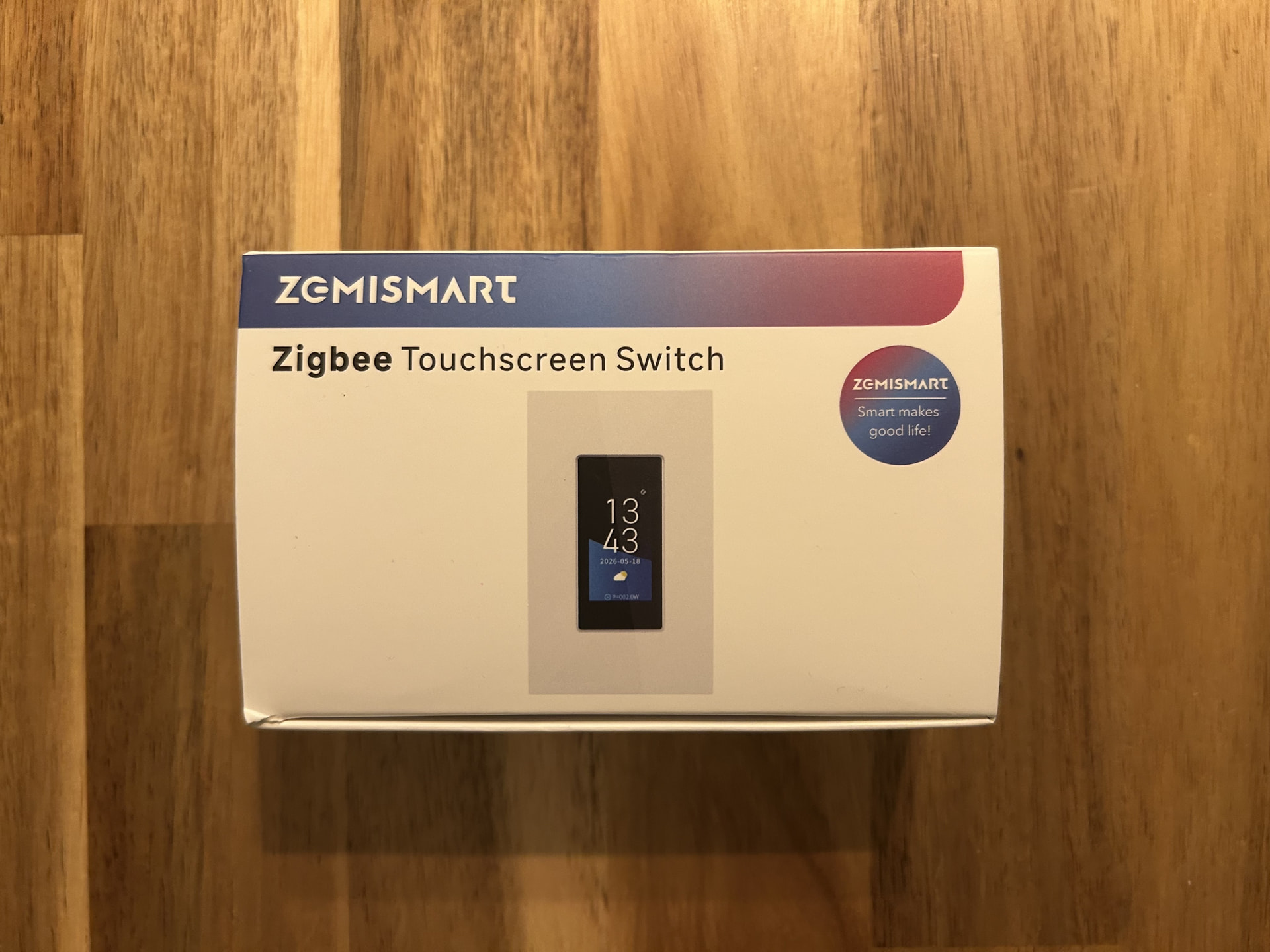
Unboxing
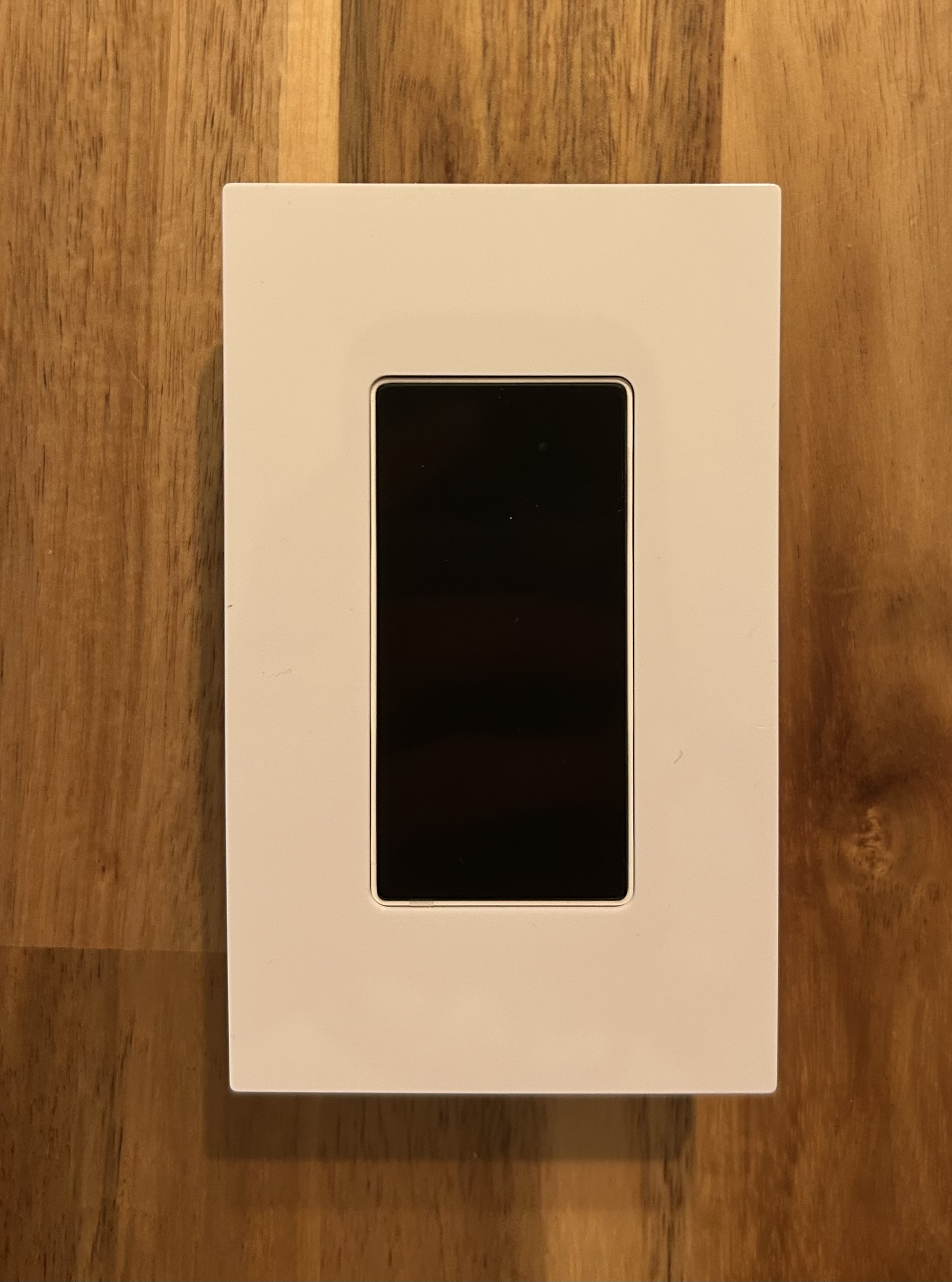
Installation and first impressions
The installation was quite straightforward. The wiring was simple, and I had no particular difficulty installing the switch.
Once installed, the device is also quite easy to use. The touchscreen interface is intuitive and makes the additional features easily accessible.
Overall, my first impression of the hardware is quite positive.
The touchscreen
The touchscreen is probably the most interesting part of the device compared with a traditional Zigbee wall switch.

It provides additional information directly on the wall switch, including:
 Date and time
 Weather forecast for the current day
 Control of the two switch channels
 Various information and settings available through the touchscreen interface
The date/time display is useful for a device that is permanently installed on the wall, and the weather forecast is a nice additional feature.
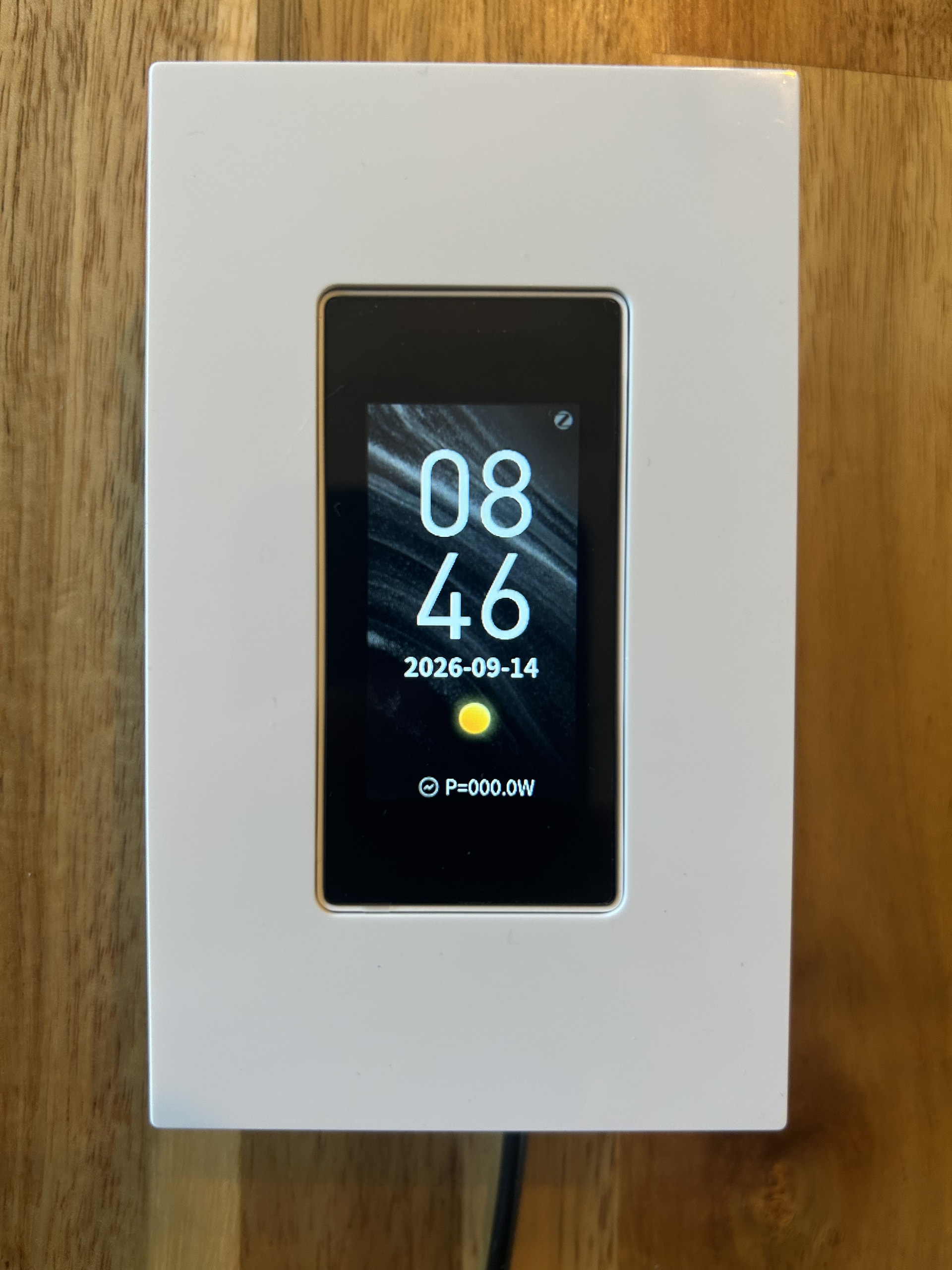
By swiping down, you can access the settings menu, where you can choose the icon associated with each light.

Zigbee2MQTT support was not available
This is where the test became more interesting.
When I started testing the ZMZ609-2, there was no support for this device in Zigbee2MQTT. Simply pairing the device was therefore not enough to get its functionality properly exposed.
Rather than stopping there, I decided to investigate the device and its Zigbee implementation myself.
I looked at the device information, endpoints, clusters, attributes and commands in order to understand how the ZMZ609-2 communicates over Zigbee.
I added the Zigbee2MQTT support myself
After analysing the device, I started working on the Zigbee2MQTT code and implemented the necessary support for the ZMZ609-2.
The goal was to expose the device correctly through Zigbee2MQTT and make its functionality available to Home Assistant.
This was probably the most interesting part of the test for me. What started as a simple device test turned into a small reverse-engineering and development exercise.
The device is a good example of the kind of work that is sometimes required to bring a new Zigbee device into the Home Assistant ecosystem, especially when manufacturer-specific functionality is involved.
Zigbee2MQTT exposes
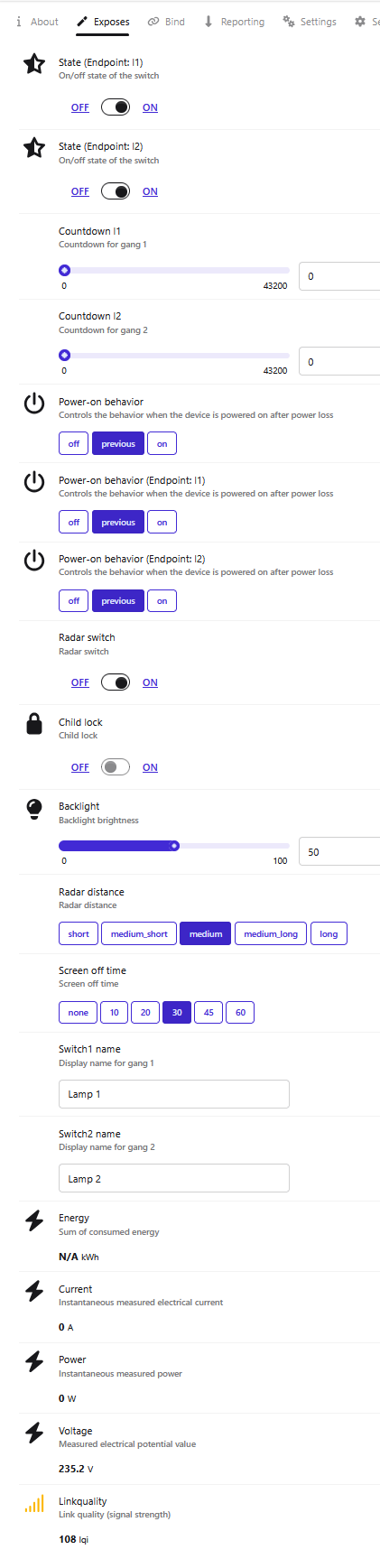
The converter exposes quite a few features of the ZMZ609-2 in Zigbee2MQTT.
Switches
The two switch channels are exposed independently:
- Switch 1 / Endpoint 1
- Switch 2 / Endpoint 2
Each channel provides:
- On/Off state
- Countdown timer
- Power-on behaviour
The countdown can be configured from 0 to 43,200 seconds, which is up to 12 hours.
The power-on behaviour can be configured independently for each channel:
offpreviouson
Switch names
Each switch can also be given its own name directly from Zigbee2MQTT.
For example:
- Switch 1 →
Lamp 1 - Switch 2 →
Lamp 2
Radar
The ZMZ609-2 also includes a radar sensor.
The Zigbee2MQTT integration exposes the radar settings, including:
- Radar switch – enable/disable the radar
- Radar distance
- short
- medium_short
- medium
- medium_long
- long
This makes the device more than just a touchscreen wall switch.
Child lock
A Child lock option is also exposed through Zigbee2MQTT.
Backlight
The touchscreen backlight brightness can be configured from 0 to 100%.
Screen-off timeout
The screen-off timeout can also be configured directly from Zigbee2MQTT:
- none
- 10 seconds
- 20 seconds
- 30 seconds
- 45 seconds
- 60 seconds
These settings make it possible to adjust the behaviour of the display depending on where the switch is installed.
Automatic weather information
One of the nice features of the ZMZ609-2 is its weather display.
With the Zigbee2MQTT support I added, the device can automatically obtain and display weather information.
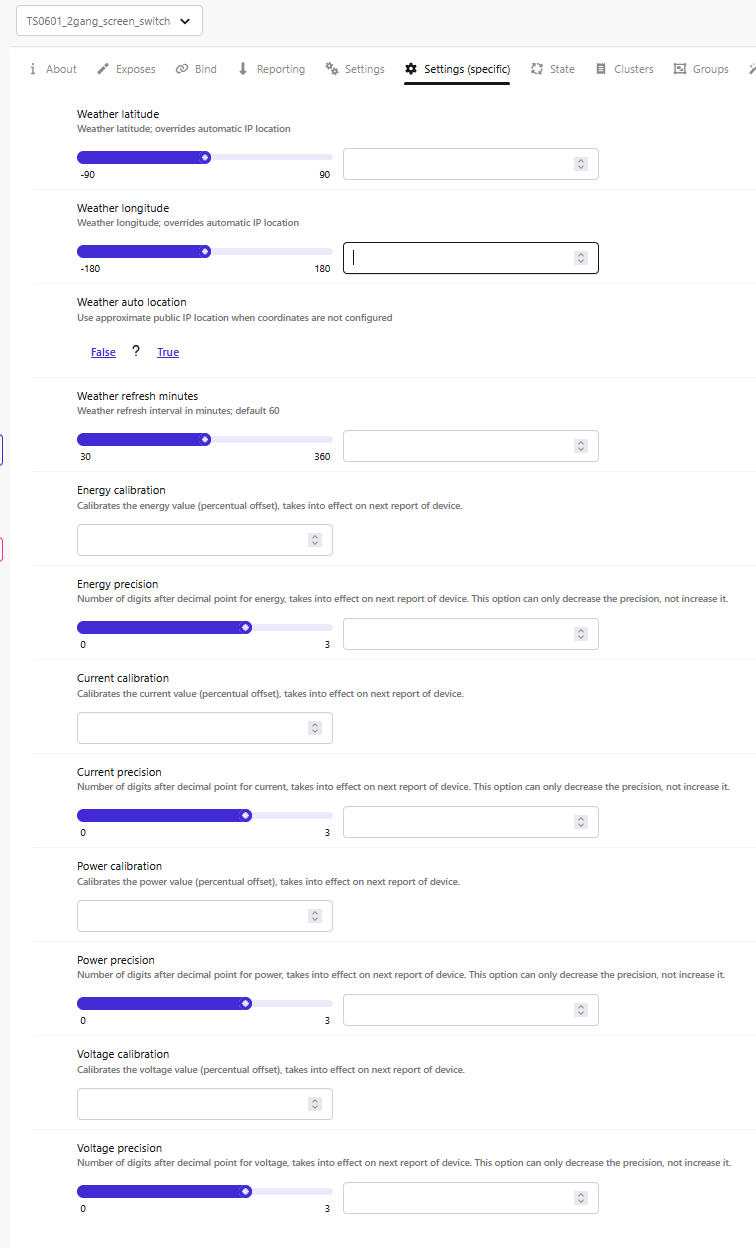
You can enter your location through the Zigbee2MQTT settings, allowing the integration to automatically provide the weather forecast relevant to your location.
This is particularly useful because the weather information is then available directly on the wall switch, alongside the date and time.
Electrical measurements
The ZMZ609-2 also exposes electrical measurements through Zigbee2MQTT:
 Energy
- Current
- Power
- Voltage
The energy value was not available in my test (N/A kWh), so I still need to investigate whether this is related to the particular setup or to the way the device reports this value.
A feature advertised by Zemismart that does not actually exist
There is also one point I think is important to mention.
On the Zemismart product page, the ZMZ609-2 is advertised as supporting multiple display languages, with the possibility of changing the language.
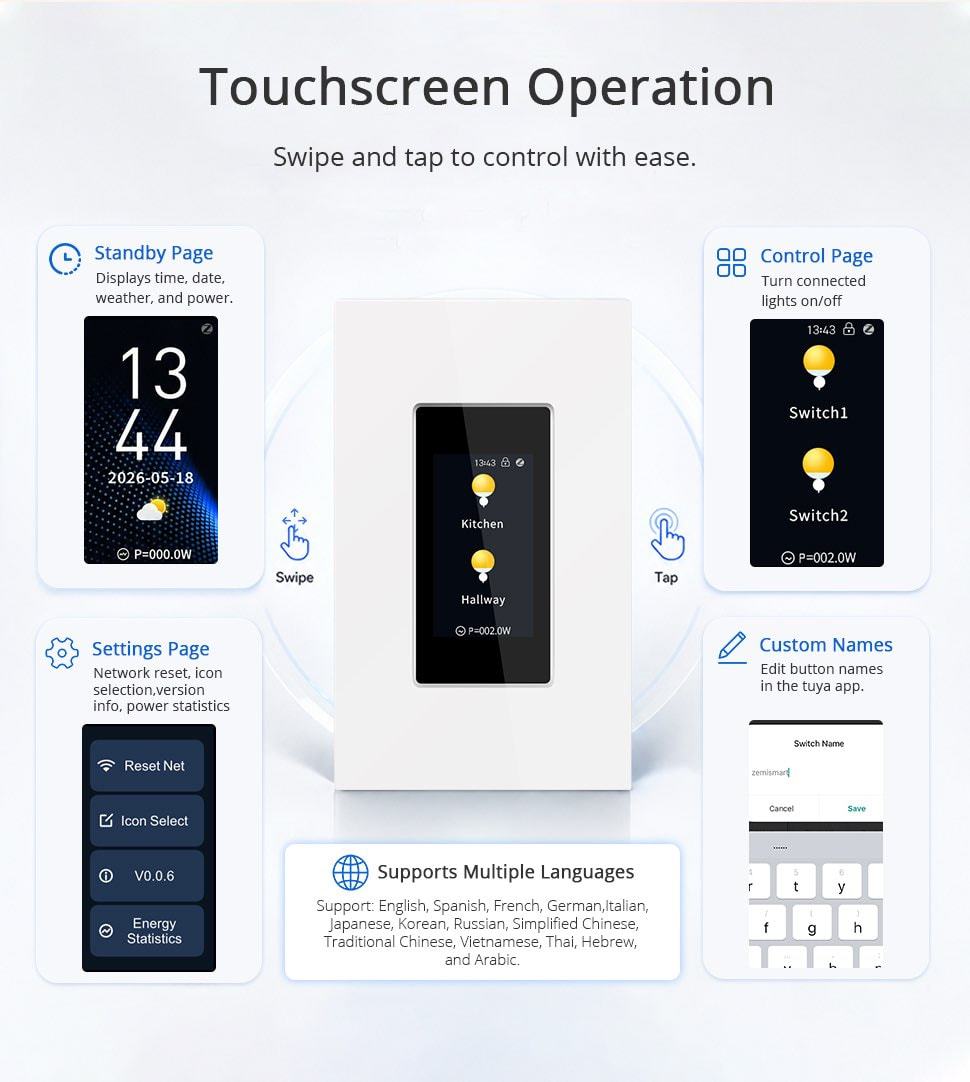
However, after testing the device, this functionality simply does not exist.
This is not a Zigbee2MQTT limitation or a missing converter feature. The device itself does not provide a working language-selection function.
So there is a clear difference between the advertised specifications and the functionality actually available on the device.
Native Zigbee2MQTT support
I opened a pull request to add native support for the ZMZ609-2:
The pull request was accepted.
The support I initially developed while testing the device is therefore now part of the native Zigbee2MQTT device definitions.
Pros
 What I like about the ZMZ609-2:
- Simple wiring and installation
- Easy to use
- Nice touchscreen interface
- Date and time display
- Automatic weather forecast
- Two independent switch channels
- Countdown timers
- Configurable power-on behaviour
- Built-in radar
- Adjustable radar detection distance
- Adjustable screen-off timeout
- Child lock
- Electrical measurements
- Native Zigbee2MQTT support
Cons
 Things to be aware of:
- There was no Zigbee2MQTT support when I started testing it
- I had to analyse the Zigbee implementation and develop the converter myself
- The language-selection feature advertised by Zemismart is not actually implemented
Conclusion
Overall, I really like the concept of the Zemismart ZMZ609-2.
The hardware is easy to install and the touchscreen is pleasant and intuitive to use. The ability to display the date, time and weather forecast directly on the wall makes it quite different from a conventional Zigbee wall switch.
From a Home Assistant perspective, the most interesting part of my test was the integration work. When I started, Zigbee2MQTT did not support the ZMZ609-2, so I investigated the device, analysed its Zigbee implementation and developed the required converter myself.
The resulting support exposes a large part of the device’s functionality, including the two switches, countdown timers, power-on behaviour, radar settings, display settings, weather information and electrical measurements.
The support has since been accepted upstream, so the ZMZ609-2 is now much easier to integrate into a Home Assistant installation.
The main disappointment is that the language-selection feature advertised by Zemismart is not actually implemented on the device.
Overall, though, I think the ZMZ609-2 is an interesting device and a nice example of what can be achieved when a new Zigbee device is not initially supported by Zigbee2MQTT.