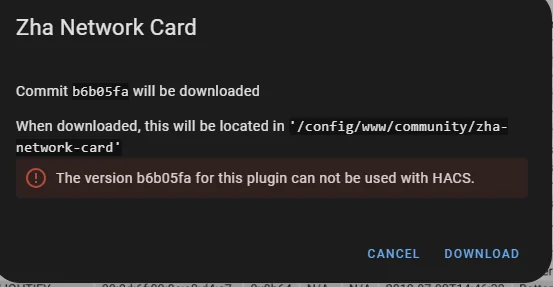
I saw a video that had ZHA in the sidebar. How to enable that?
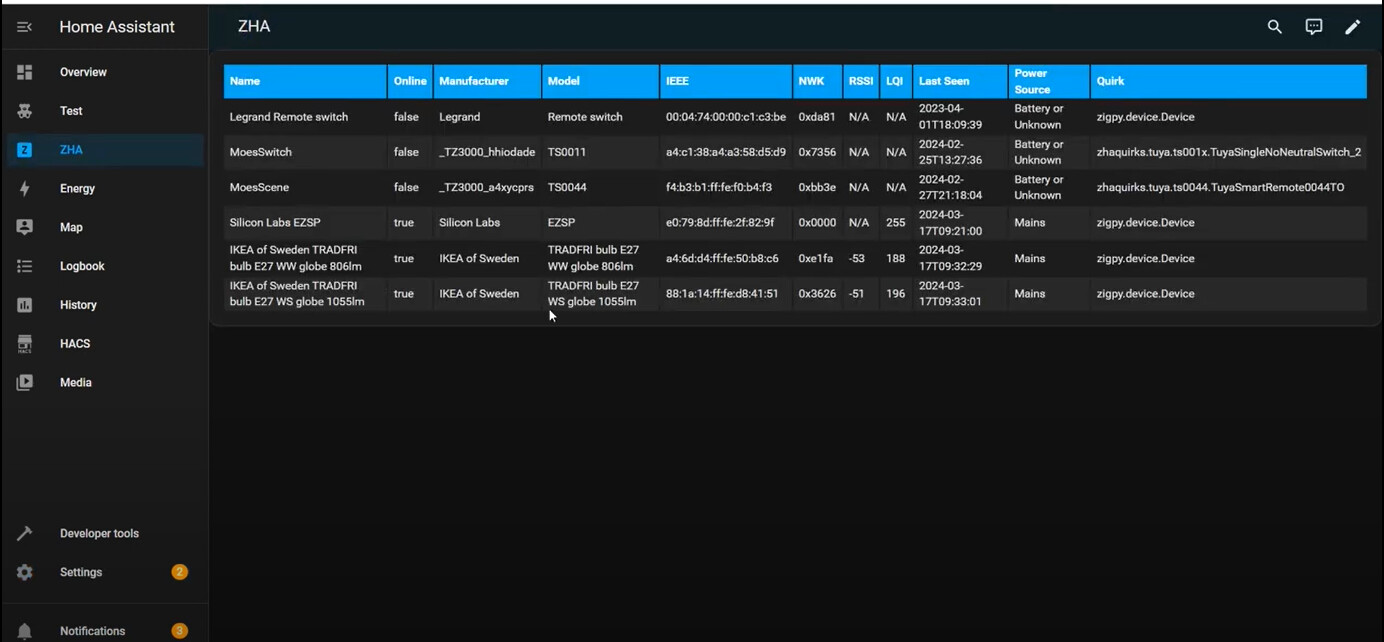

You can achieve it with custom_panel.
I think that’s just a standard Dashboard using the custom ZHA Network Card. Custom panel should not be needed in this case, just install the ZHA network card, create a new Dashboard, name it “ZHA”, then add the card to the new dashboard.
Install it manually… as directed in the previously linked repo.
Those instructions aren’t that user friendly for beginners. I have Studio Code Server so could just drag and drop the file in place but the instructions don’t give the name of folder where it should reside!
The last few messages here: https://github.com/dmulcahey/zha-network-card/issues/35, make it clear how to complete the manual installation.
I have it working but haven’t worked out how to make the table the full width of the screen.
Set the View to Panel.
I did that, but it still doesn’t show full width.