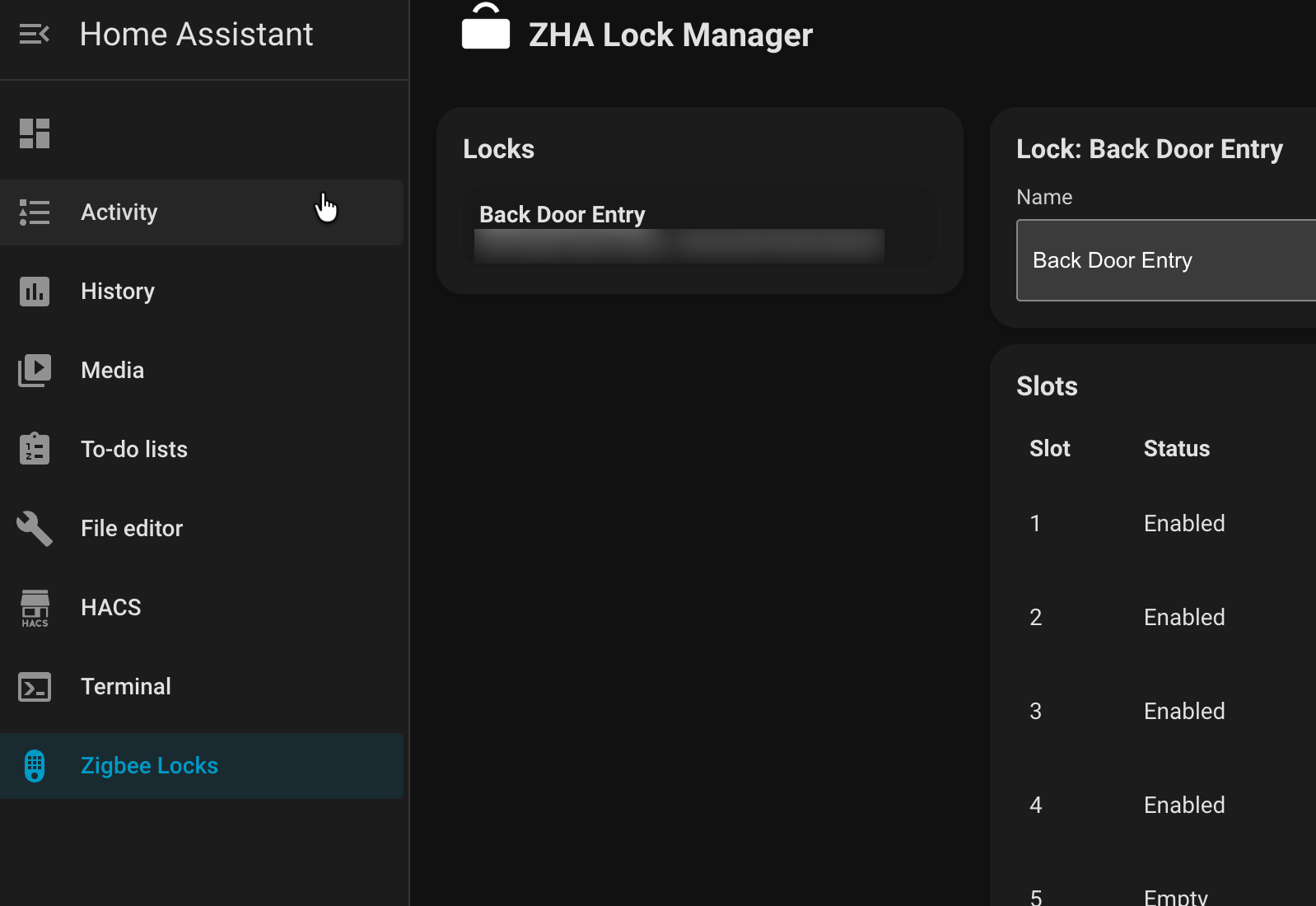
I recently put together a new custom integration that some of you working with Zigbee locks through ZHA might find useful: ZHA Lock Manager.
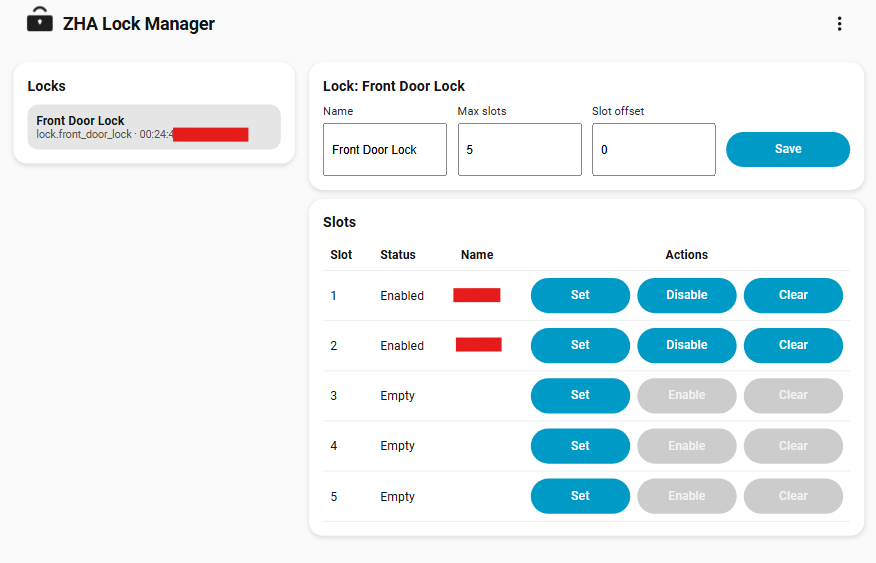
The goal was to simplify managing keypad codes across multiple locks without having to dig into service calls or keep external spreadsheets of codes. If you already use ZHA for your locks, this integration adds a Zigbee Locks sidebar panel where you can see everything in one place and handle tasks like setting, enabling, disabling, or clearing codes slot by slot. Each lock can have its own name, maximum slots, and even a slot offset to account for models that report slightly off numbering.
One extra feature is optional integration with Alarmo. When enabled, the integration listens for ZHA keypad unlock events, looks up the matching stored code, and disarms your alarm panel with it. That way, a valid code on the door automatically takes care of the alarm too.
A few things to know if you try it:
- Codes are stored locally in Home Assistant, encrypted for security.
- The panel doesn’t import existing codes from your lock, so you’ll want to manage them from the panel going forward.
- Some locks enforce timing on code changes, so if a service call fails, give it a few seconds and retry.
You can install it via HACS (preferred)

or manually copy it into custom_components.
Setup is just like any other integration: add it through Devices & Services and pick your locks. Once running, the panel gives you a clear view of all slots and their status (enabled, disabled, empty).
Screenshot Preview
Here’s what the side panel looks like in Home Assistant:
I’d love to hear how it works with different Zigbee lock models. Feedback, bug reports, or contributions are all welcome on GitHub.
Repo link: dmoralesdev/zha_lock_manager