Zigbee Gas Counter

Hello everyone,

I’m excited to share a project I’ve been working on: Zigbee Gas Counter.

EDIT: the new version is this one Zigbee Gas Counter I decided to use the nRF52840 chip and dramatically reduce power consumption.

This is a fully open-source solution for gas metering using Zigbee, designed to integrate seamlessly with Home Assistant. The project addresses several challenges in creating a reliable and efficient gas metering device, and it’s now mature enough to be shared with the community.

While the “counter” functionality is fully implemented and operational, there are still some pending decisions, such as finalizing the best power solution for the unit (e.g., using a LiPo battery or a CR123A battery).

I welcome contributions from other developers who are interested in improving or expanding the project. Your feedback and ideas are also greatly appreciated!

Feel free to check out the GitHub repository for more details.

Looking forward to hearing your thoughts!

Best regards,
Ignacio

Edit: I renamed the project at GitHub from ZigbeeGasMeter to ZigbeeGasCounter

Looks interesting, I’ll keep an eye on it :slight_smile:

My gas meter looks like this, though:

Where do you think I have a decent chance of picking up the magnetic pulse?

You need to find the documentation about your counter.

Mine is a BK-G6M from Honeywell and I was able to find that information there.

Good luck!

Been trying to find documentation but failed so far.
I just thought there is kind of a common or most likely spot where I would be able to pick up the magnet’s rotation.

I’ll keep searching, though.

Hey, nice project I’m willing to test it/compare it to my initial modification of the door sensor
I use a “AA” size 3.7V Feo4 in my project and it keeps the gas sensor happy for about 1 year in a -10 celcius winters.(only charge it to 3.3V there is a 18650 version of the Feo4 battery i manly use it because of the convenient 3,7V max voltage anything else it will require an stepdown.

Hi everyone,

I’d like to ask for some advice regarding the power consumption of a Zigbee-based device I’m developing and explore possible solutions to optimize battery life.

Device Behavior:

The device normally operates in deep sleep mode and wakes up under the following conditions:

• When the magnet sensor detects a status change (counter wheel).

• When the user presses the main button.

• When the internal RTC triggers after one hour of sleep.

Upon waking, the device initializes the Zigbee radio, connects to the network, sends a report with the current values, and waits for 2 minutes of inactivity before returning to deep sleep. I’m currently adjusting the logic to activate the radio only once per hour, but this alone doesn’t seem to address the issues I’m encountering.

Power Consumption Measurements:

• I’m powering the device with an external 3.3V supply (no DC-DC converter or LiPo battery yet, so actual battery consumption might vary).

• I’m using the Nordic Power Profiler Kit II for measurement, which I just received and is proving very useful.

Here’s what I’ve observed:

Zigbee radio active: 78.5 mA

Deep sleep mode: 3.85 mA

Based on these figures, even in the best-case scenario (sending readings 24 times a day), the device consumes around 152.12 mA/day. With a 5,000 mAh battery, this translates to roughly 32 days of operation—or potentially less.

However, according to the ESP32-C6-WROOM-1 datasheet, deep sleep current should be around 7 µA. Yet, my measurements on the ESP32-C6_DEVKIT-1, powered from the 3.3V pin, show 3.85 mA—which is about 550 times higher than expected!

Clearly, there’s significant room for improvement, and I’d love to hear your thoughts. Has anyone faced similar challenges or found effective ways to optimize power consumption in similar setups?

Thanks in advance for any suggestions!

I’m going to reply my own question. Just removing the J5 pin in the DEVKIT the consumption under deep sleep mode falls down to 8.45 uA which is a decent value according with the data sheet.

So, moving forward to implement battery measurement and dc-dc conversion.

Hi,

In the last month or so I’ve been very active on this project. At this time here are my conclusions:

  1. I’ve one unit that works.
  2. Battery (Li-Po 4400 mAh) last for less than a month in the location where I’ve to install it. After that time, battery percentage indicates 71% but it looks like the ESP32 can only transmit with enough power when batteries are fully charged.
  3. The ZigBee stack is configured to deep-sleep with sleep period of 30 seconds this means:
    • if there is nothing to transmit in 30s the unit goes to sleep,
    • when counter reach ten ticks - 0.1 m3; it wakes up again.
      This configuration drain the batteries in about a month.

Conclusion:

It is time to test new approach. Using this same hardware I’ll test configuring zigbee in light-sleep mode and compare different configurations.

There is also a new hardware approach where I’ll use an external counter combined with an ESP32 reading the external counter once every hour.

Some additional lessons learned:

  • Using 2S Li-Po batteries (7.2v) plus a voltage regulator is NOT a good idea. It is worth using the Seeed - Studio internal battery management with a single 1S battery (I’m using 1S2P with 2 18650 2200mAh each)
  • Gas flow metering is a “nice to have” feature but requires the device to be powered all time to update that value every tick and that wastes battery. Next releases will not have this value implemented.

Let’s see what comes next.

Regards

I am looking a similar hack

  • Open Home Assistant on your phone and look at the sensor status (Open/Closed).
  • Hold the sensor against gas meter face, right near the spinning numbers.
  • Run the hobs/heating to make the meter spin fast.
  • Move the sensor around until you see it flashing “Open → Closed → Open” on your phone every time the number 0 spins past.

Then stick that puppy…

I have just orderd few different types to see the best one. Then is HA to work its magic and its YAML time

Thank you Ignacio for your efforts.

Played around with your project, but I’ve used Esp32H2 board instead, bearing in mind that Wi-Fi utilize match more power.

Therefore I got question , I’ve noticed that you are using 3.3v on GPIO to count the gas usage, is there a reason not to use GND for that purpose (just reed sensor GND-GPIO10 for example) ?

I just wanted to drop a quick note. The project is in the testing phase. The source code contains several switches so you can configure your own Zigbee device with the functionality you need. Here are the different options.

  1. Deep Sleep vs Light Sleep: You can choose between Light Sleep mode and deep sleep mode when compiling the source code.
    In Light sleep mode, the device turns on the radio every 15 seconds and attends possible requests from the coordinator. This mode reports back the counter value to the coordinator every 10 ticks or every 15 minutes. I’m using an ESP32-C6 from Seed Studio and a 1S2P li-ion battery of 7000 mAh in total. The battery last for about one month.
    In Deep sleep mode, the device reports back to the coordinator every 10 ticks or every 15 minutes, but the radio is turned off for the total period of 15 minutes (or the amount of time required to reach 10 ticks) so if you need to send a command to the device you need to press the device main button before. You have about 12 seconds to send the command to the device. In Deep Sleep mode, the batteries might last for 4 to 5 months (under testing now)
  2. Report only gas consumption (energy) or report also gas flow (power). If you don’t need to power the device from batteries you can activate this option.
  3. Decide to use internal antena or external antena.
  4. Enable/Disable an option to write the counter value to match your real counter.
  5. Decide to measure/report battery level. If you are not powering up the device from batteries you don’t need this functionality.

Hoping this project is useful for you!

Regards
Ignacio

Based on your project, I’ve started working on an adaptation for the ESP32H2 board.
I hope you don’t mind.

Hello,
thank you for this wonderful project. I have been looking for a Zigbee sensor for gas and water for a long time. However, I am having some issues with the gas meter.

Since I am running the gas meter with a power supply, I have disabled all power sleep options. I also changed the settings so that the meter transmits the reading with every single pulse. Unfortunately, I am experiencing three problems:

First:
The decimal point frequently shifts. I set a starting meter reading of, for example, 12345, and instead of being interpreted as 123.45, it is read as 12345. Sometimes this changes on its own, and sometimes it doesn't change at all.

Second:
I reduced the reporting interval (time to the next datagram transmission) from 15 minutes to 1 minute, and I configured it to report on every change of the meter. But It doesn't do that. I only get an updated meter reading when I actively query the sensor via the Web UI.

Best regards, Kai

Hello!

The decimal point frequently shifts. I set a starting meter reading of, for example, 12345, and instead of being interpreted as 123.45,

Yes, this is because the counter is in fact not counting m3 but cent's of m3. If you want to set the counter to 12345 m3 use 1234500 value. Even more, my counter shows one additional digit to the right of the counter that I need to ignore. The counter is generating a pulse every loop of the third digit to the right.

I reduced the reporting interval (time to the next datagram transmission) from 15 minutes to 1 minute, and I configured it to report on every change of the meter.

Make sure you reconfigure your device in zigbee2mqtt every time you update the reporting parameters in the code.

Hope you fix all issues! and I'm glad this project is useful for you as well!

Cheers
Ignacio

Can anyone do me a favour?

As you know, I'm running on batteries and the current development using a ESP32C6 only last for 1 month using a 7A/h battery (two 18650 batteries in parallel 3.5A/h each) so I decided to explore the chip nrf52840 from Nordic Semiconductors.

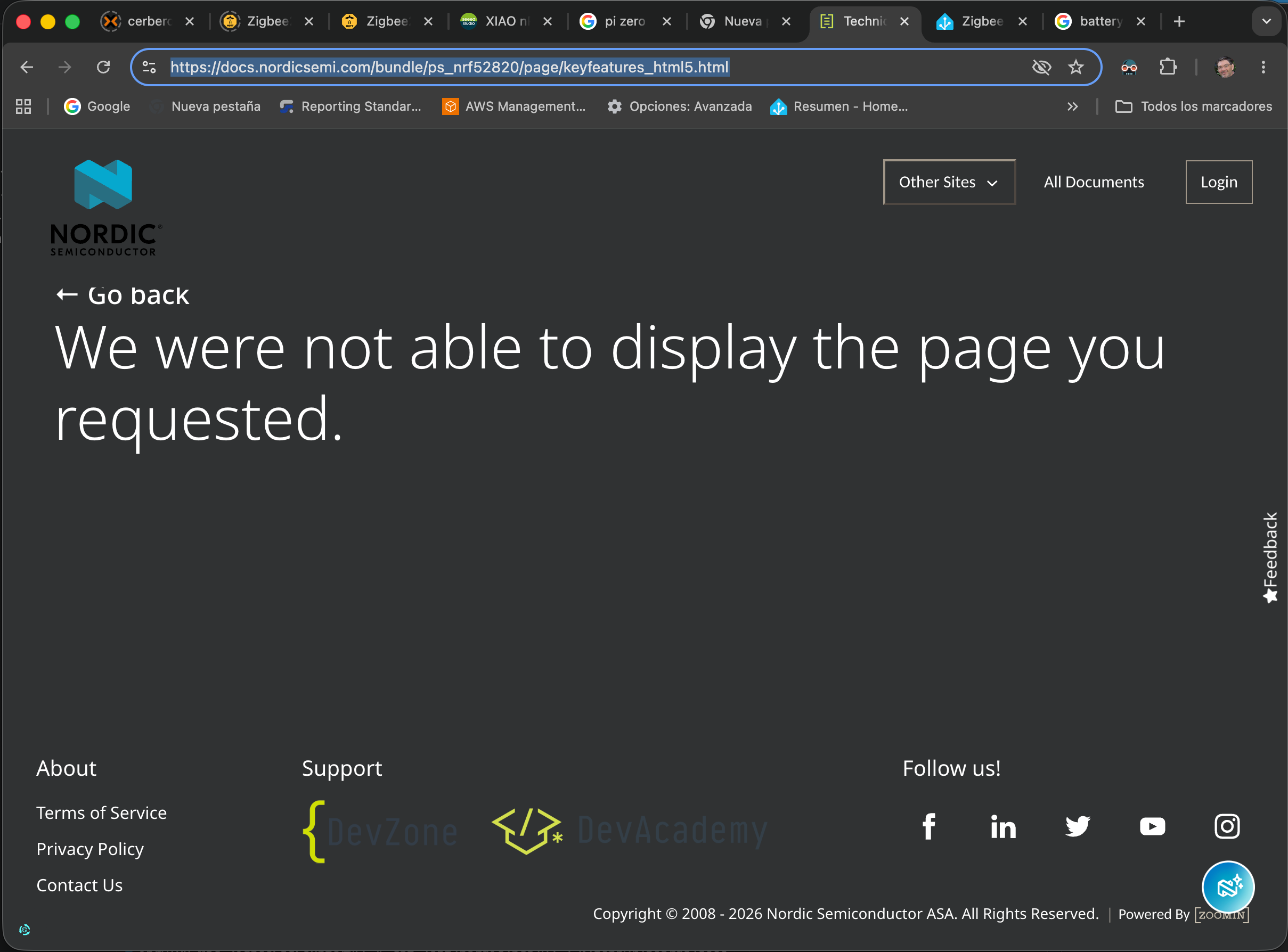
That chip is promising and I actually have migrated most of the code, but since a couple of days I can no longer access NCS documentation. Here is a screen capture of what I see:

Can you please try to access this page (I've intentionally not posting a link but just the URL so you are sure this is not driving you to a bad server)

https://docs.nordicsemi.com/bundle/ps_nrf52820/page/keyfeatures_html5.html

and confirm if this is only me?

I don't use any of their stuff, but had a look at the page for you. All the documentation is throwing 401/403 errors, meaning they probably gated it behind a login since the last time you were able to access it.

HI,

I just wanted to drop a quick note to inform that I'm close to finish the project with the new nRF52840 chip that consumes an order of magnitude less energy than the ESP32.

It will be published as a new independent project in the next weeks.

Regards
Ignacio

The new project version is here:

Regards
Ignacio