The most important thing is still to understand that in a true mesh network topology like Zigbee uses it will always be much better to add many weaker Zigbee Router devices than it is to just add only one or two very powerful/strong Zigbee Router devices. That way you can in practice get a redundant fully connected network (with the exception of the Zigbee Coordinator which in Zigbee 3.0 can only be one per Zigbee network). Otherwise, you will risk that powerful/strong Zigbee Router device becoming a single-point-of-failure so any devices that have a single connection link to it and not to multiple Zigbee Router devices will go down if it does.
What you want to achieve is a full “mesh network” with most Zigbee routers having many paths:
https://www.ecstuff4u.com/2018/03/zigbee-topology.html

So for a quick no-effort fix I personally normally just recommend that people new to Zigbee who have big houses and large areas or buildings with dense building materials make it easy for themselves and just buy a bunch of “IKEA Trådfri Signal Repeater” devices from the start to get them a good mesh network backbone as a baseline. This is because while not as strong as these Zigbee USB dongles with an external antenna, the “IKEA Trådfri Signal Repeater” comes with good firmware by default and are very inexpensive, so you can make up for them not having the highest performance by simply buying more of them, (and they are still more powerful than almost all other commercial Zigbee products that are not designed to be a dedicated Zigbee Router device).
https://www.google.com/search?q=IKEA+Tradfri+Signal+Repeater
However, if you want to get the best setup then the best AND most cost-effective Zigbee Router that money can buy today is just to convert a few of ITead’s “Sonoff Zigbee 3.0 USB Dongle Plus V2” (model “ZBDongle-E” based on Silicon Labs EFR32MG21) into dedicated Zigbee signal repeater / Zigbee range extenders by flashing them with Zigbee Router firmware and powering them with a simply USB-chargers. While maybe not the prettiest solution to look at, if you make sure they are permanently powered then joining/pairing three or more to your Zigbee network and spreading them around in your home will create an extremely stable backbone in your Zigbee network.
https://github.com/itead/Sonoff_Zigbee_Dongle_Firmware/tree/master/Dongle-E/Router

Yes that is indeed another way to move your Zigbee Coordinator further away from possible sources of interference and place it in a more ideal location like the very centre of your house, (and I personally recommend TubeZB and ZigStar network-attached Zigbee Coordinator solutions for some situations where simply using a long USB extension cable is not enough to get the adapter in an ideal placement).
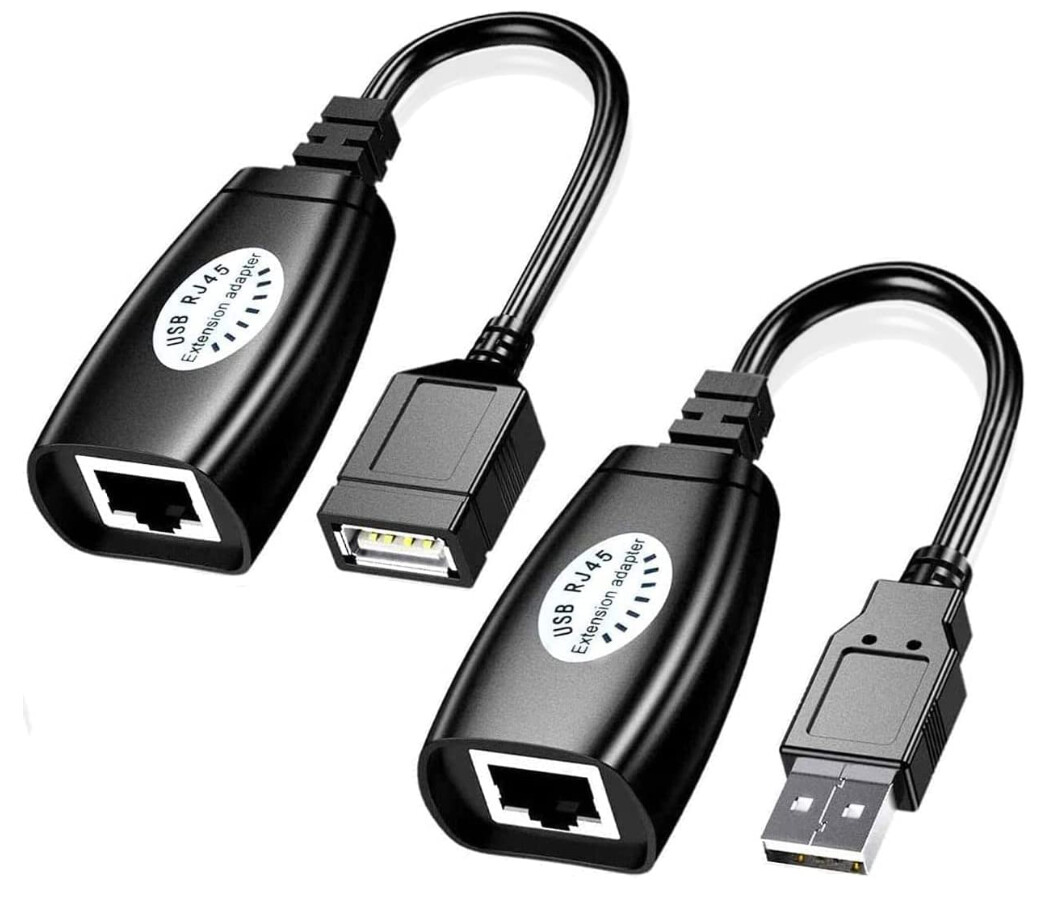
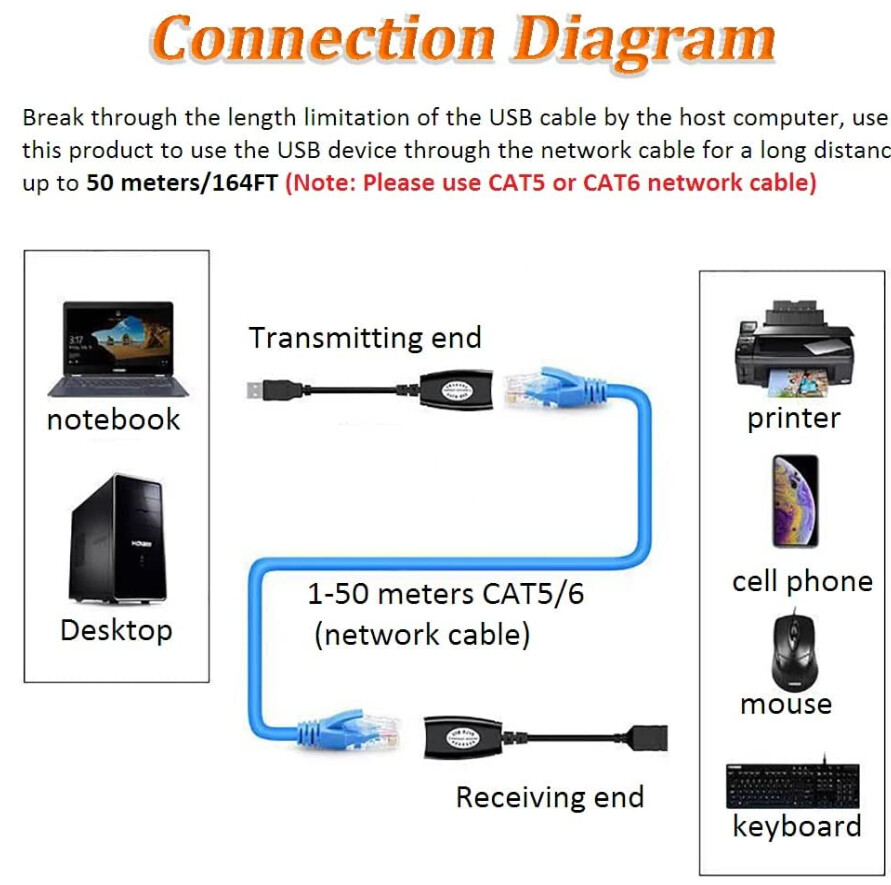
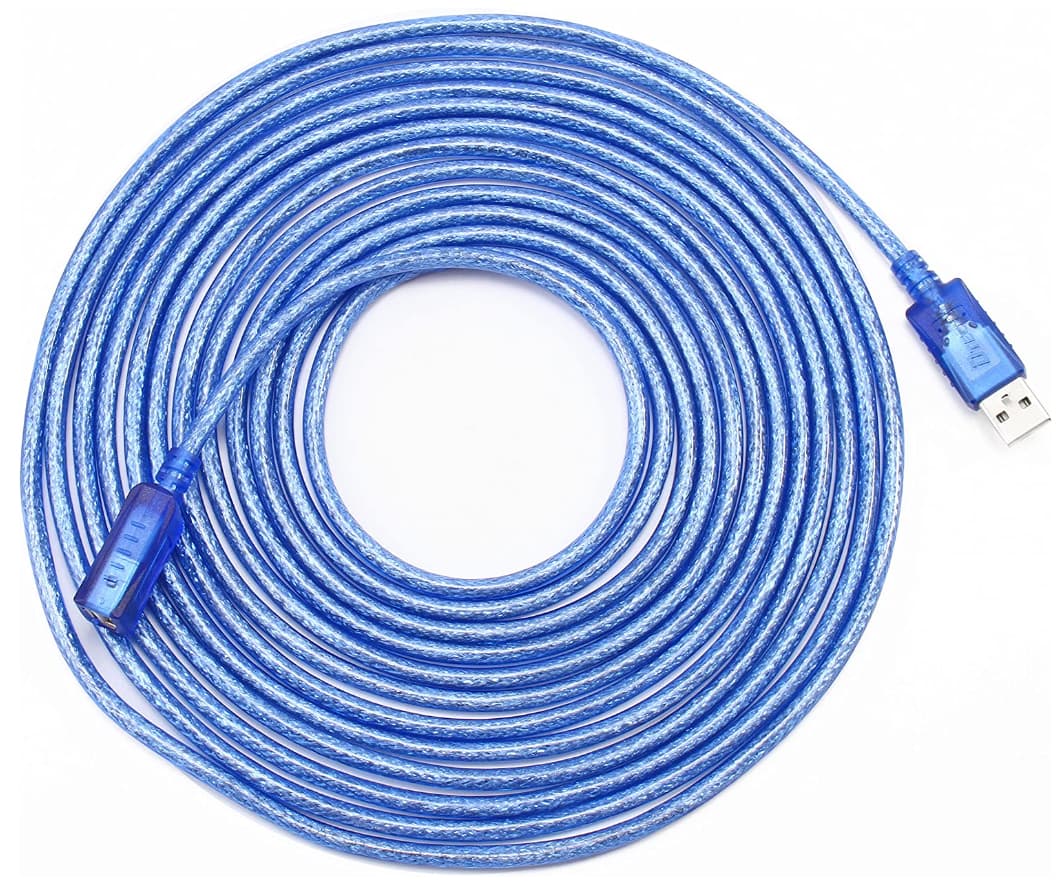
However, a network-attached Zigbee Coordinator solution does introduce additional complexity and introduce your LAN as another SPOF (Single-Point-Of-Failure) for your Zigbee network setup, and I therefor personally believe that in most use bases it will be easier to just use either up to 5 meters / 15 feet shielded USB extension cable or if even longer USB extension distance is needed you can achieve up to around 30 meters by using inexpensive “USB Ethernet RJ45 Extender Adapter” converters which easily and practically convert any single CAT5e/CAT6 shielded Ethernet cable with RJ45 connectors into a very long USB extension cable, (note that 30 meters or 100 feet is the recommended maximum length for USB 2.0 data traffic over a passive cable). See for example these USB extension solutions:
or