Zigbee2MQTT - EnOcean PTM 215Z (Friends of Hue) switch with Hold Loop

Based on the blueprint of Profile - vandalon - Home Assistant Community Zigbee2MQTT enOcean PTM 215Z (Friends of Hue) switch, the functionality has been extended. It is now possible to create a loop by holding down a button with a variable delay time, which allows, for example, the brightness of a lamp to be increased or decreased.
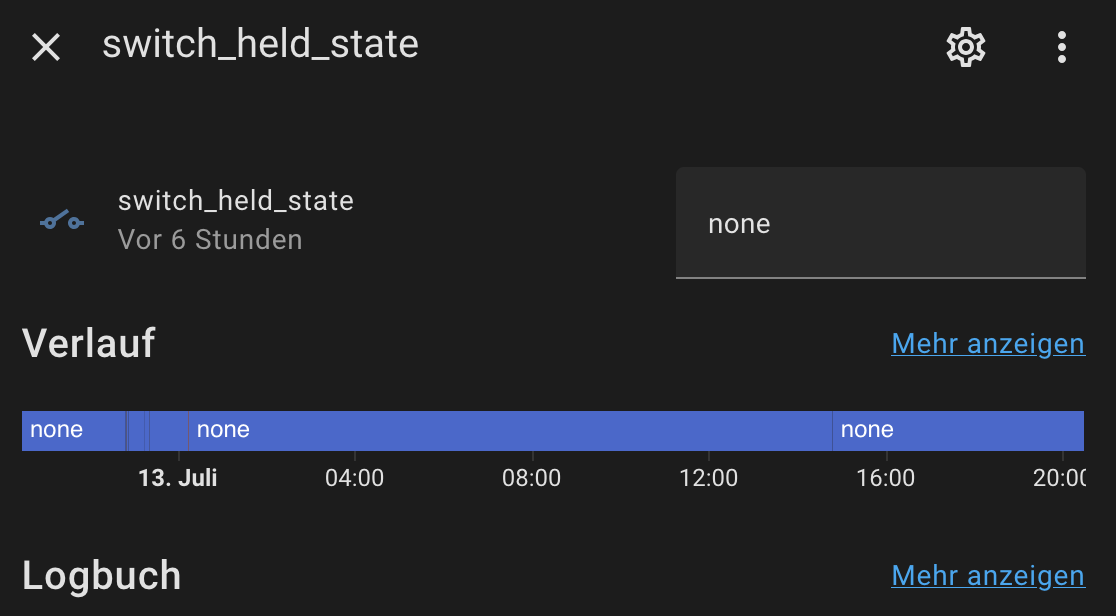
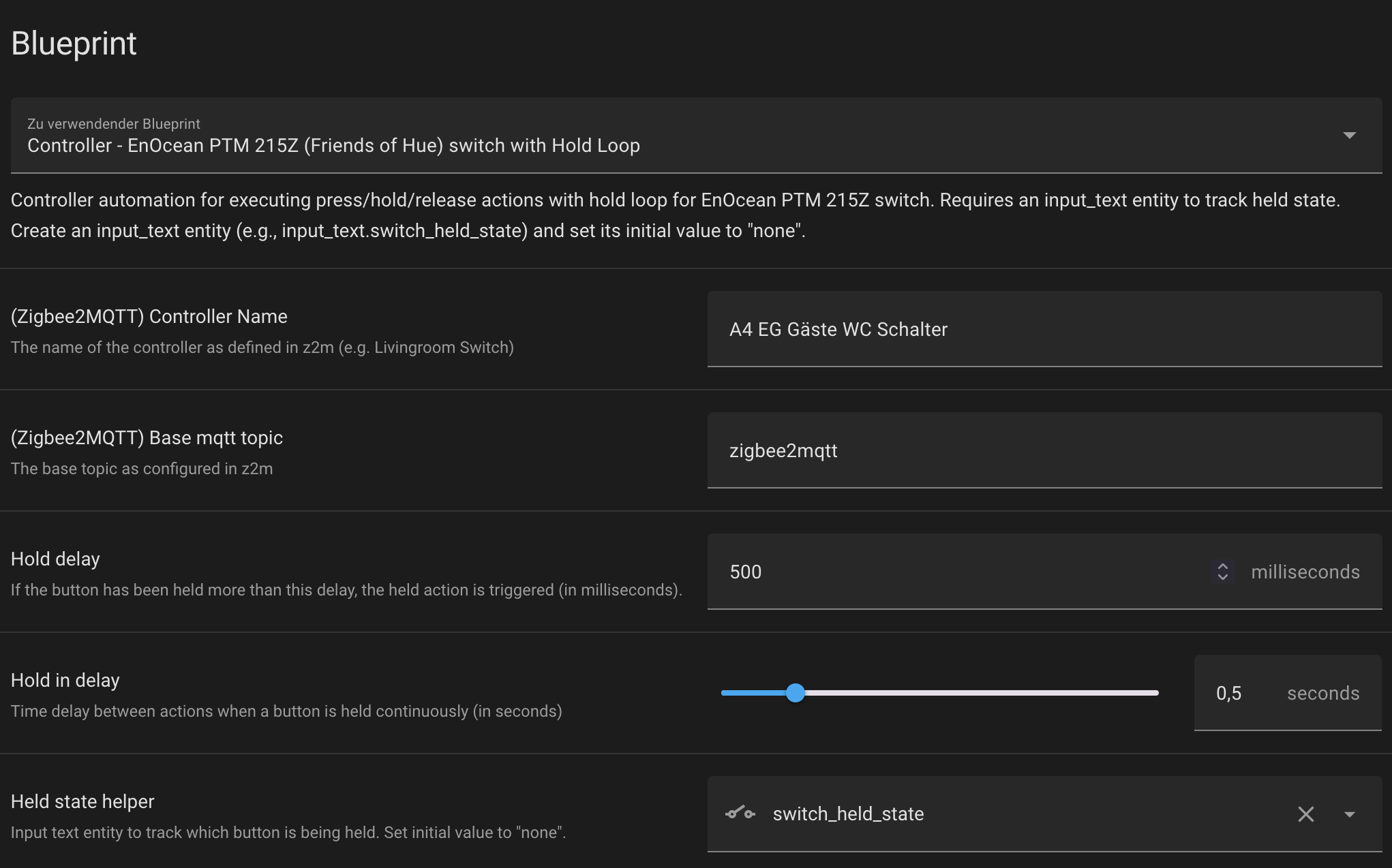
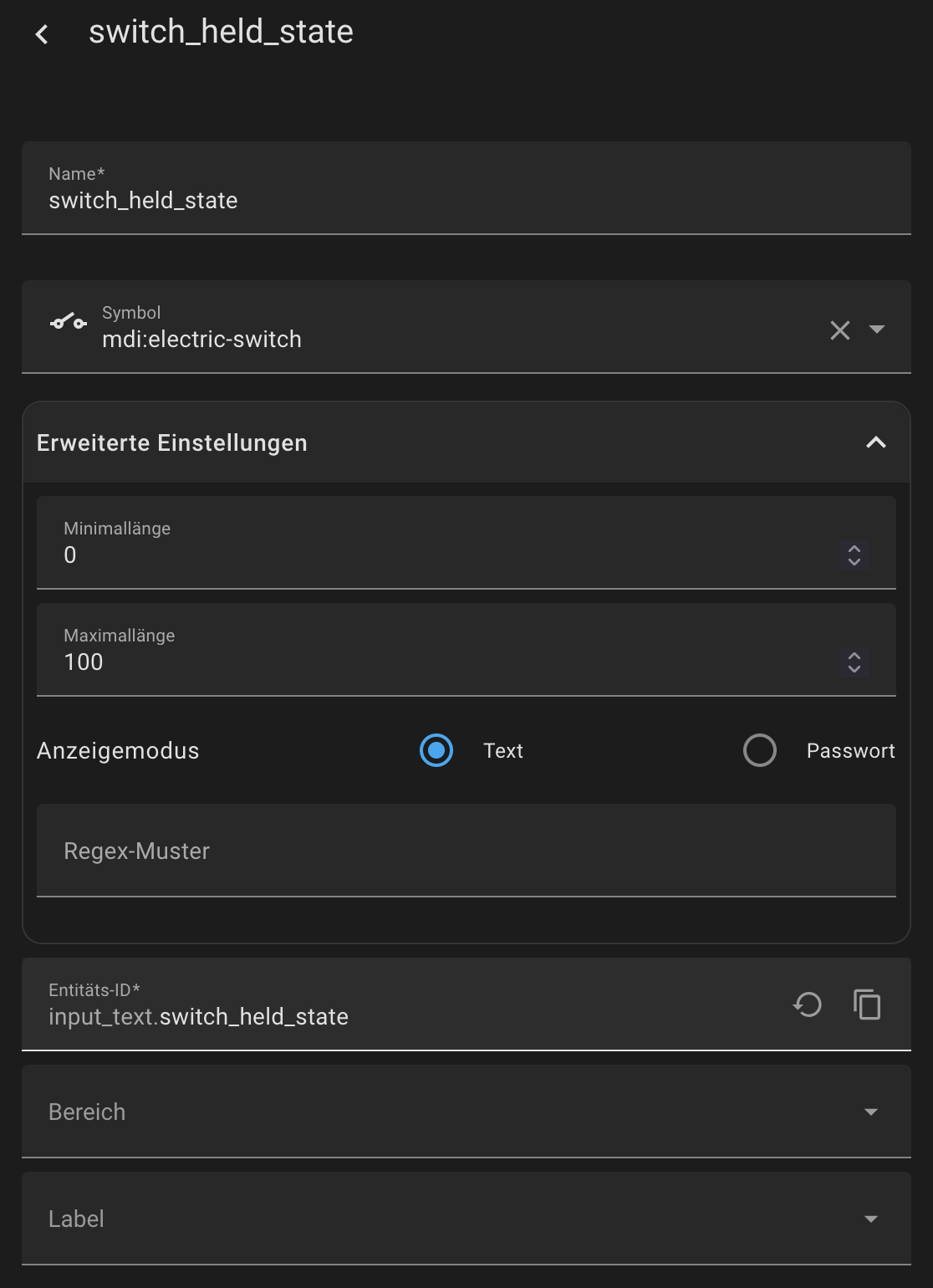
Requires an input_text entity to track held state. Create an input_text entity (e.g., input_text.switch_held_state) and set its initial value to “none”.

Important:
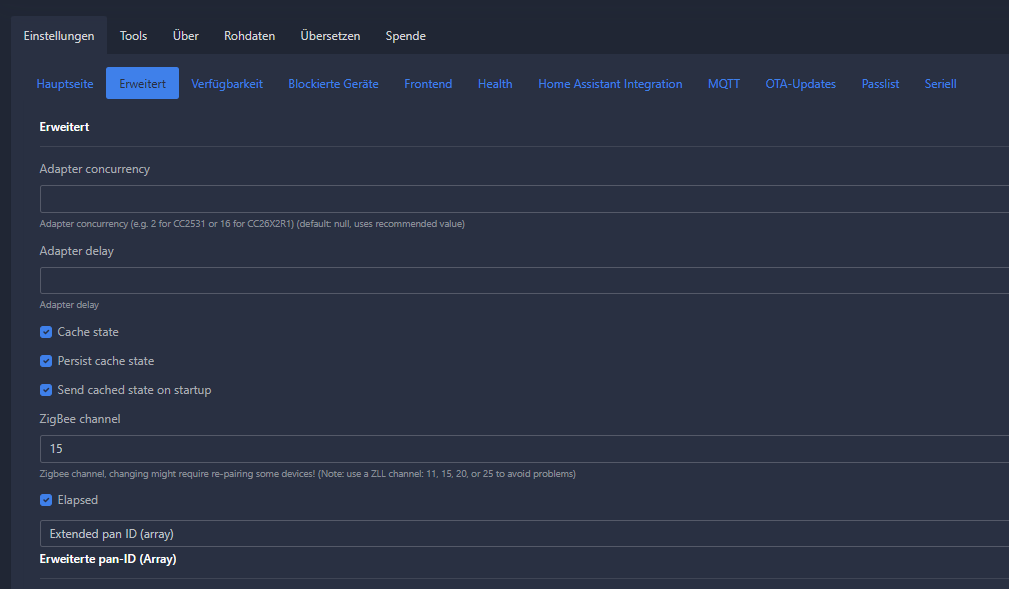
Don’t forget to activate “elapsed” in z2m under settings → advanced. Otherwise the blueprint doesn’t work!

Open your Home Assistant instance and show the blueprint import dialog with a specific blueprint pre-filled.

Here you can find the git:

1 Like

Looks good but I don’t get it to work. When I press a button, I can see the change in the input_text entity. But the shelly or the other plugs wont do anything.

1 Like

Did you configurate the helper like this?:


Yes, I did set it to none. Like I said, the text changes when I press the butto but nothing happens. I have to say, I m new to z2m, I just moved my stuff from a hue bridge. I am also no expert when it comes to mqtt.

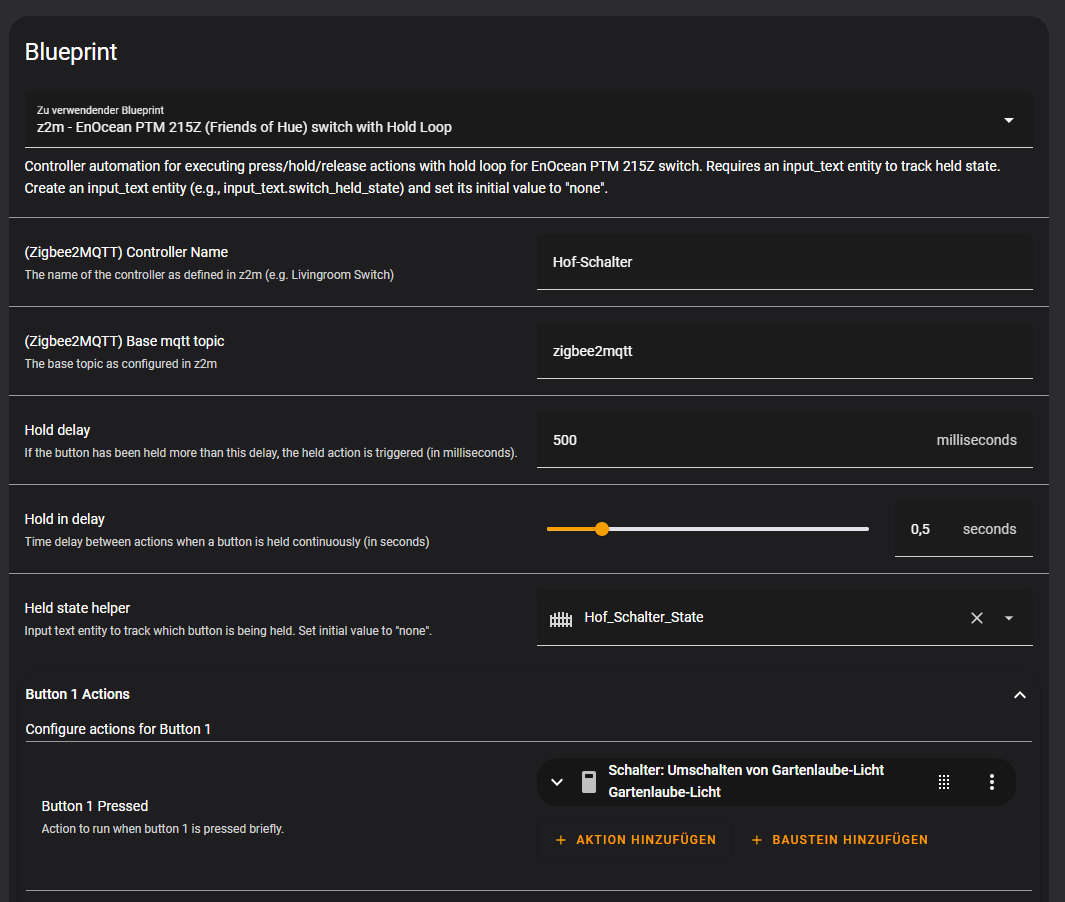
Coud you send me the YAML configuration?

Shure:

alias: Hof_Schalter_Print
description: ""
use_blueprint:
  path: >-
    MajorLazer2142/z2m_EnOcean_PTM_215Z_(Friends_of_Hue)_switch_with_Hold_Loop.yaml
  input:
    button_1_pressed:
      - action: switch.toggle
        metadata: {}
        data: {}
        target:
          entity_id: switch.gartenlaube_licht
    button_2_pressed:
      - action: switch.turn_on
        metadata: {}
        data: {}
        target:
          entity_id: switch.hoftortor
    button_3_pressed:
      - action: switch.turn_on
        metadata: {}
        data: {}
        target:
          entity_id: switch.shelly1_98cdac253f51
    button_4_pressed:
      - action: switch.turn_on
        metadata: {}
        data: {}
        target:
          entity_id: switch.shelly1_98cdac253f51
    controller: Hof-Schalter
    held_state_helper: input_text.hof_schalter_state

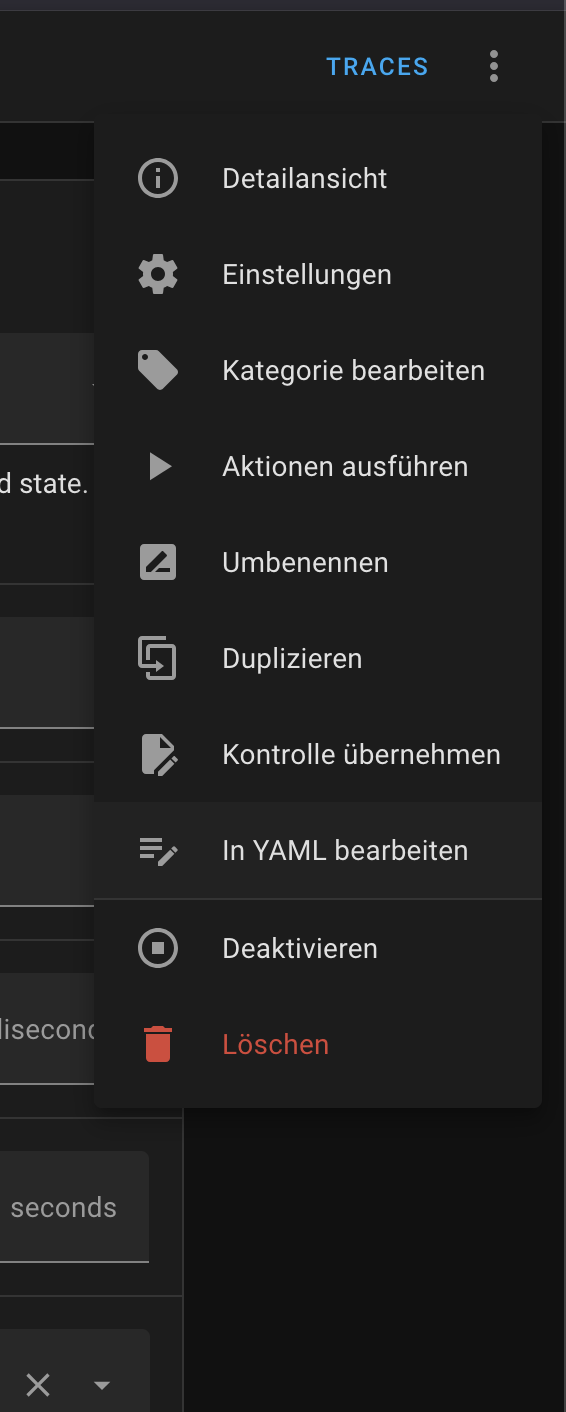
Okay the mode parallel is missing:

Did you furthermore activated the check elapsed in z2m under advanced settings ?

Thanks for you reply, I changed both. I will give it a try after work.

Is this the right checkmark for the elapsed setting?

I just got home and tired the switch, works like intended. Thank you for writing this blueprint! Danke!

Great. No problem! Bitteschön :slight_smile:

Thanks for your blueprint.

mode:parallel was also missing for me. what is it for? add it per default in the blueprint?

A little site note. Delete the Switch from your old bridge if experiencing funny behavior. Mine was paired to two Bridges and had both configs…

Danke!

Thanks for the updated version.
Any chance you could add an option for double press? :crossed_fingers: