Hi everyone,
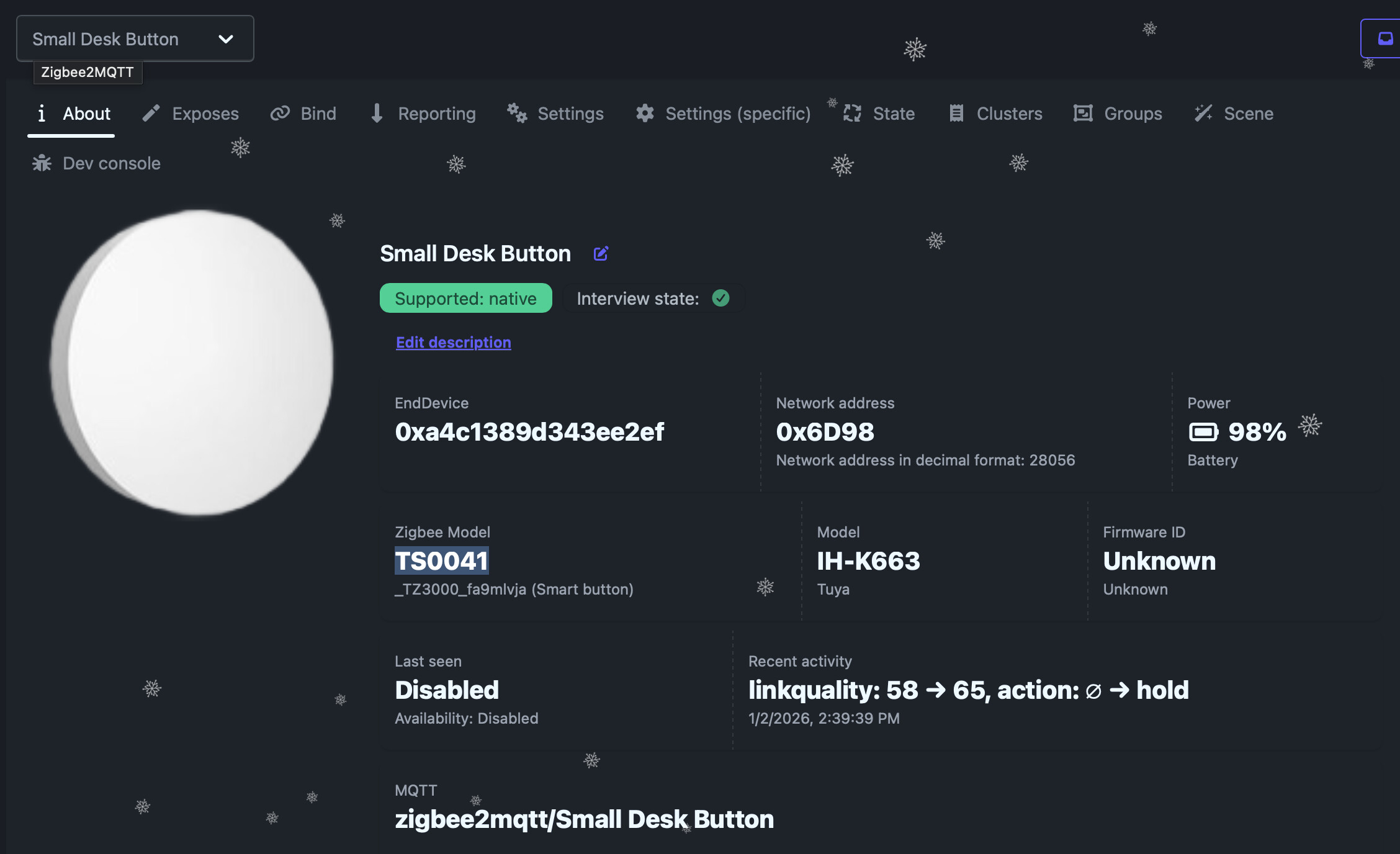
I created a blueprint for the Tuya TS0041 (1-Button Scene Switch) specifically for Zigbee2MQTT users who have enabled the new experimental_event_entities option.
Unlike older blueprints that rely on sensor state changes, this one uses the modern event entity domain (e.g., event.my_button_action), which is faster and cleaner.
Requirements:
- Zigbee2MQTT
- Setting
experimental_event_entities: truein your Z2M configuration.
Supports:
- Single Press
- Double Press
- Long Press (Hold)
Click the badge to import:

Or copy the code manually:
blueprint:
  name: Z2M - Tuya TS0041 Scene Switch (Event Entity)
  description: >
    Automate your Tuya TS0041 1-Button Scene Switch using Zigbee2MQTT.

    IMPORTANT: This blueprint requires 'experimental_event_entities: true' to be set in your Zigbee2MQTT configuration.
    It uses the modern 'event' entity domain (e.g., event.my_button_action) instead of the legacy sensor or device triggers.
  domain: automation
  input:
    switch_entity:
      name: Event Entity
      description: The event entity of the button (usually starts with 'event.' and ends with '_action').
      selector:
        entity:
          domain: event
          integration: mqtt
    action_single:
      name: Single Press
      description: Action to run on a single press.
      default: []
      selector:
        action: {}
    action_double:
      name: Double Press
      description: Action to run on a double press.
      default: []
      selector:
        action: {}
    action_hold:
      name: Long Press (Hold)
      description: Action to run on a long press.
      default: []
      selector:
        action: {}

mode: restart
max_exceeded: silent

trigger:
  - platform: state
    entity_id: !input switch_entity
    # Triggers on every state update of the event entity

action:
  - variables:
      event_type: "{{ trigger.to_state.attributes.event_type }}"
  - choose:
      - conditions:
          - condition: template
            value_template: "{{ event_type == 'single' }}"
        sequence: !input action_single
      - conditions:
          - condition: template
            value_template: "{{ event_type == 'double' }}"
        sequence: !input action_double
      - conditions:
          - condition: template
            value_template: "{{ event_type == 'hold' }}"
        sequence: !input action_hold