Is it setup in the app? and its just not connecting to you HA instance through your co-ordinator?
Also don’t worry about sidetracking a little, it will help others needing the same info later anyways.
Is it setup in the app? and its just not connecting to you HA instance through your co-ordinator?
Also don’t worry about sidetracking a little, it will help others needing the same info later anyways.
Yep, added to the Aqara app (not using Matter) and my HA companion app starts adding it via Matter but then times out at the stage of trying to ensure network connectivity.
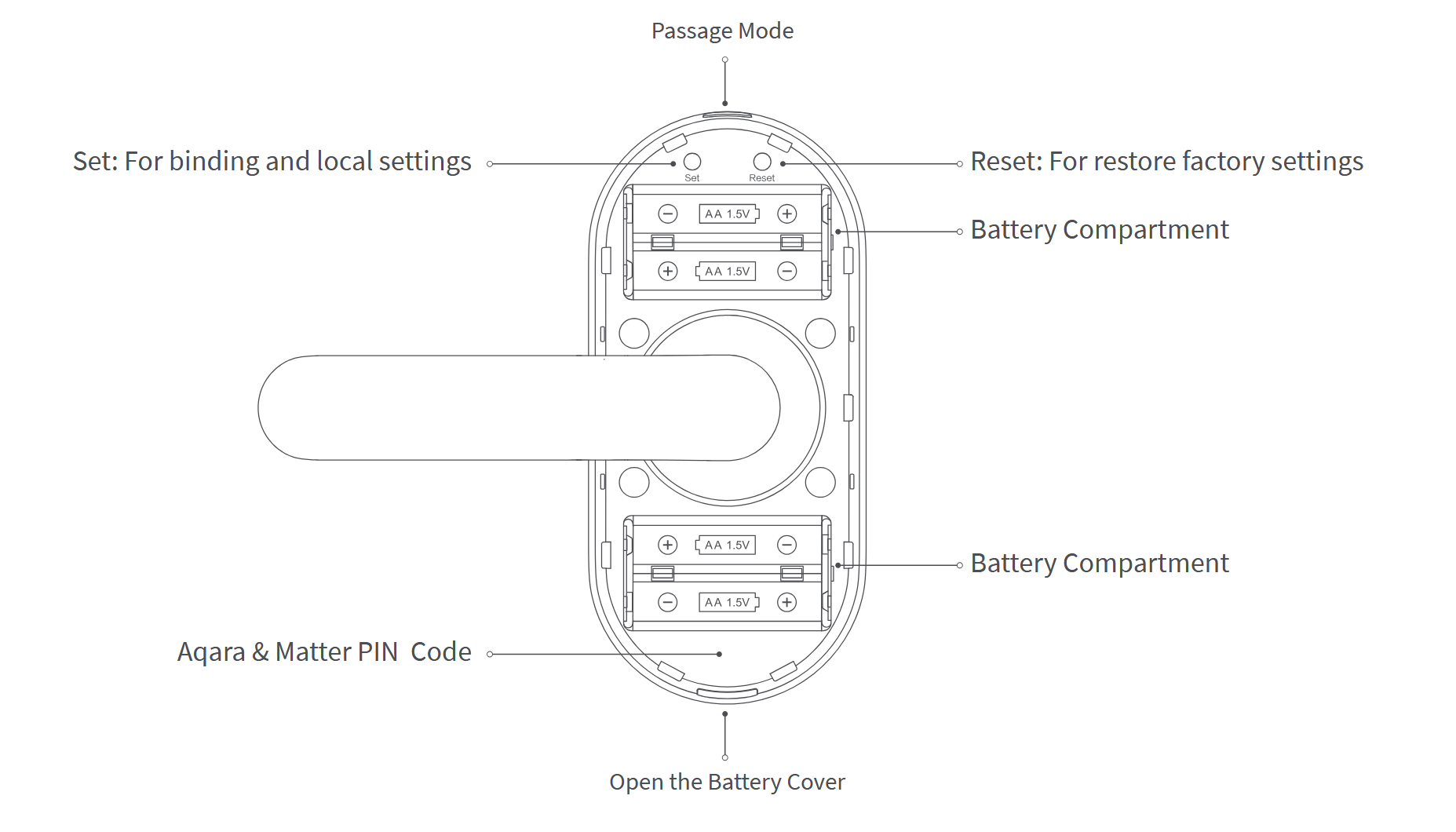
Hit the set button and go through the prompts to clear the matter setting on the lock then hit set again and follow the same prompts to pair it again with the matter qr code on the side.
The main qr is on the right side face not the bottom btw where there are two stickers on it.
When I hit the set button there is only the option to add the device via Matter, nothing about clearing it.
confirm you want to add it via matter then scan the code, you will need do the same prompts to clear it and redo the scan should you need to in the future.
iirc its set > 4 > admin fingerprint confirm > scan
Yeah, thats the process I’m doing
And just to make sure you don’t have any vpn enabled on the phone at the time yea? as that can cause issues at times so its best to make sure they are off before doing device setups.
oh and what phone are you using apple or android as I am on an android phone when I set mine up.
No VPN. Android phone
How far from the co-ordinator is the lock? this may be the main variable here in your case.
I tried it only about 1.5m away on the other side of a brick wall.
resync your matter credentials on the phone and restart the phone then try again see if that works.
If it still does not work then the only thing I can think of is factory reset the lock and set it up fresh again.
Anything else is grabbing another thread capable device to make sure that your setup is indeed working as it should as a sanity check.
Unfortunately still no luck.
Sorry I can’t be of more help in your setup, I’m surprised you are having so much issue getting it working.
I also assume you have the matter server integration running since you would need it for the thread one to work.
I just noticed that IPv6 was disabled on my SMlight stick so I enabled that, restarted all the HA add-ons and Integrations relating to Matt and Thread then re-sync’d the credentials on my phone and tried adding the lock again.
This time I got the error “Cant connect to Thread network ha-thread-500d”, “check that your device can work with this network type and try again”.
yep
ok remake the thread network from the light to the HA instance and go from there now that you have that coming up.
For some reason my phone shows the old Thread network after failing to add the lock even though I’ve reset or re-started everything and sync’d the credentials on my phone
You’ll have to then clear the matter credentials via google store reset (be aware this will require you to readd any cards you have on the digital wallet if you use google wallet for them).
I did this… wow, what fallout that created!
I’ve created a new thread to try and make sure my Matter / Thread setup is correct rather than spamming this thread any further since I tend to think it has something to do with my setup rather than the lock…
I finally got my U300 lock into the Matter integration. Is there a way to prevent the lock from auto-locking after you unlock it? I don’t see the option in the Aqara app.
Edit: all good, did a firmware update and found the setting
Glad to hear that you finally got it working, I assume it was your IPv6 settings on the network that I was advising you about earlier? lol
nvm looking at the other thread your issue was firewall related with multicast on the internal network.