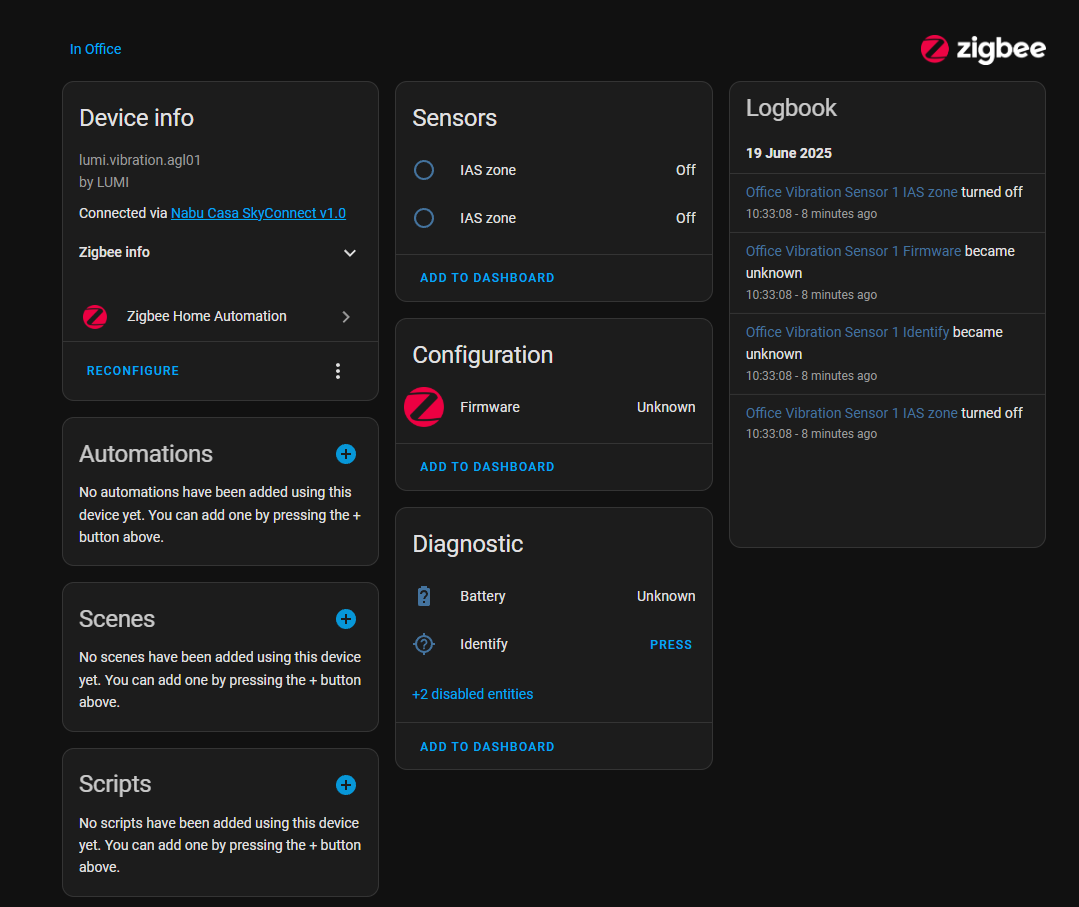
Hi, So I recently got a Aqara Vibration Sensor T1. When trying to hook it up to HA via ZHA I have issues where the device doesn’t seem to add correctly. Firstly, it seems to takes ages to add, and then when I look at the device, I dont see any options that seem to relate to it being a vibration sensor.
I also tried to switch to zigbee2mqtt as it seems people prefer that option. However, I had significant latency issues which made me switch back. These are unrelated to the vibration sensor but it made me not want to use zigbee2mqtt. For example, here is a motion payload from the logs, you can see the timestamp is 09:05:49. Yet the automation doesn’t trigger till 4 seconds later. It is the correct event as trace before this was 5 minutes earlier.
I don’t really mine whether I use zigbee2mqtt or ZHA, but I would like to get the vibration sensor and my other sensors working and with a reasonable response time. zigbee2mqtt seems cool and I liked the look of it, but with the timing issues I gave up on it.
Is anyone able to help?
In case its useful, here was the zigbee2mqtt map before I added the vibration sensor.
[device map image]
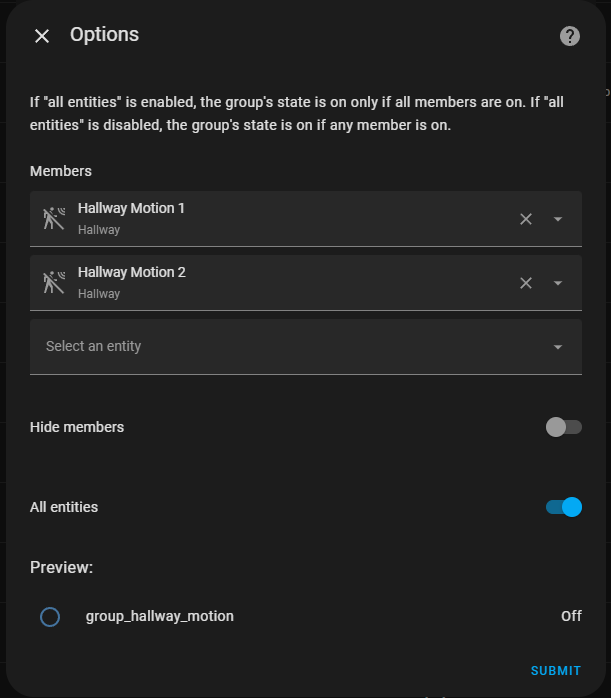
Hey, This is the full automation but I think I may have just found my problem. I was going to take a screenshot of the group_hallway_motion and noticed that “all entities” was on. I suspect this is my issue as my motion sensors are at the ends of an L shaped hallway. So until you get to the intersection only one of them would be on. Im going to test this and see.
alias: Hallway Motion Day
description: ""
mode: single
triggers:
  - entity_id:
      - binary_sensor.group_hallway_motion
    to: "on"
    trigger: state
conditions:
  - condition: time
    after: "06:30:00"
    before: "00:00:00"
  - condition: state
    entity_id: input_boolean.disable_automations
    state: "off"
actions:
  - action: light.turn_on
    metadata: {}
    data:
      brightness_pct: 100
    target:
      entity_id: light.group_hallway_light
That is definitely what’s causing your delay. You generally want to keep that setting off for groups used in automations where you want an immediate trigger.
Thanks, yeah ive gone back to zigbee2mqtt now will see how I get on with that.
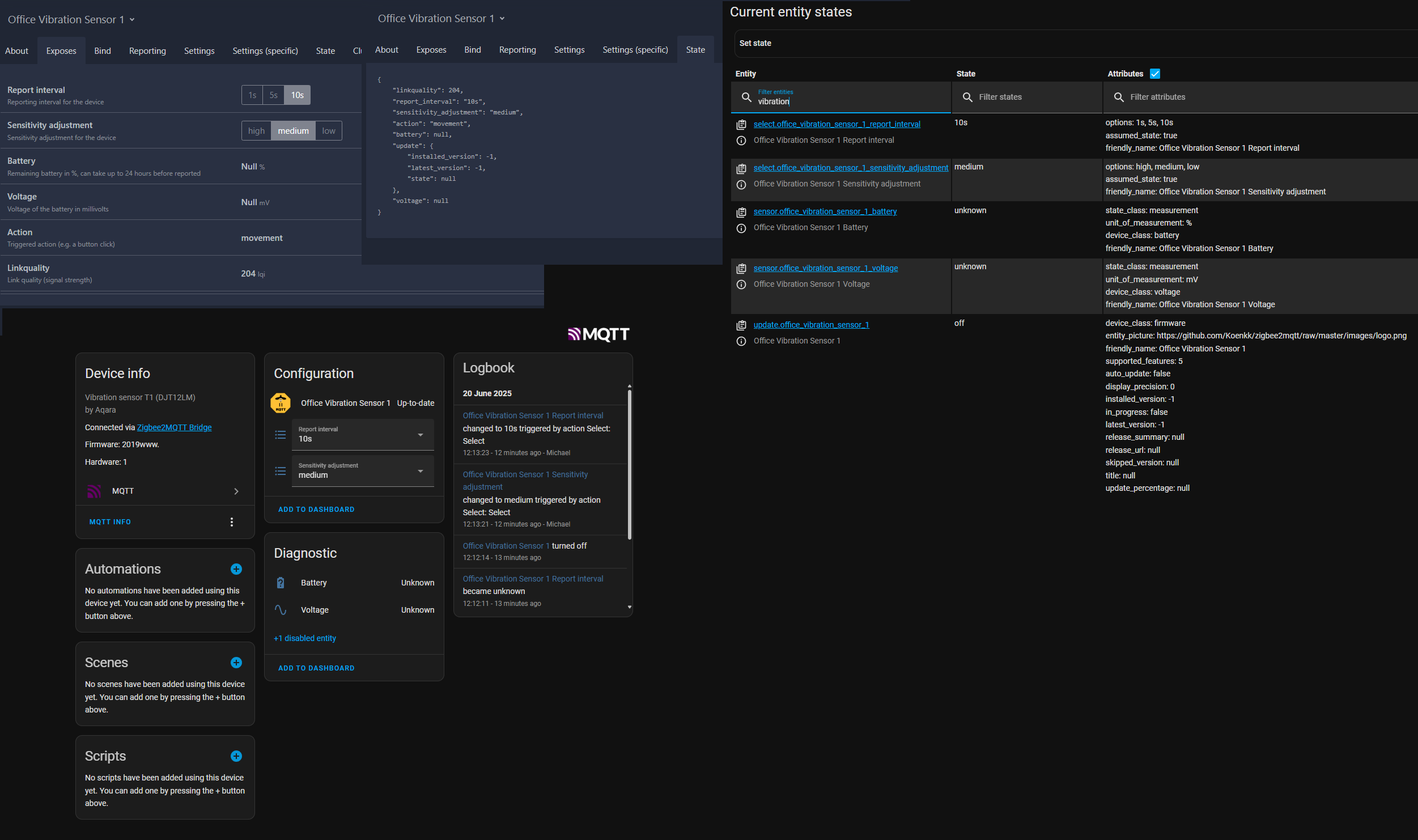
I am still having issues with the vibration sensor though. Ive added it and I can see the logs I am getting “movement” payloads. However, I was sort of expecting to have some kind of “vibration detected” attribute that I could then start to use, but I cant seem to find anything.
[2025-06-20 12:25:52] debug: z2m: Received Zigbee message from ‘Office Vibration Sensor 1’, type ‘attributeReport’, cluster ‘manuSpecificLumi’, data ‘{“280”:1}’ from endpoint 2 with groupID 0
[2025-06-20 12:25:52] info: z2m:mqtt: MQTT publish: topic ‘zigbee2mqtt/Office Vibration Sensor 1’, payload ‘{“action”:“movement”,“battery”:null,“linkquality”:244,“report_interval”:“10s”,“sensitivity_adjustment”:“medium”,“update”:{“installed_version”:-1,“latest_version”:-1,“state”:null},“voltage”:null}’
[2025-06-20 12:25:52] info: z2m:mqtt: MQTT publish: topic ‘zigbee2mqtt/Office Vibration Sensor 1/action’, payload ‘movement’
That would be the action entity which is present in the MQTT payload, but not sent to HA.
Unfortunately, that was disabled by default since the end of last year when Z2M 2.0 was launched and is marked as deprecated (though you can still re-enable it in settings)
This section of the docs explains the 3 possible options you can currently use to detect movement - event (experimental), MQTT device trigger or action (legacy).
Personally, I re-enabled the legacy action entities for now, though I’m fully aware that I’ll eventually have to rethink my choices when the option is removed. I guess that’s a problem for future me though.
If you want to read more about the other options, this thread explains it quite well and includes some automations for the new options.