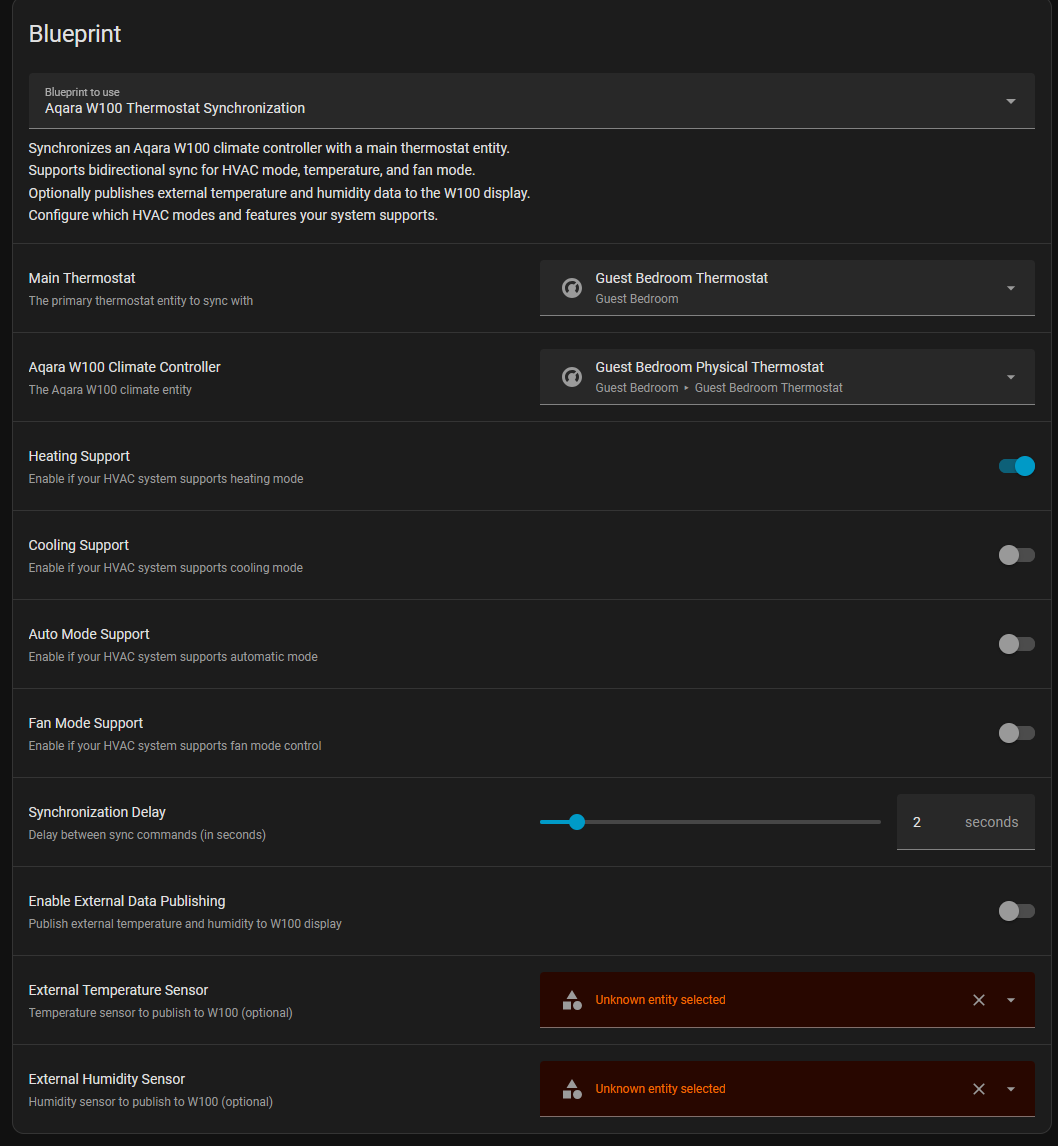
Thanks for your great work. Heating works great
Is it possible to add the possiblity to add separate(s) devices for cooling / fan, too?
I have a floor heating which works great with your blueprint. But cooling is done with a separate Climate device.
So I like to control two different climate devices.
It would be great if I can control both with the w100.
@chrisExh It is made for Zigbee2mqtt, you need to use the provided converter.
@boldie , no it’s made to synchronise 2 climate entities, but you can easily edit the blueprint and customize your automation with your needs.
Or make a template to fusion your 2 climates entities in one.
Hello,
I am looking for a way to retrieve Child Look information (two buttons pressed) in Home Assistant.
My goal would be to be able to disable the automations that control my air conditioning and switch to manual mode. Of course, I only need this to work in one direction, from W100 to HA.
Any ideas are welcome.
I haven’t seen anything like this in mqtt, and I’m searching and thinking that something might be possible with an external converter to notify that the setpoint change comes from the W100 in order to disengage my automation…
As I understand, the converter is no longer required (as of 23 Dec 25) as the functionality has been merged into Z2M?
Moreover, I keep getting a toast pop-up error when using your blueprint: “Message malformed: Missing input w100_thermostat_mode” despite me having the radio button on for heating mode.
I would also love to hear if atleast the blueprint still works / if its in work to work again cause rn it sadly dont sems to work and the sensor dont display any external temperatures
Hi everyone, I’m having an issue with my W100 thermostat and Zigbee2MQTT after a power outage. When the system boots back up, Home Assistant/Z2M shows the thermostat mode as ‘On,’ but on the physical device thermostat mode is ‘Off.’ I can fix it by manually toggling it in Z2M, but it happens every time the power cycles. Is anyone else experiencing this, or is it just me?"
I’m using Better Thermostat but i also tried it directly on the underlying TRV and same issue.
EDIT: and as always, just after i post this i find the issue, my entities were not named the same as my Climate, due to renaming the climate at one point.
first of all: thanks a lot for this great blueprint, it really makes the W100 usable as a proper thermostat frontend in Home Assistant.
In my setup I’m using the W100 together with a VTherm climate entity, and the basic single‑press handling for + / – works very well. However, I’d love to make a bit more use of the hardware buttons.
Feature request: support for double‑press actions
Would it be possible to extend the blueprint to optionally react to double presses on the + and – buttons, in addition to the existing single‑press behavior?
Typical use cases I have in mind:
Double‑press +: jump to a “comfort” preset (e.g. 22 °C)
Double‑press –: jump to an “eco”/“night” preset
From my point of view, this would have a few advantages:
Single‑press remains fine tuning
Double‑press becomes a fast way to recall well‑defined presets
Implementation‑wise, it would be great if:
The double‑press mappings were optional (e.g. togglable via blueprint inputs)
The target for each double‑press (preset name or fixed temperature) could be configured
If you think this fits the scope of the blueprint, I’d be happy to help test and provide traces / logs from my setup.
When used with a V-Therm, sometimes (often) when I change the setting in the V-Therm (under ha), the blueprint resets the setting that was previously defined.
I have an automation that does a set/preset/eco (19°C), and a few seconds later I find my thermostat (ha) back in comfort mode (21.5°C).
I wondered if it had something to do with the decimal point .5, but no, if I do 21° it’s the same.