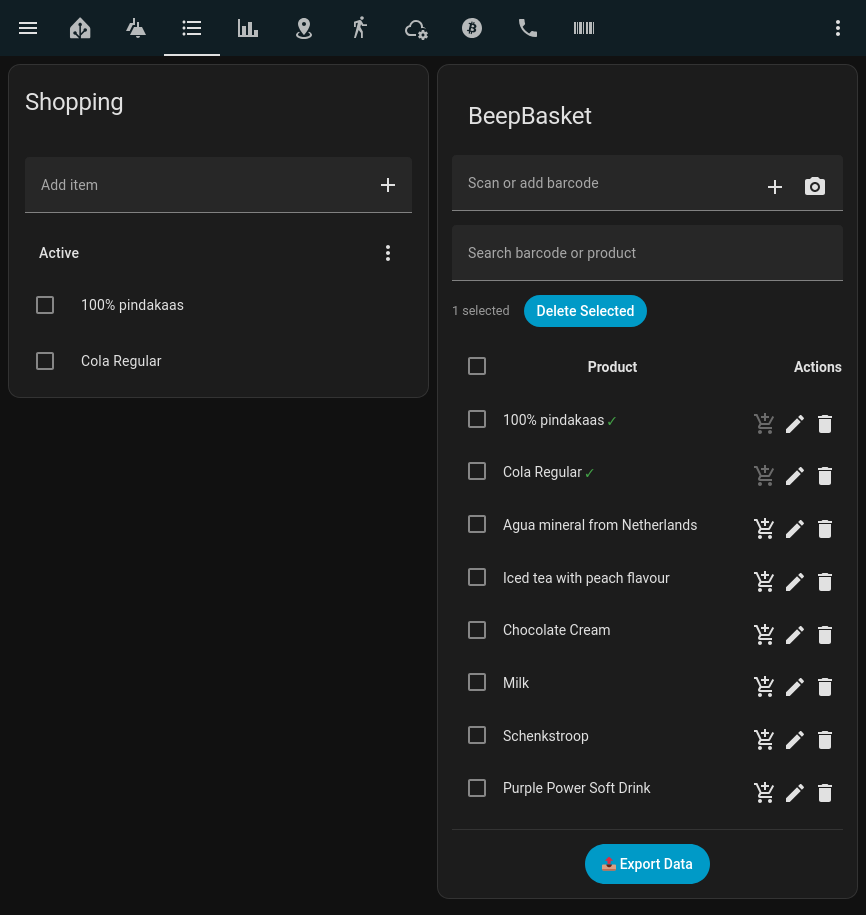
Herewith my first contribution to HACS with my project BeepBasket
It allows you to scan barcodes directly from your Home Assistant Companion App or web using your device camera into the default shopping list of Home Assistant.
Alternatively, a barcode scanner with an ESPHome config can post directly to your shopping list. Just scan it before you throw it away and it adds it to your shopping list.
# BeepBasket

**Beep barcodes straight into your shopping basket!**

## Features

- Instant barcode → shopping list
- OpenFoodFacts auto-lookup
- Local product cache (JSON)
- Custom UI card (`beepbasket-card`)
- Dustbin sensor support
I was not event aware to that awesome project. I did notice on the link you provided
This card is based on the original Home Assistant shopping list (shopping_list) and uses its data structure.
All items you add in this card will also appear in the standard shopping list – and vice versa.
So it should be possible since the BeepBasket also submits its data to the standard shopping list.
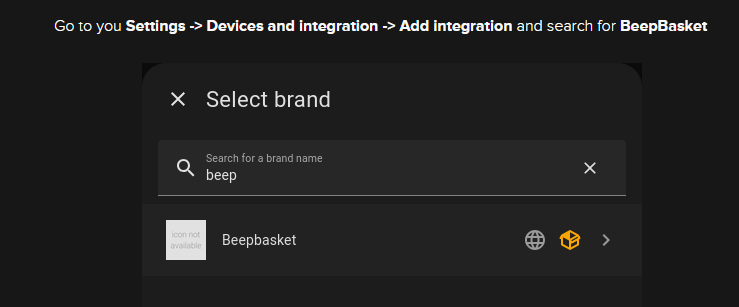
I have installed Beepbasket * Barcode → Shopping List and the card.
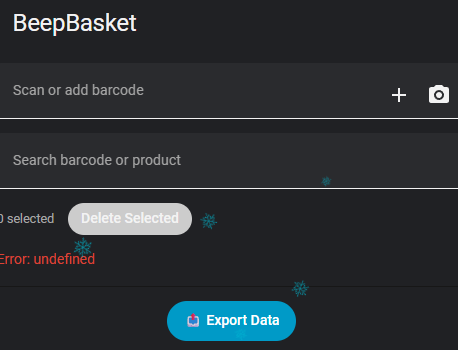
I can view a barcode with my phone camera, but i cant “beep” it in the shopping list.
No mappings found.
I really like the idea of beepbasket - i think it would solve one of our tedious family chores in an instant.
However I’m having trouble getting it to work - I can put a barcode into the card and it is found by openfood facts and the details auto-filled, but there is no “Add” button to complete the popup and add items to the list!
What can I be doing wrong / how can I work it out?
I have added the integration, restarted, added the service, added the card, but no dice. I can see the service and its actions as well.