New Editor UI!
1 Like
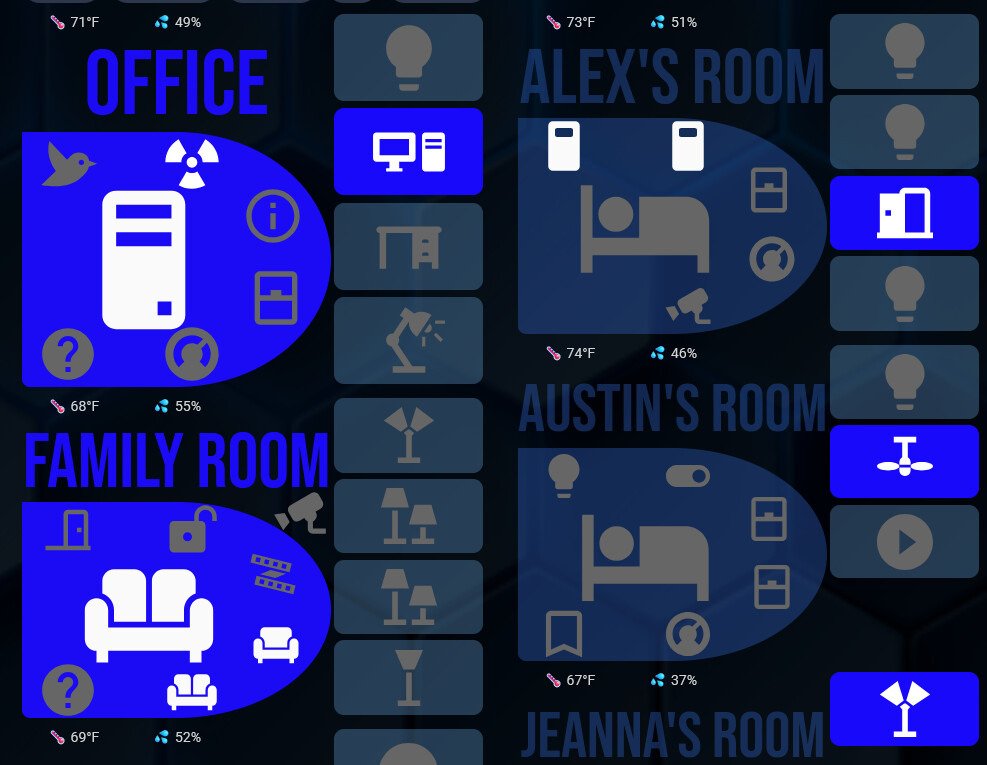
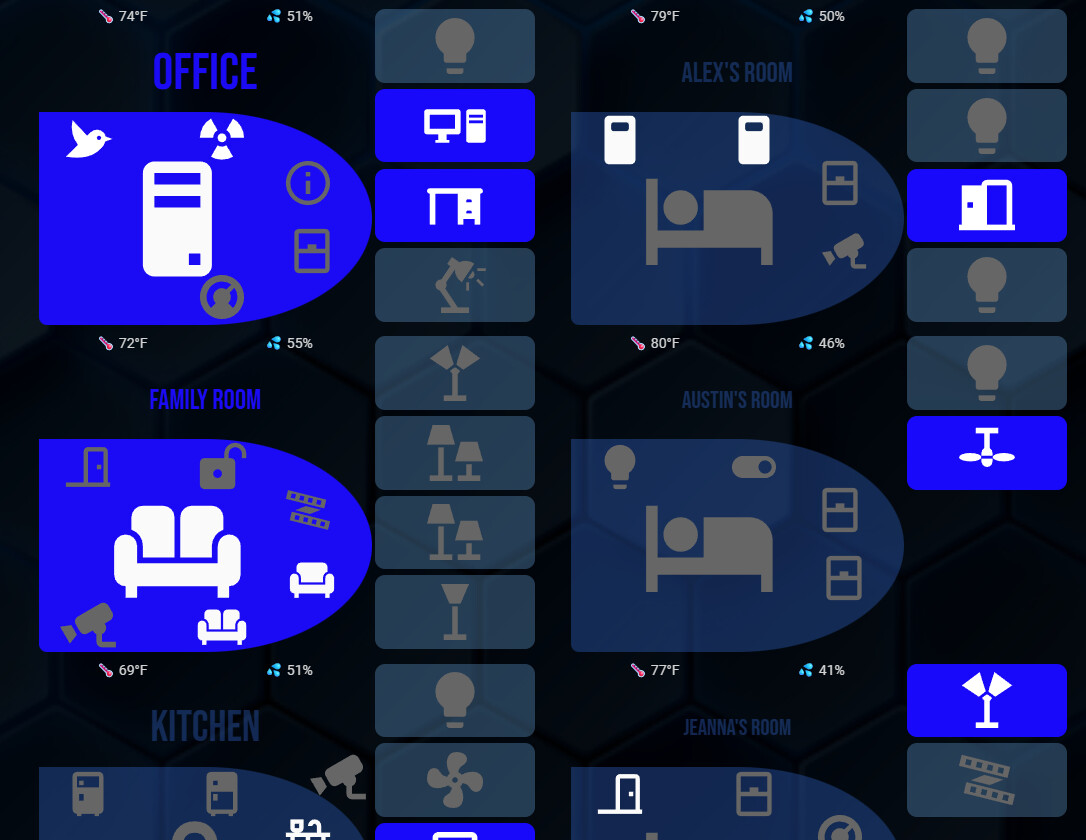
Since the new update all my rooms are super sized with no way I see to down size them. They are even super sized different. Seeing this on Chrome and Firefox
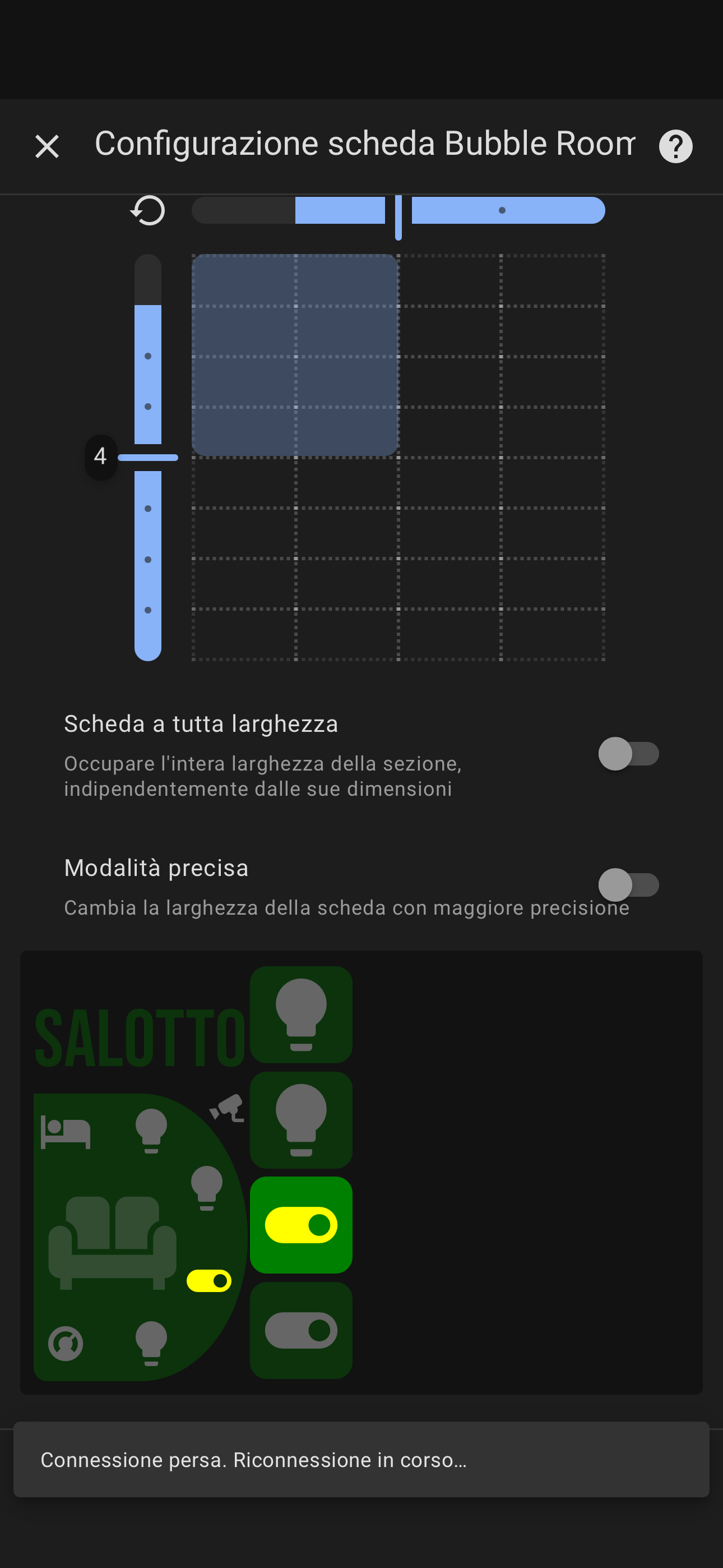
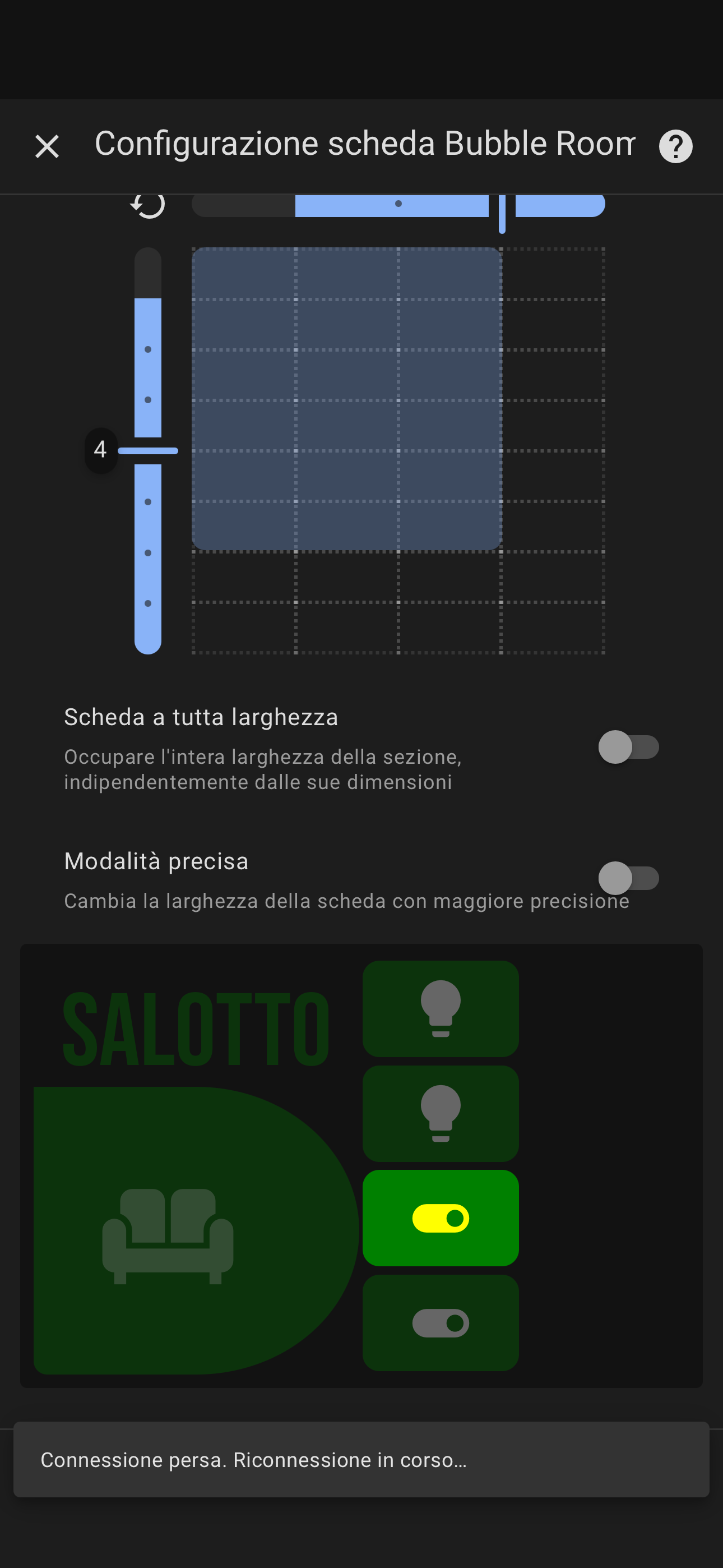
I did use layout and got skewed results
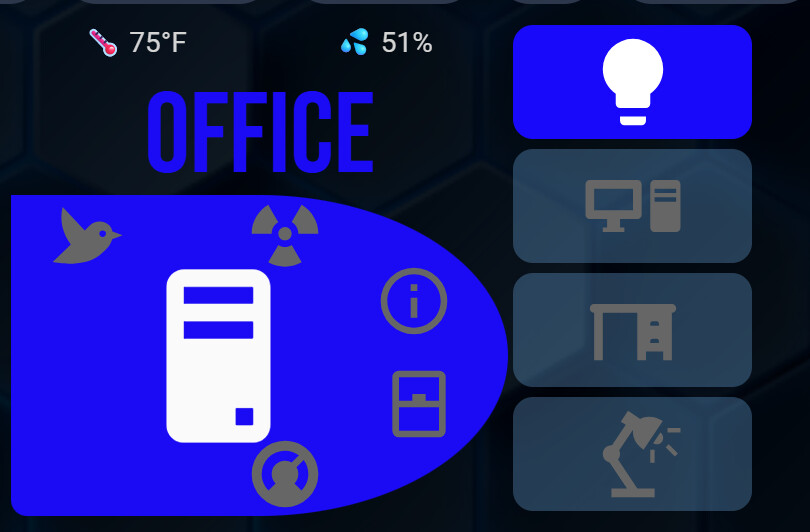
Prior to the update this past weekend the cards were “normal” and after the update they were supersized. If this is the expected format I will adjust, just calling out the drastic change from my perspective
Hi! Thanks for your feedback.
The card is now much more adaptable and flexible than before, but I’m not sure how you’re not able to reproduce the same layout using the layout settings available in section.
If you can, please send me a screenshot of how the card looked before the update, so I can better understand what you’re trying to achieve and help you recreate it.
Thanks again!
I am sorry for the dumb question but how can I roll back to 3.1.3 so that I can get a screen shot.
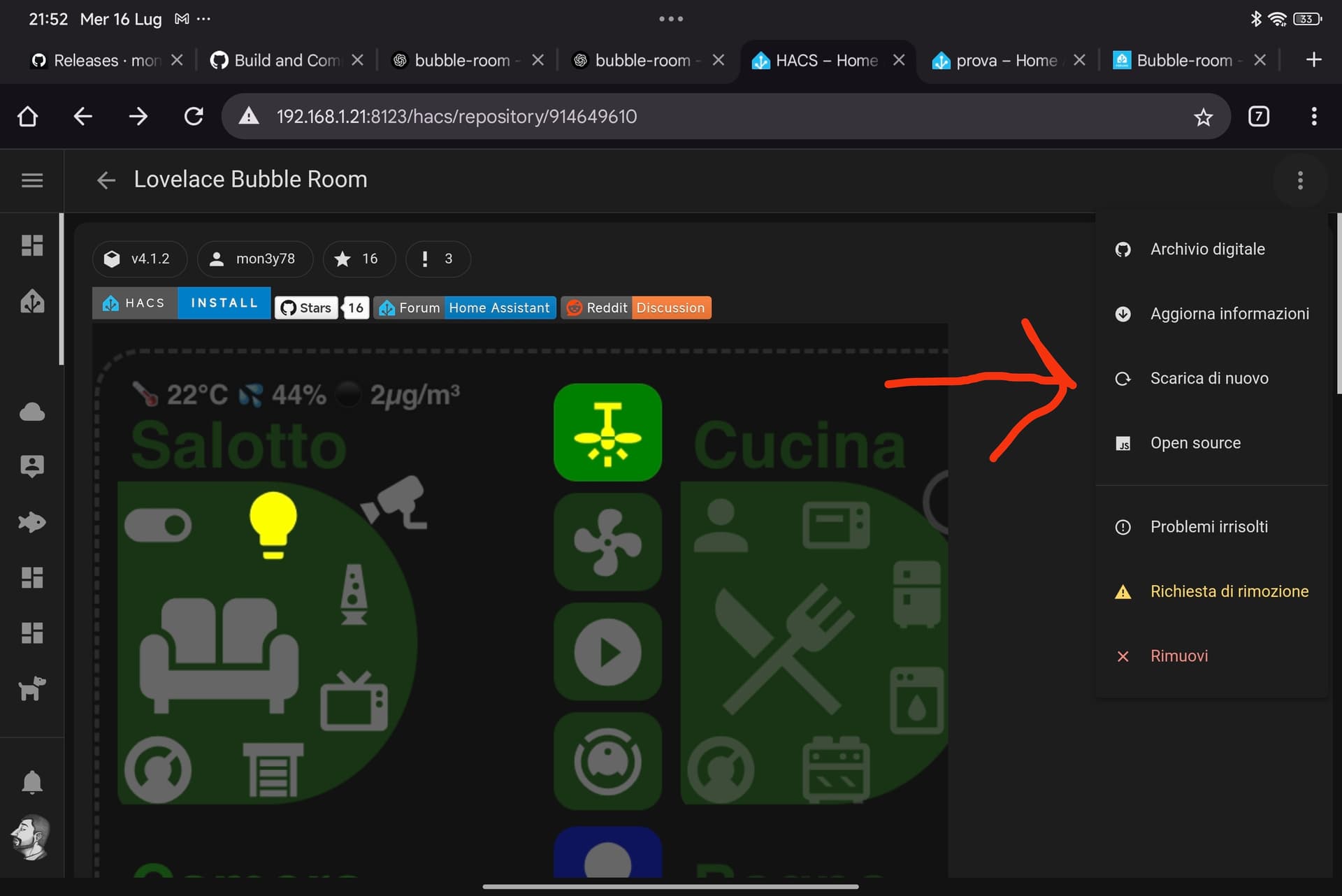

Ok thank You, yester day mine sowed all the beta versions but stopped at 3.2. Here is what I am use to seeing
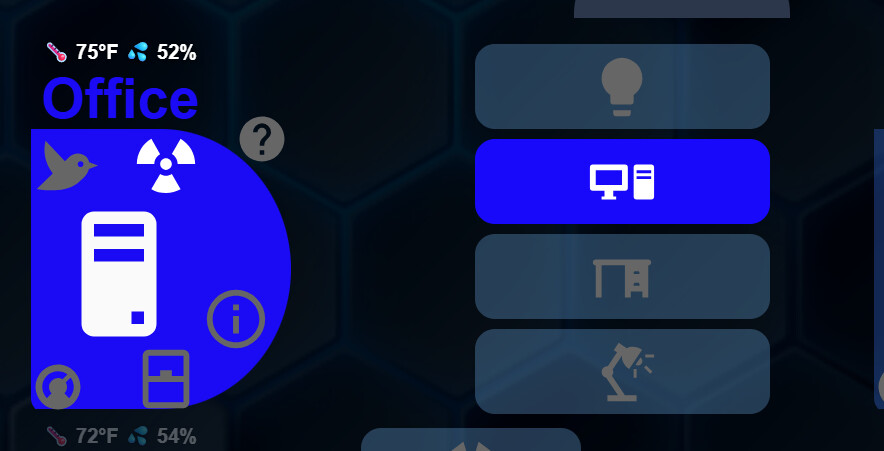
I also noticed a big performance difference going back to 3.1
Thanks for the update!
I’ve found the root cause of the performance issue and I’m working on a fix.
Regarding the layout, I’ll probably reintroduce two card formats:
– one wider and shorter,
– and one taller than wide,
to better optimize space depending on the dashboard setup.
That should help with your use case. Thanks again for the feedback!
thank you for the work you do!! Your card is the foundation of my primary dash board!

I have a few ideas for your request, and I’ll work on it in the next few days. In the meantime, could you try version 4.1.3 to see if the performance has improved?
Hello, thank you for the card.
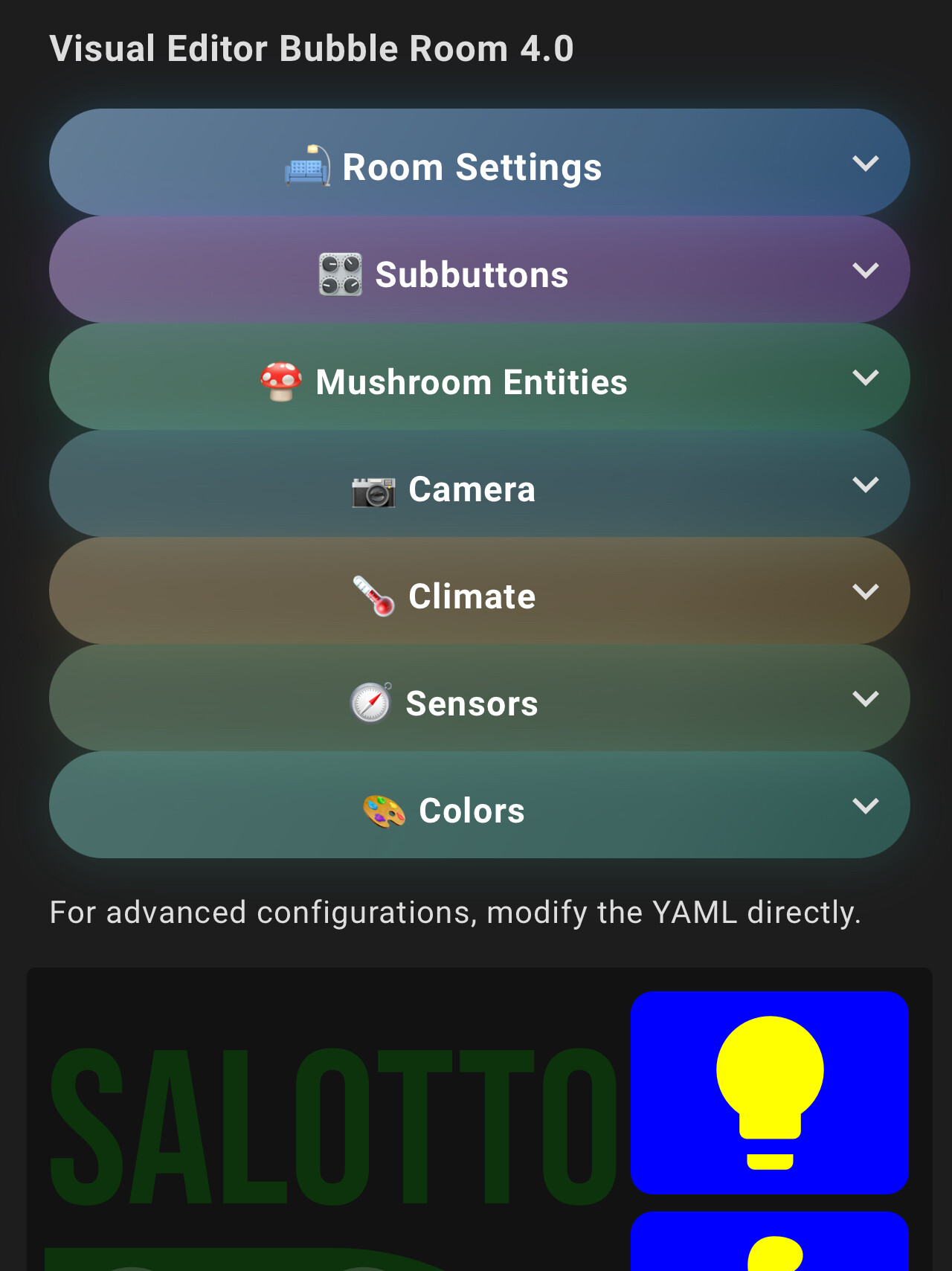
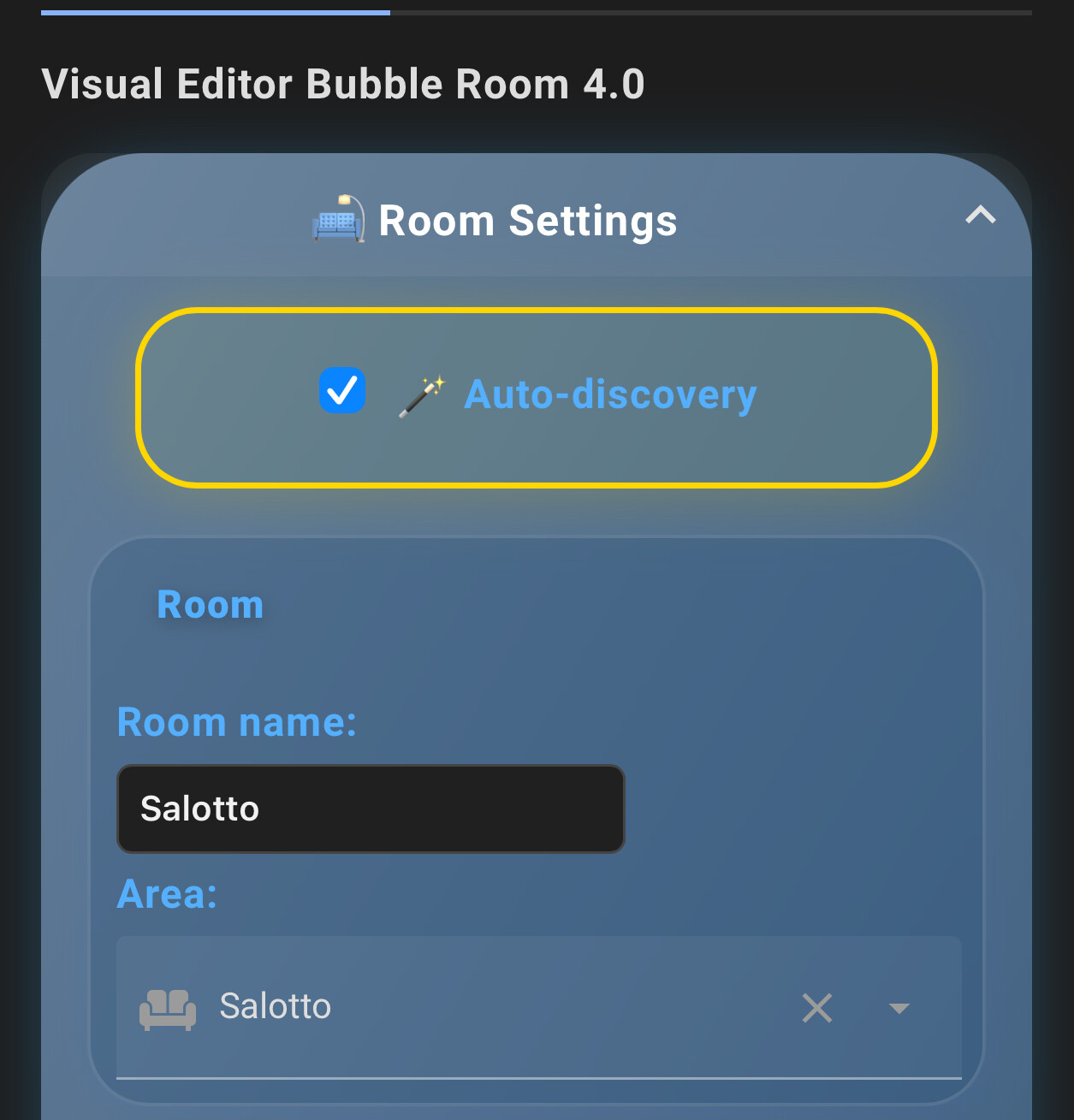
I have a problem with the visual editor:
can’t define property “auto_discovery_sections”: Object is not extensible
I’m using version 4.0
Hi! Thank you for your feedback.
That error usually occurs when the auto_discovery_sections option is applied before selecting an area in the visual editor.
Please make sure you have selected an area first — otherwise the autodiscovery feature won’t work correctly.
Also, make sure you’re using the latest version of the card, as some bugs were fixed after version 4.0.
Let me know if it works after that!
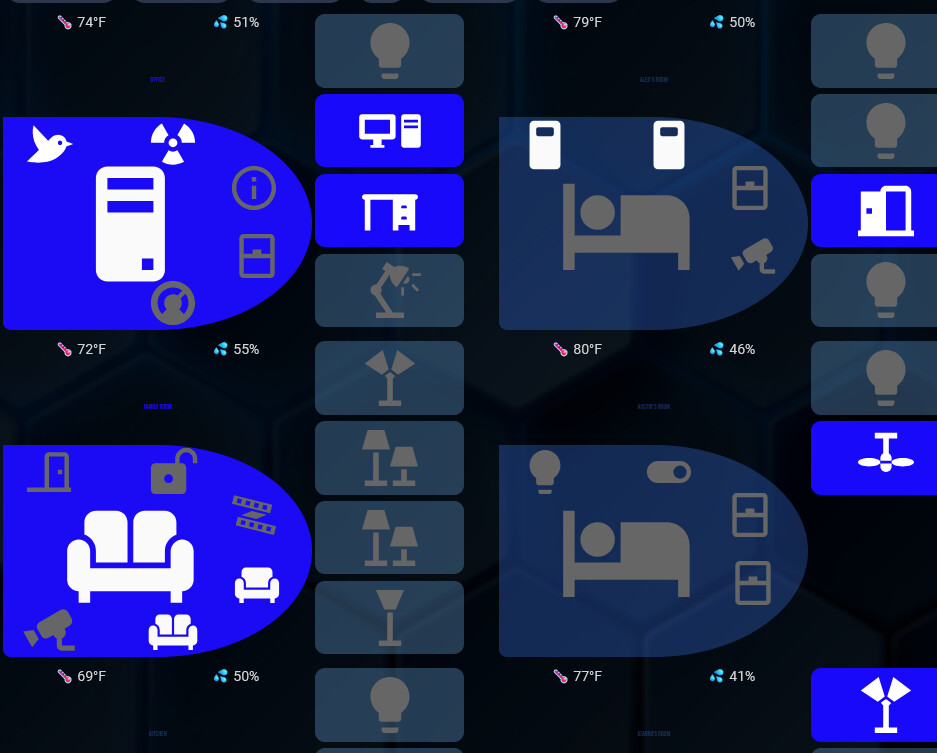
i have tried to install but it is not working for me.
in de visual editor i have no option to select a room ore area,
in subbuttons i can not select a entitie
there is no option to configure this card ?
try new release!
In the new release, I added 2 different layouts!