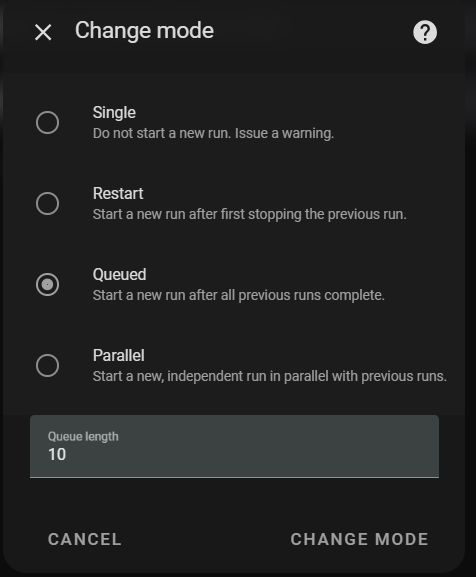
One of the things I use HA for is to operate an Entertainment System Remote Control, basically taking the remotes for the TV, Amplifier, Set Top Box, et.al., and combining them into a smart single interface using a Broadlink Pro RM4. Until recently it has been working without any issues. It now appears to have developed what appears to be keyboard bounce when I press the keys on the tablet running the dashboard, with duplicate events happening and log entries showing warnings of Already Running on scripts. The hardware is a Lenovo M8 Tablet.
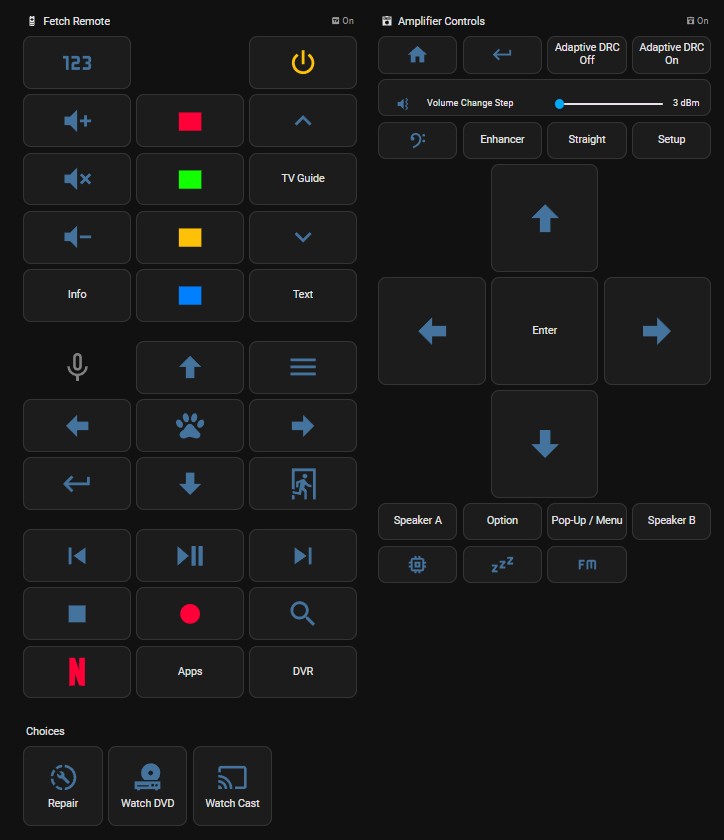
Dashboard Entry
              - show_name: false
                show_icon: true
                type: button
                tap_action:
                  action: perform-action
                  perform_action: script.fetch_mighty_exit
                  target: {}
                icon: mdi:exit-run
Script
fetch_mighty_exit:
  alias: Fetch Mighty Exit
  sequence:
  - action: remote.send_command
    metadata: {}
    data:
      num_repeats: 1
      device: Fetch Mighty
      command: Exit
    target:
      entity_id: remote.entertainment_remote
  description: ''
Log Entry
Logger: homeassistant.components.script.fetch_mighty_exit
Source: helpers/script.py:2067
integration: Script (documentation, issues)
First occurred: 28 July 2025 at 19:15:14 (2 occurrences)
Last logged: 28 July 2025 at 19:47:46Fetch Mighty Exit: Already running
Any idea on what has caused the system to start repeating the button press?
Thanks,
Craig