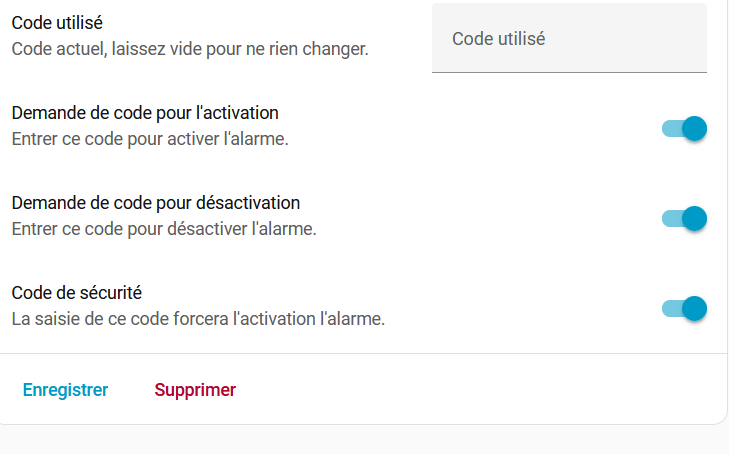
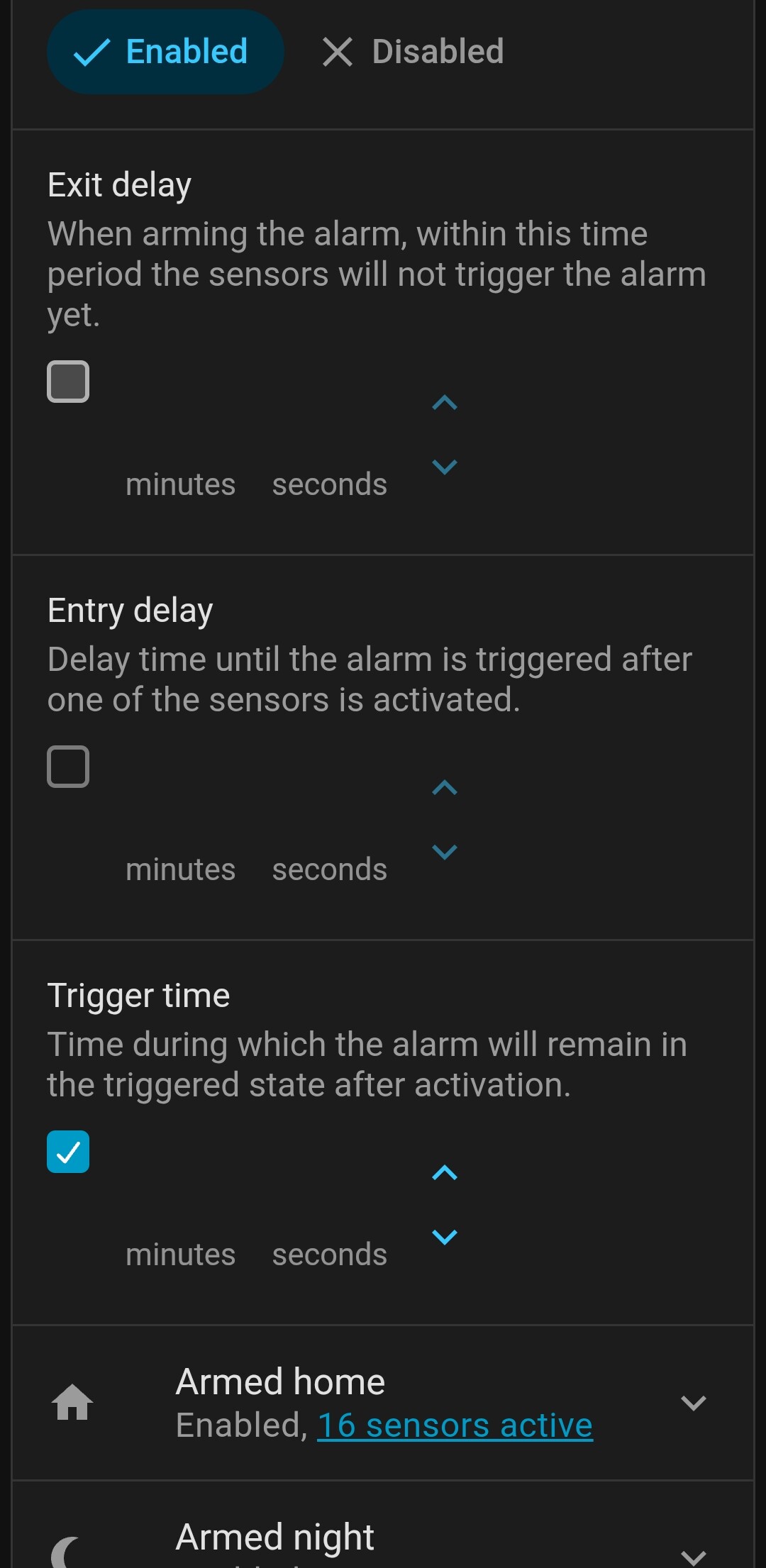
I have a question, i must be blind, but i saw the possibility to add override code for users, but when i activate the option, no possibility to create a code.
I don’t find the way to doing it, did you know where i can do that ?
I have a question, i must be blind, but i saw the possibility to add override code for users, but when i activate the option, no possibility to create a code.
I don’t find the way to doing it, did you know where i can do that ?
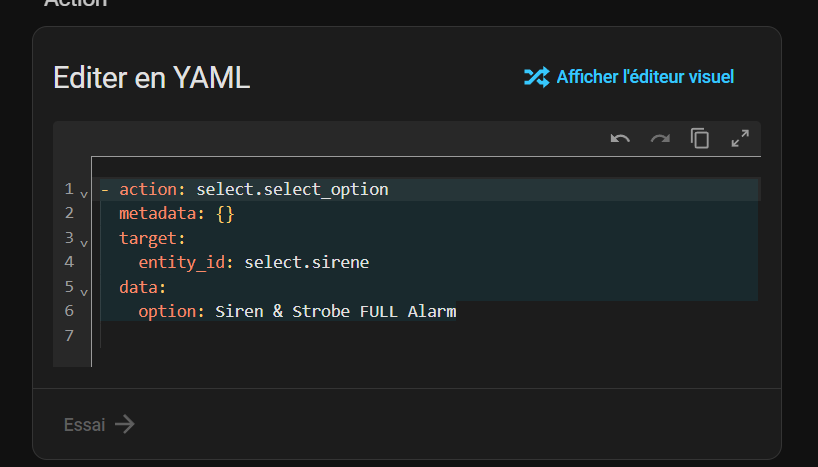
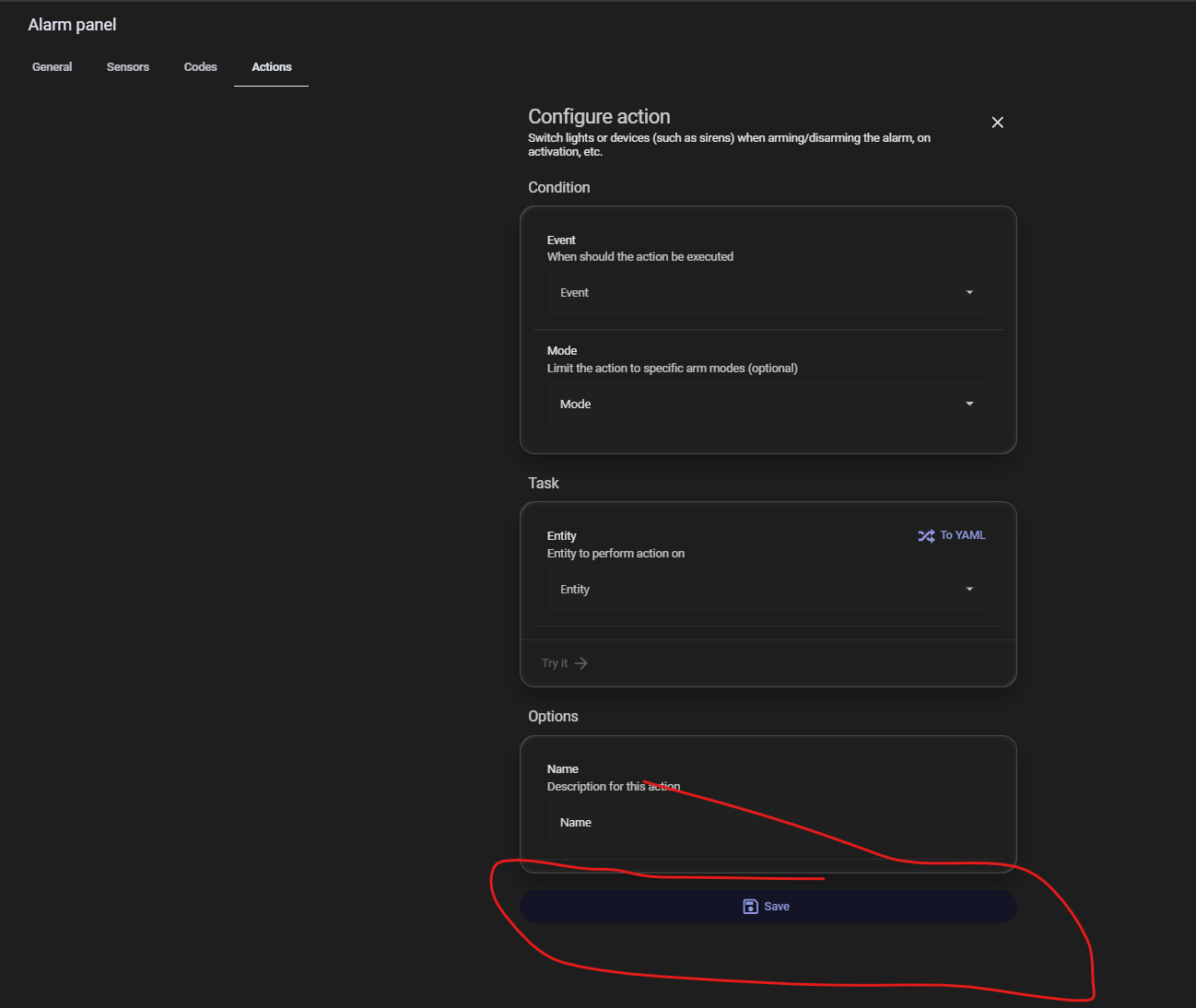
Hello, how do I activate this in Alarmo? It’s not saving my YAML code.
Thank you
- action: select.select_option
  metadata: {}
  target:
    entity_id: select.sirene
  data:
    option: Siren & Strobe FULL Alarm
Try entering it as:
action: select.select_option
metadata: {}
target:
  entity_id: select.sirene
data:
  option: Siren & Strobe FULL Alarm
ie: without the indentation and dash.
Then you should be able to save.
It’s not working any better 
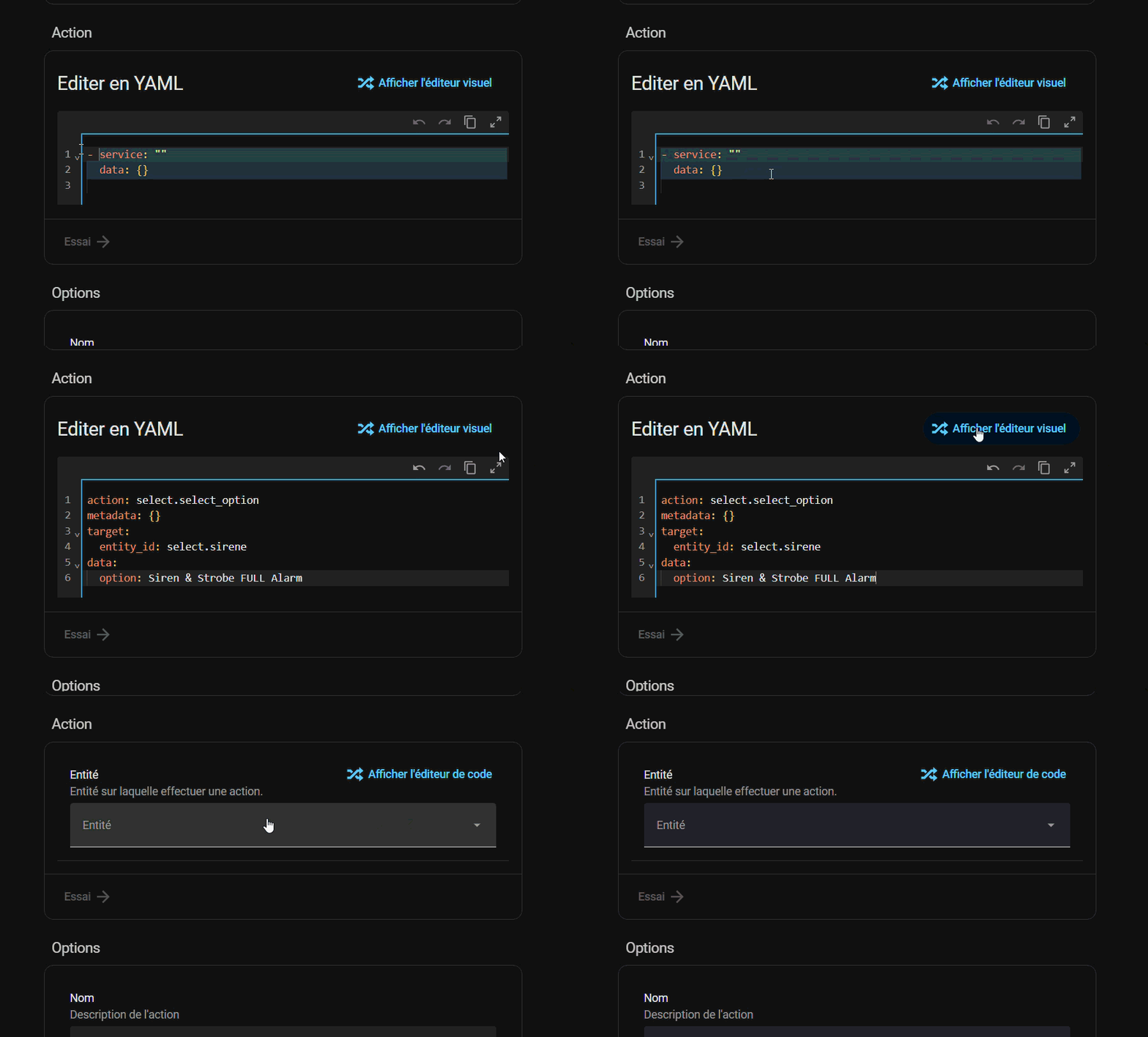
But are you pressing save before leaving that screen?
Your clip isn’t showing the entirety of the page so I can’t tell…
Don’t know what I am missing to get alarmo to work with ring via mqtt but I can not get alarmo to find the keypad to be able to arm and disarm the system. It can see everything else but will not find the entities for the keypad and the base station.
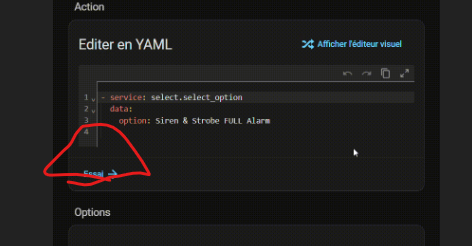
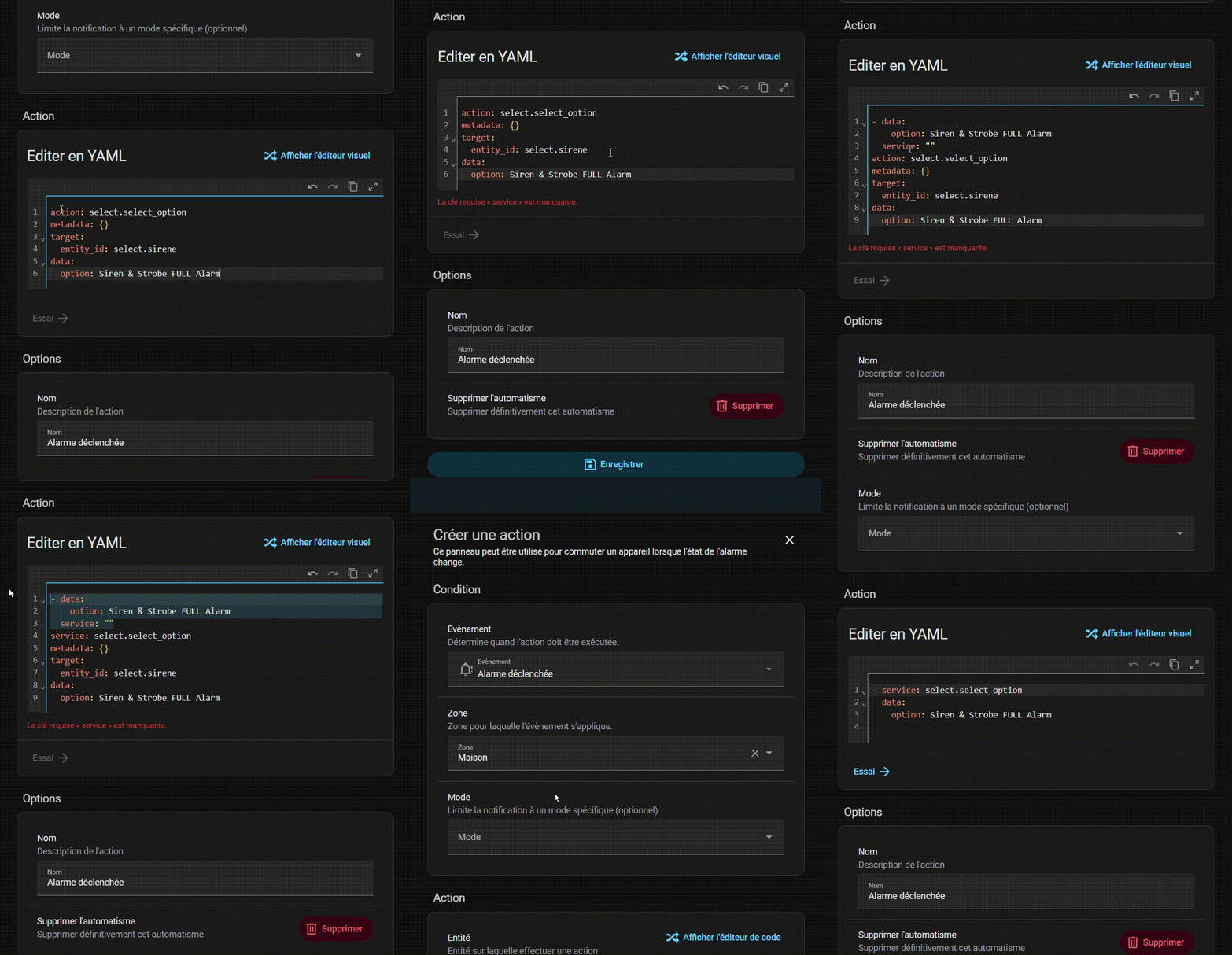
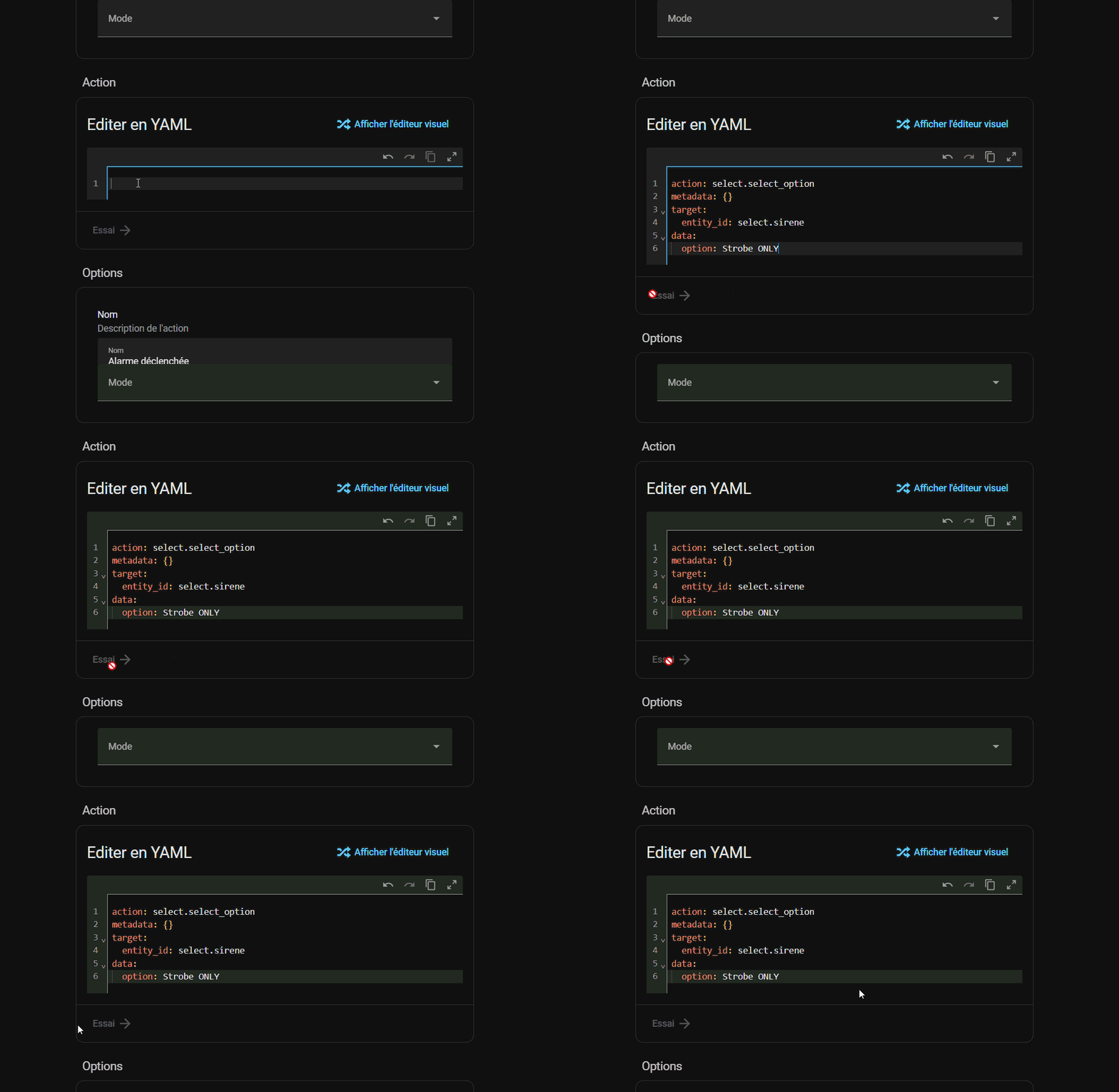
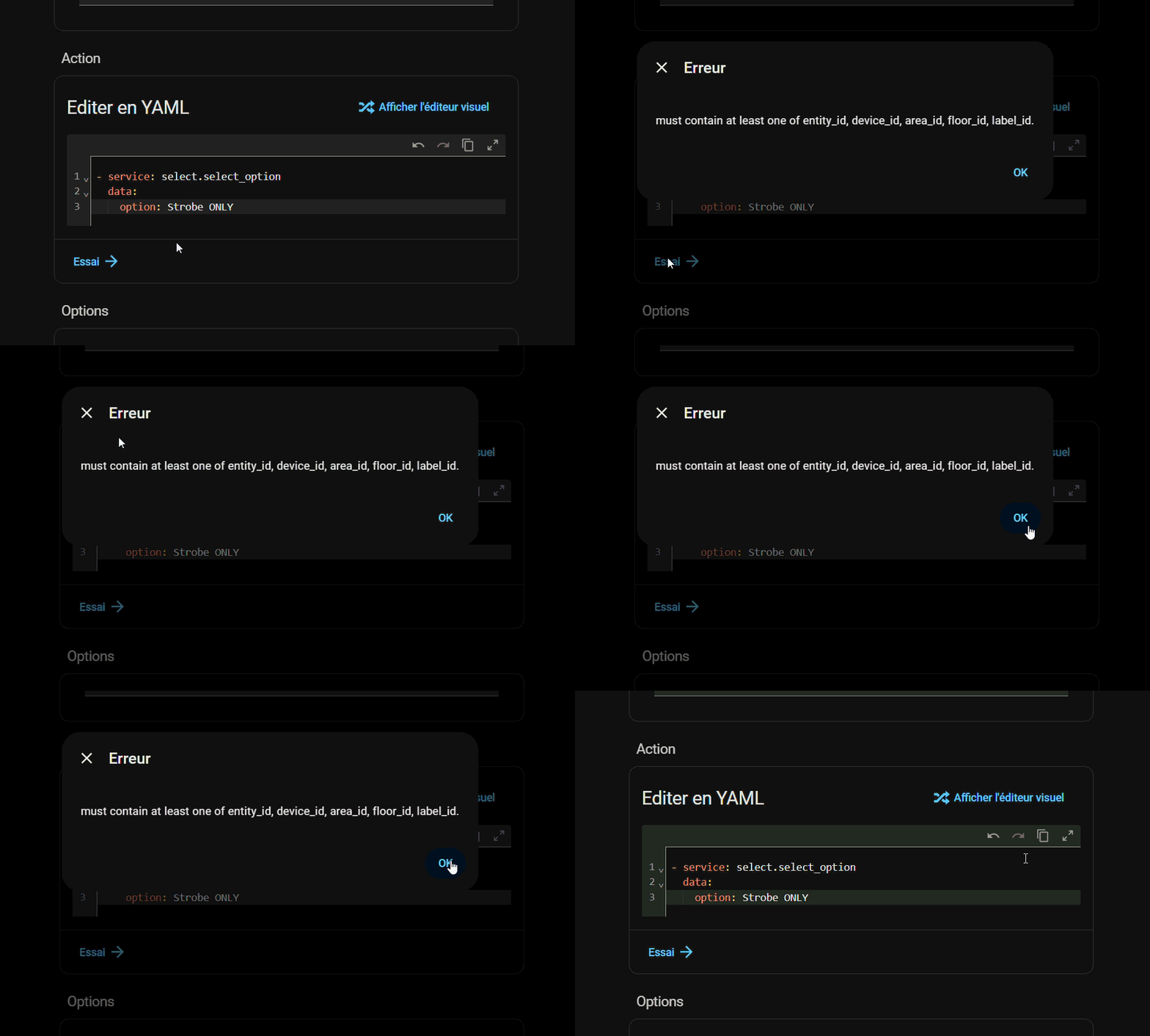
Here’s a GIF that shows a larger part of the page.
Hi,
Thanks for Alarmo. It’s great!!!. Please help me out with this use case:
In order to achieve this use case, I would like to clear a pending trigger when an inhabitant was close to the sensor triggered.
Is clearing a pending trigger possible (without disarming and re-arming the whole)?!
Thanks Eric
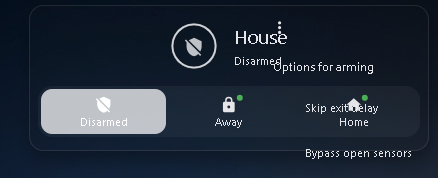
Are other people having this issue with the Alarmo card?
Theres a kebab menu and text over the buttons etc. It happens with the defaul HA theme as well as my custom theme.
EDIT: It’s been reported on Github.
Same, I’ve reverted to the basic card, though it’s missing a lot of functionality 
No matter how I configure this card, I cannot get it to fit within a square screen and it needs scrolling.
I feel like this card leaves a lot of the width unused and relies on too much vertical height.
Does anyone have any bright ideas to avoid the scrolling please?
I am trying to setup Alarmo for the first time and i have a bunch of sensors (binary_sensors) which come from Z2M (Aqara motion sensors) and no matter which one i choose i get this error :
Something went wrong!
Message format incorrect: extra keys not allowed @ data[‘delay_on’]
Response error: 400
Any idea what the problem is ?
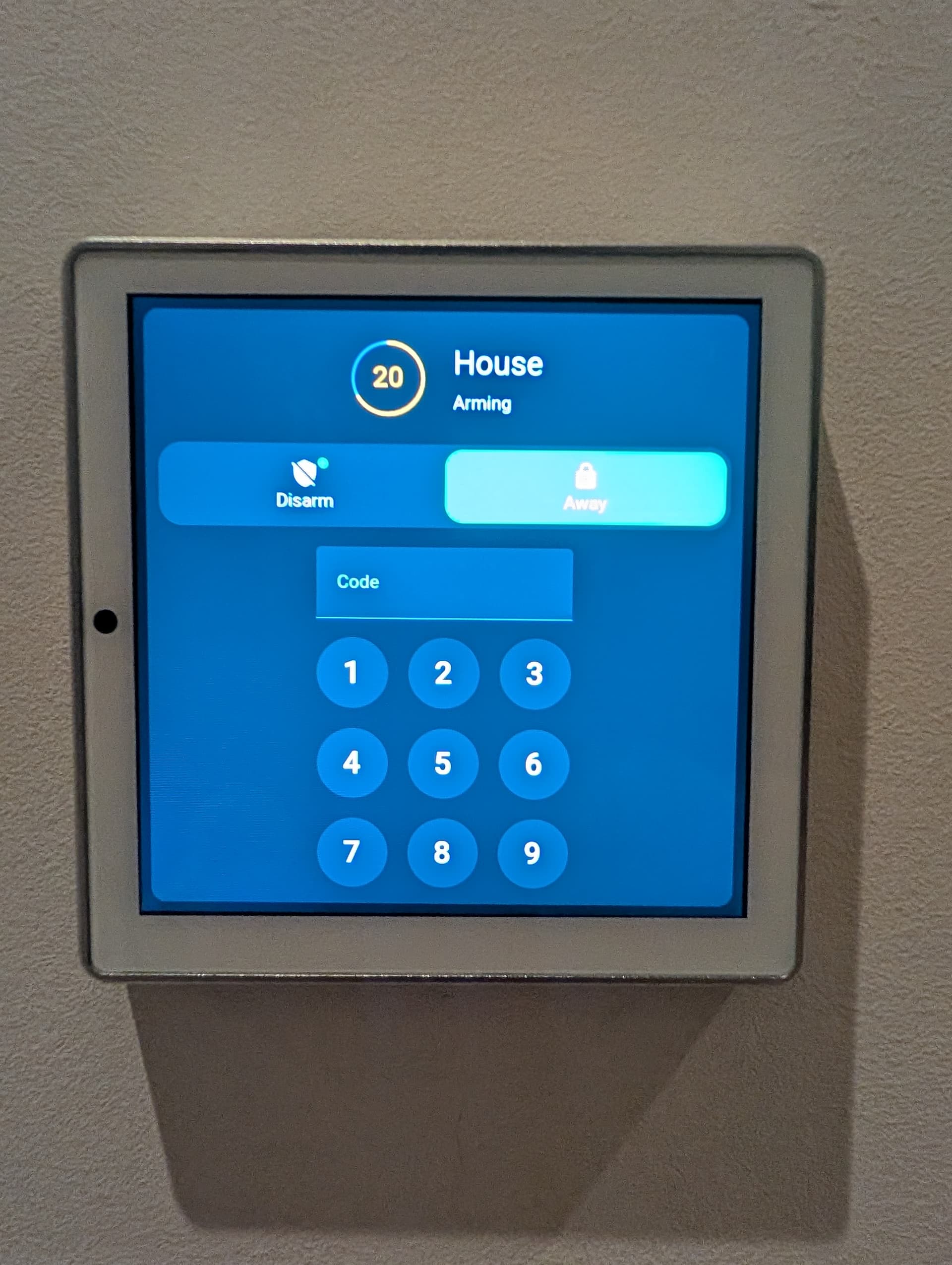
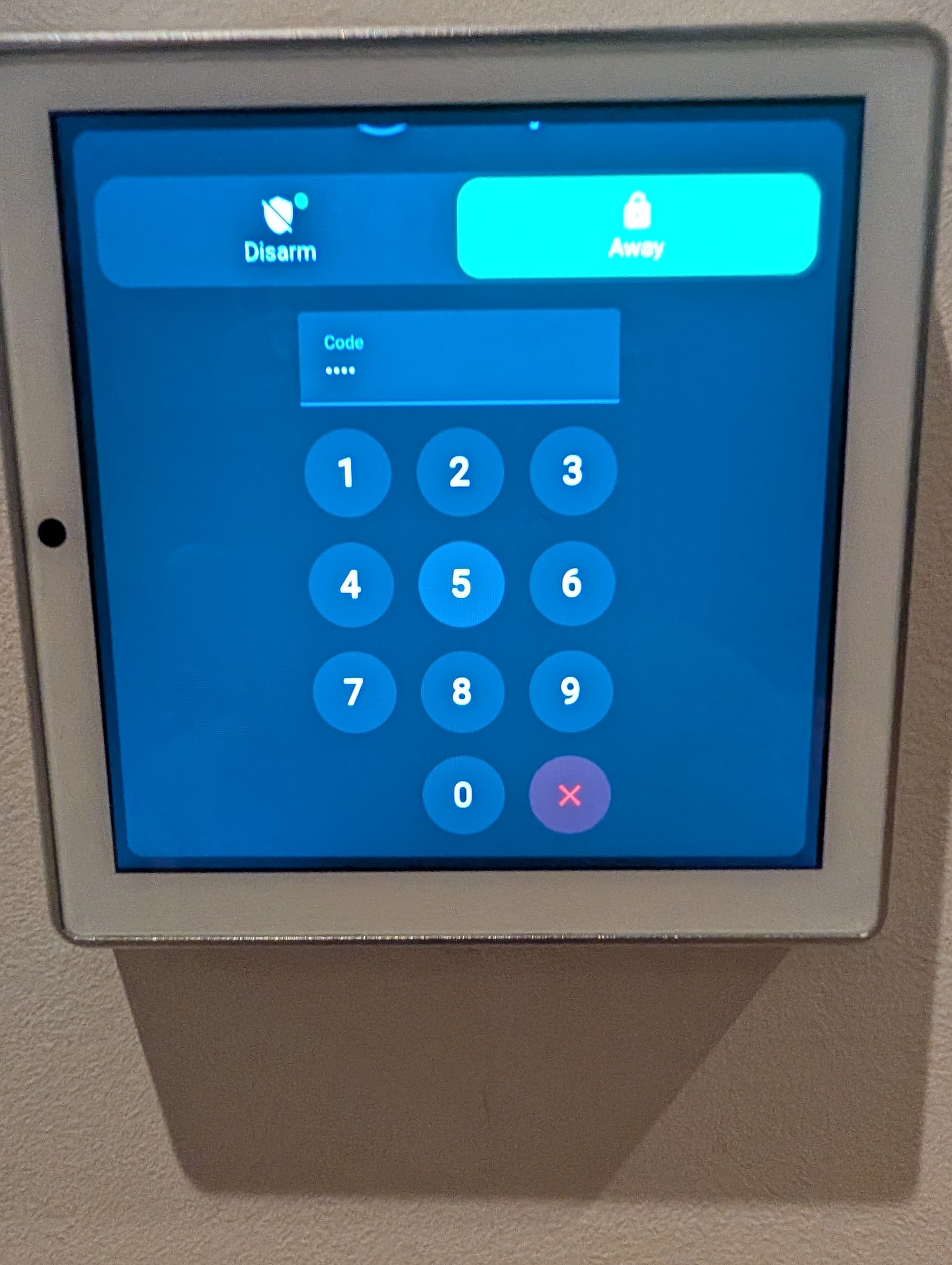
Hi, what is that display you are using?
Can you please provide the yaml to show how the trigger is shown?
I’m struggling to use wildcards, ie {{changed_by}} etc in Alarmo Actions. For instance, I want to pass a wildcard to a script that I use for custom log events, but within Alarmo Actions this doesn’t seem to work at all, it simply passes the entire entry as a string. For instance, the call below results in:
Alarm disarmed by {{changed_by}}
- service: script.log_event
  entity_id: script.log_event
  data:
    log_name: Security
    log_message: "Alarm disarmed by {{changed_by}}"
I wonder if anyone has managed to do this or am I doing something daft?!
I have this as a notification under Alarmo Actions and it works just fine:
The downstairs alarm was just set to {{arm_mode}} by {{changed_by}}
It’s a Shelly wall display