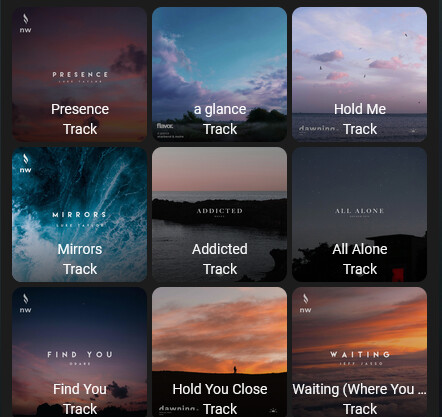
Thank you. There is indeed and I had noticed that before but I had not noticed that there is ANOTHER browse media button on that pane. So the workflow to add music is…
On the Sonos card press favourites (actually called Media Browser in the settings)
On the favourites card press browse media
On the subsequent now playing card press browse media
Choose your media source and select your music to play.
Is it just me or is this a bit long winded for something I would want to do on a regular basis. Surely a browse media button right on the front of the card (ideally configurable to take you direct to your media server of choice) would be most valuable? Maybe my workflow is different to ‘normal’ people 
And then there is the question of how I play a whole album from my DLNA server not just an individual track (works ok using the Sonos Music Library tile) but that is not a Sonos Card issue so I will leave that for another day and another place.
That’s actually ongoing work. So, if you feel brave, try out the beta and play around and see what you think:
Make sure to read the breaking notes.
PunxaPhil

This looks awesome! Do you have a screenshot of your now playing section or the full card-mod style code? Thanks!
Looks realy nice. Are you willing to share your code? Incl the speaker controls
Hello This Dashboard is amazing ! Thank you !
Unfortunatly I have not the sonos icons on the group…
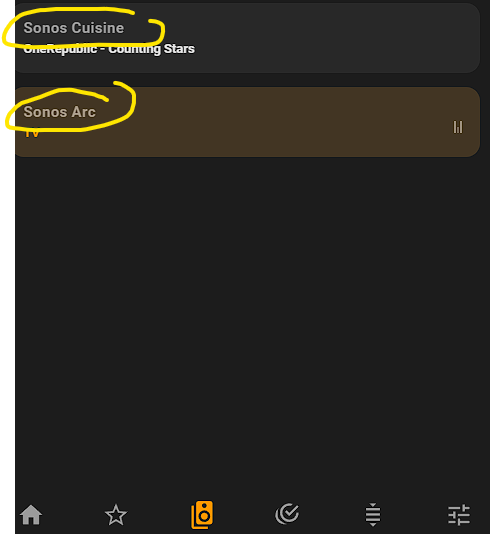
Do I need to add anything else to get the nice Sonos icons?
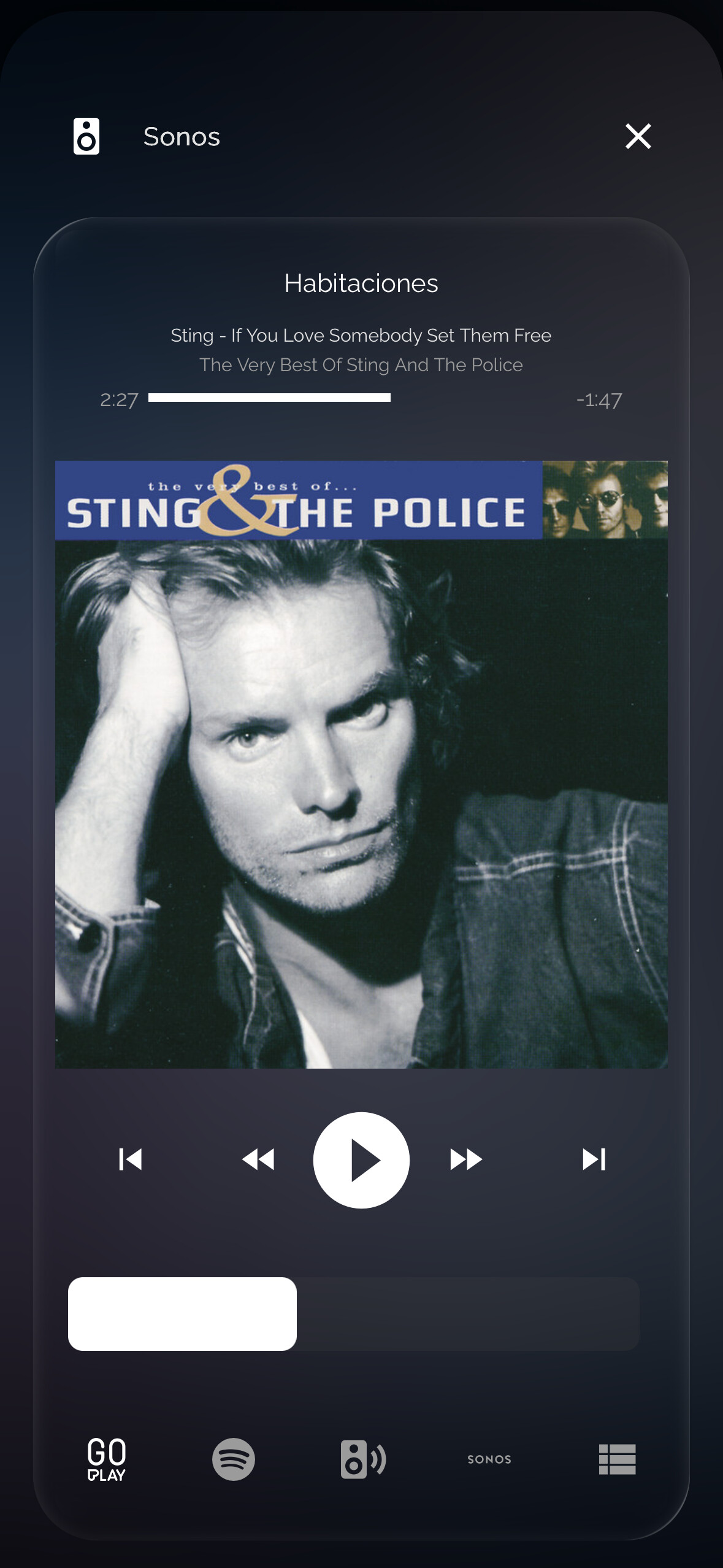

Yeah looks great! I cannot see your code for the theming, where could i find that? Thanks!
Phil, the recent update V10.0.0-beta30 states the search feature has the limitation " Does not support library items, only streaming content (e.g. Spotify)"
I seem to be getting results from both library and streaming content. I’m running MA beta 2.8.0b13 if that makes any difference.
Yeah, that text should have been removed. Thanks for noticing!
Hi @PunxsutawneyPhil. Thanks for the great work on this card! The 10.0.0-beta30 update is working just fine for me. There was one small hiccup in my configuration after the update that I found the solution to.
I converted my customSources to customFavorites. Just changing the lable did not restore those options (e.g., TV) to the Media Browser. I had to nest the customFavorites section under mediaBrowser>favorites:
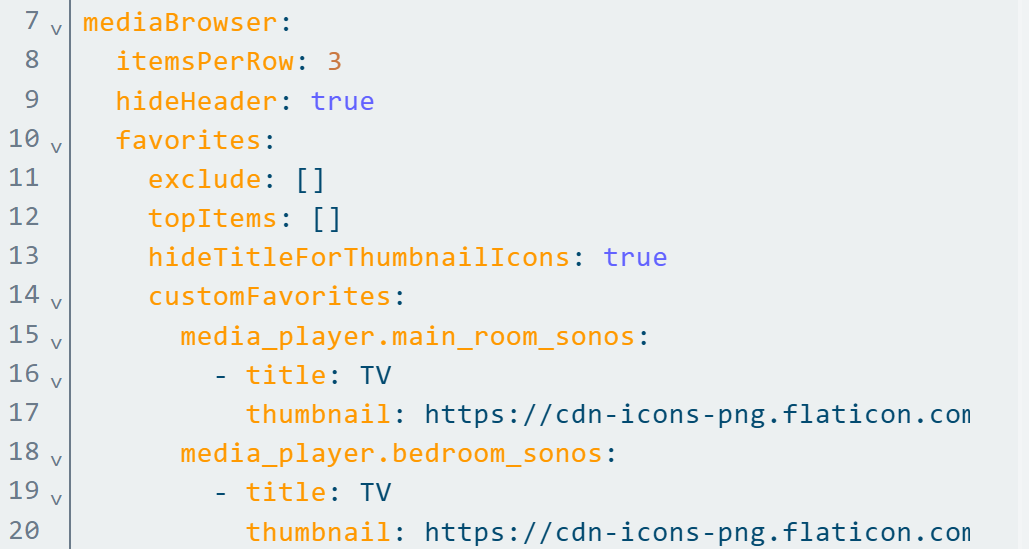
The example configuration here and on GitHub have customFavorites at the top level.
Thanks for reporting. Readme documentation is now updated.
Hi,
Thank you very much for the excellent card.
However, I cannot get the search in music assistant to work. All I get on the search section is a spinning blue wheel. Favorites of music assistant are well visible, so the connection to music assistant seems to be working. The entity of the card is a sonos player entity from music assistant, but the search does not work either with a sonos player entity or a music assistant entity.
Any ideas?
Can you please file an issue on GitHub, then we’ll dig deeper 
Release v10 is out!
This release includes major changes:
- Nested YAML configuration - Section-specific options are now organized under their respective section keys. Also includes improved UI Editor.
- New Media Browser section - Browse media and favorites in a unified interface.
- Music Assistant support - Added option to use the Music Assistant integration/platform
 Configuration Migration Required
All section-specific configuration options now live under nested section keys (player, mediaBrowser, groups, grouping, volumes, queue).
More info in custom-sonos-card/BREAKING_CHANGES.md at 0ede6b1843fad6ea32e05333a2239aa2aa4af735 · punxaphil/custom-sonos-card · GitHub.
Search

Improved queue
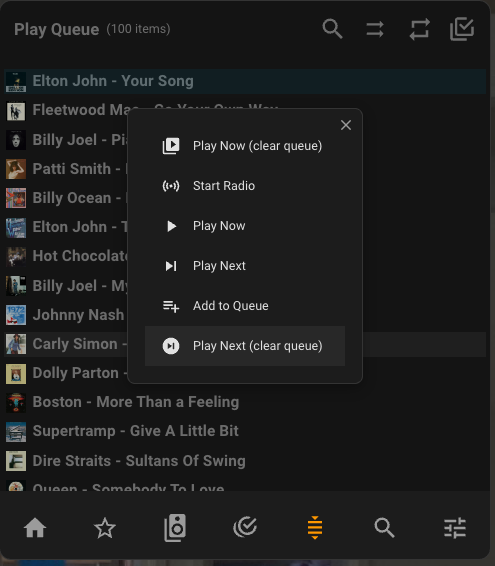
Fairly new to this card so haven’t got my head around all the setup options. I have 2 problems which you might be able to help with.
I am trying to use my music stored on my NUC and shared via Minimserver and accessed through the DLNA integration. Sonos card is fully up to date.
Problem 1
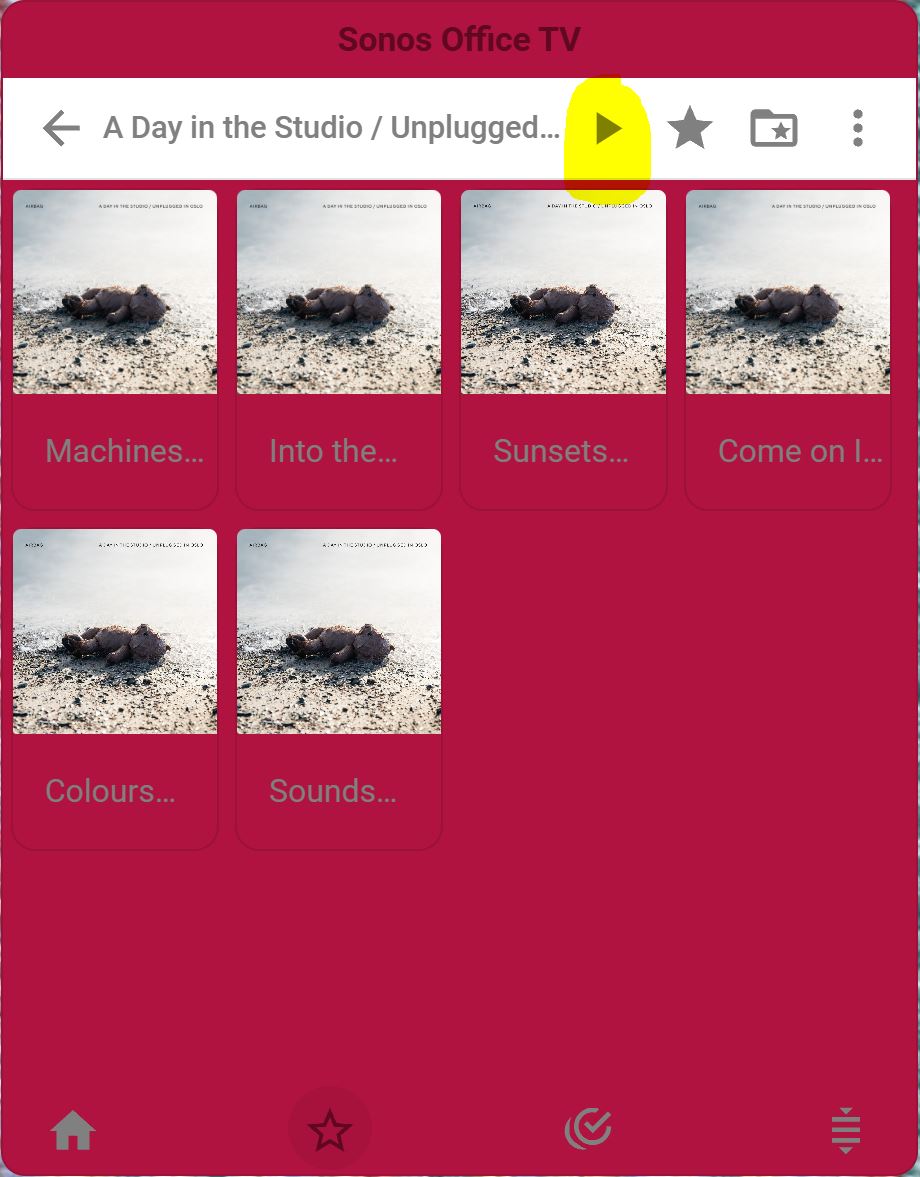
I saw the highlighted button which I thought was the answer to my prayers to play a whole album. Unfortunately it doesn’t work and only plays the first track in the list. Is there anyway to play a whole album? I can do this through the Sonos Music Library but that is a little slow and clunky (e.g. doesn’t show artist artwork).
Problem 2
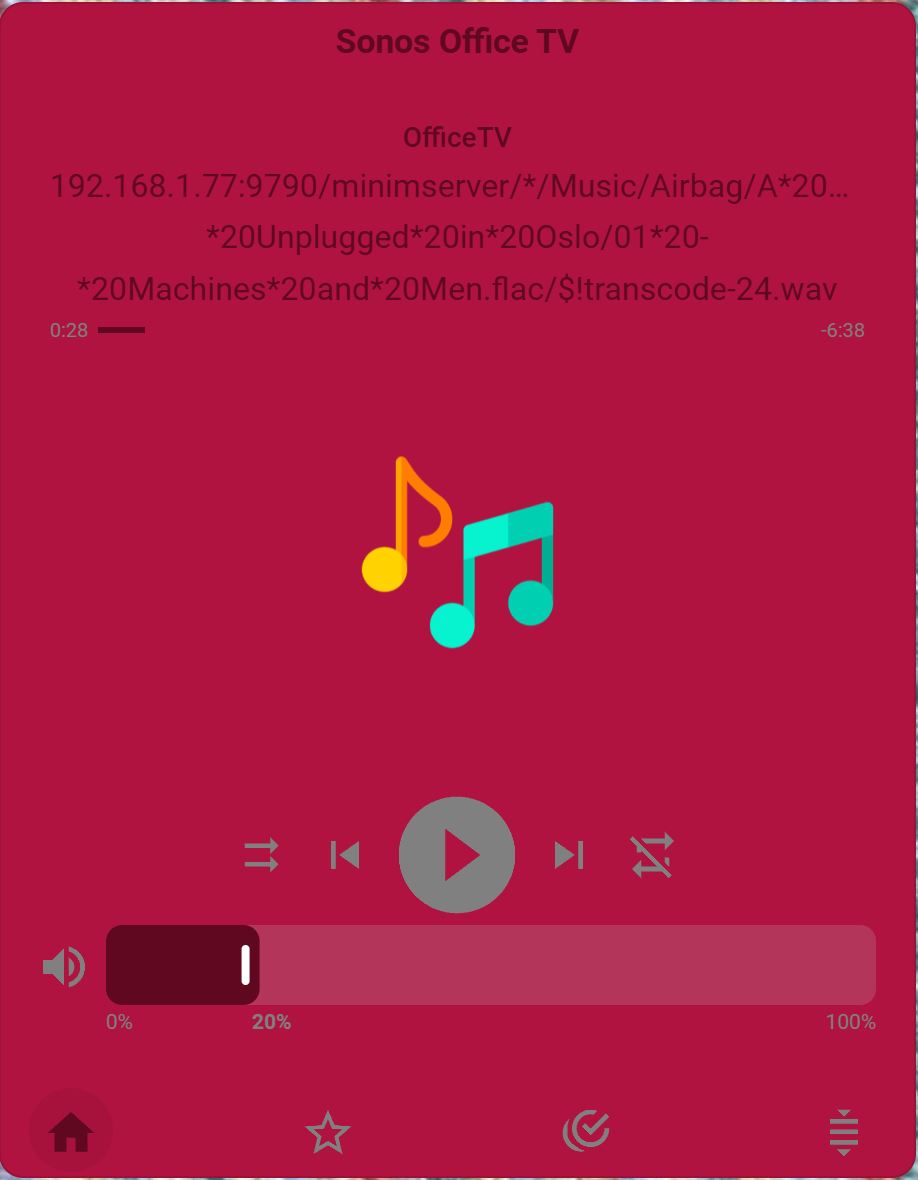
When playing a track the text at the top is the file pointer and the artwork is not shown. Again this is fine through Sonos Music Library.
Since both of these problems are solved by using Sonos Music Library it is not a big issue. I just thought I would ask here as I would much prefer to use my main music server but if there is no easy solution I will just use the other method.
Thanks again for your great work on this card!
Iteresting. You might have found a bug. Could you create an issue on github?
I try to change the padding and hide the titles, however the code below is not working properly
`              - type: custom:sonos-card
                widthPercentage: 300
                heightPercentage: 118
                sections:
                  - grouping
                  - media browser
                mediaBrowser:
                  itemsPerRow: 7
                  hideTitleForThumbnailIcons: true
                card_mod:
                  style: |
                    ha-card {
                      background: transparent !important;
                      box-shadow: none !important;
                      --control-button-padding: 0px !important;
                      }
                    sonos-media-browser$: |
                      .button {
                        --control-button-padding: 0px;
                      }`
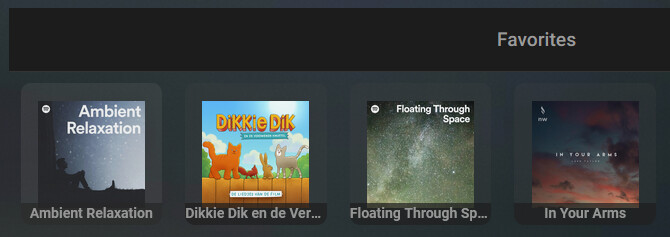
I tried in the css 2 different approaches but non of them change the padding. also the option hideTitleForThumbnailIcons: true does not seem to work.
Try this:
type: custom:sonos-card
mediaBrowser:
  favorites:
    hideTitleForThumbnailIcons: true
    iconPadding: 0
PunxaPhil -  BuyMeACoffee