I thought I was going to have the record at 209. Ugghhh.
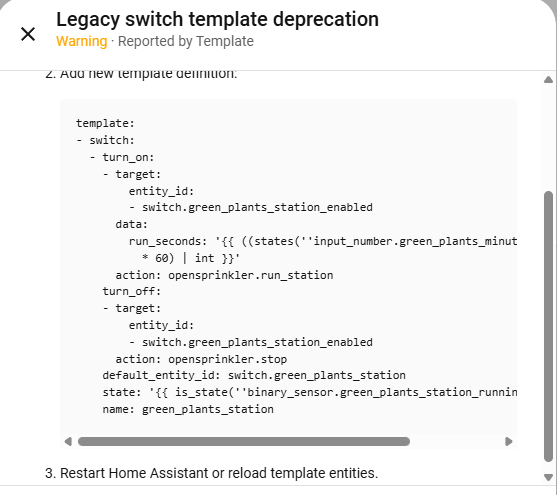
Edit: It’s actually not that bad with the conversion provided. Much better than re-writing from scratch!
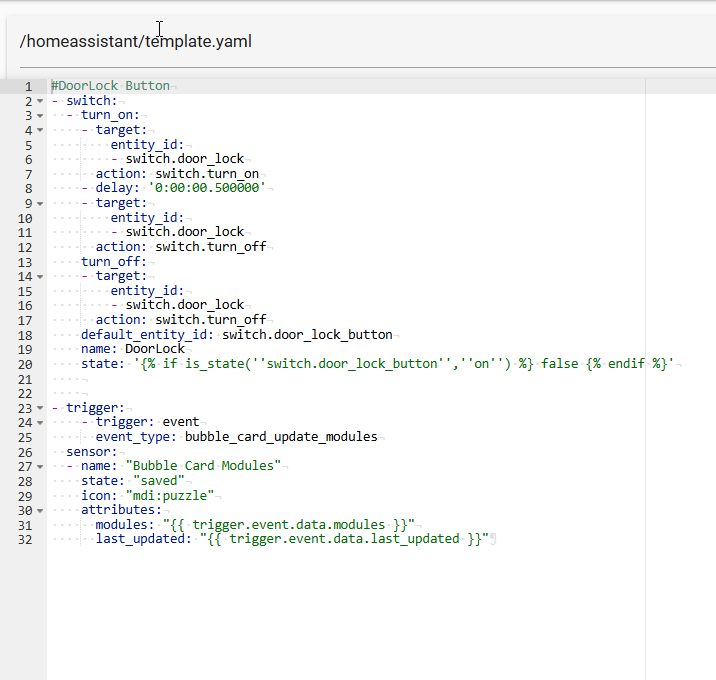
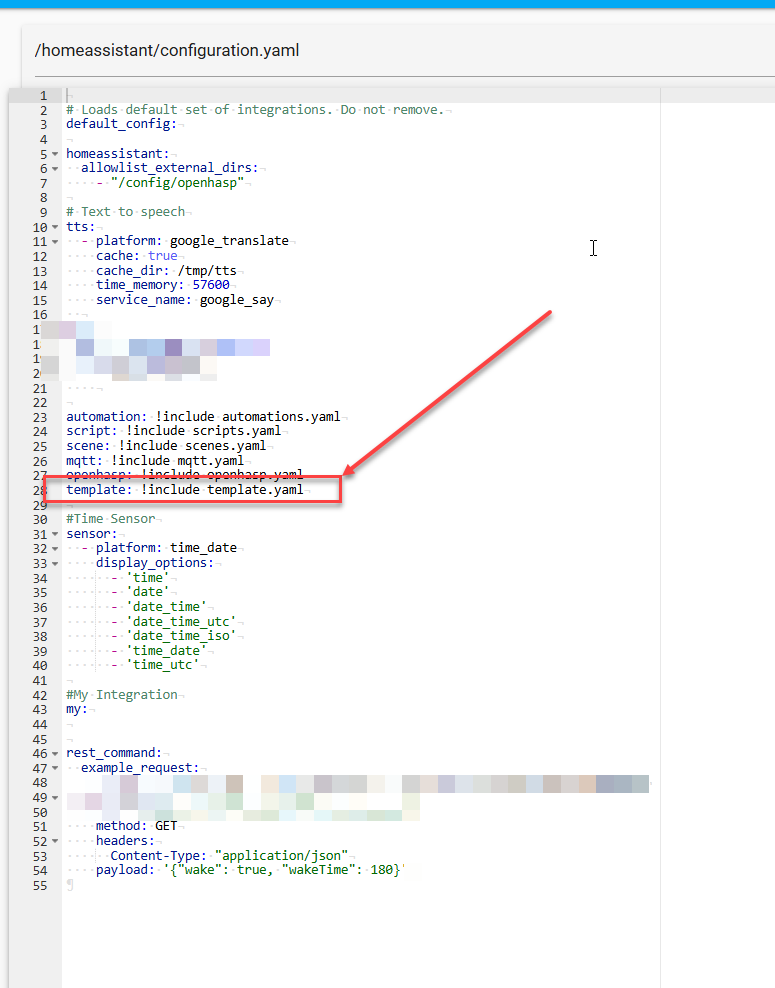
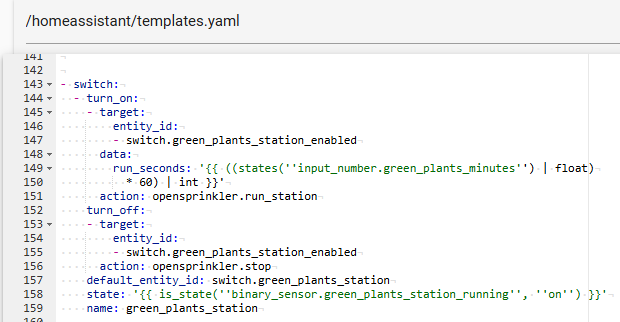
Not sure is this is the best answer, but I saw in this post a bit higher in this thread that you have to remove it from sensor.yaml and have to add it to configuration.yaml (or templates.yaml) I had the same error and after adding it to configuration.yaml and blanking out sensor.yaml it worked. I now added it to templates.yaml (and removed the starting “template:” since it’s already in configuration.yaml) and now it’s working too.
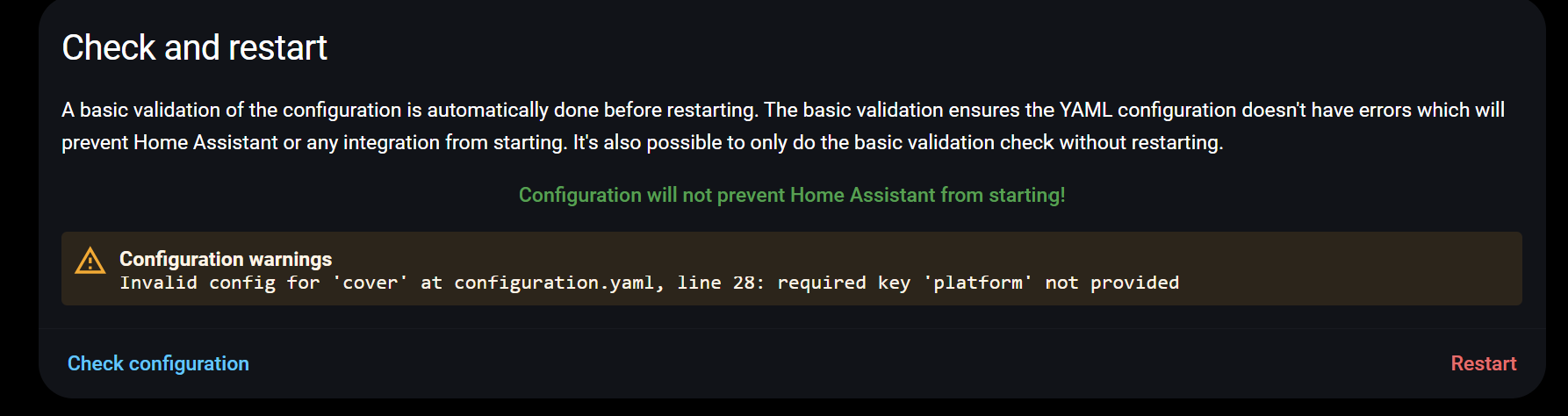
For reference of the search terms (since your error message is a screenshot) I’ll add that the error message I had was that platform is a required key and is not provided
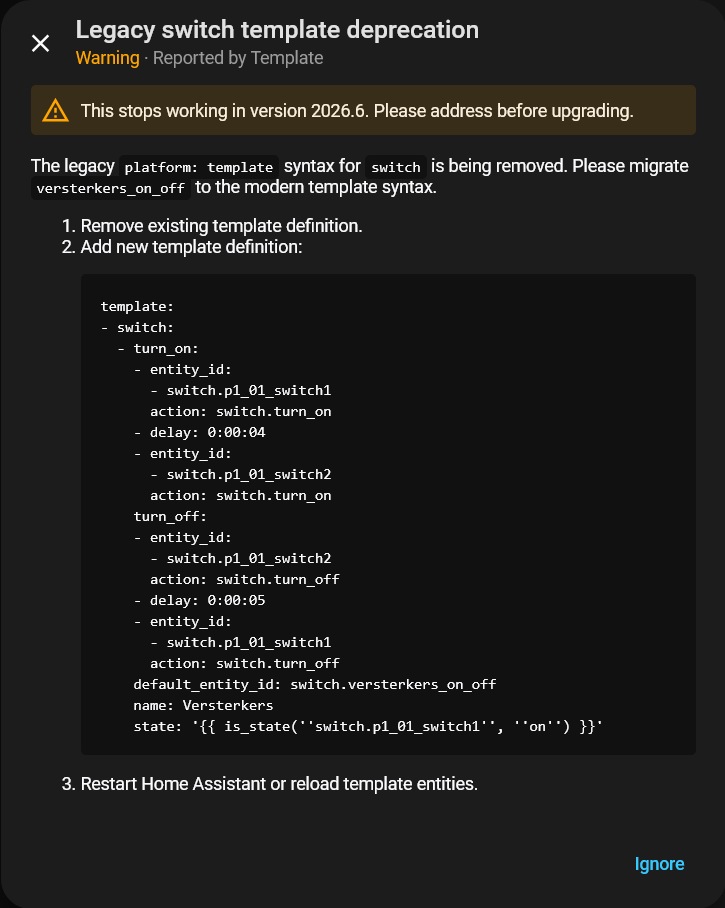
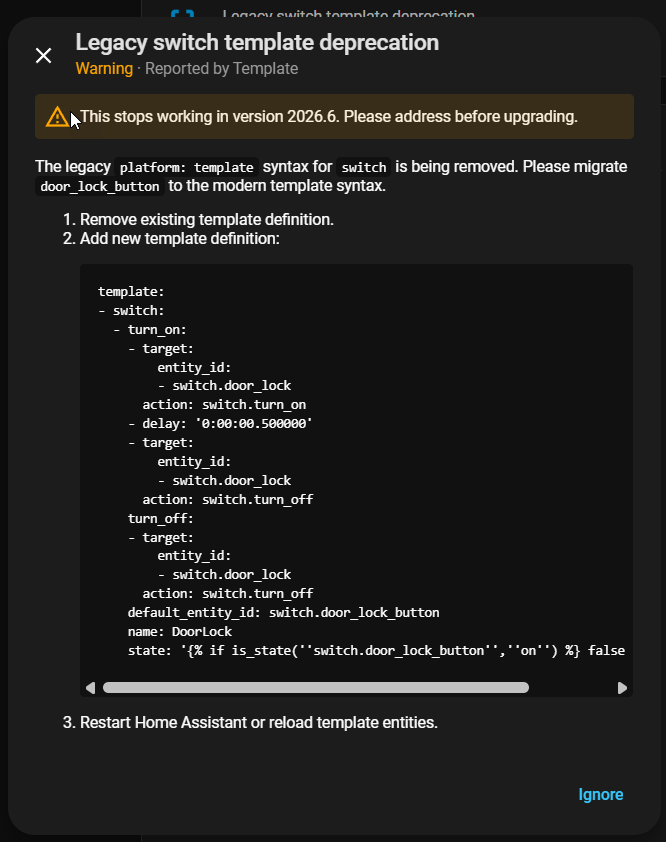
I only have four repairs, but since I don’t really know anything about templates, I can say:
These automatic repair suggestions are great. They helped me a lot, everything works after restarting HA and no more error messages. Thank you so much!
I am wondering if using helpers would solve a lot. If I need to make all these changes, why not invest a bit extra time to just move them to a UI configuration. At least for those templates that can move?
I do not get repair suggestions at all, and many of the code snippets are long, often borrowed from examples so I am dead stuck and HA stopped working for a large part.
You couldn’t feel as stupid as I do. I asked Perplexity and they told me what I got already from the repair prompts - but told me to replace the platform template entries in my sensors.yaml file. Then when that failed they told me my indentation was wrong. Then after “arguing” with IT (damn AI) it finally said the entries go in configuration.yaml - but of course they didn’t work there because I had platform template entries there for 2 covers. I asked where they went too - and offered that I had a templates.yaml file. Had I looked at that I would’ve seen the new format - and remembered why I even started that file a few months ago.
Anyway I guess I answered the question if I were dumber than AI
And then all stopped working, sorry to say one big mess! Whole HA is trash in one update, why was this needed this change???
The given changed new examples, just do not work, places sensors in template now they are gone, or get sensor_template_something as name so automations stopped working, front end sensors gone need to be replaced with sensor.template.
The examples as above with a switch placed in Template are bricked do not work anymore.