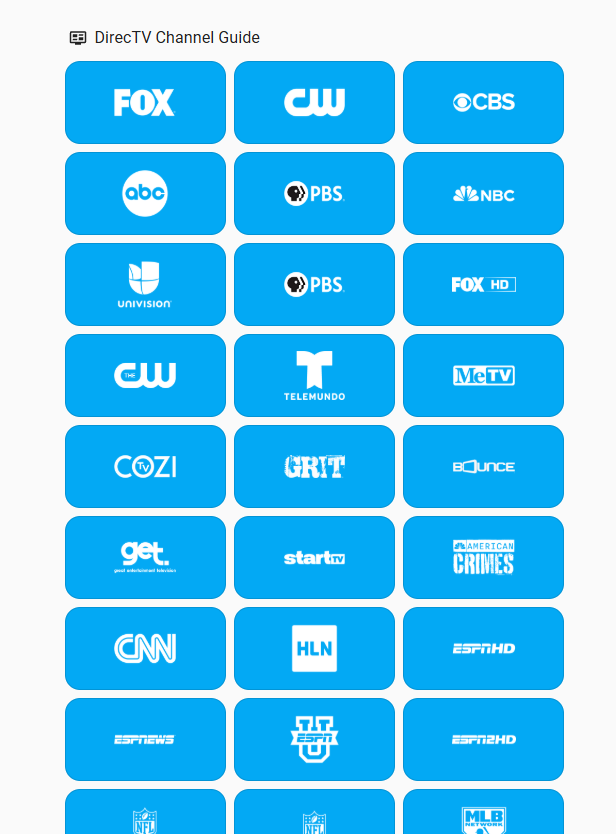
This is deeplink to play foxnews:
am start -a android.intent.action.VIEW -d dtvnow://deeplink.directvnow.com/play/channel/FNCHD/5f3323ab-7390-8fcc-177f-bf9cc8000bcf -n com.att.tv/com.clientapp.MainActivity
From that, a script to Tune to any channel … now this script includes assumption
in my setup where I have naming conventions to parse data:
variables:
  tv: media_player.office_vizio
  callsign: FNCHD
  channel_id: 5f3323ab-7390-8fcc-177f-bf9cc8000bcf
  tvname: "{{(tv.split('.'))[1]}}"
  firestick: media_player.{{(tvname.split('_'))[0]}}_fire_tv
  ip: >-
    {{state_attr('sensor.vizio_tvs','tvs') | selectattr('name','eq', tvname) |
    map(attribute='ip') | join(',') }}
  port: >-
    {{state_attr('sensor.vizio_tvs','tvs') | selectattr('name','eq', tvname) |
    map(attribute='port') | join(',') }}
  auth: >-
    {{state_attr('sensor.vizio_tvs','tvs') | selectattr('name','eq', tvname) |
    map(attribute='auth') | join(',') }}
sequence:
  - if:
      - condition: template
        value_template: "{{ is_state(tv, 'off') }}"
    then:
      - action: media_player.turn_on
        metadata: {}
        data: {}
        target:
          entity_id: "{{ tv }}"
  - if:
      - condition: template
        value_template: "{{ is_state(firestick, 'off') }}"
    then:
      - action: media_player.turn_on
        metadata: {}
        data: {}
        target:
          entity_id: "{{ firestick }}"
  - action: androidtv.adb_command
    metadata: {}
    data:
      command: >-
        am start -a android.intent.action.VIEW -d
        dtvnow://deeplink.directvnow.com/play/channel/{{ callsign }}/{{
        channel_id }} -n com.att.tv/com.clientapp.MainActivity
    target:
      entity_id: "{{ firestick }}"
    enabled: true
  - action: shell_command.vizio_directv
    metadata: {}
    target:
      entity_id: "{{tv}}"
    data:
      ip: "{{ip}}"
      port: "{{port}}"
      auth: "{{auth}}"
alias: Tune DirecTV Channel
description: Tune DirecTV app on Firestick to specific channel
You would not have to go that deep, but the key is here:
  - action: androidtv.adb_command
    metadata: {}
    data:
      command: >-
        am start -a android.intent.action.VIEW -d
        dtvnow://deeplink.directvnow.com/play/channel/{{ callsign }}/{{
        channel_id }} -n com.att.tv/com.clientapp.MainActivity
    target:
      entity_id: "{{ firestick }}"
    enabled: true
So you need the callsigns and the channel_id’s from DirectTV.
I have those in a “static” sensor. I created that from an XML (original JSON taken from DirecTV website):
<dtvchannels>
   <channel>
      <resourceId>bd2c50b5-d8cf-a53d-d6f8-a78b5afec658</resourceId>
      <channelName>FOX-KTVU</channelName>
      <channelNumber>2</channelNumber>
      <callSign>KTVU</callSign>
      <imageUrl>https://dfwfis.prod.dtvcdn.com/catalog/image/imageserver/v1/service/channel/bd2c50b5-d8cf-a53d-d6f8-a78b5afec658/chlogo-bwdb-player/120/91</imageUrl>
   </channel>
   <channel>
      <resourceId>76c08e6f-2131-42ab-25a3-a255b79f0693</resourceId>
      <channelName>CW-KRON</channelName>
      <channelNumber>4</channelNumber>
      <callSign>KRON</callSign>
      <imageUrl>https://dfwfis.prod.dtvcdn.com/catalog/image/imageserver/v1/service/channel/76c08e6f-2131-42ab-25a3-a255b79f0693/chlogo-bwdb-player/120/91</imageUrl>
   </channel>
   <channel>
      <resourceId>491d467f-eaaa-eafd-f05c-9afbe6d42fa5</resourceId>
      <channelName>CBS-KPIX</channelName>
      <channelNumber>5</channelNumber>
      <callSign>KPIX</callSign>
      <imageUrl>https://dfwfis.prod.dtvcdn.com/catalog/image/imageserver/v1/service/channel/491d467f-eaaa-eafd-f05c-9afbe6d42fa5/chlogo-bwdb-player/120/91</imageUrl>
   </channel>
   <channel>
      <resourceId>a8f0dda6-aa59-b180-32e7-ee1003adb30c</resourceId>
      <channelName>ABC-KGO</channelName>
      <channelNumber>7</channelNumber>
      <callSign>KGO</callSign>
      <imageUrl>https://dfwfis.prod.dtvcdn.com/catalog/image/imageserver/v1/service/channel/a8f0dda6-aa59-b180-32e7-ee1003adb30c/chlogo-bwdb-player/120/91</imageUrl>
   </channel>
   <channel>
      <resourceId>3f0d92a5-3915-2be0-19af-cda0ead21d6b</resourceId>
      <channelName>PBS-KQED</channelName>
      <channelNumber>9</channelNumber>
      <callSign>KQED</callSign>
      <imageUrl>https://dfwfis.prod.dtvcdn.com/catalog/image/imageserver/v1/service/channel/3f0d92a5-3915-2be0-19af-cda0ead21d6b/chlogo-bwdb-player/120/91</imageUrl>
   </channel>
   <channel>
      <resourceId>d9b7cc7d-f692-af6e-bbab-a74784790fff</resourceId>
      <channelName>NBC-KNTV</channelName>
      <channelNumber>11</channelNumber>
      <callSign>KNTV</callSign>
      <imageUrl>https://dfwfis.prod.dtvcdn.com/catalog/image/imageserver/v1/service/channel/d9b7cc7d-f692-af6e-bbab-a74784790fff/chlogo-bwdb-player/120/91</imageUrl>
   </channel>
   <channel>
      <resourceId>ff8287d8-1a4a-8748-5b87-23aa02784dad</resourceId>
      <channelName>Univision-KDTV</channelName>
      <channelNumber>14</channelNumber>
      <callSign>KDTV</callSign>
      <imageUrl>https://dfwfis.prod.dtvcdn.com/catalog/image/imageserver/v1/service/channel/ff8287d8-1a4a-8748-5b87-23aa02784dad/chlogo-bwdb-player/120/91</imageUrl>
   </channel>
   <channel>
      <resourceId>c46d1fbc-8782-7cf9-f8a0-9a7e3100b896</resourceId>
      <channelName>PBS-KRCB</channelName>
      <channelNumber>22</channelNumber>
      <callSign>KRCB</callSign>
      <imageUrl>https://dfwfis.prod.dtvcdn.com/catalog/image/imageserver/v1/service/channel/c46d1fbc-8782-7cf9-f8a0-9a7e3100b896/chlogo-bwdb-player/120/91</imageUrl>
   </channel>
   <channel>
      <resourceId>4b9576f1-cb13-a168-943e-50f099567a5b</resourceId>
      <channelName>KICU</channelName>
      <channelNumber>36</channelNumber>
      <callSign>KICU</callSign>
      <imageUrl>https://dfwfis.prod.dtvcdn.com/catalog/image/imageserver/v1/service/channel/4b9576f1-cb13-a168-943e-50f099567a5b/chlogo-bwdb-player/120/91</imageUrl>
   </channel>
   <channel>
      <resourceId>47c11444-708f-9151-8c3f-2337bdb47f9a</resourceId>
      <channelName>KPYX</channelName>
      <channelNumber>44</channelNumber>
      <callSign>KPYX</callSign>
      <imageUrl>https://dfwfis.prod.dtvcdn.com/catalog/image/imageserver/v1/service/channel/47c11444-708f-9151-8c3f-2337bdb47f9a/chlogo-bwdb-player/120/91</imageUrl>
   </channel>
   <channel>
      <resourceId>f2c92585-dbf1-3fdc-9d3b-38cf347edc2f</resourceId>
      <channelName>TMO-KSTS</channelName>
      <channelNumber>48</channelNumber>
      <callSign>KSTS</callSign>
      <imageUrl>https://dfwfis.prod.dtvcdn.com/catalog/image/imageserver/v1/service/channel/f2c92585-dbf1-3fdc-9d3b-38cf347edc2f/chlogo-bwdb-player/120/91</imageUrl>
   </channel>
   <channel>
      <resourceId>83321f4e-2ac2-9dc4-a1fd-7b0a0f8c1e5f</resourceId>
      <channelName>MeTV</channelName>
      <channelNumber>77</channelNumber>
      <callSign>METV</callSign>
      <imageUrl>https://dfwfis.prod.dtvcdn.com/catalog/image/imageserver/v1/service/channel/83321f4e-2ac2-9dc4-a1fd-7b0a0f8c1e5f/chlogo-bwdb-player/120/91</imageUrl>
   </channel>
   <channel>
      <resourceId>9fd00aad-1cc7-cf23-ba3e-bae853bd6165</resourceId>
      <channelName>Cozi TV</channelName>
      <channelNumber>80</channelNumber>
      <callSign>COZI</callSign>
      <imageUrl>https://dfwfis.prod.dtvcdn.com/catalog/image/imageserver/v1/service/channel/9fd00aad-1cc7-cf23-ba3e-bae853bd6165/chlogo-bwdb-player/120/91</imageUrl>
   </channel>
   <channel>
      <resourceId>3097b4cc-3b54-14e3-c801-796f2316040f</resourceId>
      <channelName>GRIT</channelName>
      <channelNumber>81</channelNumber>
      <callSign>GRIT</callSign>
      <imageUrl>https://dfwfis.prod.dtvcdn.com/catalog/image/imageserver/v1/service/channel/3097b4cc-3b54-14e3-c801-796f2316040f/chlogo-bwdb-player/120/91</imageUrl>
   </channel>
   <channel>
      <resourceId>19a0169f-323e-b251-99e0-56b7209b4dca</resourceId>
      <channelName>BounceTV</channelName>
      <channelNumber>82</channelNumber>
      <callSign>Bounce</callSign>
      <imageUrl>https://dfwfis.prod.dtvcdn.com/catalog/image/imageserver/v1/service/channel/19a0169f-323e-b251-99e0-56b7209b4dca/chlogo-bwdb-player/120/91</imageUrl>
   </channel>

** shortened for brevity **
Happy to send anyone the data for this, Putting it together, I created a custom PAD to select any TV station:
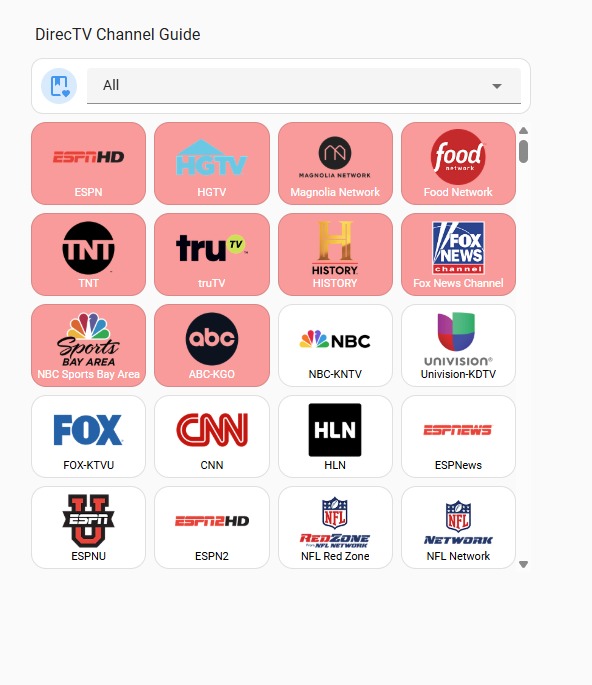
Updated as I found the URL set for colo logos, put it into a scrollable and fiterable container: