Unfortunately, this is not how the hub works. The channel on/off is driven by the assigned trvs, roomstats etc demaning heat and are not controlled directly. You can set the temp of devices to drive the channel on though.
Can you think of any way of getting around this with the integration in its current state?
My current theory is to get some Shelly/Other smart relays and activate them based on HA automations from this integration. Eg, Room X requesting heat, fire shelly relay for X heating loop. Room y, Shelly Y for Y heating loop.
Struggling a little with what you’re trying to do as your description seems simple. So, when you say room X turns on, what do you mean by ‘turns on’?
Normally for a 2 zone heating setup, you assign different rooms to the relevant zone (needs to be done in app). Then when the room calls for heat (hub algorithm and cycles times permitting), the hub activates that zone relay (turning on boiler and valves as setup).
What am i missing about what you are trying to do?
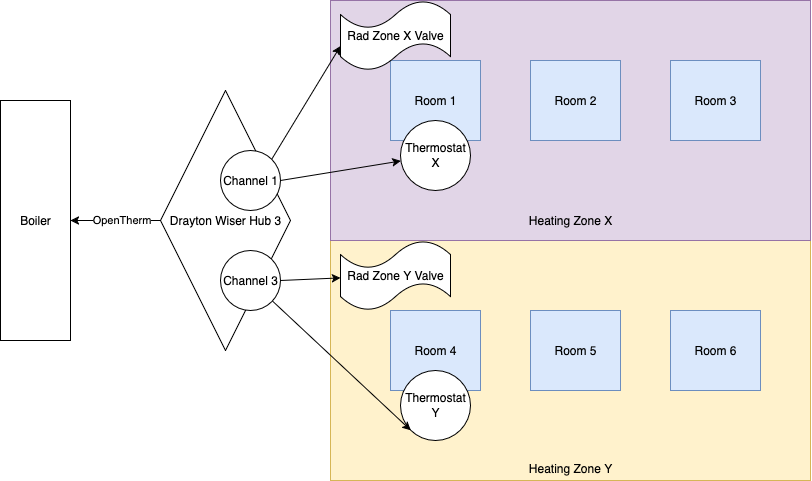
See the above diagram as I’m bad at explaining. I do not have smart TRVs.
When room thermostat X hits the desired temperature the boiler turns on and delivers heat. Zone X valve opens and heating zone X gets heat to the radiators.
When room thermostat Y hits the desired temperature the boiler doesn’t turn on but Zone Y valve successfully opens.
The hub communicates with the boiler using Opentherm only via channel 1. Channel 3 doesn’t tell the boiler to do anything as Opentherm is only channel 1.
Is there a way I can get both zone valves to open with both room zones communicating over Opentherm? The only way I can think of with limited knowledge of the integration is to do automations with smart relays whilst having all of my rooms on Channel 1 on the app.
Ah,ok. Understand now. Im not sure i have a better option than you describe. I dont have OT but i know many on here have. Anyone have any thoughts to help Jack?
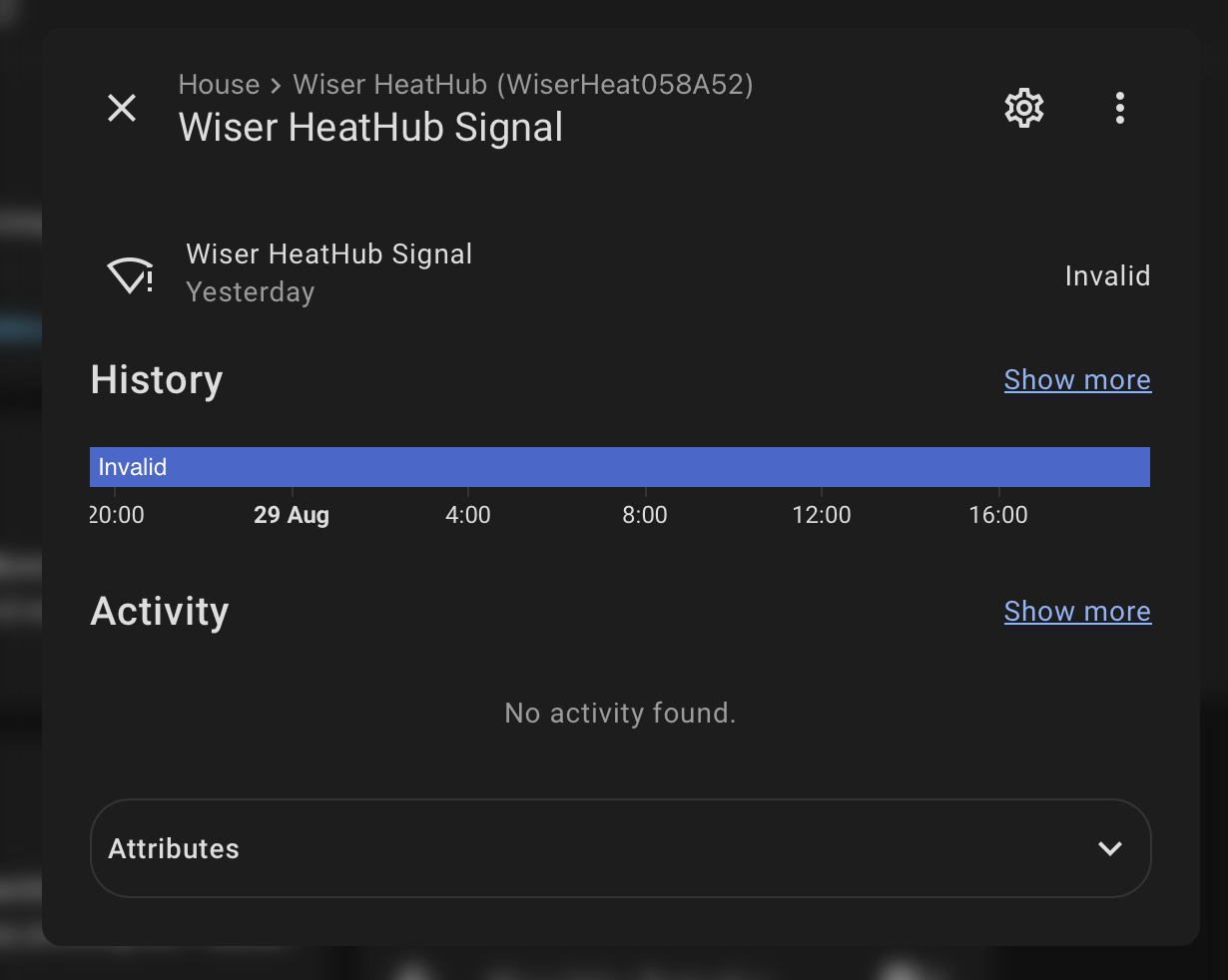
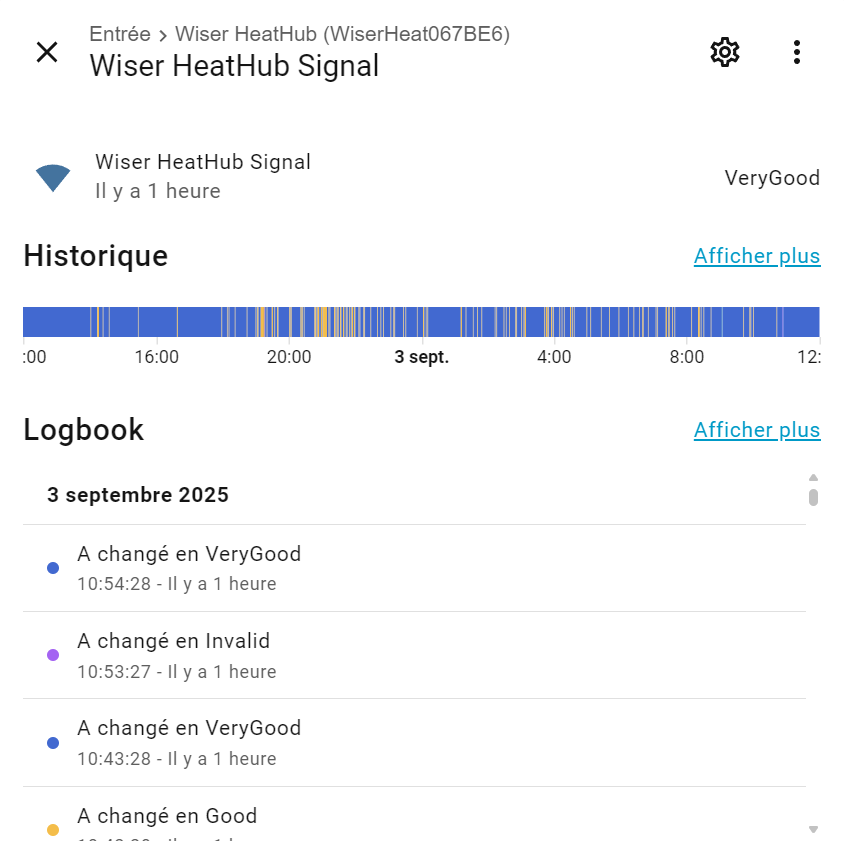
Has anyone with a 2nd gen hubr had any issue with WiFi? I have had another instance where the setup light on the hubr is flashing red, HA integration says the “HeatHub Signal” is invalid but I can access the hubr via HA and the Wiser app.
I have discovered that this issue happens when WiFi goes off and is restored, the hubr reconnects to WiFi and picks up its ip address and continues to work ok but the setup light flashes red until I power the hubr off and on.
Only noticed as the weather has started to get cooler and I wanted to get the schedules ready for autumn. Guess the weather had better behave until a fix appear.
I’m a bit late to the gen2 hub party, I bought a hub in the offer but I only just got around to fitting it…
It seems to be working, but I notice that none of the “device_reception_xxx” attributes on any device signal entities are being populated any more, although the “controller_reception_xxx” ones are… I searched here but couldn’t see a mention of this, is this a known change in the new hub?
Same goes for “last_reset_reason” on the heathub signal.
Not a massive problem, but they were there, so I was plotting them…
We can only regret these differences (regressions) not documented since the beginning of the gen2 hub, however the gen2 hub brings so many new features…
Are you able to tell us what the new features are. Do you know what has been improved from the gen1 hubr? I have been using the hubr gen2 since the end of June and, apart from the new device support, have seen no differences to the gen 1.
The hub gen2 is more powerful than the gen1:
the number of devices is twice this of gen1
less zigbee lacks
inside automations
devices can send notifications for example doors or windows open, over or under power for smart plugs or Powertags…
new energy management features: new cost-based or smart management, load shedding
new features for shutters: seasonal comfort, tilt position…
I propose 2 PRs on Github for the API an for the Platform…
Yes. I have only had my gen2 hub in for 2 days (upgrading an old hub, I’ve had Wiser since 2018), and I have already tonight hit this “flashing red, signal invalid, but online and working” problem.
I already had a new problem open with Wiser support about a couple of spontaneous reboots I have had, with no clue now as to why due to the last restart reason no longer being exposed to HA, and I have raised this additional point with them. I have left my hub in this state so they can look at it.
I have now provided Wiser support with loads of logs, HA diags and description of the problems I have had (reboots, and the invalid signal being reported). They confirmed they can see from their end too the hub online and working but reporting no signal. They are looking in to it, I will keep you posted.