I do feel your test run shows how it should be, even though we all dislike the unknown… it’s just the way things are in HA.
one other option might be to not show/set the attribute if unknown? That would be an additional indication to the user that under the current solar conditions, there will be no dawn…
If you’ve ever wanted this integration to have some new feature, or for it to change the way it works/behaves in some way, now would be a great time to tell me!
First, thanks for the very positive comments about this integration. I’m glad people find it useful. I hope the new major 4.x release will be even better!
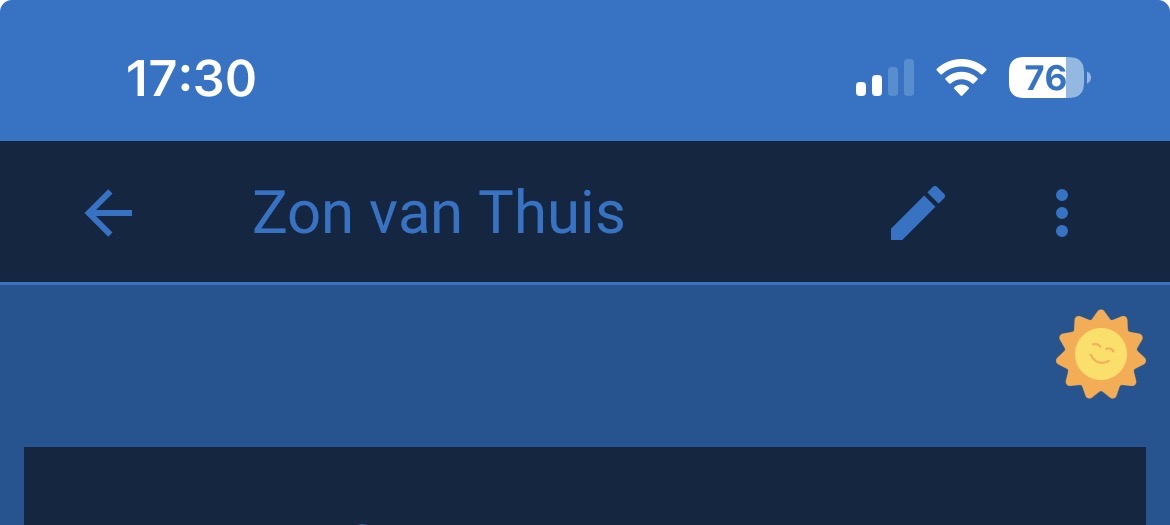
The “of Home” suffix is a Dutch thing. And actually, it’s not a suffix that is added, but rather a prefix. I.e., “Zon van” is the prefix added to the configuration entry’s name of “Thuis”. In English, it would be a suffix of “Sun” added to the name, e.g., “Home Sun”.
BTW, it was changed from “CFG_NAME Zon” to “Zon van CFG_NAME” in the 3.1.0 release. The change was submitted by a couple of people who reviewed nl.json as it existed at that time.
In any case, the way it works is, you give the configuration entry a name, then the service it creates has the prefix/suffix automatically attached (via the appropriate language JSON file.) Then the names of the entities are the service name + an entity specific name. And, of course, the entity IDs are based on those entity names.
If you don’t like “Sun of Home” / “Zon van Thuis” for the name of the service, then just change it. That’s what the edit button (i.e., the pencil icon) is for. Then, if you want, you can recreate the entity IDs based on this new service name. To do so, you can click the three-dot button and select “Recreate entity IDs”, or you can do them one at a time via each entity’s “more info” dialog.
FWIW, I like “Home Sun” because it helps avoid conflicts with the entities created by the built-in sun integration.
I have installed the latest beta on my test system and created my two locations (Germany and Spain) and also added an obstruction for sunset. I did a quick crosscheck with an app on my smartphone (Sonnenverlauf). I can’t spot any problems so far.
I like that the time at elevation gives a time in the future.
of course, I got mixed up in the suffix-prefix because of what you explained above, doesnt matter, it is not really a big thing, just personal preference in naming convention.
thats why I called it ‘astral’ before. But not even sure if that sets it off against the core sun component.
yes, that new recreate entity id’s service indeed is nice. Makes life a lot easier.
Anyways, thanks for maintaining this nice component. A lot.
Does anyone else have any feedback on the 4.0.0 beta release? E.g., have you used it? Does it work ok? Any issues? …
I’d like to do a full release. It’s been working fine for me, as far as I can tell, but I’d like to get at least a little bit more feedback before unleashing it on the general public!
I have just installed 4.0.0b5 and i wanted to add sun rising at 30° and can no longer find how to do it. As i remember it was an option to add a sensor.
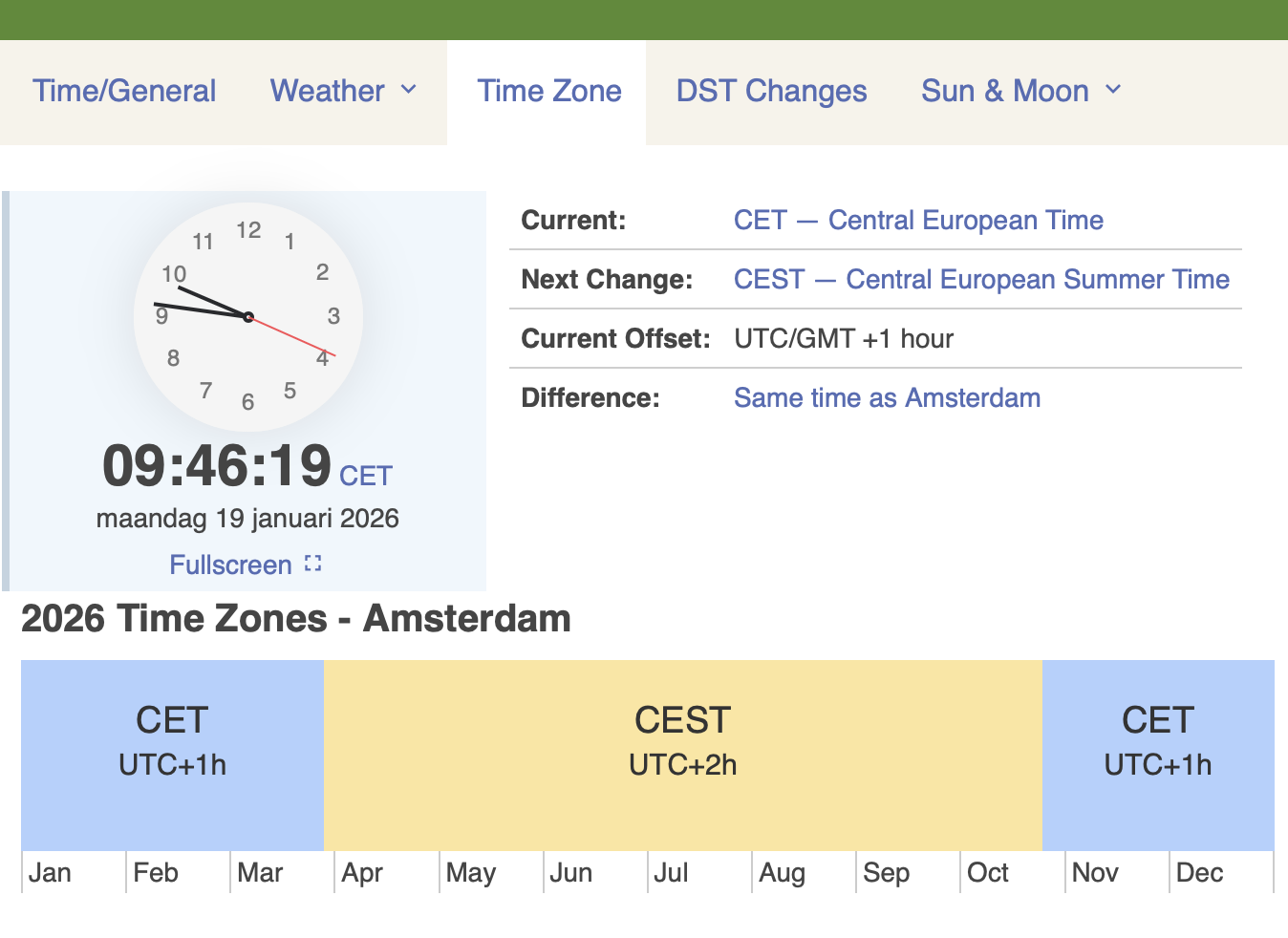
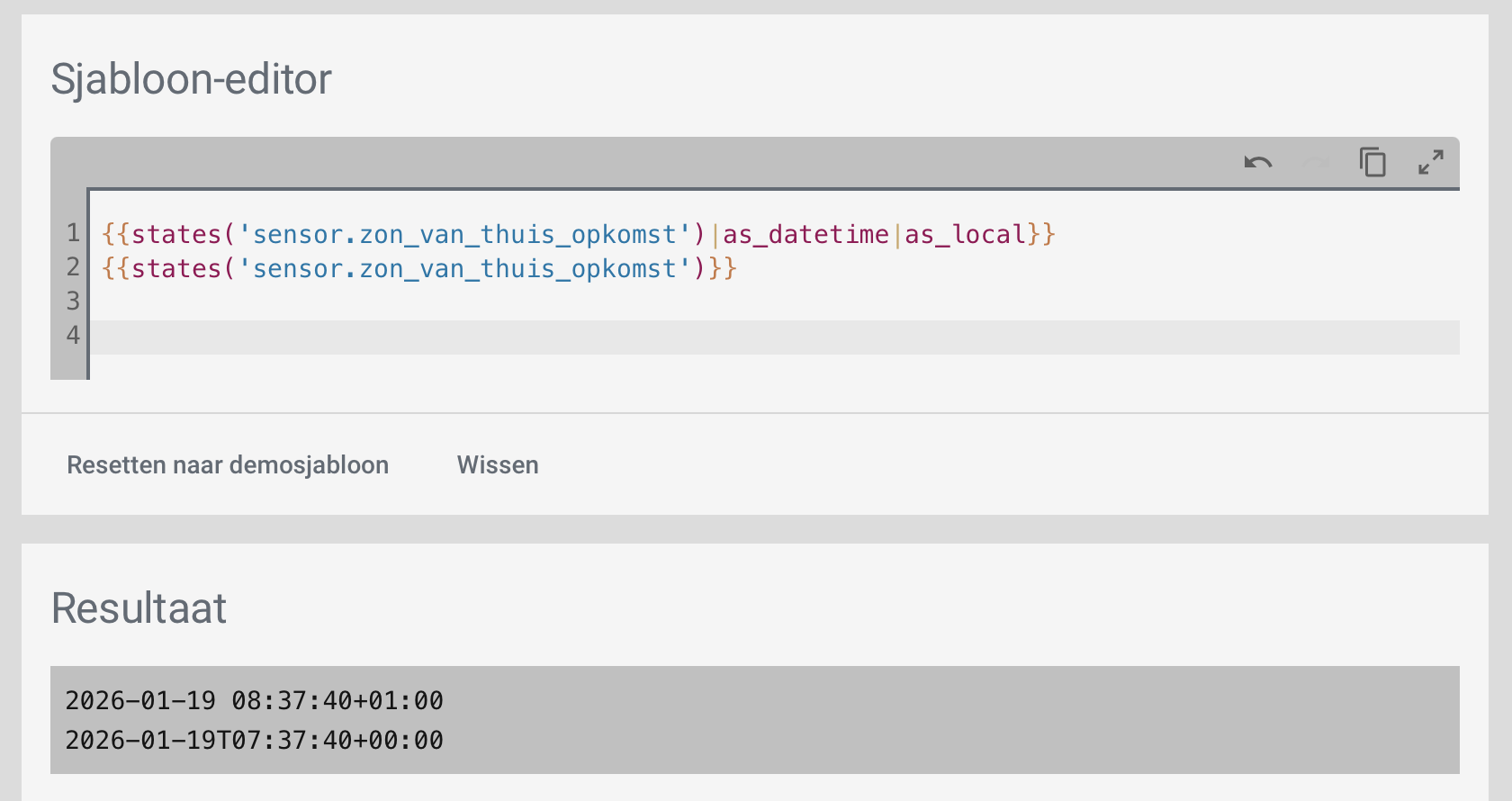
this might be very stupid, but why do we see a +1 for the attributes, while the state shows the time incorrectly? not offset that is. that is not the HA system re-formatting to local? Should those states be always recalculated to UTC?
HA Core has been converting timestamp sensors to ISO formatted UTC for a long time:
The Sun2 integration provides the value in the timezone defined for the config, just like the attributes, but the Core code converts the state to an ISO formatted string in UTC.
It’s not the attributes that are being converted. I chose to have the Sun2 integration represent all datetimes in the timezone of the config (i.e. integration entry.) It’s the main state that is being converted. Why the Core team chose to have all timestamp sensors shown in UTC I wouldn’t know.