Few questions on Velux KLF200 before purchase

Hi,
I have two Velux roof windows that I control with two Velux KLR 100 remotes. However, I would prefer if I could automate the process of opening and closing the windows, e.g. based on temperature. I’ve researched the topic, and come to the conclusion, that I need to buy a Velux KLF 200 gateway to control the windows. First of all, have I missed any devices, that are preferable over Velux KLF 200?

Next, before I splash my hard-earned money on a KLF200, I would like to know if it is still possible to control the windows using the remotes after I have installed the KLF200?
Is a wired LAN connection to the KLF200 required? From these post it seems to be Velux KFL200 HA configuration - #26 by ChrisliP and Velux Component for KLF 200 doesn't support the new API with Firmware 2.0.0.71 - #94 by wmaker

Any general feedback on Velux KLF200 is greatly appreciated.

Best Regards,
Jorgensen

1 Like

The following user says Velux-Active is now the preferred way according to Velux.

Yes

Yes

Sometimes the HA connection to the KLF200 hangs, particularly after an HA reboot, and the KLF200s need to be power cycled to recover. It can be a pain for some users.

I’ll go buy the KLF200, thanks for the information Tommy.

@Jorgensen - Did you get one?

Mine unit just died, after about 5yrs. It appears to no longer be available but I am trying to contract Velux support…

UPDATE - So you can still purchase KLF200, my information was wrong. You can get it directly from Velux website. Its $272 + Tax and $20 shipping from Velux (US price). Tech support said it has a 5-year warranty, but my unit was 7 years old.

Sorry to wake this old thread up.
I want to purchase the KLF for controlling my roof window (opening / closing and blinds). Is the window open / close funcionality available in Home Assistant via the KLF Interface?

Yes, just install the Velux integration here: Velux - Home Assistant

However, I’ve got two windows and I can’t add the second window to the KLF200 for some reason!!! It is not a Velux HA integration issue, it is a Velux KLF200 issue. At last I gave up.

The windows are next to each other, so my automation only control a single window, and that works well. My automation are pretty simple open windows if high humidity/temperature and nobody home.

Sorry, I must have missed this question… I bought a KLF200 on a German webshop.

1 Like

Thx! I’ve ordered one to try aswell

BTW, remember to create the auto reboot of the KLF200: Velux - Home Assistant

1 Like

how are the wires on the harness used? Or are they required to be used? I saw a video from velux on it and they didn’t explain what they were for… The guy just kept shorting them out for some reason.

The KLF200 is nice for the hardwired option… but I do see the Active - Netatmo remote being good with HomeKit for HA… Kinda sitting on the fence with this.

I have 2 electric skylights and 2 fixed… and all 4 with solar blinds.
As an altnerative, I have heard that Somfy has a switch (TaHoma) that is part of a partnership with Velux so you can link motorized window shades to work with the Velux skylights…

I know this is late, but I’m just now upgrading my old Velux skylights to new units and struggling with the best ways to control them.

The KLF200 is not discontinued. You can see it on Velux’s page:

The KLF200 supports Wi-Fi, but by default it’s only it’s own broadcaster and doesn’t connect to your home wifi network. You can connect to it using a brower and control settings that way.

Note that a Velux product cannot connect to BOTH a KLF200 and a KIG300/KIX300 (the App interface). The products can only store a limited number of 2-way credentials. Maybe there’s a way around this, but Velux tech support hasn’t found one yet.

I figured it out on my own. Documenting here in case anyone wants to have both the KLF and KIG/KIX:

  1. Power up the KLF, so that the web interface is live (be default stays on for 10 minutes after boot).
  2. Connected to its WiFi and then log in via a browser, as documented in the “B” instruction booklet
  3. Chose Interface Mode on the UI, you’ll see two options. Don’t do anything yet.
  4. On the KIG (Active Gateway), use a paper clip to press the “Security Key” button and hold it a couple of seconds, until the light started flashing rapidly.
  5. On the KLF UI, click “Select Products” on the LEFT (as if it were coming from the KLR200)
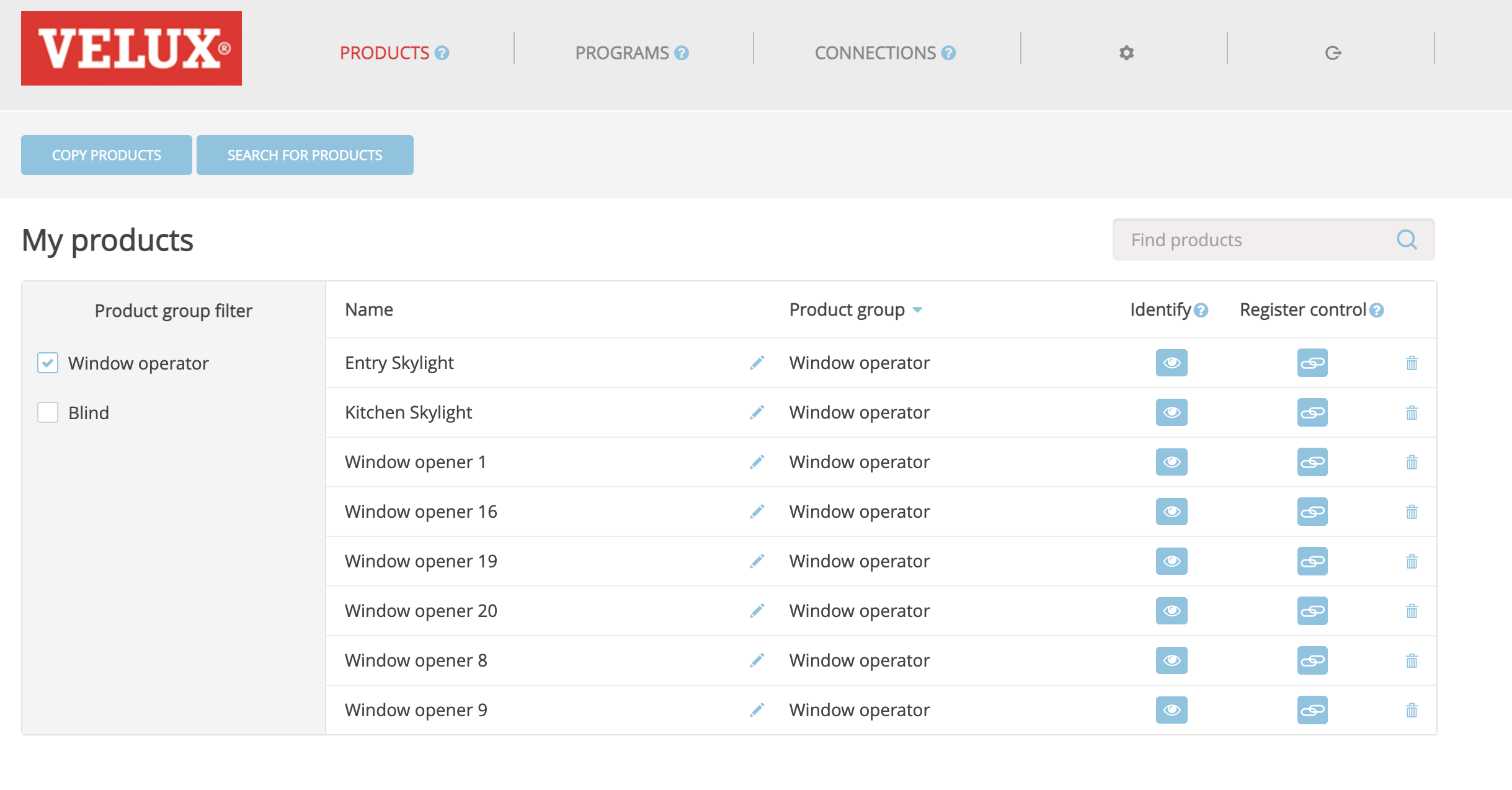
    That’s it. If it works, the KLF UI will change to something like:

What I believe is going on is that use of the “Security Key” button shares that key with the target device, so you don’t need to create/store another one inside the skylight(s) itself. This should also work the other way, just swap units. The “Security Key” icon sends info and the other unit needs to be set to receive info.

Now you can either use the Products tab on the KLF web UI to set up for using contact closure, or use the LAN interface with Home Assistant to control the products added to the KLF.

Hey, if I understand correctly you have both the KLF-200 for automation purposes and the KIG-300 for mobile app support. Is that true? And they both work?

Yes, and they both work, in addition to the CLIs paired with them also working.

Note that I’m currently using the KLF-200 in its contact-closure mode to operate 5 skylights; I’m not using the wired ethernet interface via HA to control everything that it has in its database, but I don’t see why that wouldn’t work, too. I do expect to try that out someday, if only to get the open/close status of my skylights. But, it’s a lower priority than other ToDo items on my list right now.

I started by getting all the CLIs into the Touch (KLR-300), then followed Velux’s instructions for the KIG to learn from the Touch, then my above procedure from the KIG to the KLF. I’m pretty sure that the order in which you bring these multi-item products online does not matter, but definitely how each of these multi-product controls “learns” from the other matters: I believe the important thing is that when you share from whatever device you have, you use the “security key” icon to send everything that it knows. That way the new device doesn’t try to create new security keys with your products (skylights, blinds, shades, etc.). That’s important because each product apparently can only have 1 or 2 security keys.

After doing all this, I’m also able to get new CLI keypads to work as well - but instead of them pairing directly with the product, I send from the Touch to the CLI via Velux’s documented steps. This is kind of handy if you also use some CLIs because it means you don’t need to keep/maintain a CLI for each product for future pairing of other CLIs. For instance, I’ve got a CLI in a room that operates all 8 of my downstairs shades, handy for watching TV in the daytime. So I keep at least one Touch that can control all products.

Tips for the Touch:
• If you create Groups, you can put a product into multiple Groups without issue.
• Any product in at least one Group will not by default show up on its own.
• If you press and hold on the Group letter, it’ll open up and show you the products inside it so you can still control them individually.
• I numbered my skylights with a different first number to indicate level, but you could use that for room. For me, 1,2, 3, etc are the lowest level on the first floor; 11, 12, 13 are stacked above them on the first floor, and 21, 22, 23, etc are on the second floor.
• For Groups, I used the first letter of the room (“K” for kitchen, “B” for bedroom, etc.) to help remember. In this regard I think the older KLR-200 has a better UI since you can at least name things.
• The range of the Touch is much less than the KIG/KLF. I’m guessing this is related to the Touch being battery powered while the other units are mains powered. Note you can have KLR configured as a range extender for your Touches, if that’s important to you.
Thank you, I’m wondering whether to get the KLF-200 or the KIG-300, but I think I will take either and if it doesn’t suit my needs, I will take the other. I feel like I read everything regarding those in this forum, but there is no clear winner. Some people say the KLF is unreliable, others that it’s working perfectly (apart from the need to reset it every now and then).

Can you tell me with your setup, do you have any automations that set a blind to 50% for example or do you have any automatic reporting of window/blind position? If yes, which HA integration reports it?

I can’t help you with that, since I’m not currentlyl using HA. I’ve got an old LiteTouch lighting automation system in my house, and am running UDI’s Eisy home automation box, which has great Insteon support. I’m using the KLF via its contact closure, as that is the easiest way to get my over a quarter of a centry old LiteTouch system to operate the skylights, but that doesn’t report open/close status. So, to get status back I’ll need to (finally) get on the Home Assistant bandwagon, but I’m a bit hesitant to start up a third home automation controller/system.

I’m using the KIG as Velux intends - via its own mobile app and its own scheduled automations. I can do some schedules/automations via LiteTouch for the skylights, but it’s pretty limited).

I think this post/thread is relevant for you:

2 Likes

Alongside my Somfy motorised blinds I have an LED light strip which is controlled by the same io-homecontrol remote control. Does anyone know if it is possible to control that (on/off and 4 dimming levels) through KLF200 (or KIG300)? I see very little mention of lighting in the documentation I’ve been reading…