Just tried and can now ping homeassistant.local on my LAN:
Pinging homeassistant [192.168.1.75] with 32 bytes of data:
Reply from 192.168.1.75: bytes=32 time=10ms TTL=64
Reply from 192.168.1.75: bytes=32 time=6ms TTL=64
Reply from 192.168.1.75: bytes=32 time=11ms TTL=64
Reply from 192.168.1.75: bytes=32 time=7ms TTL=64
Ping statistics for 192.168.1.75:
Packets: Sent = 4, Received = 4, Lost = 0 (0% loss),
Approximate round trip times in milli-seconds:
Minimum = 6ms, Maximum = 11ms, Average = 8ms
As You haven’t mentioned anything in regards to your system, i assume you haven’t read the very first post in this forum
But as you seems to have been around HA, since 2018, i will suggest you to try to add :8123 after your homeassistant.local
Also please try the basic “browser-error” troubleshooting steps, starting with Clear Your Browser cache ALL/Everything
And/or disable i.e uBlock, or all your Extensions(incognito)
It only shows that I have been on here since 2018 as I initially signed up but then never progressed to installing HA on a RaspPi…only did that recently.
I have tried adding :8123 to no avail. I thought port 8123 is the old config and it now runs on :80?
Yes true, But as i said, you havent specified , neither your system-specs, nor when you installed it, or whether you have tried from other devices etc. etc.
Please read below How to help us help you - or How to ask a good question .
Also restart your Router, as you for some reason have installed
it could be so you fu the way your system use to work, where it mostly depended upon mDNS
Also ( as you haven’t read the FIrst Post ), you dont specify whether it’s “only” from Your Phone, Phone APP, or even local pc/laptop browser etc.
PS: i added 2 tags to your Topic
Note: And read up on these tags, The Documentation of those 2 Apps
I have restarted the router and HA and my browser and each add-on/app multiple times. Nothing makes a difference.
Unable to access HA server on LAN from any other device or browser.
As far as I can tell mDNS is stock in my Asus router and the fact that pinging homeassistant.local works I assume proves that mDNS is working as required..
If ping works, I can only assume something about the networking of HA/NGINX isn’t configured right, but having tried everything I can find, nothing fixes it.
ok, i’ve suggested to Admins that Your 2 Topics in this “Regards” should be Merged, don’t continue opening several Topics, and this way spread your “issues”( For same issue, Configuring your duckdns/nginx) for which there actually are tons of Topics in here fore( if you try to use the Search function in here )
Excerpt that my tesla config and public key test is fairly distinct issue to me not being able to connect to my HA server on my LAN isn’t it? If one was fixed/working it wouldn’t fix the other.
Beside you kept referring to “Your” AI, and how it kept sending You in Circles ( Which i believe is a common “issue” with AI )
So i suggested you to read the url above, and also the specific documentations in regards to your Apps
PS: i advice you to also take a close look in your HA-RAW-Logs
/Settings/System/Logs, the 3 dots to the right, of the log-overview
( Could help you and others in troubleshooting efforts )
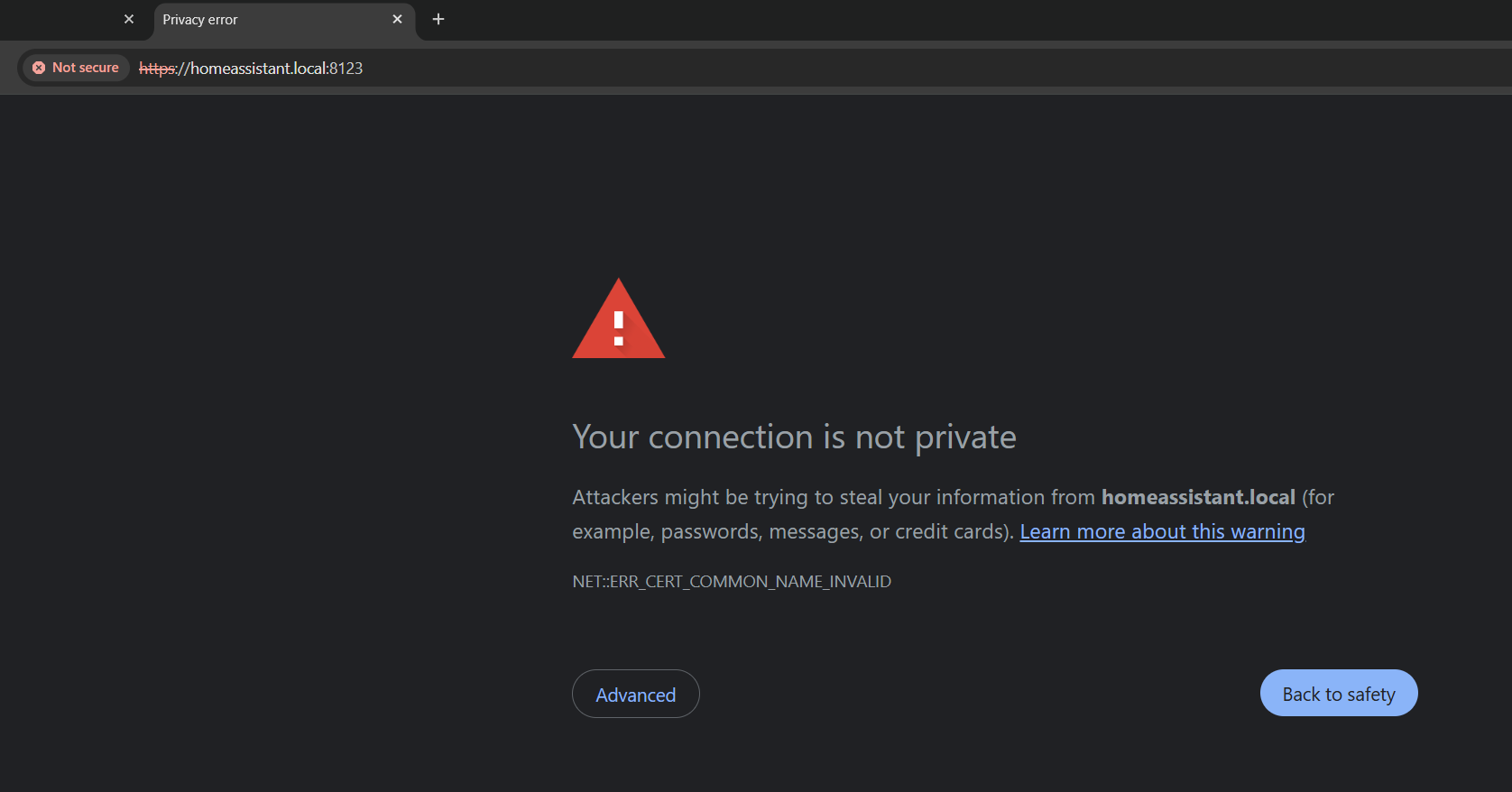
Adding DuckDns makes it so you cannot connect via http locally any longer. The trick is to use httpS even for local connections, then accept the warning that pops up in your browser. Try https://192.168.1.75 or https://homeassistant.local/
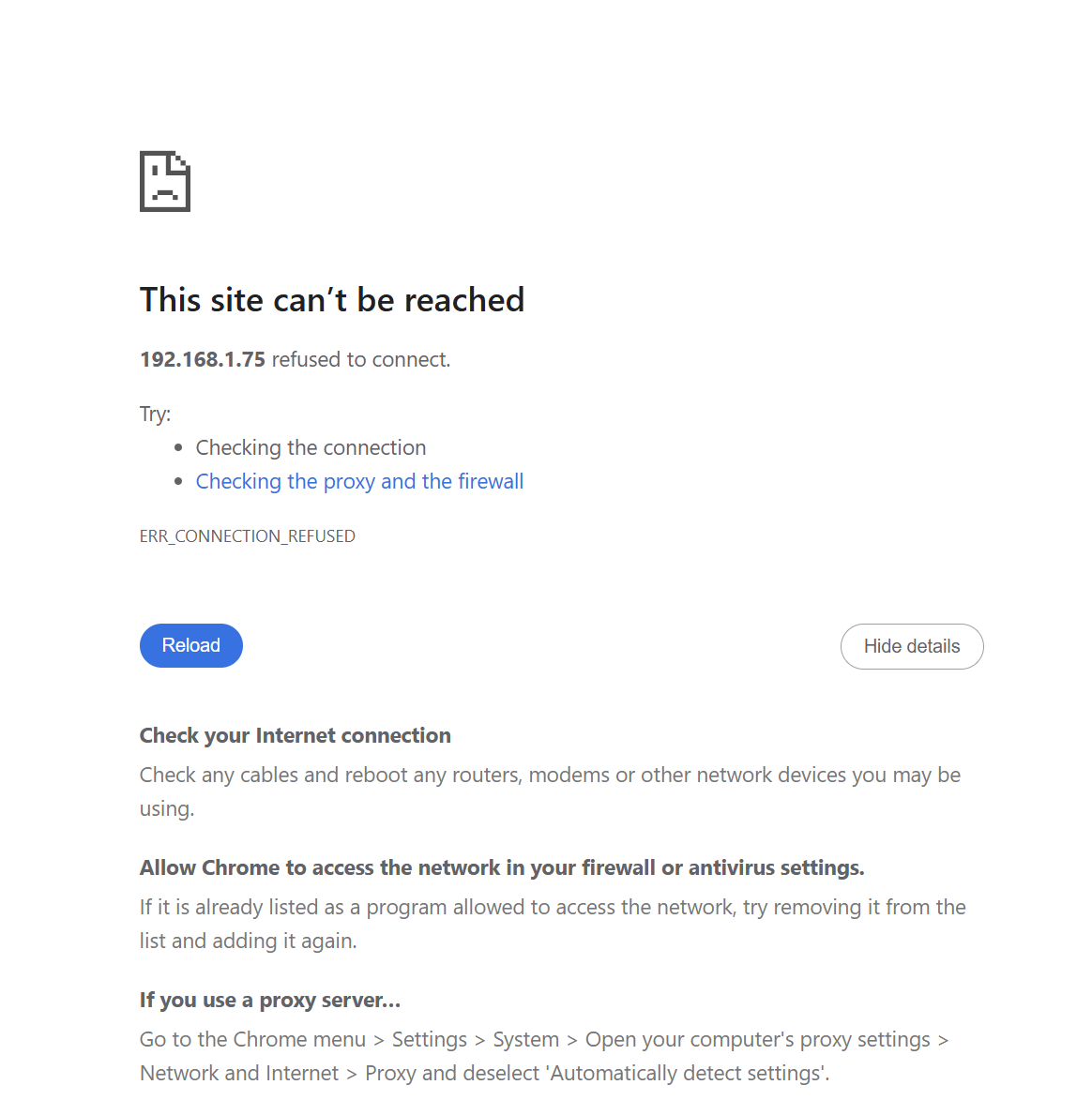
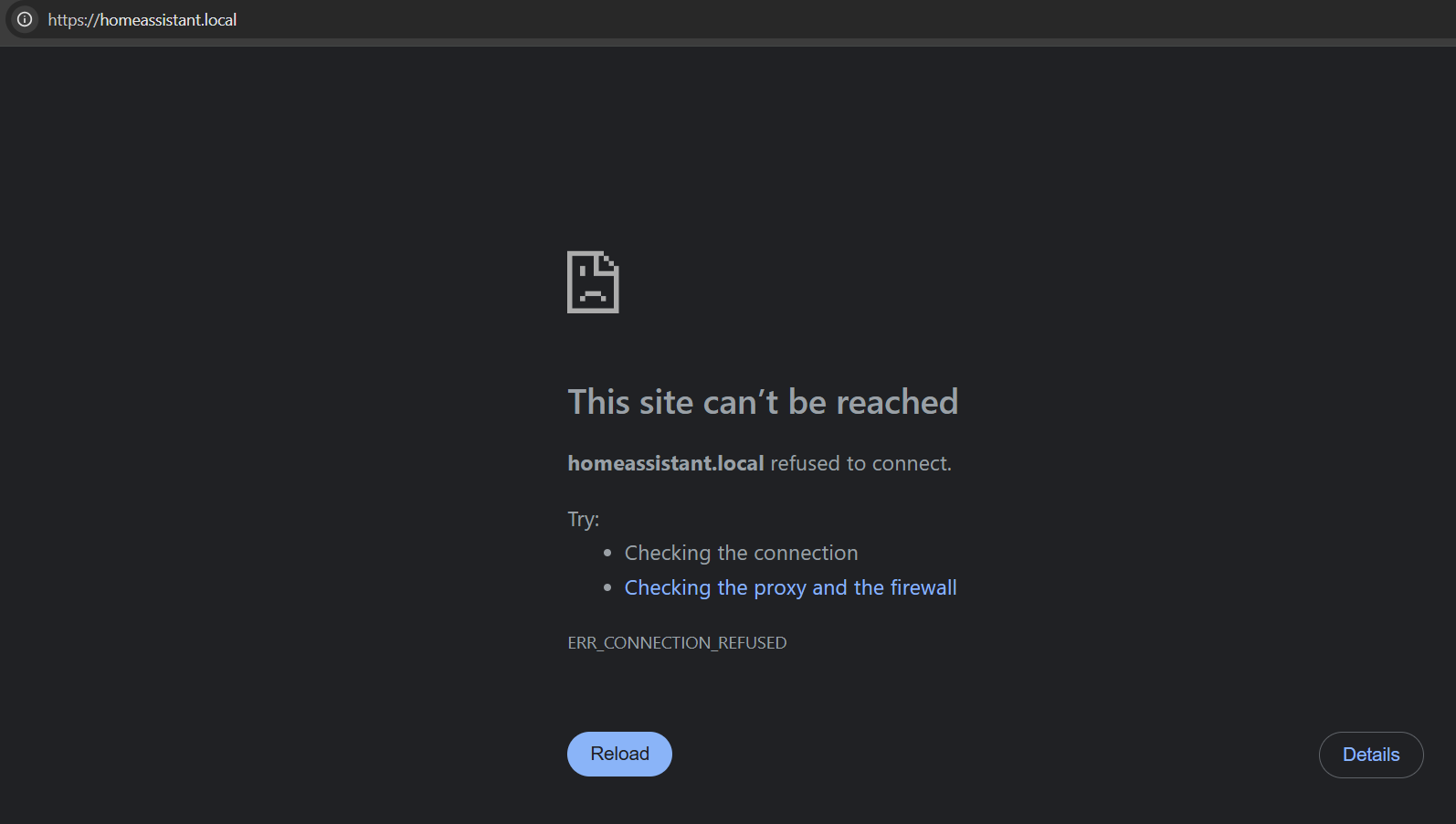
thank you. that makes sense. And that’s what was happening on my previous install on the original laptop. But now even trying https://IP or https://homeassistant.local results in:
Hmm. Any chance you can try a different browser? Still working reliably for me in Chrome, even in incognito, though I’m using DuckDns with LetsEncrypt, not Nginx
Edit: Just remembered. Do you see an advanced button at the bottom of that error screen? That’s where the option to proceed is hidden.
It’s not just a local URL with a cert that doesn’t cover it…it’s not connecting …
I think I might just start from scratch from a vanilla HAOS image, and then do a backup of the most vanilla, and each incremental config/app so that I can always go back to one that I know worked…
Hang on - just reproduced your error when I removed :8123 from my url. If your original install is older than 2 months & you haven’t intentionally changed the port, you still need to add it in the url.
You have solved the issue! My port is not 8123 but 80. So when I add the 80 port to the end of the IP it now works (after the insecure warning). I could have sworn I had tried that before and got an error. Works for both the IP and the homeassistant.local