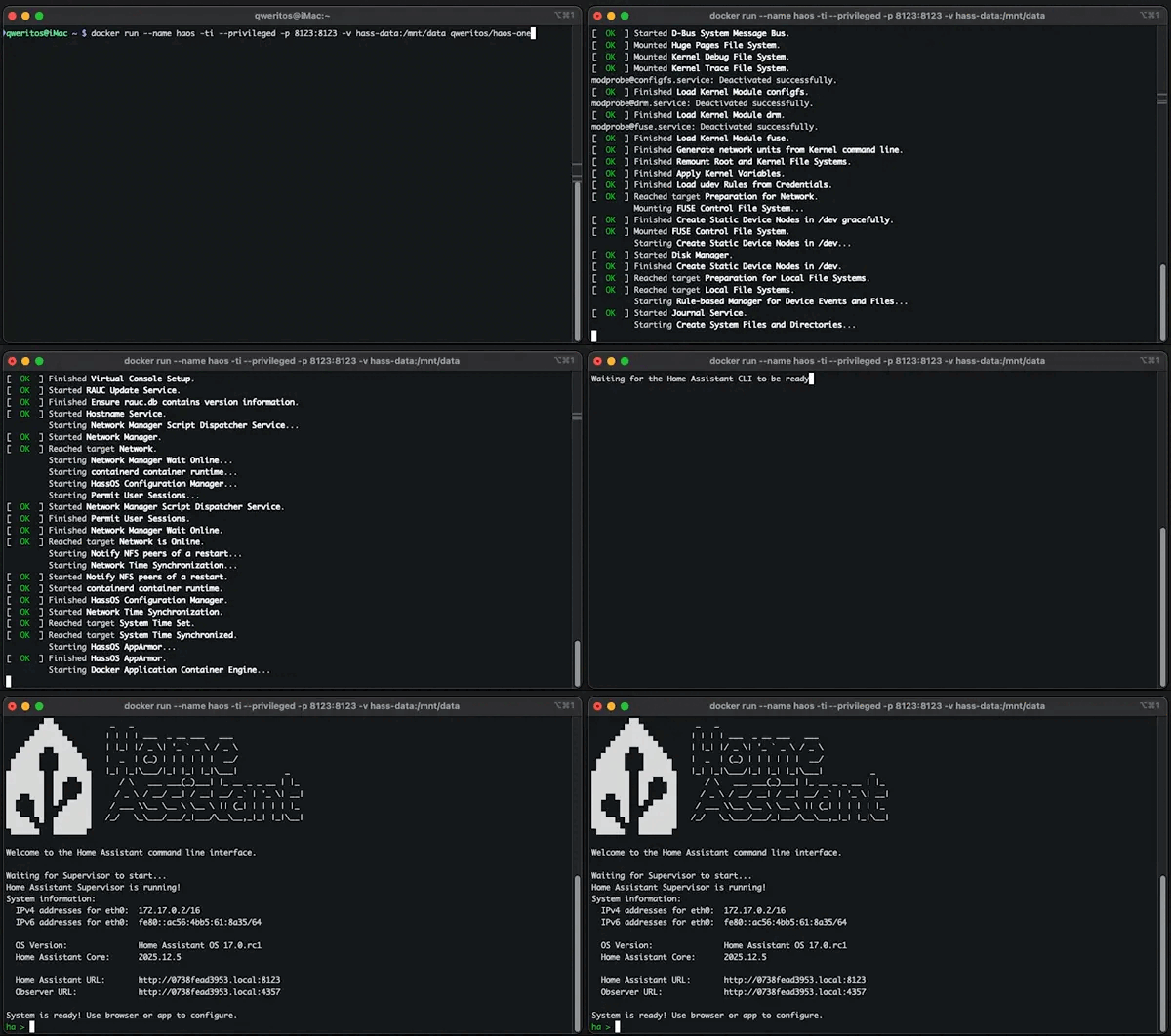
I wanted to share my challenges for anyone considering migrating their Supervised installation to the new haos-one Docker container, specifically if you are running on Linux (Ubuntu/Debian) and connected via Wi-Fi.
I spent the last few hours trying to get this working and hit a major roadblock that leaves you stuck between “crashing your network” or “breaking your devices.”
The Problem:
Host Mode Crashes Network: The documentation recommends network_mode: host. On my Linux machine, doing this caused the container to hijack my host’s network interfaces. It literally renamed my virtual interfaces to eth0, killing my SSH connection and taking the host offline. I had to restart to recover.
Bridge Mode Breaks Discovery: To stop the crashing, I switched to bridge mode. While Home Assistant starts and is accessible, discovery protocols fail. My Govee lights (Local API) and Matter/HomeKit devices stopped working because the container can’t send/receive the necessary broadcast packets through the Docker bridge.
IPVLAN doesn’t work on Wi-Fi: Trying to give the container its own IP (IPVLAN) fails because Wi-Fi access points generally block multiple IPs on a single MAC address.
Summary:
If you are on Ethernet, you might be fine (or maybe Macvlan works for you). But if you are on Wi-Fi, be very careful. haos-one seems to try to manage the underlying network hardware in a way that conflicts with the host OS, and there is currently no easy workaround to get local device control (Govee/Matter) working without risking your host connection.
@John27 , Yes, you can move your existing data (devices, addons, state history, etc.).
Basically, you can back-up&restore via internal hass mechanism.
Check the Migration section in README.md:
@parautenbach, It’s known issue that in-haos NetworkManager can mess up your host network, but it cannot just be disabled - hass will complain about “no internet connection” and may cause other problems.
@Laurynas, it’s possible to overcome with network_mode: host and by setting correct static IP address in homeassistant network settings page & reboot, so in-haos nm settings be aligned with host settings.
I’m working on this issue now, there will be stub service - drop-in dummy replacement for NetorkManager.
@whatisk yes, you can spin up another instance next to existing one, just avoid any possible collisions - use different ports, volumes, etc.
After migration (see Migration section in readme) you can switch primary instance to a new one and shut down old.
You can run it with just -p 8123:8123, but if you need to have functional network autodiscovery features or to passthrough host’s bluetooth adapter - use --network=host.
And yeah, its better to upgrade beforehand, and confirm that everything’s work well on your effective instalaltion.
@thamathar I checked (in VM), and turns out its not possible for a really weird reason: even latest DSM 7.3 still runs the ancient Linux 4.4 kernel, which is around 10 years old (why the heck?!) - and as a consequence it lacks of many required features.
So, seems like the only option for HAOS on synology is to use VM (VMM app?) and official disk image.
Thanks. Was a little confused around the difference as pretty sure on current install I just used ‘-p’.
I seem to have sorted network dropping issues with the Proxmox server I’ve been setting up so will look into this more. I thought PM was freezing and needed a reboot at random times but ended up being an obscure known issue with the particular network adaptor in the NUC.
Hopefully, it’s not related to issues described by @Laurynas in
Before, there was issue when container network takes possession of host’s network, making server unreachable - but it was fixed while ago, and if it still relevant for you - update image with git pull qweritos/haos-one:latest before run it.
Is this still an issue? I was having trouble with the bridge network and switched to host network which immediately blew up my ethernet / networkmanager.
I’m in the process of upgrading to a new server so it wasn’t too terrible, but kind of frustrating.
The supervisor wouldn’t start and/or connect to the internet with bridge network mode.
(I’ll make it enabled by default after some testing - yet i’m not 100% confident about this decision)
it will enable spin-up of fake networkmanager to satisfy hass demands. (for now, it will show Unsupported software warning - safe to ignore: its because fake NM running in container unrecognized by hass; i’ll fix it later just to suppress this waring).
And @eevans, I would really appreciate it if you let me know whether this help and it doesn’t cause any other issues.
I currently run my docker hosts in lxc containers on multiple proxmox servers. It makes concurrent use of the gpu by multiple containers painless vs a vm hijacking the gpu. Has anyone tested running this docker container on a docker host in an lxc? I have not had issues with any of the other docker containers I’ve started but figured better to ask ahead of time.
Well I tried the haos-one container in my proxmox lxc docker host. It ran fine itself but brought portainer to a screeching halt and the only way I could fix it was to stop/delete the haos-one container and then restart the whole lxc. Guess I’ll stick to haos in a vm unless anyone has suggestions? Gemini was more unhelpful than normal.
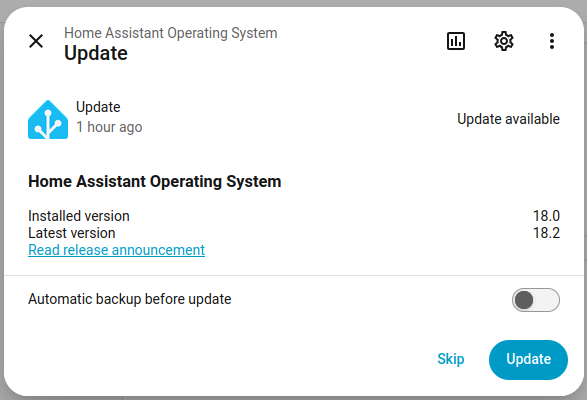
but it fails with the message: Failed to perform the action update/install. Error updating Home Assistant Operating System: ‘OSManager.update’ blocked from execution, supervisor needs to be updated first
I did a docker pull and restart. Also I tried in the docker container via
sudo docker exec -it haos bash
/ # ha supervisor update
Processing... Done.

Error: Abort update because of an issue with AppArmor: Can't update AppArmor profile!
/ #