I’m fairly new to Home Assistant. I’d like to integrate my HIKvision Doorbell into HA. HA is running as HAOS in a VM on Proxmox. I have one outdoor station (DS-KD8003Y-IME2/NS) and two indoor stations (DS-KH6320Y-WTE2).
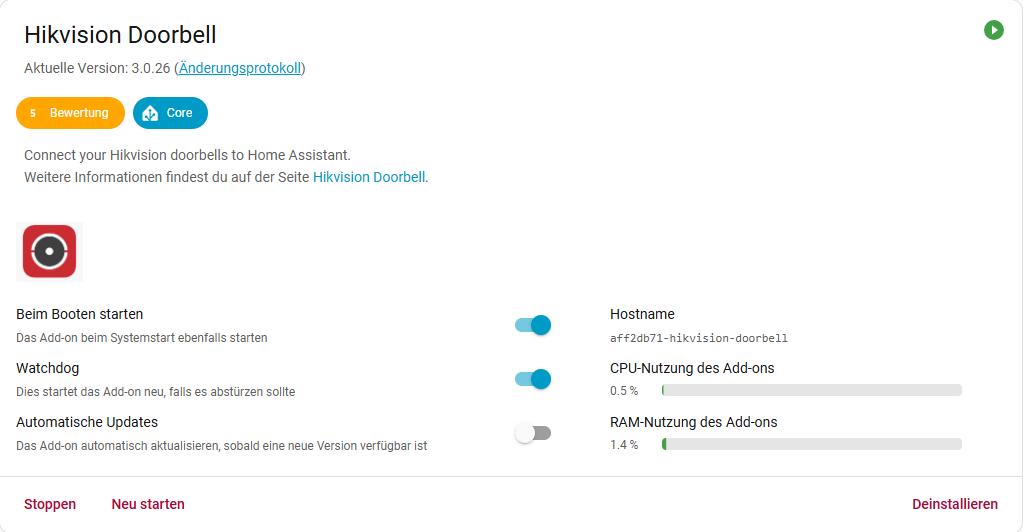
This add-on is installed and configured with the outdoor station’s IP address and my MQTT broker (not the internal one).
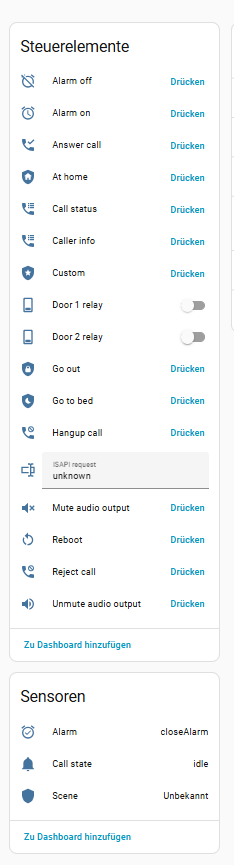
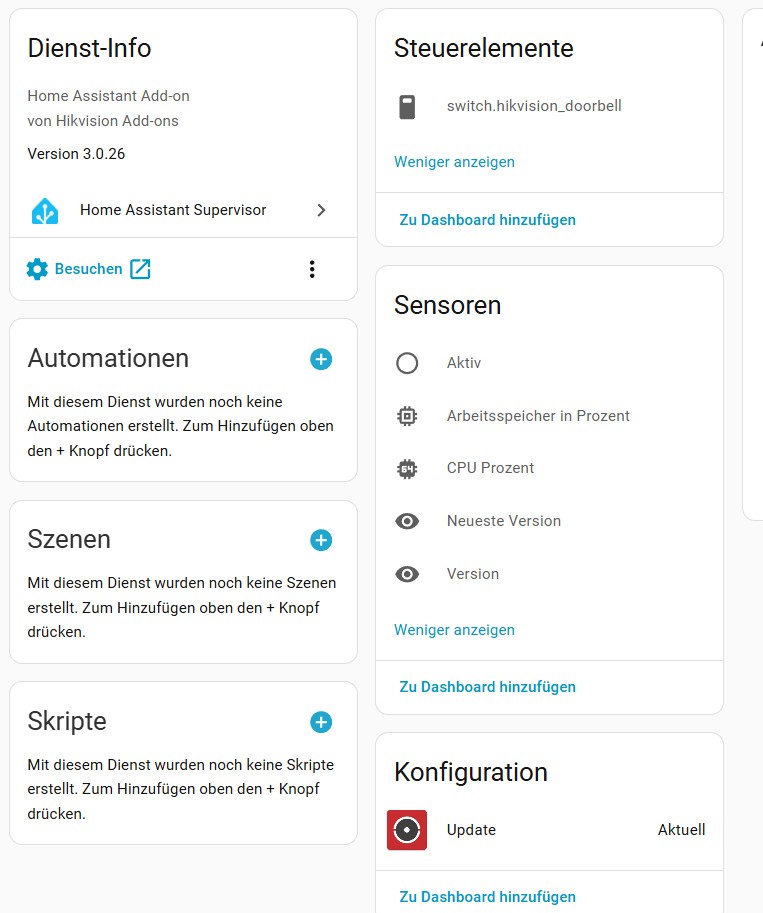
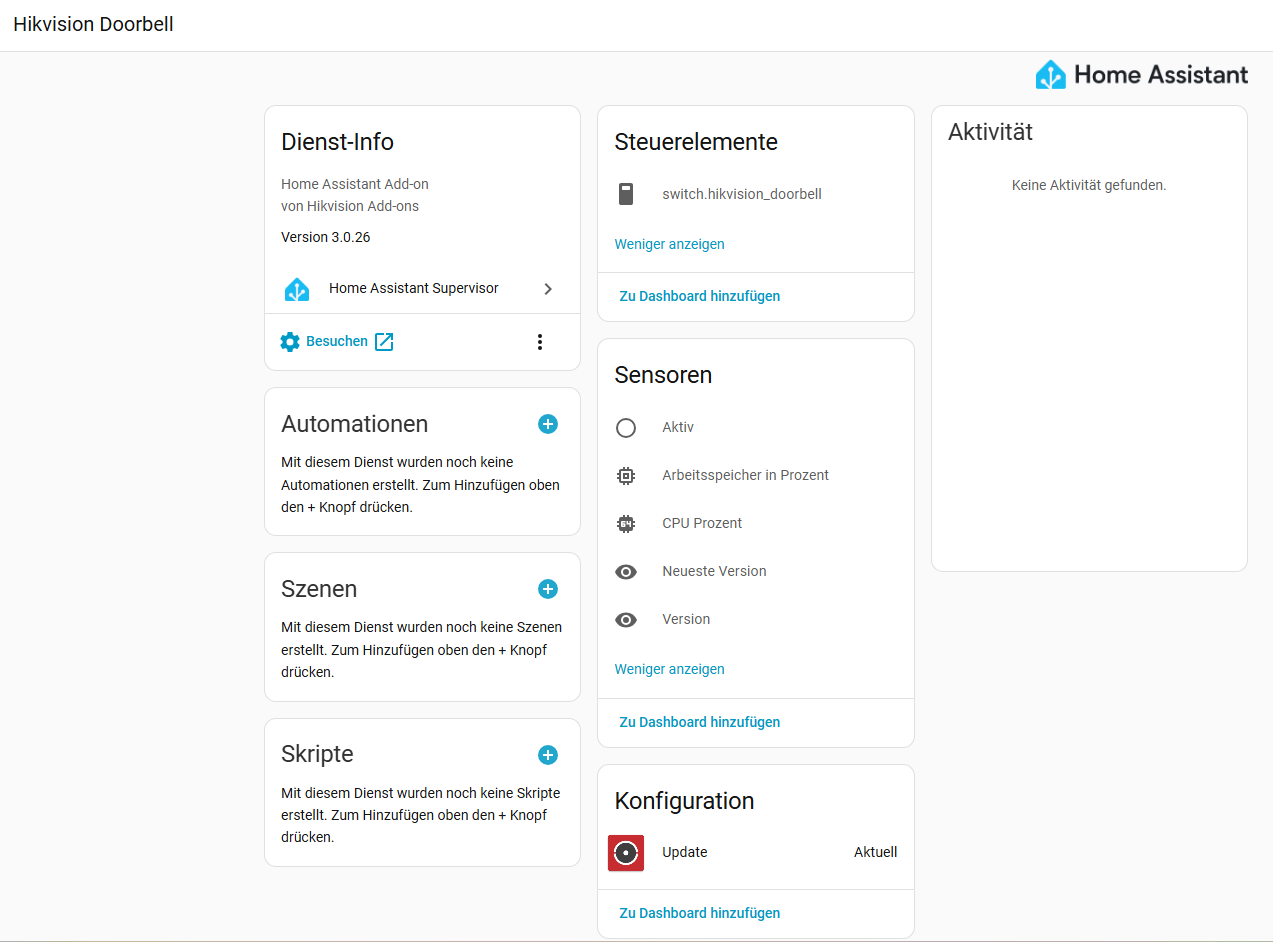
Now, under Devices, the entity “only” shows a switch and 5 sensors.
For a beginner the whole topic is really complex to understand.
I guess the issue is releated to the firmware version that is installed on the HW.
I have installed a pretty old firmware version V2.2.50build 210728 and I’m wondering which would be the right firmware version to update to.
Is the official firmware now supporting the features that are required or is it still required to install a custom firmware.
I’m also wondering where to find the custom firmware version.
Outdoor station: DS-KD8003-IME1
Indoor station: DS-KH8350-WTE1 (in the hope to deinstall soon and replace with HA)
Tampering alarm is not related to the doorbell button.
The tampering alarm is a button behind the doorbell which is permanently pressed if it is mounted in the housing. If someone is maniulating the doorbell then this button gets releases and the tampering alarm will be triggeren (anti theft or manipulation mechanism)
I now got the system up and running:
Outdoor station: DS-KD8003-IME1 → V2.2.62 241008
Indoor station: DS-KH8350-WTE1 → V2.2.96 241111
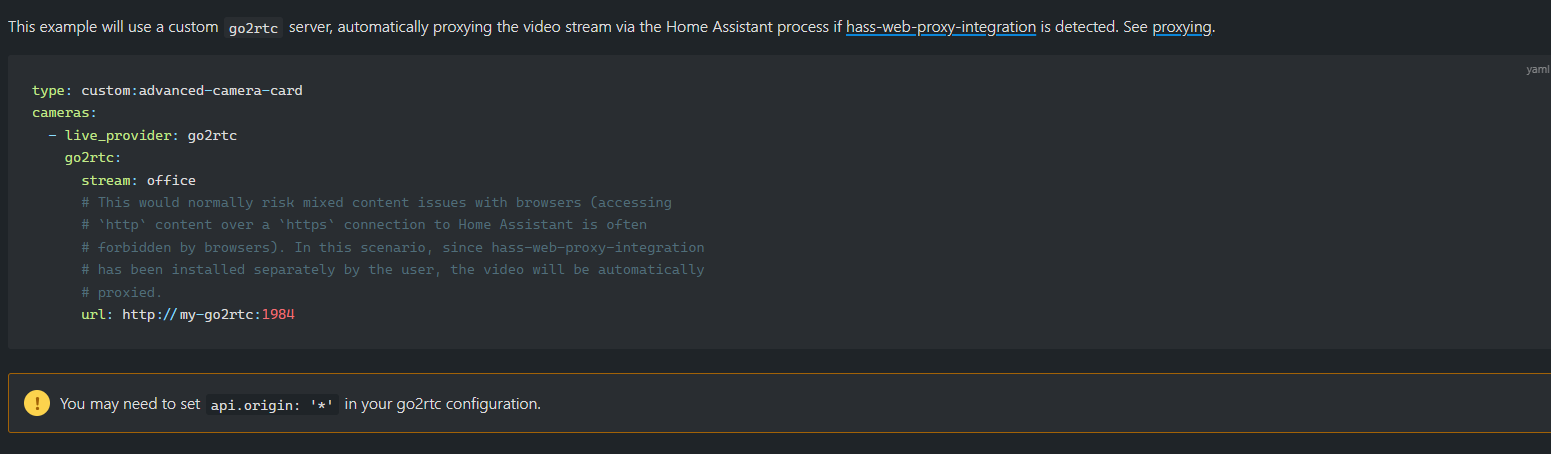
And two way audio is also working for go2rtc (if I go to this page https://user:pass@yourdomain:1985 and then click on links and then: “video+audio+microphone = two way audio from camera”).
Issue a)
I do not get the microphone symbol within the advanced camera card (but 2 way audio is working):
Issue b)
The advanced camera card is only working on my PC (windows 11 + chrome). If I open the dashboard with my mobile phone (android) it is not working. HA companion app nor browser (chrome or firefox). The stream is not loading.
Both devices are in the same wifi.
I’m using https and ssl.
If I enter https://user:pass@yourdomain:1985 directly and then click on links and then: “video+audio+microphone = two way audio”. Then everything is working as expected. Just the dashboard is not working.
Thank you for your help. I admit my English isn’t good !
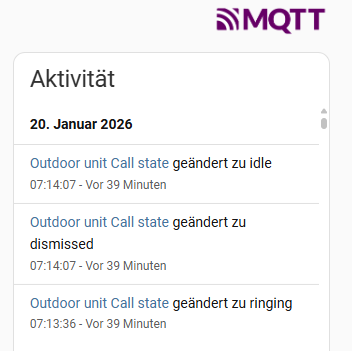
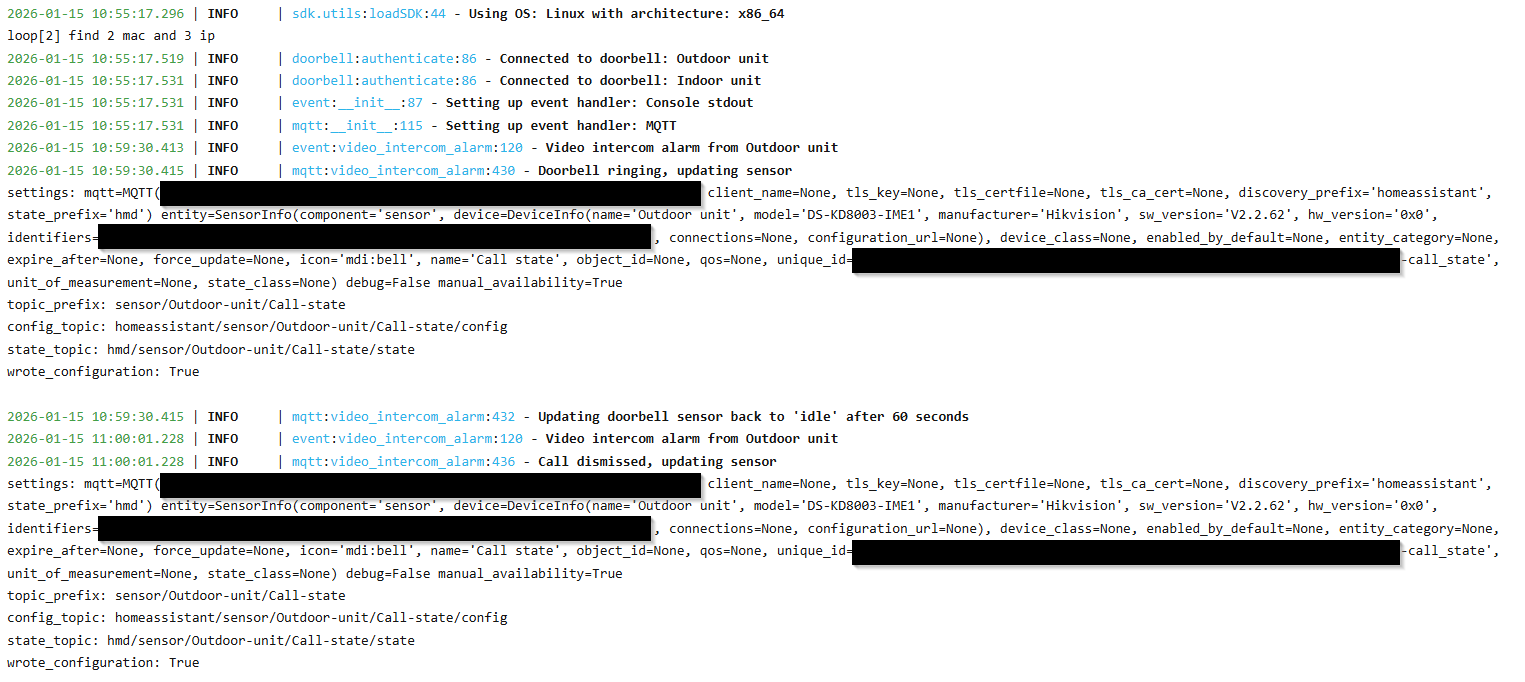
When I press the square button on the video intercom, the call status in MQTT doesn’t change. The unit just beeps ‘tut-tut-tut’ and that’s all. I also see nothing in hik-connect. For your information, I only have the outdoor unit.
Ok, tried this, but ran into issues and don’t get it running.
But I found out what is the issue:
I first need to visit https://[your-domain]:1985/ and enter username and password.
After that I can see the stream in my dashboard on my mobile phone on the browser.
But on the HA companion app it is still not visible…

 I receive no notification on my smartphone (Hik-Connect app).