A couple of days ago my HA system just died. Because the main items are on switches like Candeo or Sonoff the lights etc. still worked and I didn't notice.
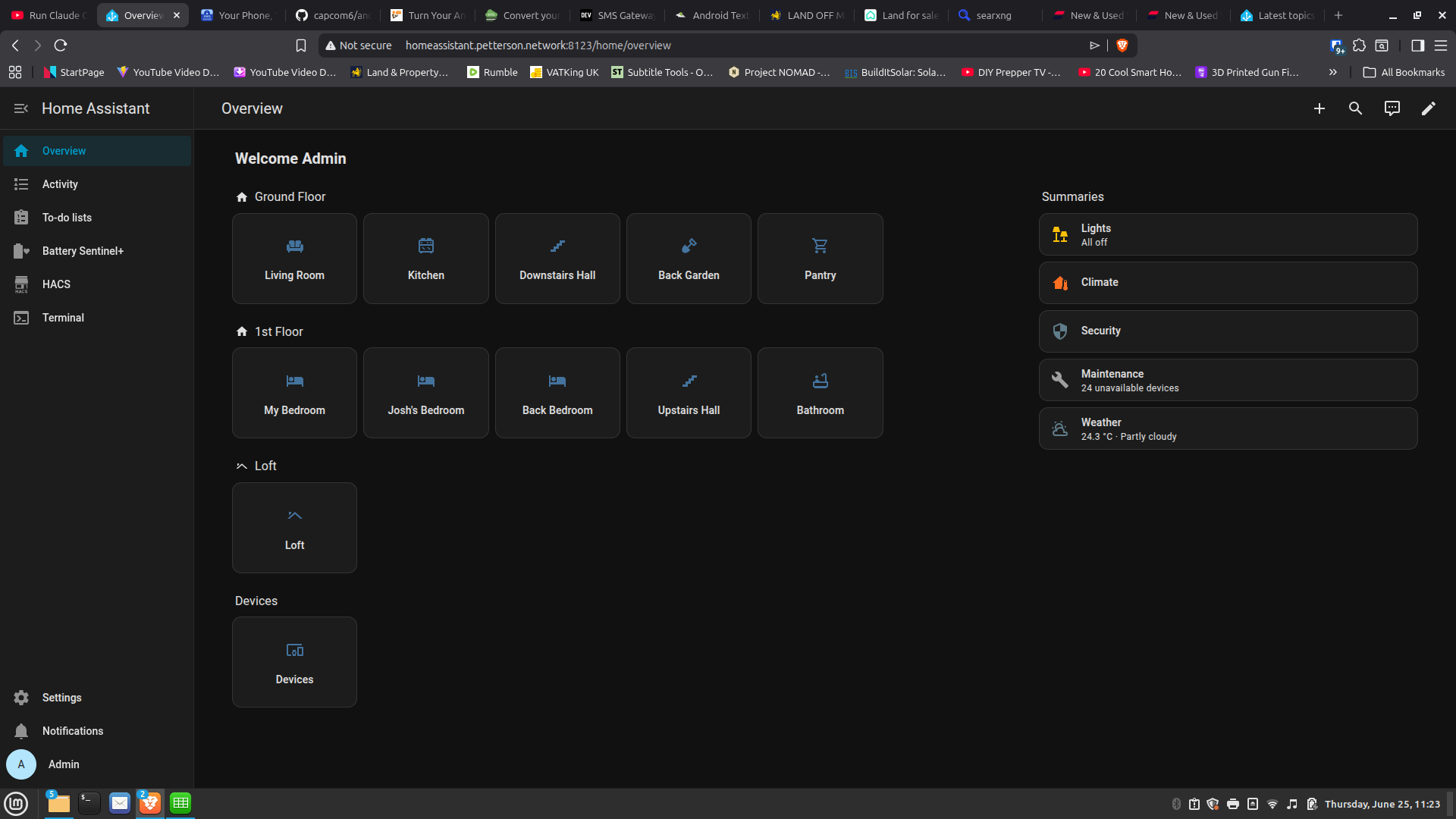
The main panel maintenance area came up with a 24 unavailable devices.
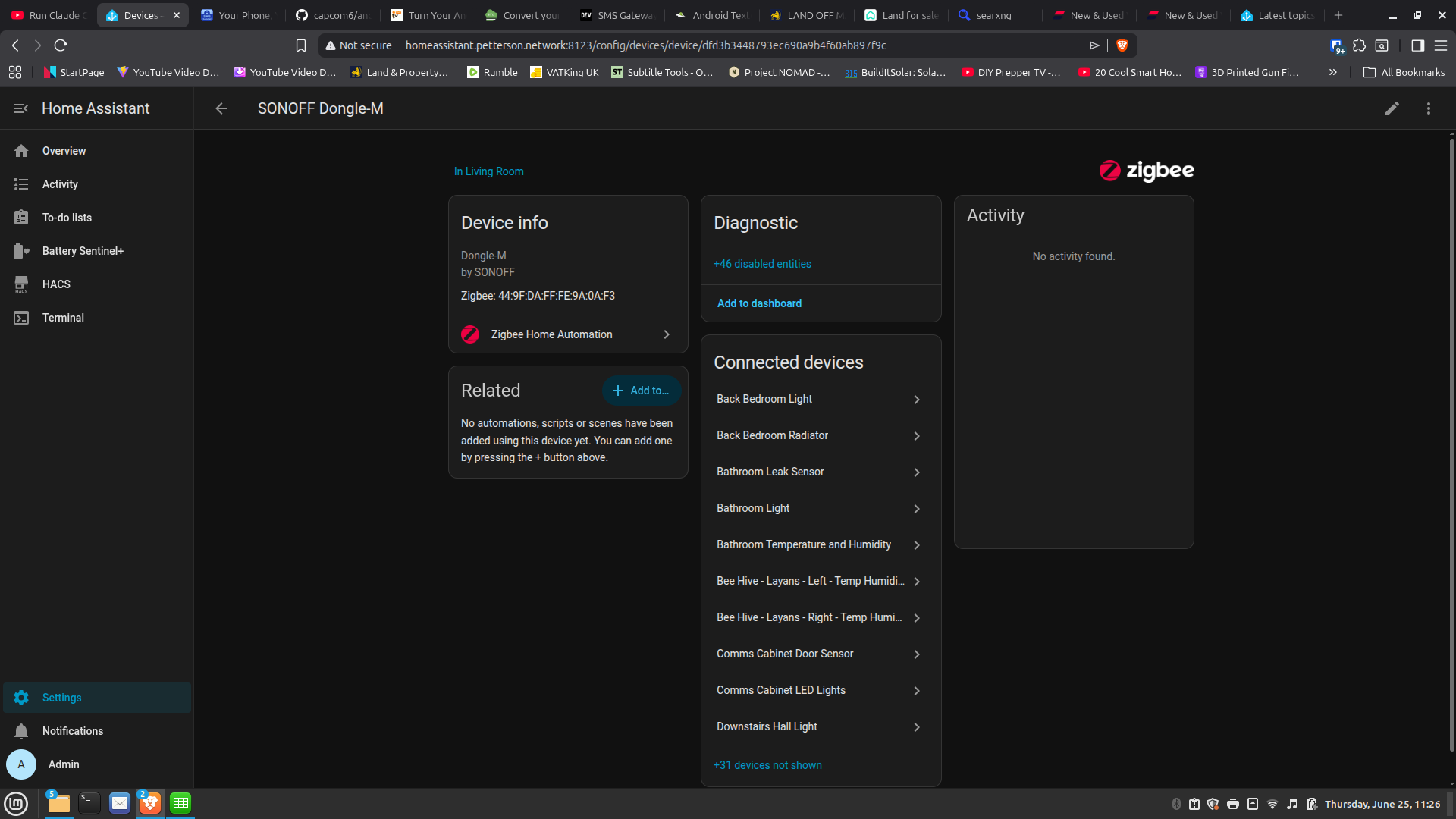
Now I have a Sonoff Dongle-M. It sees all the devices but they are marked as disabled and any actions are disabled.
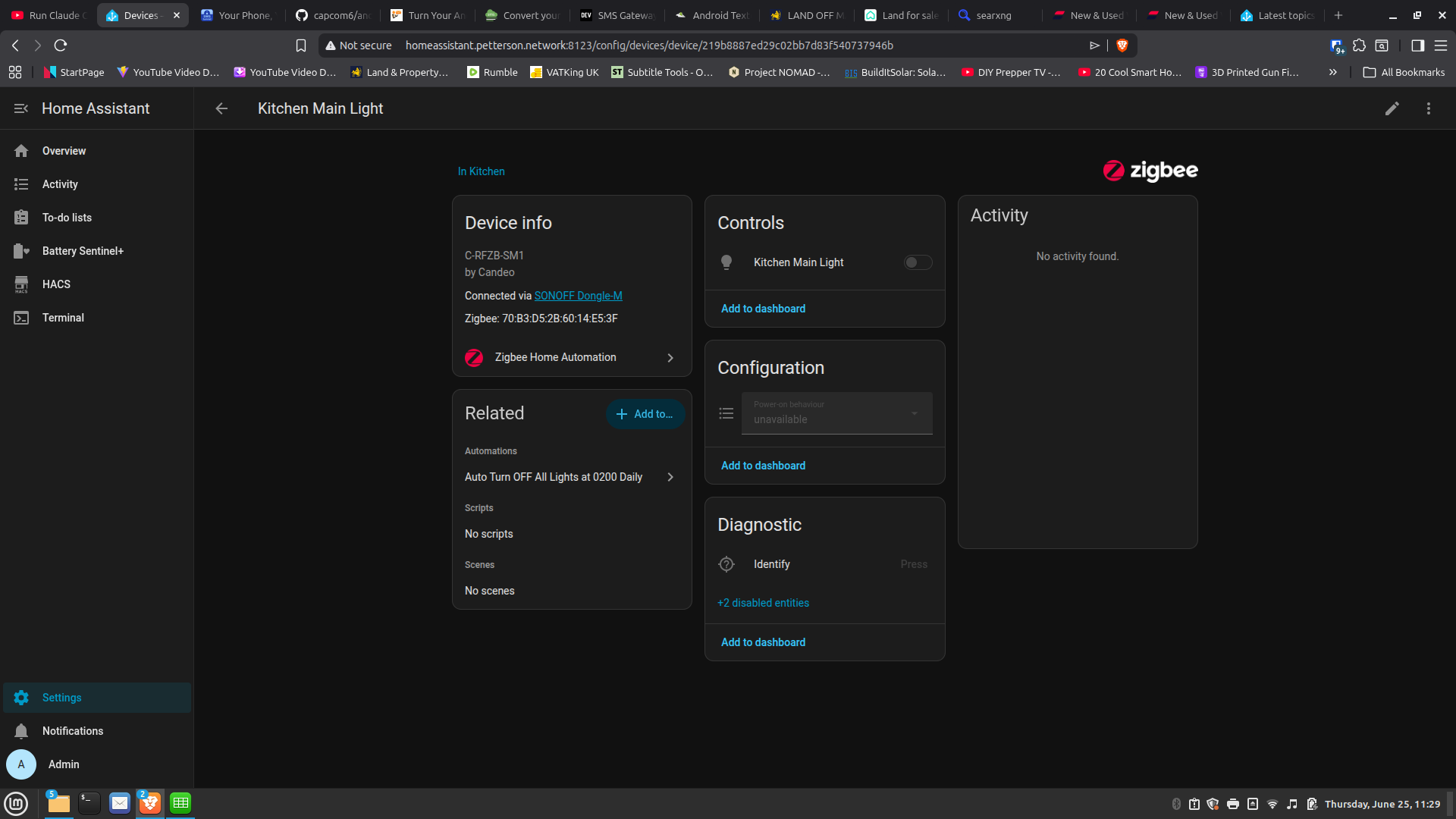
For example here is my kitchen light. You can see the automation and the IPs, etc.
I checked through the activity logs and it is all blank, except for my WiFi Printer and the timed automation for backups etc. until you get to some general lighting scripts where it successfully action-ed the lights due to the presence sensor successfully detecting presence. No error messages after that just empty space.
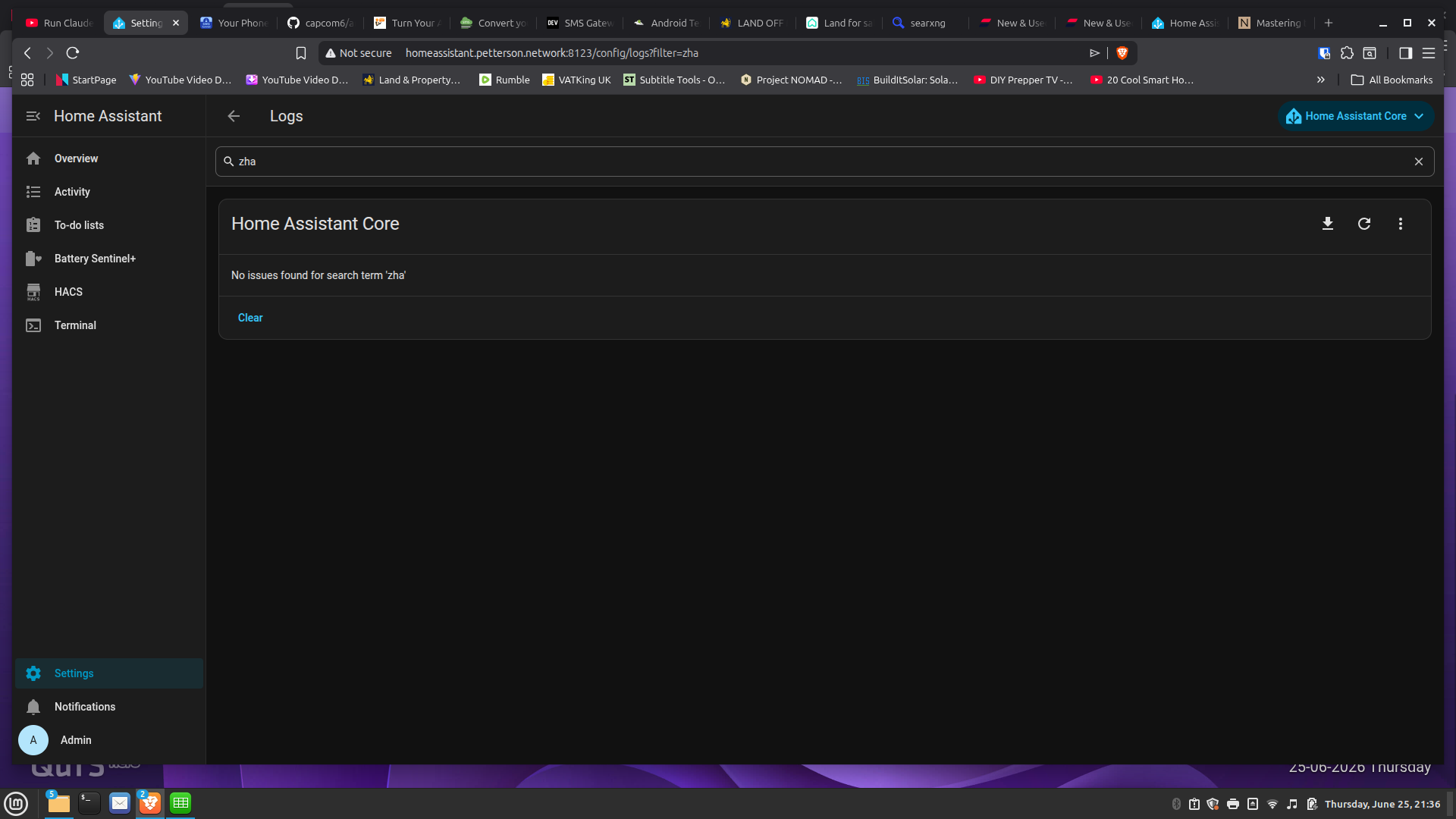
I've looked through the logs and I don't see anything obvious but I do have a message that the SQL DB can't validate it was shutdown cleanly. Not sure if that is my fatal error so I'm considering reinstalling from scratch but would prefer not to do so if there is another way.
I tried reloading the DB from backup but it simply hung, which made me more certain it is the DB, and I had to restart the system to get out of it. Although restarting didn't fix it either.
Any ideas? Thought on how to reset the DB so I can restore or should I just bite the bullet and reinstall?
Sounds like your hardware isn't reading the coordinator anymore. Make sure it's seen in settings -> system -> hardware -> system hardware. There should be a usb device calling out your sonoff dongle. If you don't see it, try unplugging and replugging it in.
Petro, It does appeaar to see it as it reports its details and shows what is connected to it.
I've already tried unplugging it and then plugging it back in, rebooting as well as cold start. Standard IT stuff but all to no avail.
interestingly I was also able to add a new device to the mix. using the Zigbee search and it was found and installed. Showed up unavailable just like all the others and was missing the option to remove though, as was everything else.
Now I dropped down to the CLI for ha and typed lsusb. It sees the Sonoff Dongle fine.
So in case it was a bandwidth issue I removed the radiators and the last three devices I installed.
Then I noticed, don't think it was doing this before;
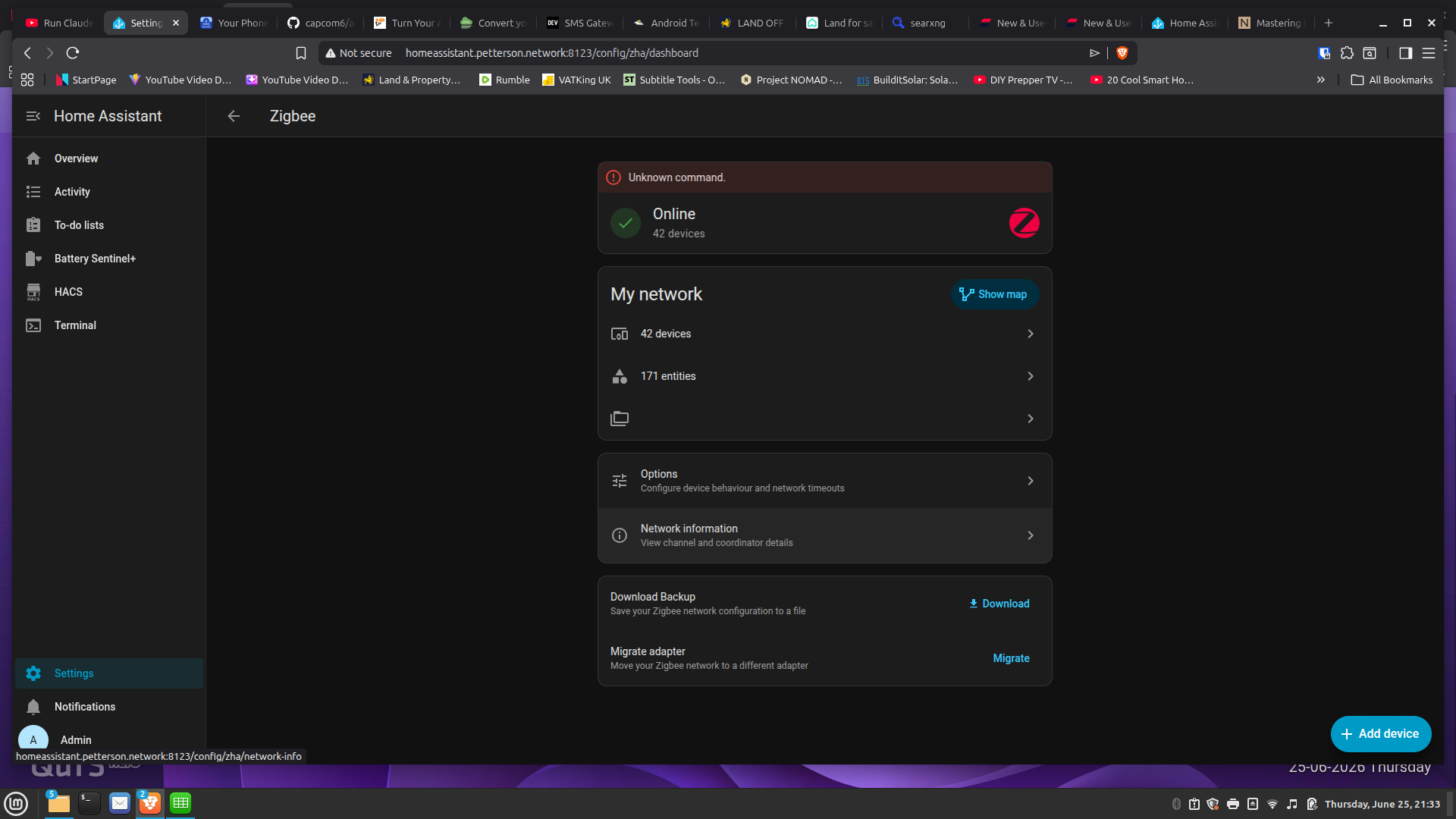
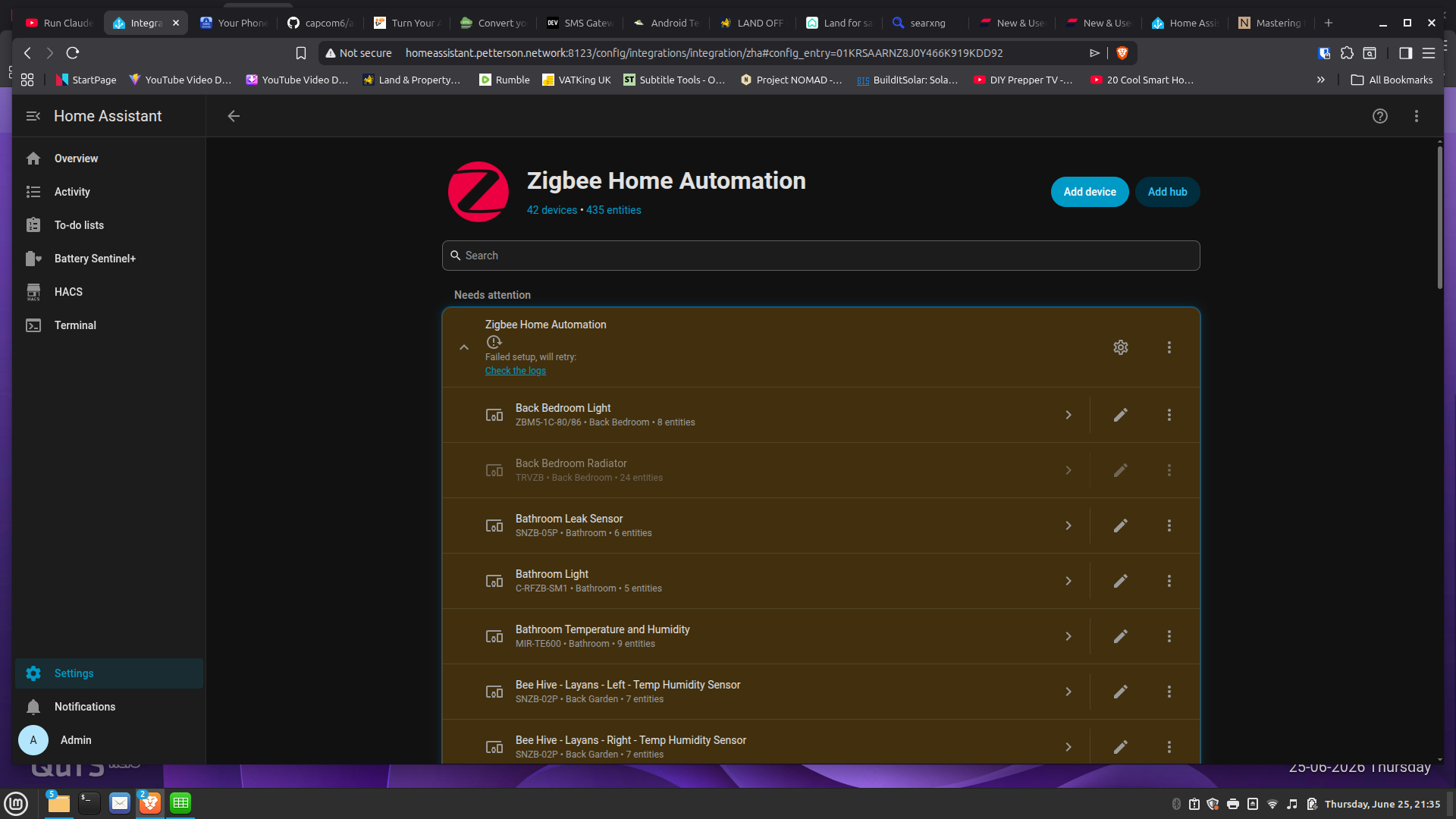
1 - In the Setting - Zigbee is says bad command
2 - In the Zigbee panel it said the Sonoff Dongle-M was initialising and it failed setup.
Settings - Zigbee - Devices - Sonoff Dongle - Zigbee Home Automation
Did your devices have firmware update? Do you have antenna from the same brand as devices? As I read Zigbee is "so open" standard, that not all devices from different brands can talk to each other (I mean antenna from one brand can not be able to see devices from another brand). In teory - if you have different brand for devices and different brant for antenna, after some firmware update can happen they will not talk to each other anymore.
Checking12, I can't remove anything and if I did I may as well rebuild.
Shins, Not that I am aware of and I've hit this problem with several devices. However, this is every one including Sonoff devices. They shouldn't be allowed to use the brand Zigbee if they won't work with it unless you buy their own specific hub. I want a £10 switch but need to by a £50 hub to use it. Just crazy.
I do have another hub so I will try switching and see what happens and if that doesn't work I'll simply try a complete rebuild.
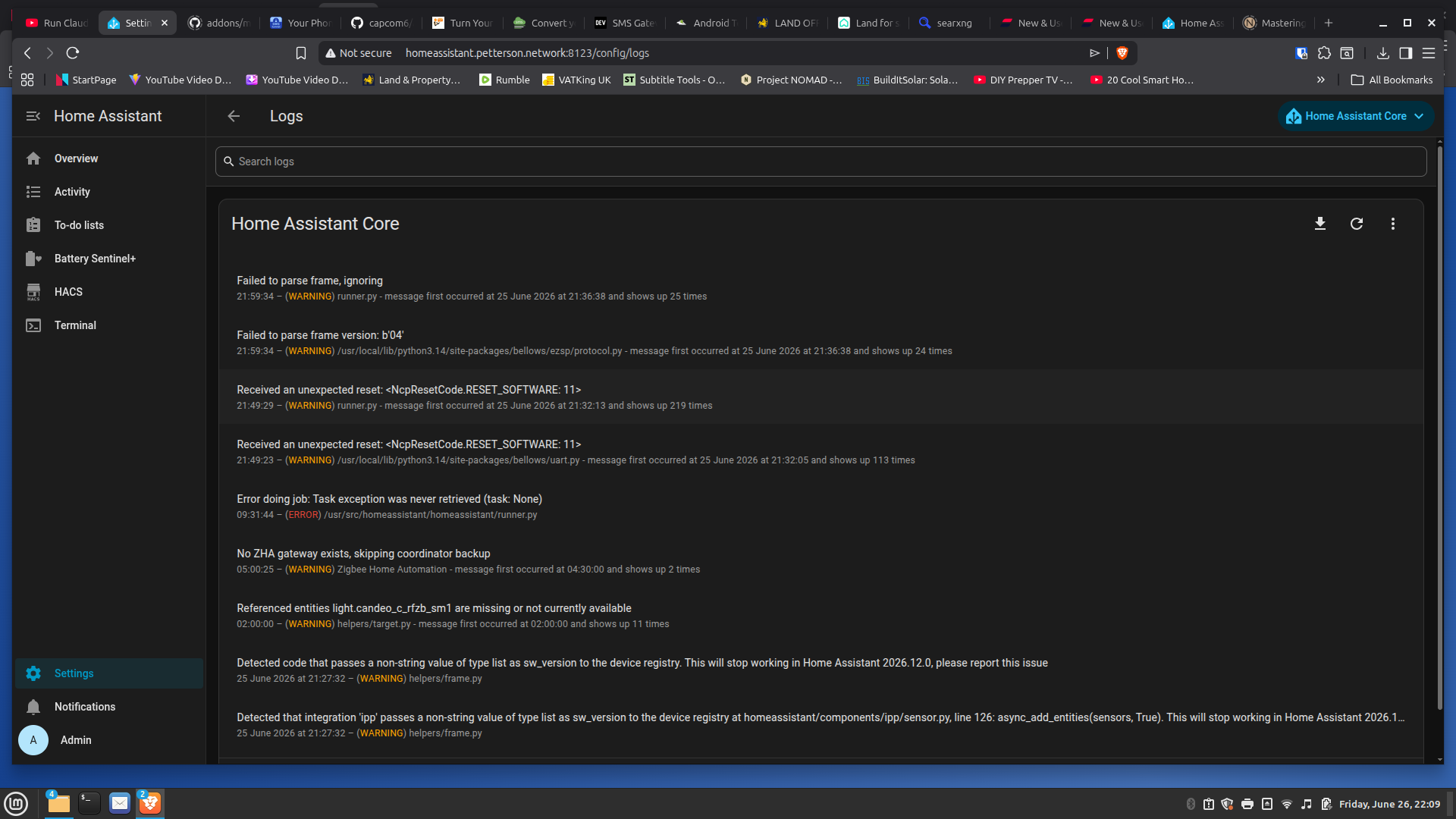
Before you do that, have a look here. Those 331 NcpResetCode.RESET_SOFTWARE: 11 errors might be caused by another integration trying to claim your coordinator to communicate.
First things first, check if you have any other integrations (like Thread/Matter or Zigbee2MQTT) running unintentionally. They may be listed under ignored integrations. Delete them. If you intentionally set up Multi-Pan on the dongle, I can guarantee that's the source of your issues.
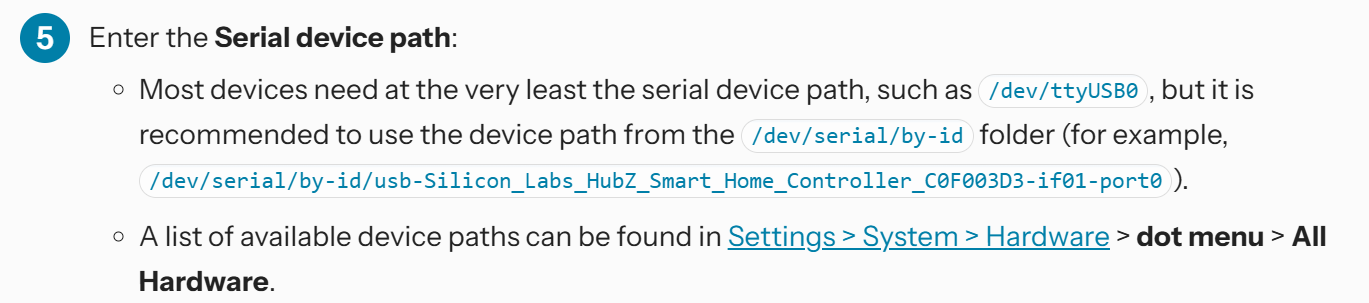
Secondly, double check the config you used for setting up ZHA. If you used the device path, that might have changed after a restart. Update your config using the new path, or, better yet, use the serial path as recommended in the ZHA docs :
Alternatively, skip all that hassle & hook up the Dongle-M via ethernet & use the IP in the ZHA config. I'll never understand why people would buy a dongle which supports ethernet, then hook it up via USB.
I think you misunderstand my suggestion. Remove an integration is always possible, regardless state of your devices. When you re add, all devices will be recognized when success or the zha integration fails to initalize and your stick is up for replacement
Shadowfist, I set up the dongle on Ethenet and I did try multipan but I kept hitting issues and retried with USB and it worked instantly without issue, well at least till now.
I checked for other integrations and none were apparent.
Note that this was a fully working system that I left running for a week while I was busy and when I went back I didscovered it had failed two days ago. I have neither modified or installed anything for a week.
I'm trying a new Zigbee controller and seeing how that goes. I just can't see it being anything else but the controller.
Well, Replacing the Dongle worked fine. I replaced it with a ZBT-2 and immediatly everything came back working.but disapointed really and annoyingly the return window closed a few weeks ago.
On the other hand everything is back up so thank you all for your help. It was a learning, or should I say, learing experience.
I do understand that it can a PITA when your HA is not doing what it's supposed to do.
Not only is @vascob right: you will more likely not get the right help...
Just my 2¢
Good that it got solved!
Also: please take the time to mark the post that holds the solution.
You do that by selecting the three dots under the post:
Then select the check box:
By doing so:
this thread can be useful to other users as well (this thread comes up as solution when starting a thread which is similar to yours).
this prevents that someone else steps in trying to help