I am big fan of Home Assistant now, I have switched all of my home devices to Home Assistant.
I've tried to ota zigbee devices via ZHA, I followed some guides, but they seem to be outdated. I’d like to share my updated experience here to help others.
create zigbee_ota folder:
cd /config
mkdir zigbee_ota
copy your ota file to zigbee_ota folder:
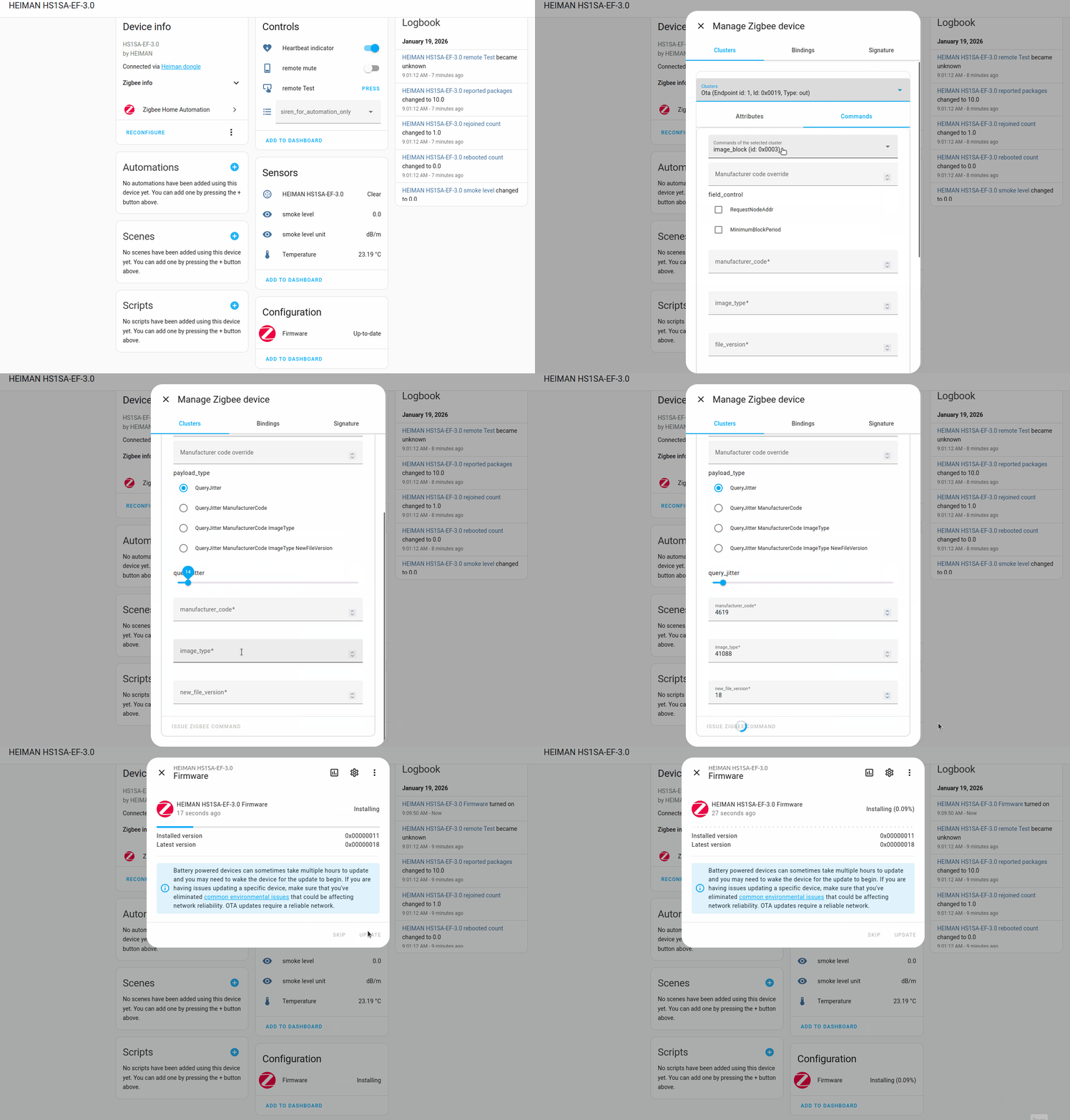
here is an example what I have HS1SA_EF2_UART_0787_V18.ota (HS1SA-E Plus), If we provide the following information, we can notify the device to check for the update immediately and speed up the process.
The vender id is: 0x120b (4619)
The image type: 0xA080 (41088)
The version: 18
edit your configuration.yaml, ZHA engine will load your firmware from zigbee_ota folder.
zha:
  database_path: /config/zigbee.db
  enable_quirks: true
  custom_quirks_path: /config/leozhaquirks/
  zigpy_config:
    ota:
      extra_providers:
        - type: advanced
          path: /config/zigbee_ota
          warning: >-
            I understand I can *destroy* my devices by enabling OTA updates from files.
            Some OTA updates can be mistakenly applied to the wrong device, breaking it.
            I am consciously using this at my own risk.
restart your Home Assitant.
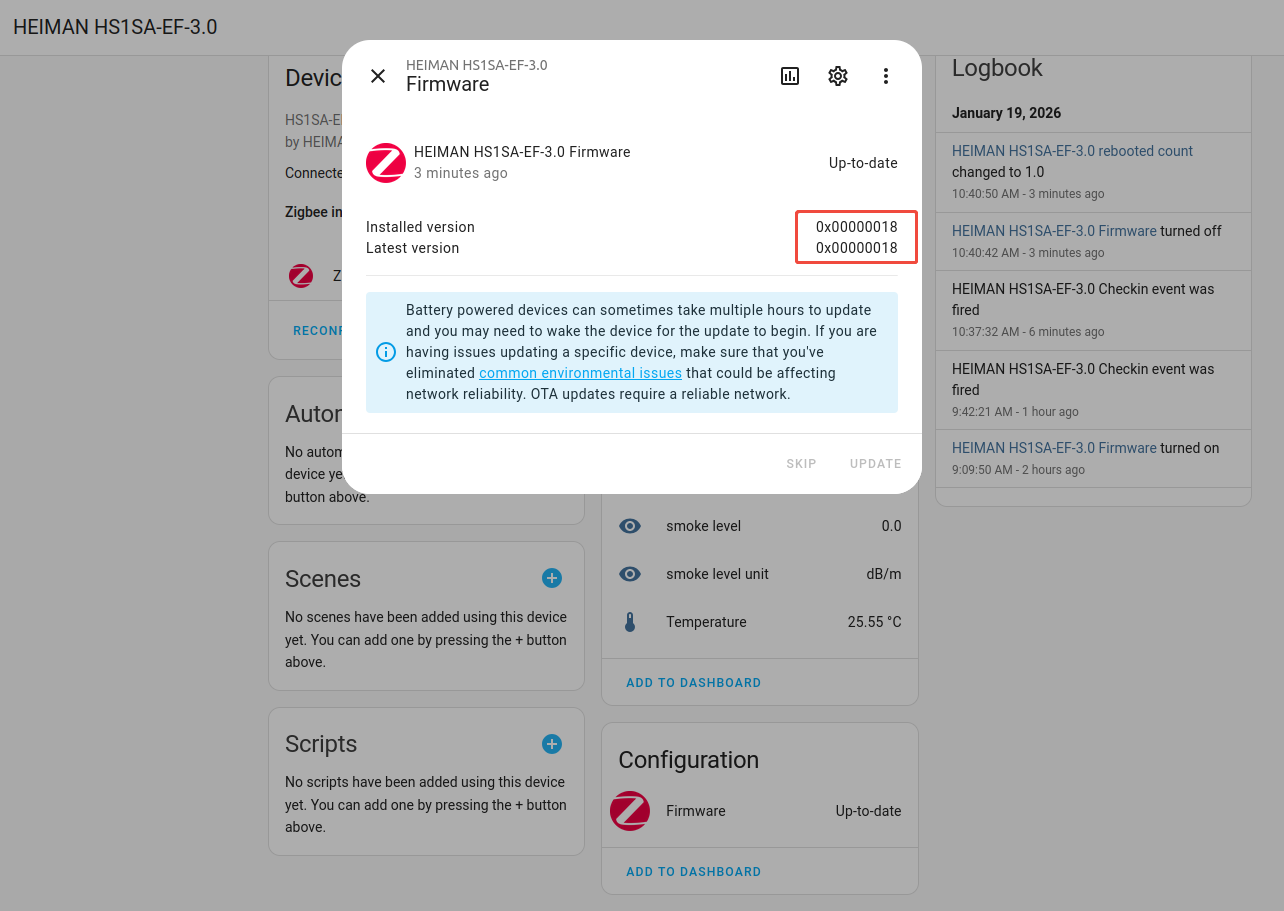
notify the device to check for the update immediately, here is my screenshot of HS1SA-E Plus:
I’m curious, but not sure this is something I should be worrying about. HA consumes enough of my time as it is.
I’ve noticed in the past few months that I’ve started to get notifications that my ZHA devices have firmware updates available. Great! When I’ve got the time and the risk is low, I’ll give it a shot. Or when I add new devices I’ll update them as part of the process.
But honestly, changing existing devices which are already working exactly as I need them to, in a production system, is a low priority. I suppose there could be reliability and stability improvements to the firmware which would help keep my mesh performing optimally, but if all I want to do is turn a light on and off, or display a temperature, there are not many additional features I’d be anxious to upgrade for.
you are right, it depends what it has been updated. Sometimes, the firmware may optimized the mesh networking, if you have a larger scale of devices in you home, that will helps.
if your system is already running stable enough, leave it what it is would be good, too. it will not consume our time, I spent much of my time on HA as well, hahah.
Here is my config.yml snippet. I’m currently on 2026.3.0. Maybe I’m too anal about this but coming from a PC world, firmware updates were nearly always important to fix issues.
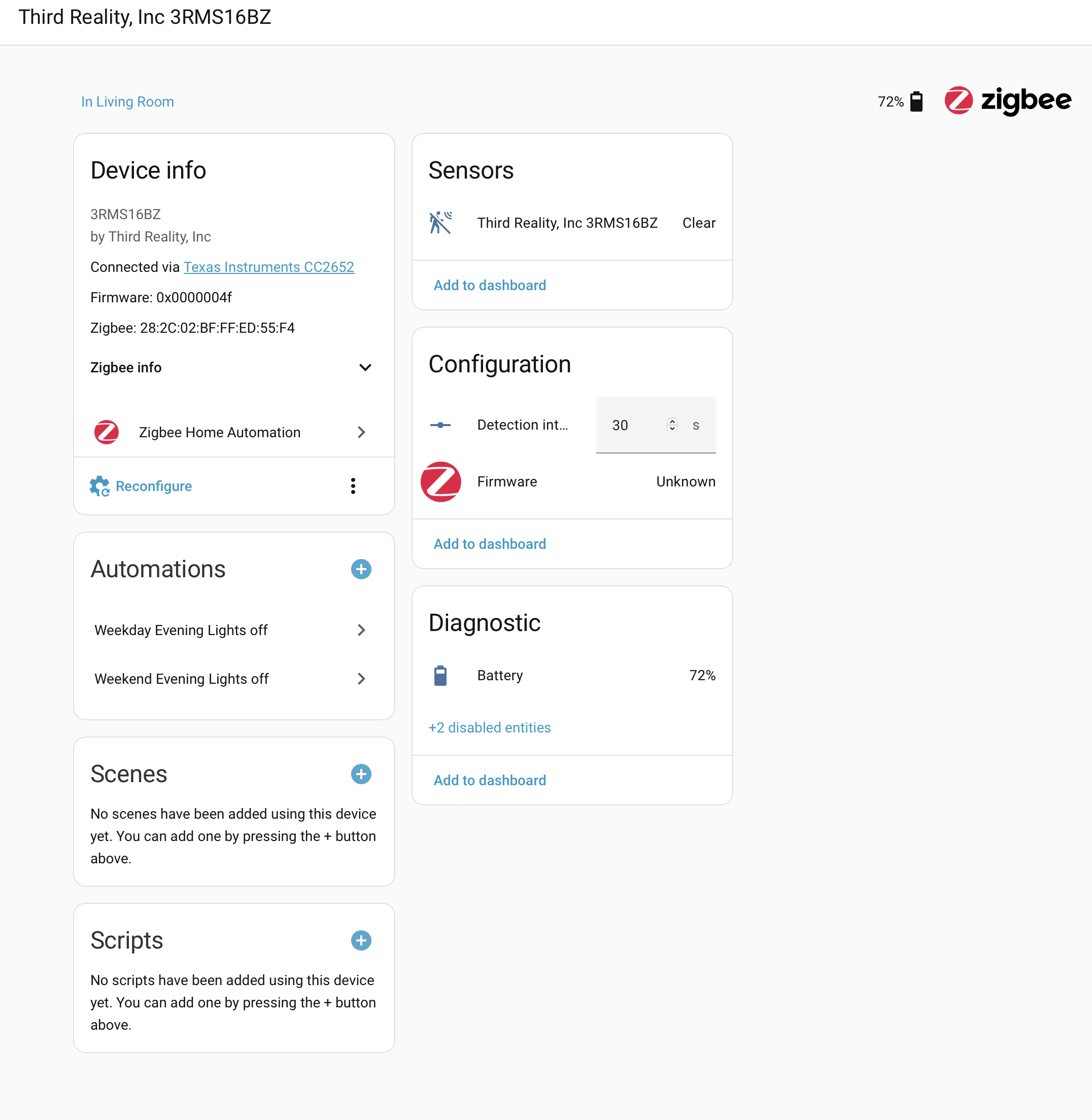
Meanwhile one of the latest updates seemed to have killed this code and now all my devices defaulted to update: unknown, even Ikea devices.
Also tried:
-This entry with the url: line someone shared in this thread, does not work.
-Tried removing the whole zha: entry altogether (since someone mentioned that zha now has its own fw repo), removing it made no difference, all updates remain as unknown.
Thank you! This worked without any hussle. I just had to copy the code into my yaml file and it instantly showed up 2 devices for an updates which directly worked.