@gcobb321 I’m very new to this, but found your iCloud3 to be an excellent help and easy to use.
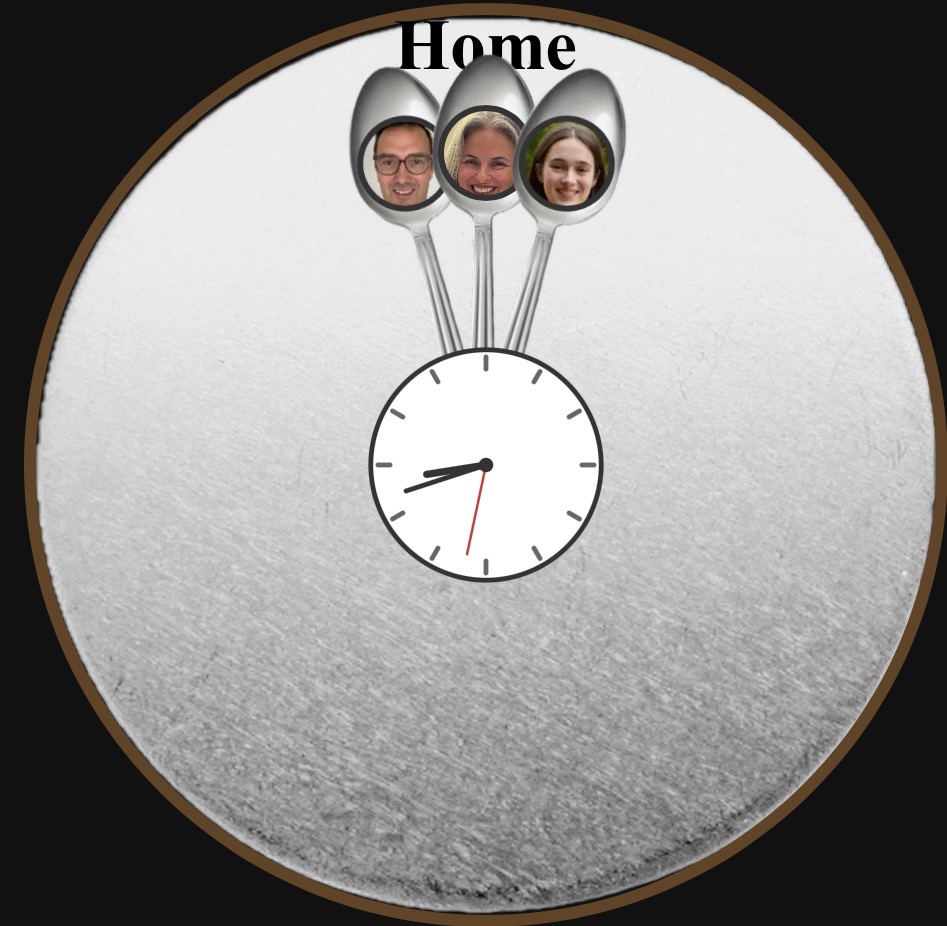
I wanted to create a “Weasley clock” like from Harry Potter, so needed to get locations and icloud3 is perfect.
Here’s a screen shot of what I’ve got. Zones appear as needed, and the hands point to the relevant one. And I embedded a working clock in the centre. (All using Claude and ChatGPT for the coding).
Thanks for sharing this. I am always amazed how people are using iCloud3. This is probably the most unique application I have seen. Previously, one person had set up irrigation/mowing zones for his lawn and used iCloud3 to prevent his mower from entering zones that were being watered or were watered within the past few hours.
Not sure why but I’m new here, I can’t seem to login, also tried the official iCloud integration without luck. The error I got is:
iCloud3 > An unknown error was encountered updating the Lovelace Resources. Lovelace probably has not finished loading or is not available. The Lovelace for the iCloud3 Event Log card will have to be done manually.
In icloud3 log:
11-28 21:03:46 [apple_acct……:0332]  ❌Apple Acct > som**0**82@, Login Failed, Error-503, Apple Server Refused Password Validation Request, Retry Later, AppleServerLocation-`usa`, Location Data not Refreshed
11-28 21:03:47 [apple_acct_s:0133]  Apple Acct > som**0**82@, Login Failed
@TeaPot91
I was going to reply but saw you had deleted the post. Did you get it working. I will be releasing v3.3.3.2 that fixes a few things and updates done others, all related to signing on to an account, getting the authentication code, etc.
Hey @gcobb321 thanks for this awesome integration, I’ve just tried it and it’s pretty awesome.
I know there was a lot of question regarding Apple email being sent but I haven’t found a clear answer about something. I think an iCloud session expires after 30min in the browser if you don’t use it. So if we set a poll interval to let’s say 5min (meaning we are firing a request each 5min), does it keep the session alive and avoid sending email?
I’ve previously used the iCloud integration (for only 2 days) and I was getting random email especially the night but I was not able to determine why.
As you said, the Apple account Trust Token expires about every 30 minutes. iCloud3 reauthenticates the Trust Token and moves on with processing the location data. This does not generate an email. After a while, when the acct needs to be authenticated again, an actual password login is needed to reset the Trust Token. This will generate an email.
Seethe iCloud3 docs Apple Account Authentication for more information and what I do with the emails
Hi,I can’t change miles to kilometers in settings.It reports an error:www/community/lovelace-wallpanel is not a valid option.But in PICTURE DIRECTORY FILTER t he settings cannot be changed or deleted.
Anyway, great and useful integration. Thanks
That picture directory probably existed at some time, was set in the picture filter and then deleted. Add it back, then update the picture filter to uncheck it, then delete it.
@gcobb321 question about iCloud3 device_tracker entities: if I’m tracking a GPS-enabled Apple watch, i feel pretty confident that it’s being handled by HA as a GPS device. (that’s right, right?) but how does HA see something like airpods or airtags? i know they’re more like Bluetooth than GPS, but what are they as far as HA knows? “stationary” devices? GPS?
I’m referring to the priority hierarchy described here:
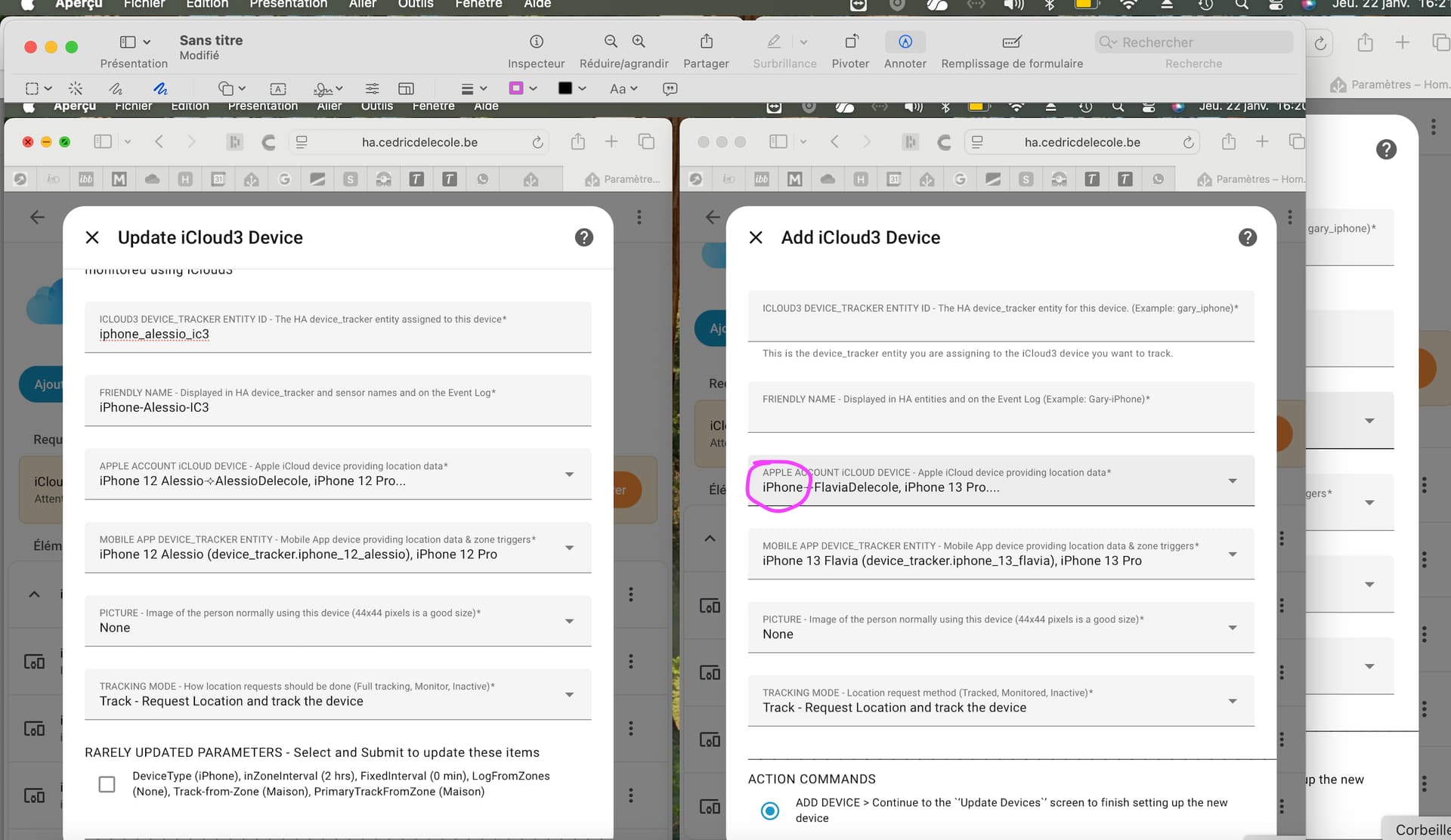
Hello, trying to configure a new device, but the name proposed for it (highlighted in blue on the right side) just gives “iPhone” and I would like it to be “iPhone 12 Flavia”, to keep consistency
@ceilinglight
That is returned from Apple when Apple sends the device info to iC3 during startup. It comes from the Settings App > General > About > Name field on the iPhone.
Also requesting a verification code is not working anymore and no request comes on the phone …
I know in the past such issue was already there, then was solved, but seen I have added the new phone and we are in family, I am wondering if it has a link ?
@cedricdelecole
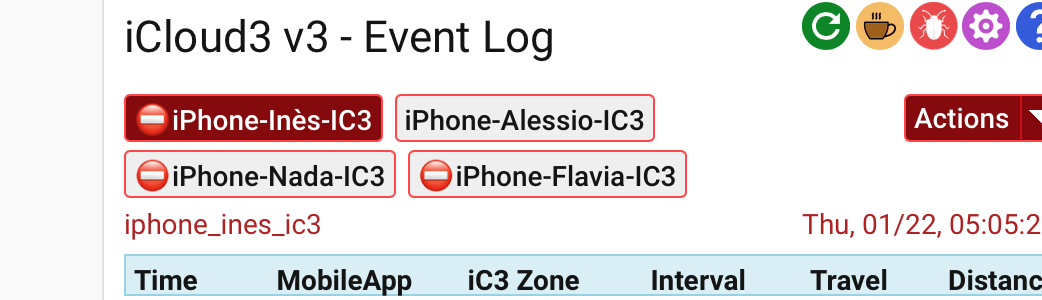
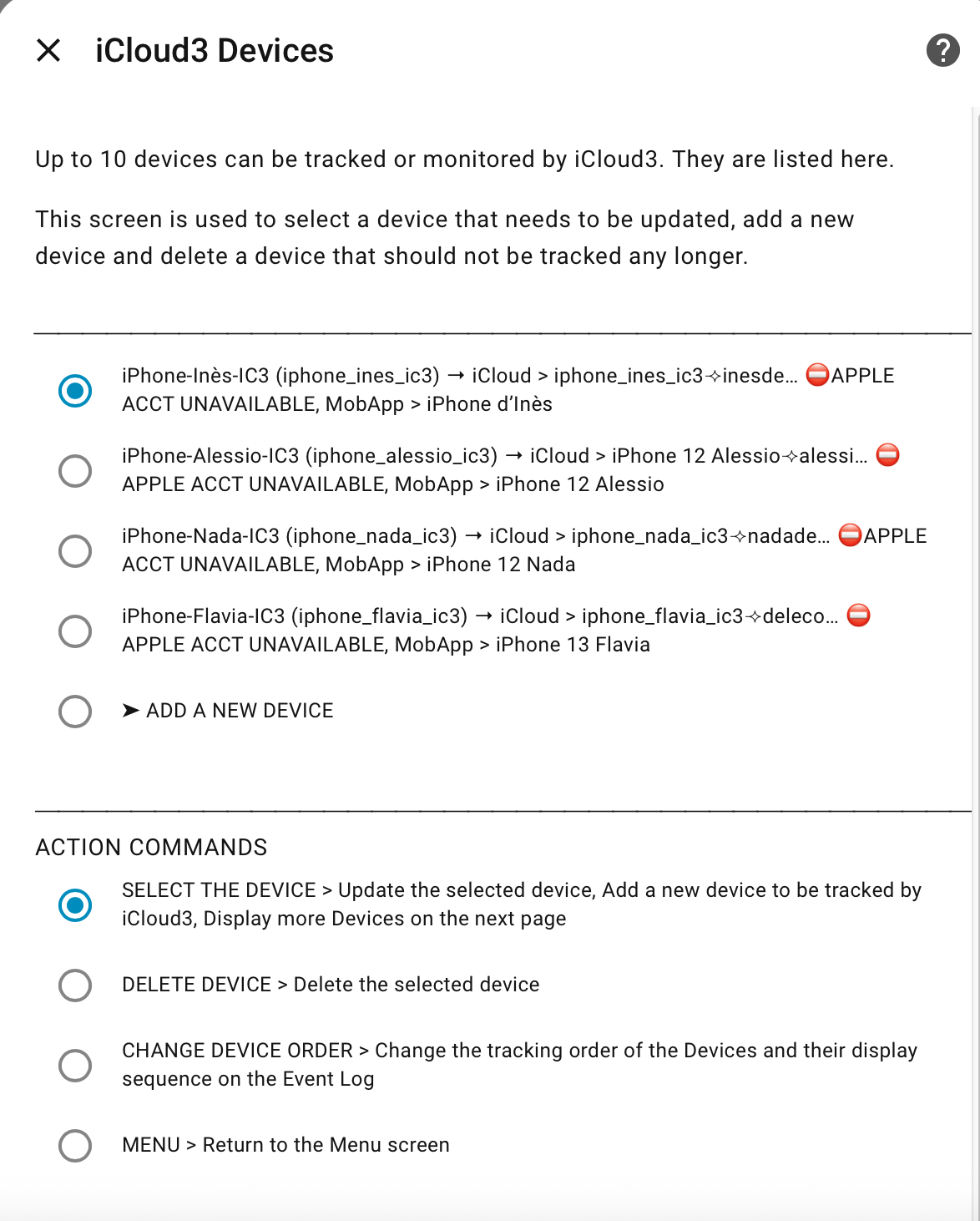
The Apple Acct Unavailable error message indicates the account needs to be verified with the code or the account is locked.
This is from my internal notes when Apple does not return any device info when logging in:
If AppleAcct.device_id_by_icloud_dname is empty, a verification code was needed when first logged in and the apple acct data was not authenticated and it’s device data was never loaded/initialized by refreshed_icloud_data. This prevents the device’s list tables to never be initialized and location data is not available.’
Log into iCloud.com for your accounts and review them.
Request a new code on the _Configure > Apple Acct Verification _ code screen
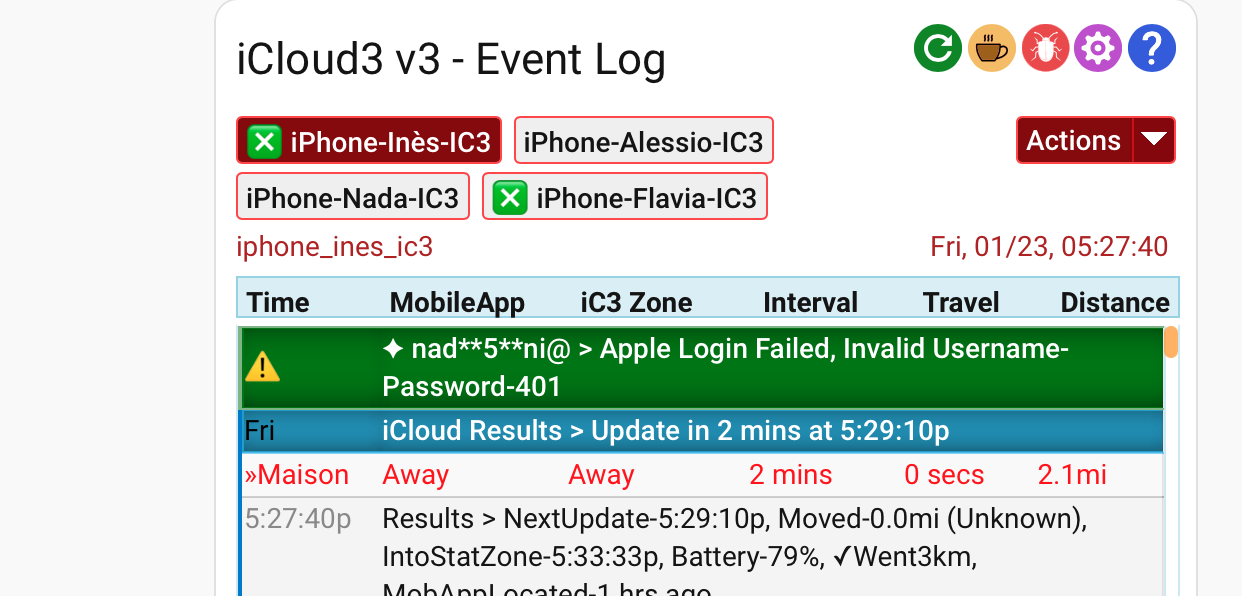
The ‘x’ just indicates there was an error for that device and to review the Event Log for the reason.
Look at the Event log Stages 3 & 4 for a list of the device and there info that Apple returned. That shows the data Apple is sending iCloud3 which includes the devices. iCloud3 has a device that is configured but Apple is not sending any info for that device.
I am struggling to get my Apple Account verified. I can login ok and then select for the verification code to be sent. However this doesn’t create a six digit code on my trusted devices, instead I get a popup on trusted devices saying that my account has been logged into and two options, OK and This was Not Me.
What am I doing wrong?
EDIT: After reading the documentation it does state security keys are not supported. I do have Yubi Keys added to my account for verification. Does this mean to use iCloud3 I need to delete these from my account to get verification codes to work? I would prefer to not delete these security keys if at all possible but I’m guessing with these enabled on my Apple account, you will never get verification codes on the trusted devices??
@andyh747
Support for hardware keys is partially completed and that is next on the list after I finish the coding I’m into right now dealing with repairing problems associated with device_tracker and entity registry error/conflict issues. I’ll llet you know when it is available for testing.