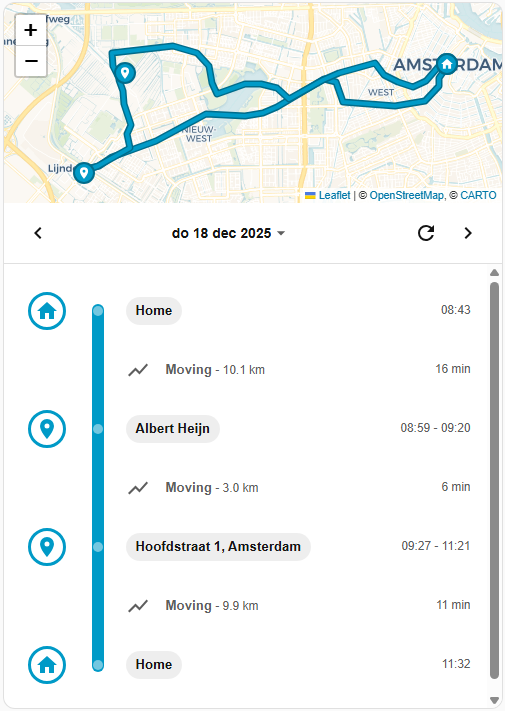
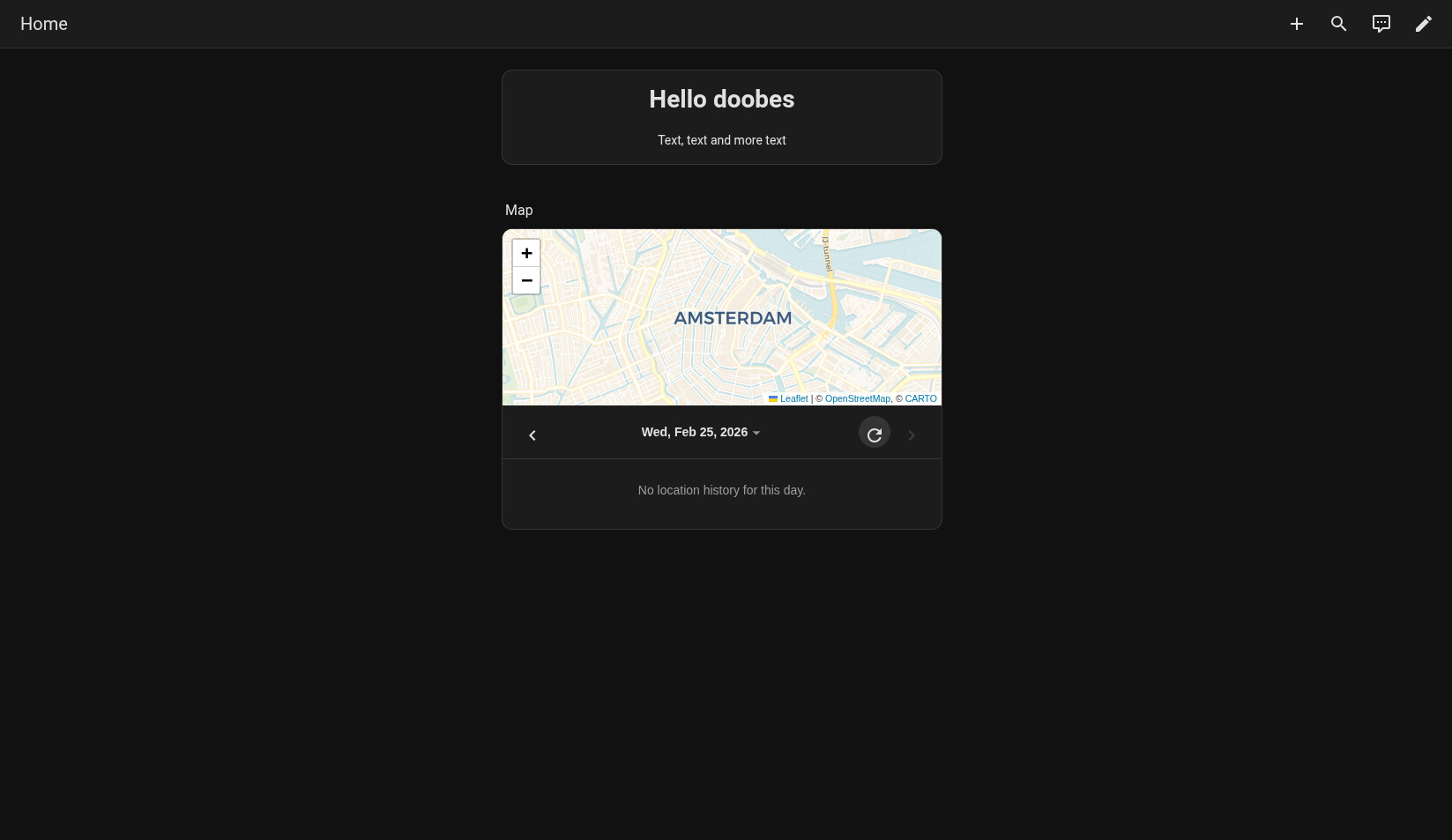
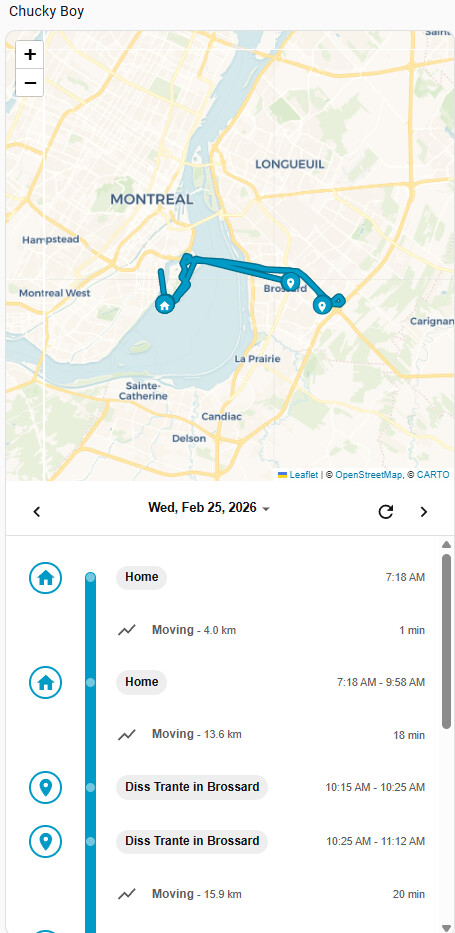
For a long time, I wasn’t really happy with the way I could view the location history of my persons / device trackers. So I made a new card, inspired by Google Maps’ location history timeline.
It’s called Location Timeline Card, and it builds a clean, timeline-style day view from your Home Assistant location history.
Instead of looking at raw GPS points, the card turns your device_tracker or person history into an easy-to-read story of the day:
It groups data into clear stays and moves
It shows zone names when someone is inside your zone.* entities
It can resolve locations outside zones to human-friendly names
It lets you quickly switch between days
Everything runs fully in the frontend, no extra backend integration required
You can optionally connect it to the Places integration for better location labels, and there’s also a fallback to OpenStreetMap reverse geocoding if needed.
Installation is available through HACS as a frontend dashboard card.
If you’d like to try it out or check the code, here’s the repo. Feedback, ideas, and feature requests are very welcome.
Another question/feature request - would it be possible to define the width of the line showing the route ? Currently it’s way thicker than the one in the default map card making it harder to “read” in detail.
I’m a photographer that will occasionally use Google Timeline data to geoposition images. Is it possible to do a daily dump of a timeline to a file, or database? That way instead of using a third party app, or downloading a Google timeline file, I could just grab the day of the photo shoot, do some handwaving to create a GPX file, and then I can use it in Digikam to georeference.
@doobes Sorry, this seems too specific to implement. If you’re feeling hacky, you could try and reverse engineer it from the browser console by selecting the <location-timeline-card> in the Developer Tools console, and then going to console and work with $0._cache or $0._getCurrentDayData().tracks. All data is there, but you’ll need to be comfortable working with Javascript and hacking around