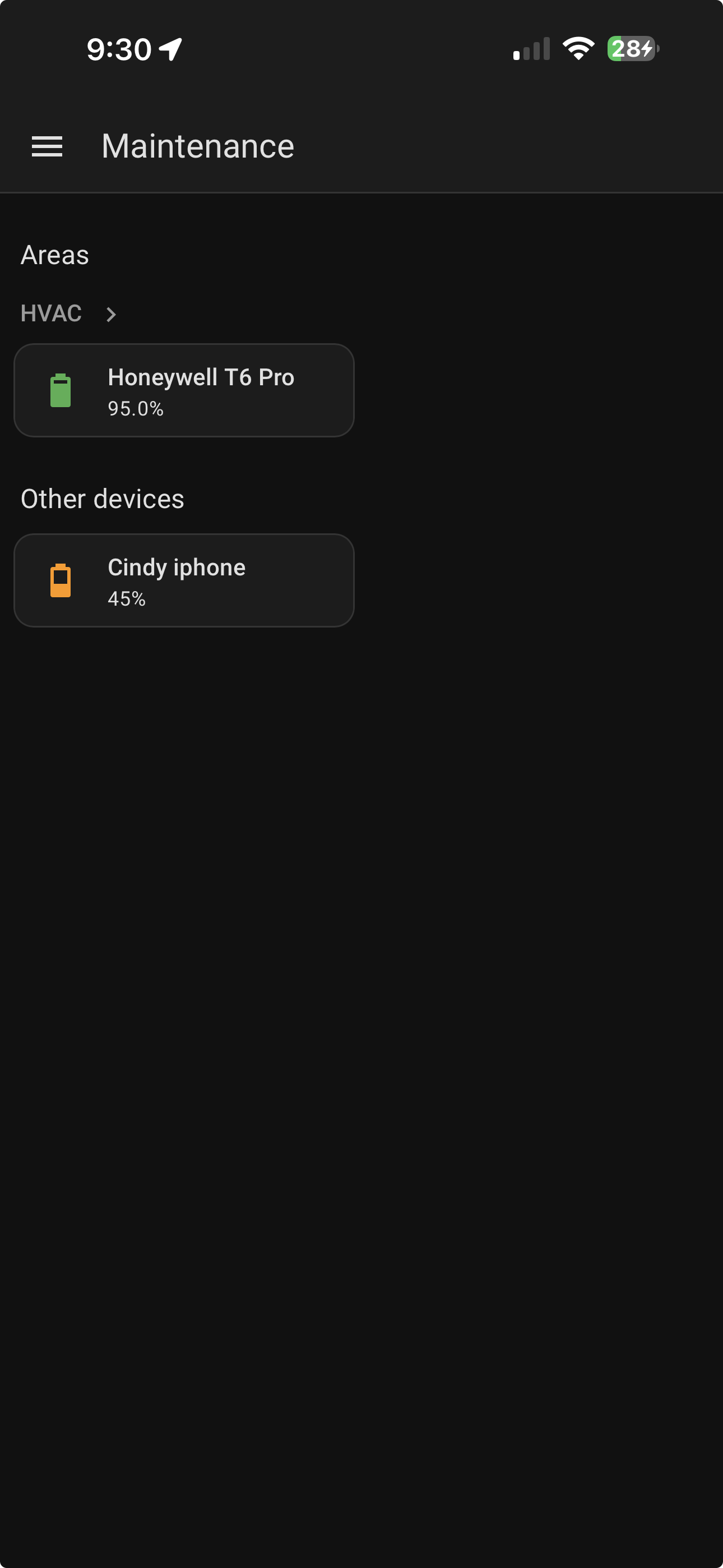
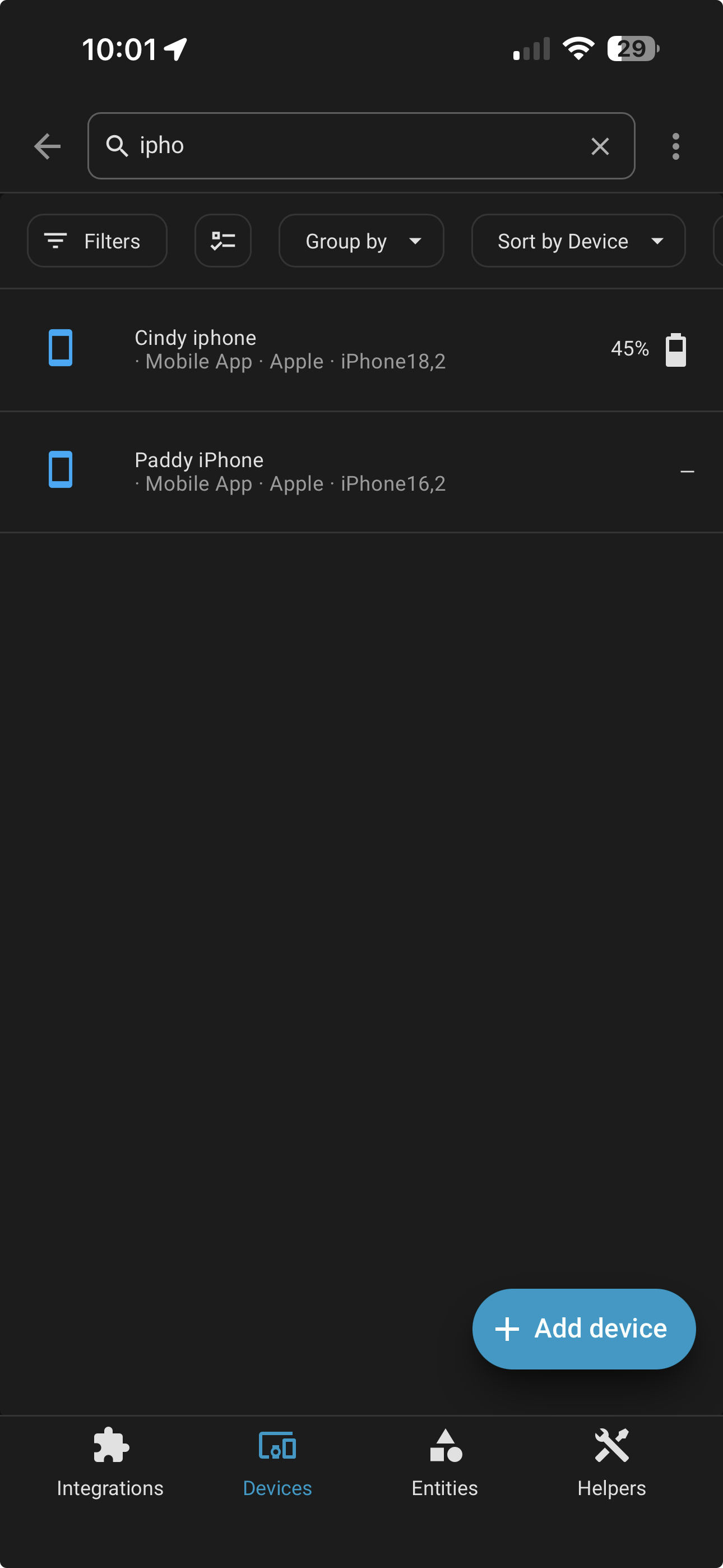
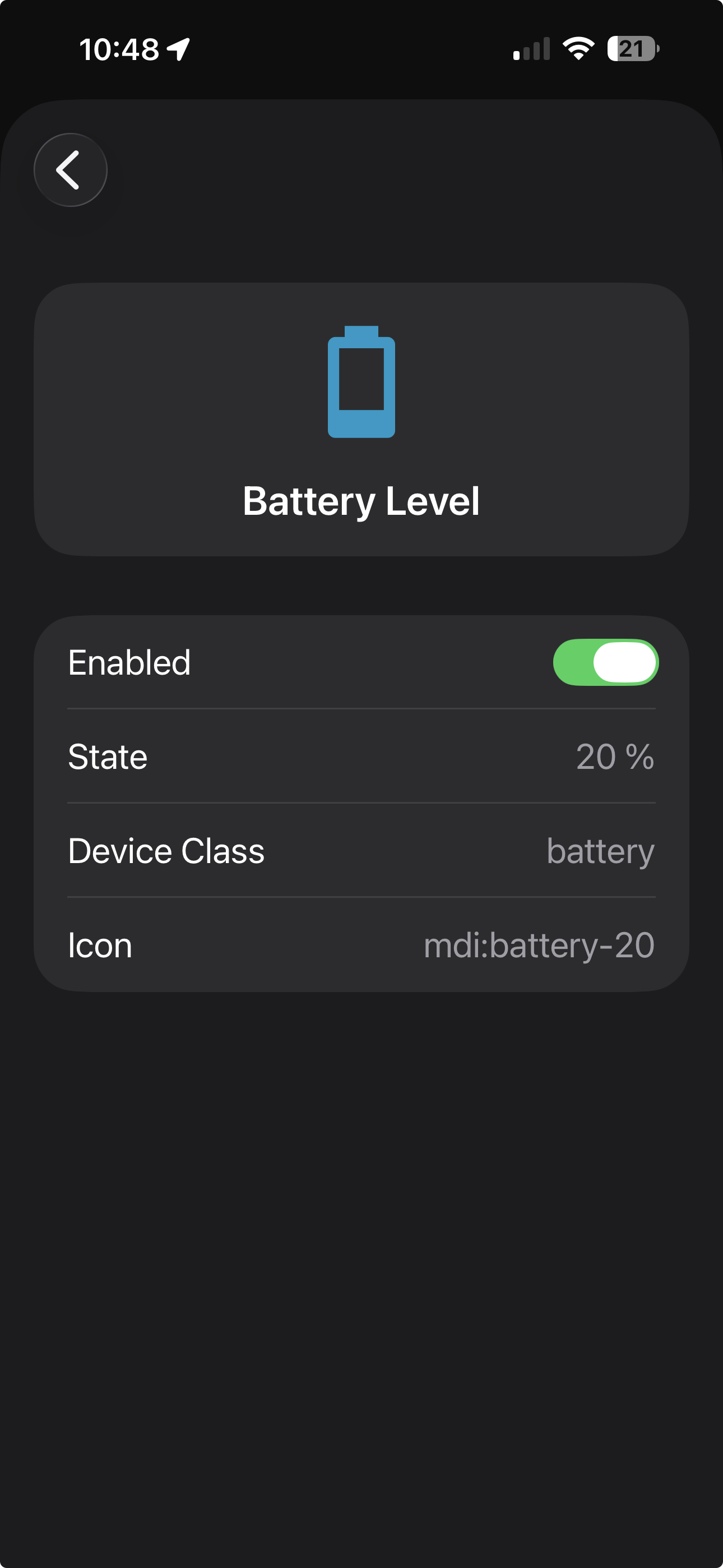
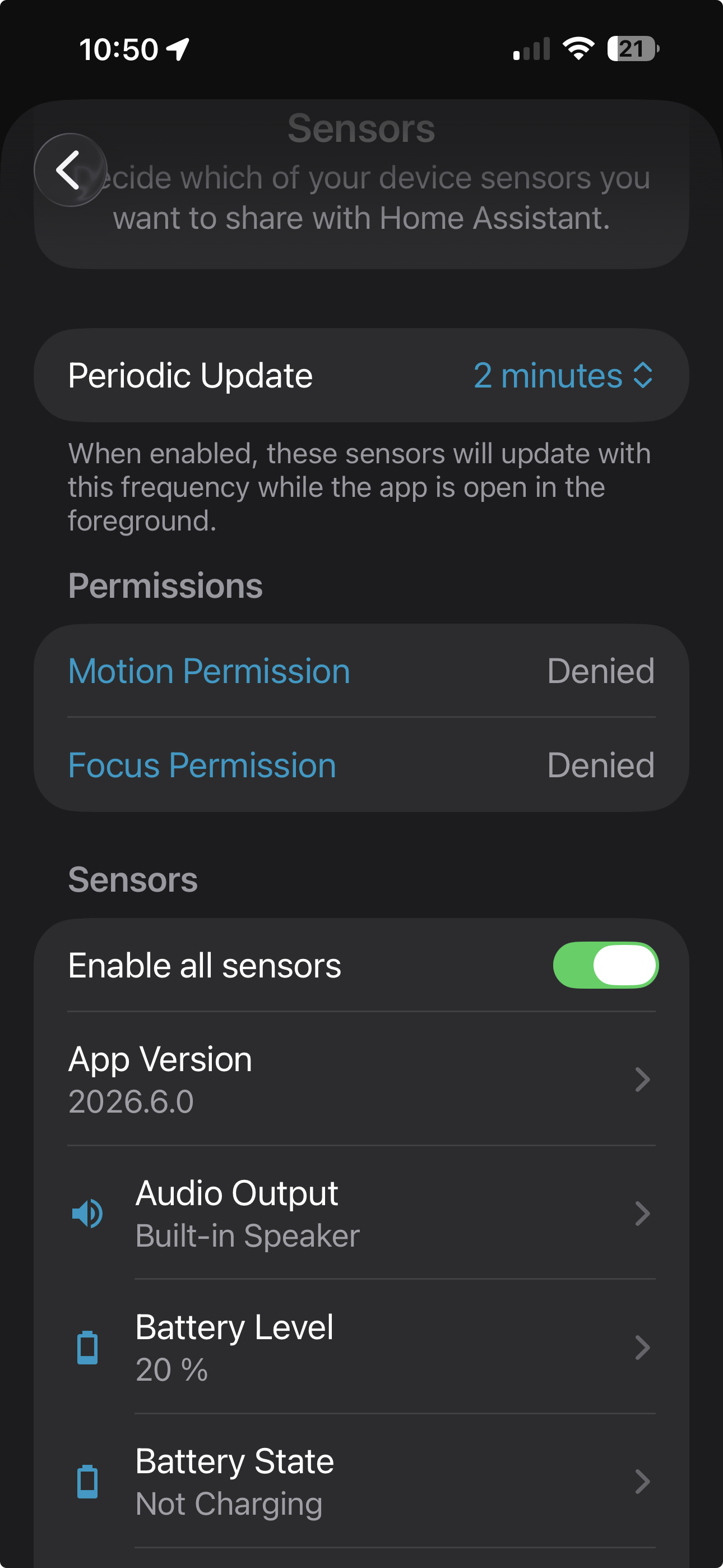
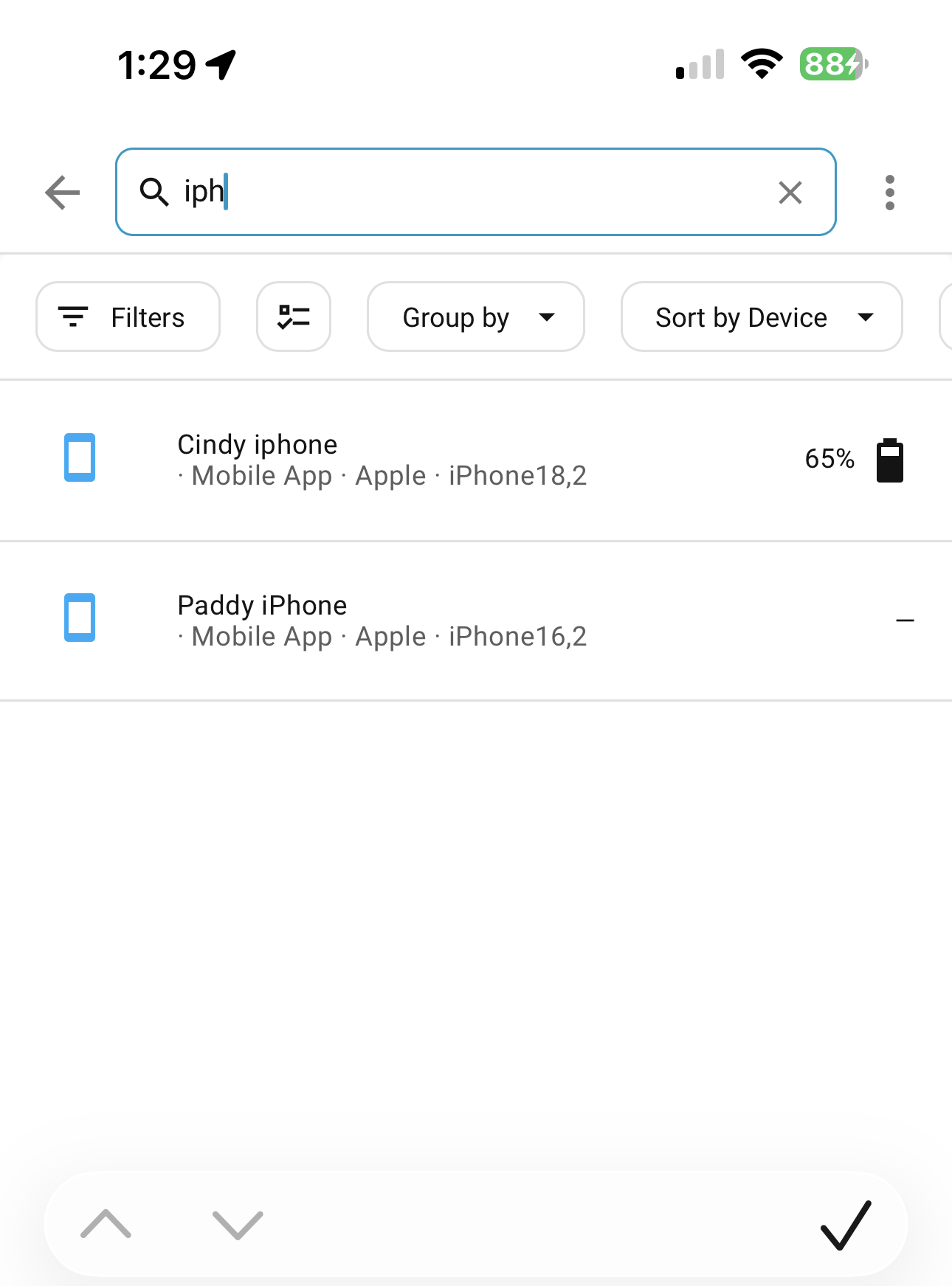
Cindy’s phone shows up, but mine doesn’t. She has an iphone 17 Pro Max and I have an iphone 15 Pro Max.
I went through my companion app settings and they seem to be correct but mine does show up.
Any suggestions would be appreciated.
Are you both connected to your LAN, directly?
What do the error logs say?
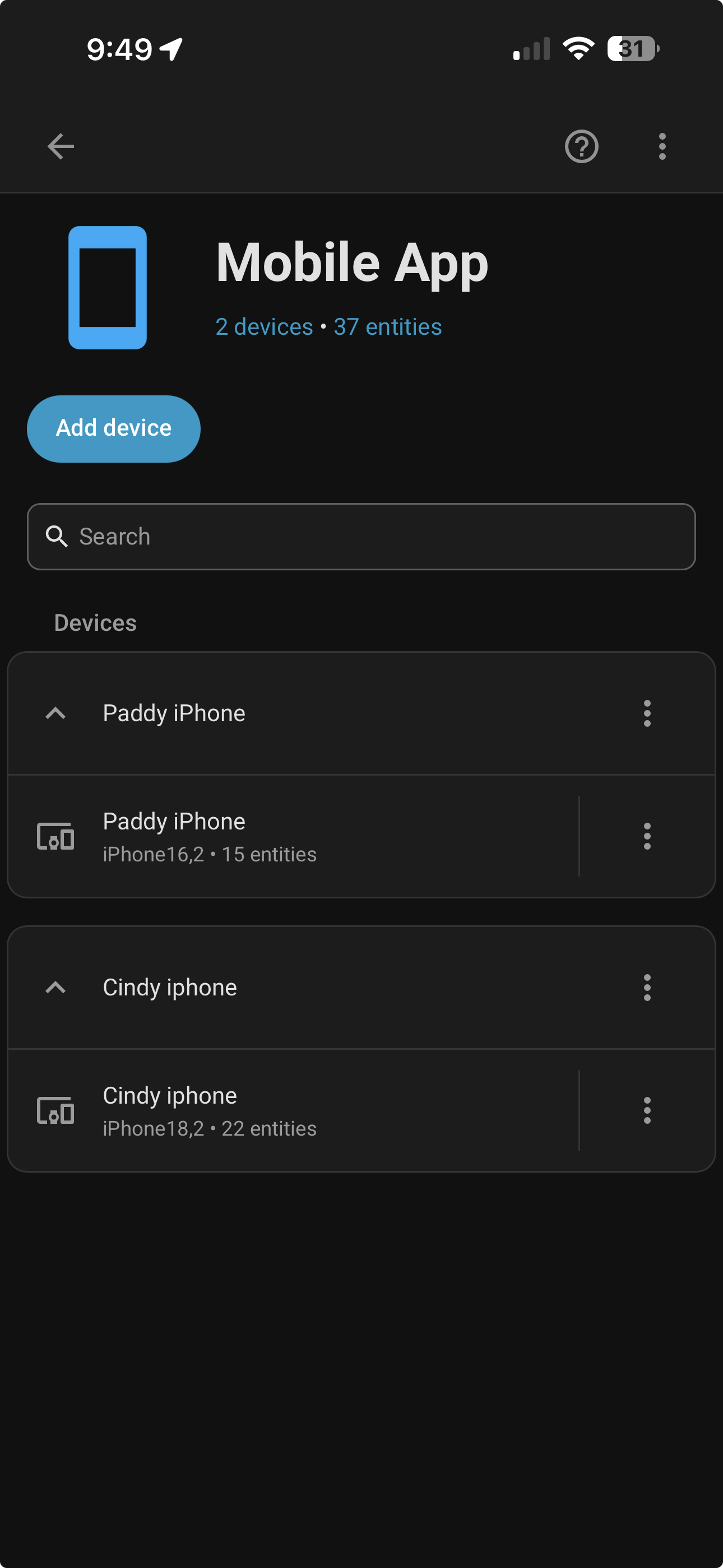
If you go to the mobile app integration page from the integrations page in HA, what do you see? Are both devices listed there?
Yes and the mobile phones are reliant on the companion app from what I understand and all the settings seem correct.
In your WiFi settings on the iPhone, compare both screens. Other than the MAC Address and IP Address, is everything else the same? Same SSID? Same channel/frequency? Is dynamic MAC addressing turned on or off? Any VLANs or VPNs involved?
Are the values displayed on the HomeAssistant server current, or just the last values previously received?
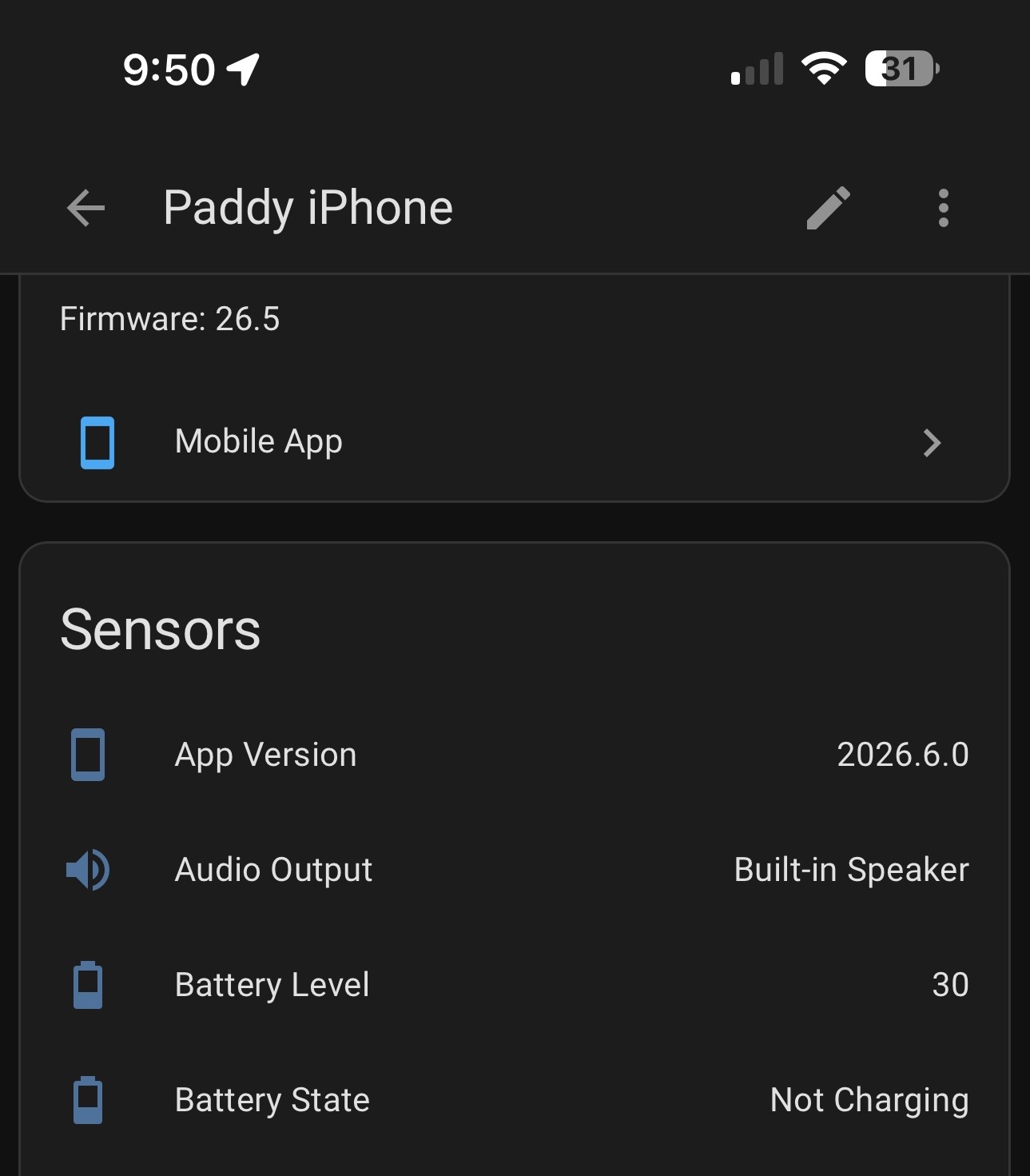
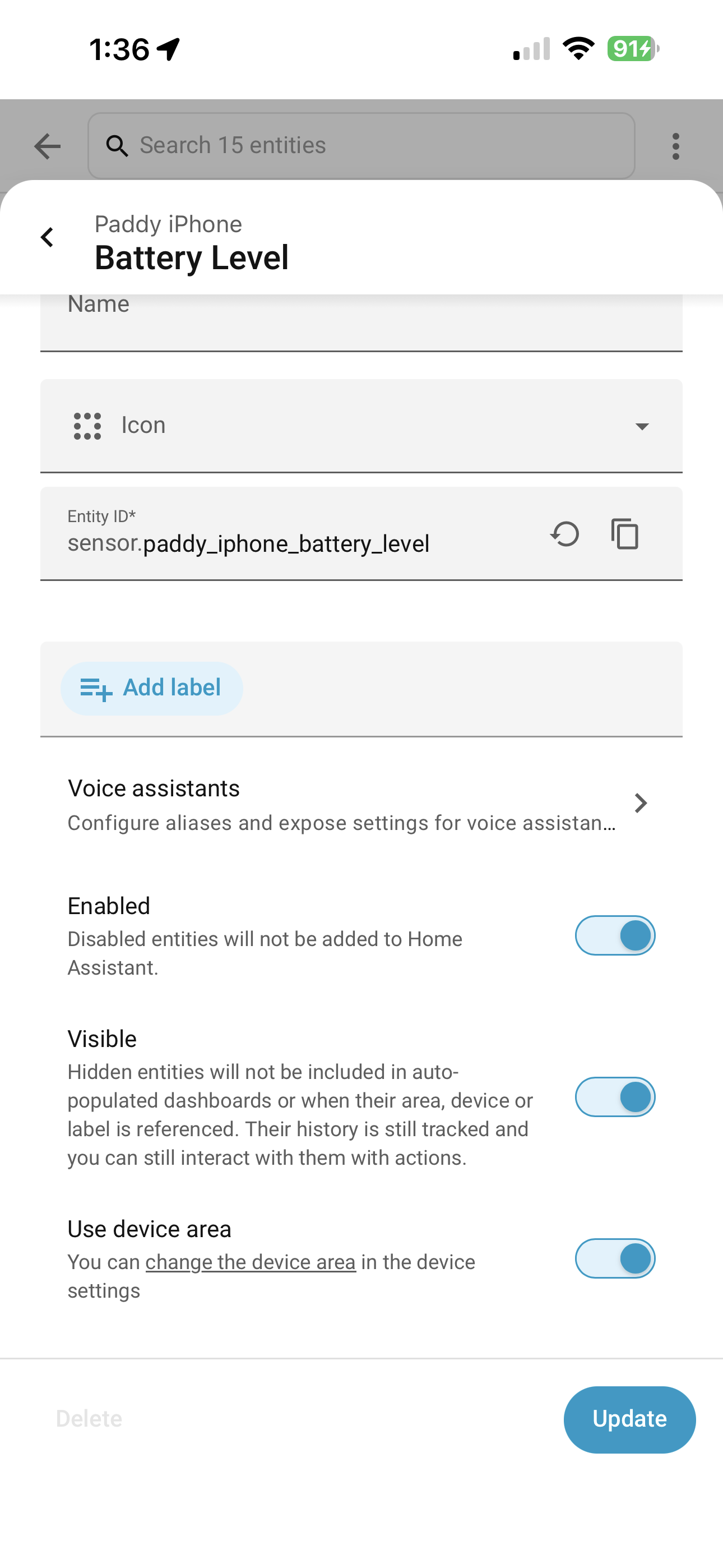
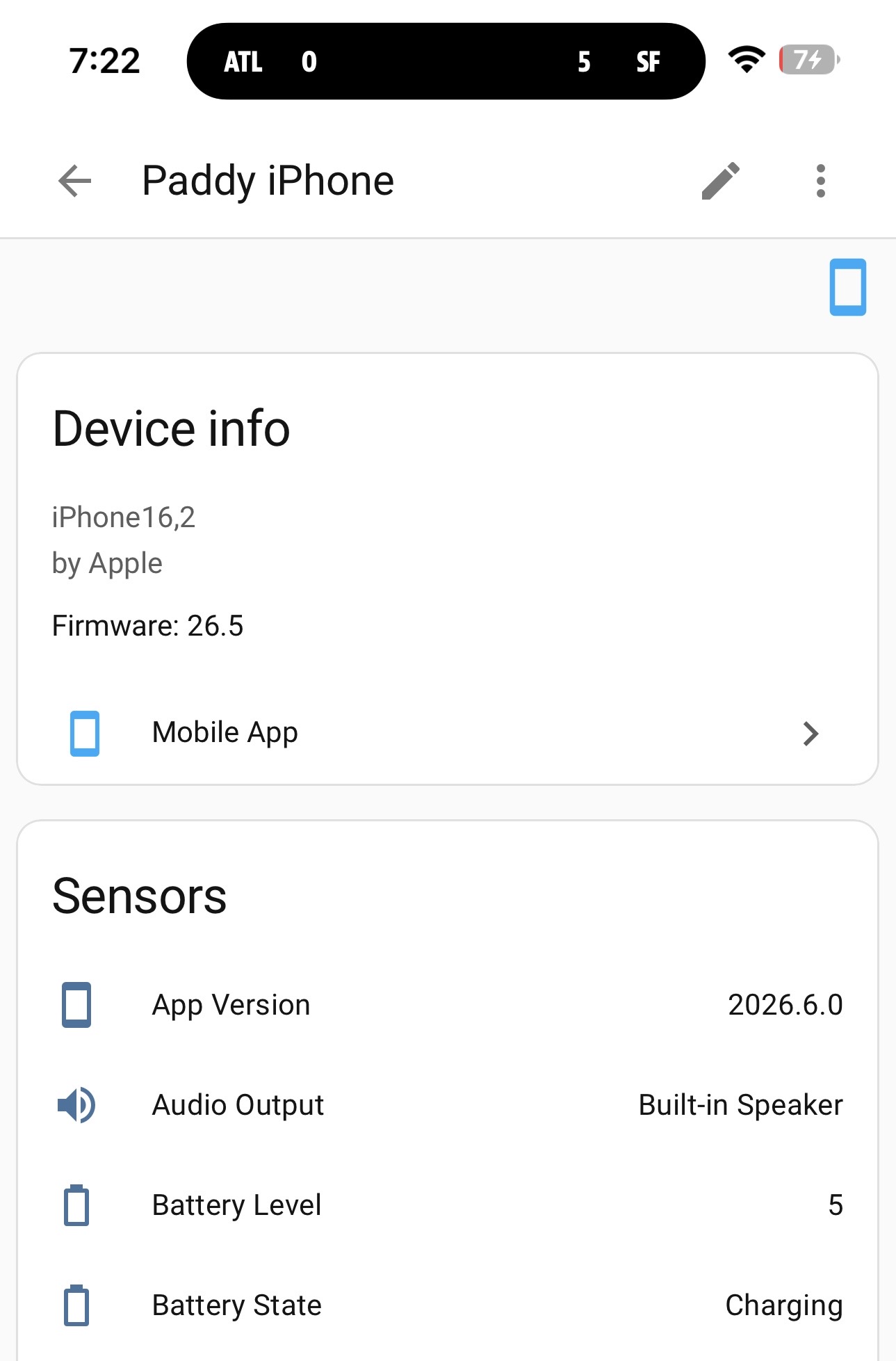
Toggle the battery sensor off and off again on the Paddy phone. Check the HomeAssistant error log to see if anything reported around the same time. Does plugging in the charger accurately update the status in HomeAssistant? Looking in Settings/ Developer tools/ States should change when it does for the respective sensors for both phones to reflect their current status. If it doesn't, you have connection issues.
Your benefit of having a known working phone to compare against should make comparisons easy and discrepancies will easily be identified.
Aha, a VPN type connection from Nabu Casa!
When you change your charger status on your phone by plugging it into a charger, is it updated on your Companion App?
Is it also updated on the HomeAssistant server?
Try turning off WiFi and repeating these steps. Turn WiFi back on and turn off mobile data and see if it changes.
Have you logged out of the Nabu Casa cloud and back in?
You haven't posted the snapshot of your phone developer page with the date last updated on it.
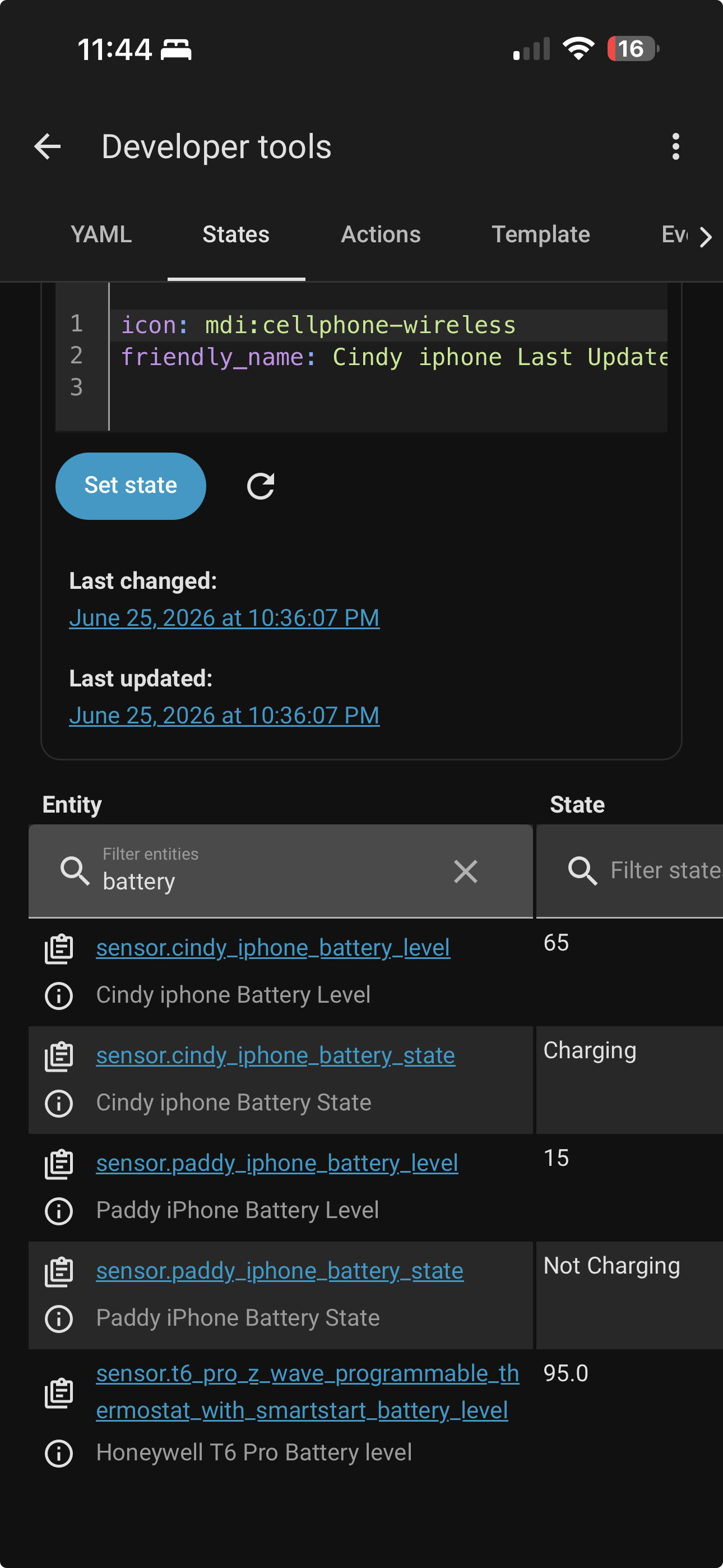
I note your phone has 15 entities, and Cindy's has 22. Is that because hers has more sensors exposed and turned on, or is it just because it is a later model and the Companion app recognises more sensors?
Do you both have the latest IOS firmware update installed?
We're narrowing it down...
Thanks. That has narrowed it down to the dashboard, as we have verified the companion app picks up the value and correctly transmits it and updates the sensor value in HomeAssistant for both phones.
Just checking, any spelling discrepancies, including UpperCase and lowercase, between the entities shown in developer tools and those being displayed in the Maintenance dashboard, otherwise it is off to GitHub to alert the developers of a bug in the Maintenance dashboard.
Spelling discrepancies? What entities?
Paddy iPhone
Cindy iphone
The P is capitalized on iphone on mine
Granted I'm using Android, not an iPhone, but I see a couple of discrepancies based on your screenshots & what I see in my install.
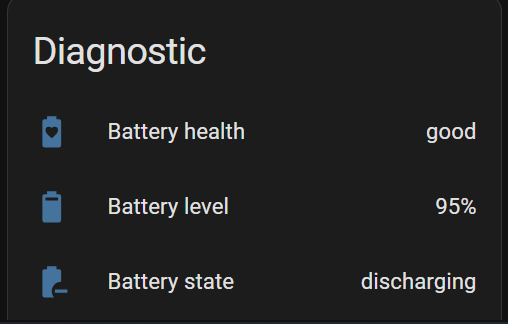
Check if you can see a battery level sensor under the diagnostic section for your device. It might be disabled.
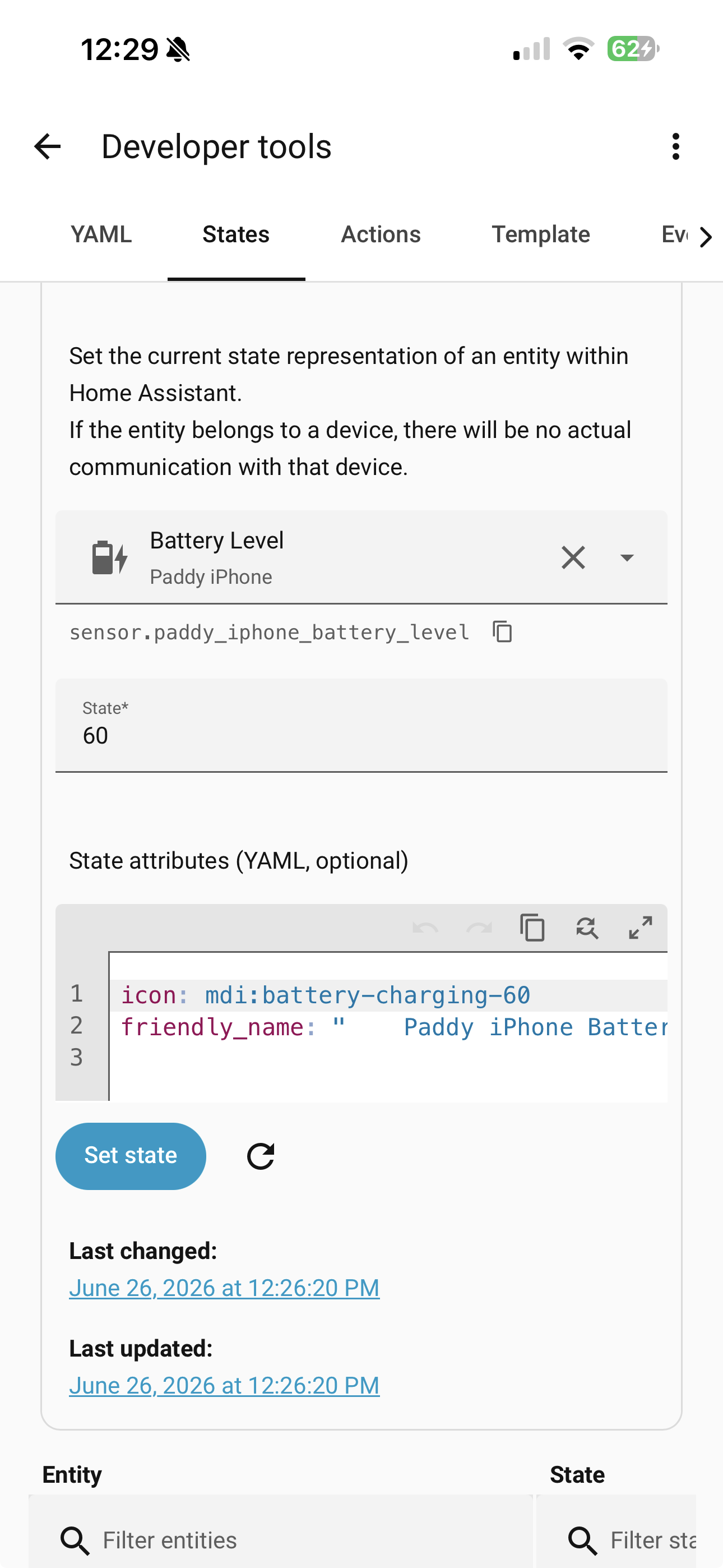
battery under attributes, but your other screenshot from the Dev tools only icon & friendly_name (with some weird spaces) as attributes. The following attributes are missing:state_class: measurement
unit_of_measurement: "%"
device_class: battery
Without those attributes, the battery won't show up in the Maintenance page or in the Mobile Device Page. Compare the attributes from Dev Tools between sensor.cindy_iphone_battery_level & sensor.paddy_iphone_battery_level & you should see that Cindy's has more attributes than yours.
Yeah this started with an update which created a second device for my phone when I had to log into my iphone app. I deleted it second device for my phone and forgot that this happened. I have a family member going through some health issues and my short term memory is no too good.
I wonder if deleting the device completely and starting over would work? In the scheme of things, it’s not that important. This is the first time an update caused something I can’t fix. I have decided to not update every time an update comes out.
I only have 18 devices. I could start over but even that process seemed a little daunting.
Is the weird spacing in the friendly_name?
Where do I add?
state_class: measurement
unit_of_measurement: "%"
device_class: battery
Which owner would I run this past in github? Thank you
This is almost certainly your issue. You need to completely remove your phone's integration from HA. Make sure to go to your entities tab under settings and remove all orphaned entities and otherwise, new or old, as well. Then remove the app from your phone and set everything up again.
Best of luck to you and your family.