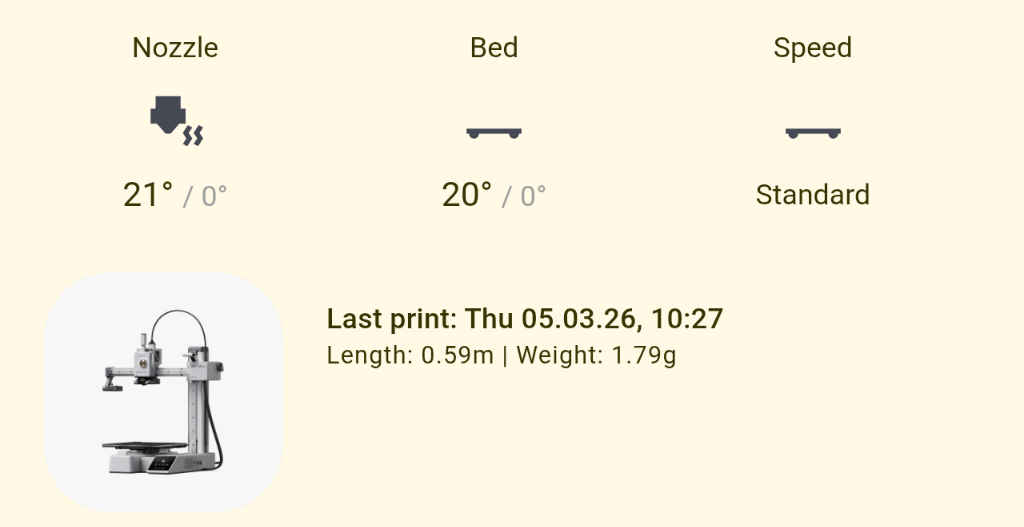
This theme does not remap the Home Assistant default values for static color tokens. AFAIK Google has not made their static color token palette available. By default static color custom properties like --yellow-color return their original Home Assistant values.
While it isn’t what you’re looking for, you can enable semantic color harmonization using the companion module to hue shift static and semantic colors towards the primary color.
Thank you so much for this! My Home Assistant colors were a complete mess before, but this theme finally makes everything look polished and consistent. I love the Material You 3 aesthetic it makes the whole dashboard feel standard and professional. Great work!
First of all, thank you so much for your hard work and brilliant theme. In HA version 2026.1, there’s a problem with the new date picker overlapping with the navigation bar, which is at the bottom by default in this theme. Is there any way to fix this?
I’m hoping I am missing something here…
I cannot seem to get the background of my dashboard to switch colours.
I have the material you utilities companion installed.
But the background of my dash, is always a white colour?
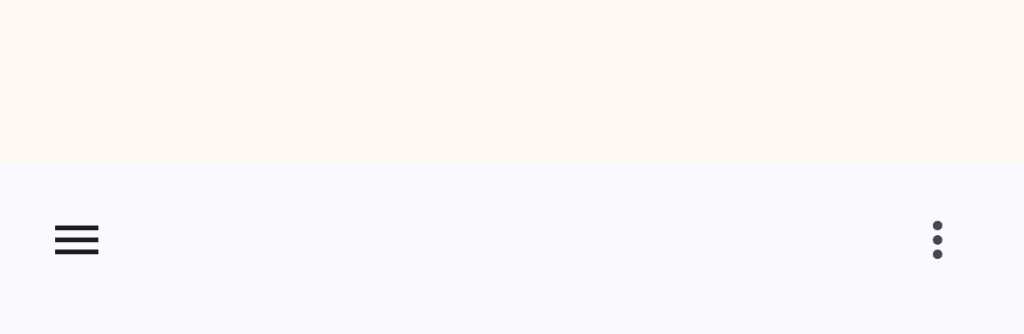
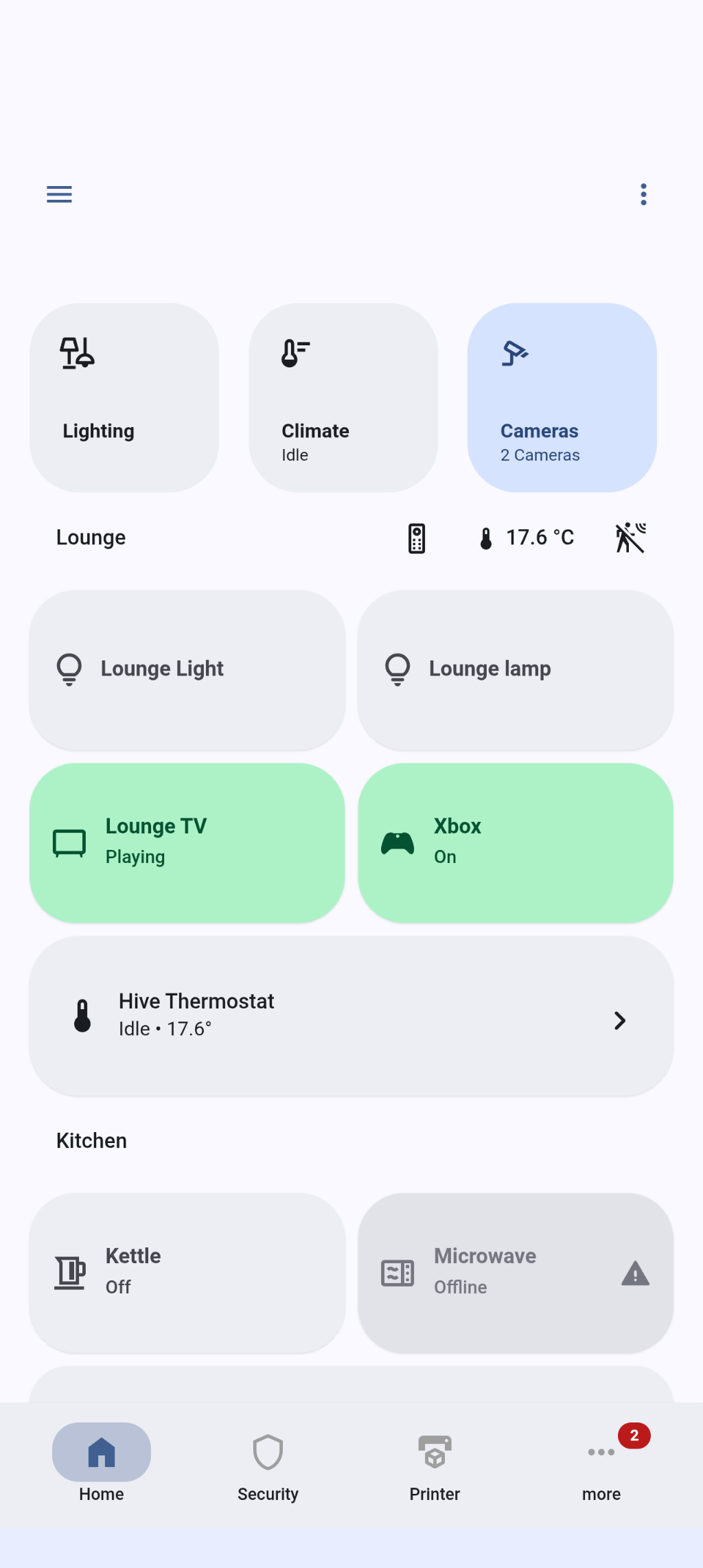
Yet the status bar and bottom nav bar change colour to match the currently selected scheme from Android settings, the screenshot shows the top status bar, in the yellow like hue, but the dash background in the white
You mentioned changing the scheme in Android settings, but what about the companion module config panel settings? The module doesn’t auto-detect Android color scheme settings but that can partially be set up by the user.
Material You Utilities 2.1.0 has been released! New toggles have been added to selectively display titles and labels in the application bar, navigation bar, and navigation rail.
This release also adds a new card type - translucent. While it appears like a normal card on solid backgrounds, it has a hazy appearance when used with image view backgrounds.
This release also includes fixes for 2026.3.0. Make sure to clear cache after updating to ensure the changes apply! See the release notes for more information.
Sorry, you’ve lost me a little there.
I have the companion installed. I use a simple automation to update the helper, when the OS accent colour changes, using the sensor from the HA companion app.
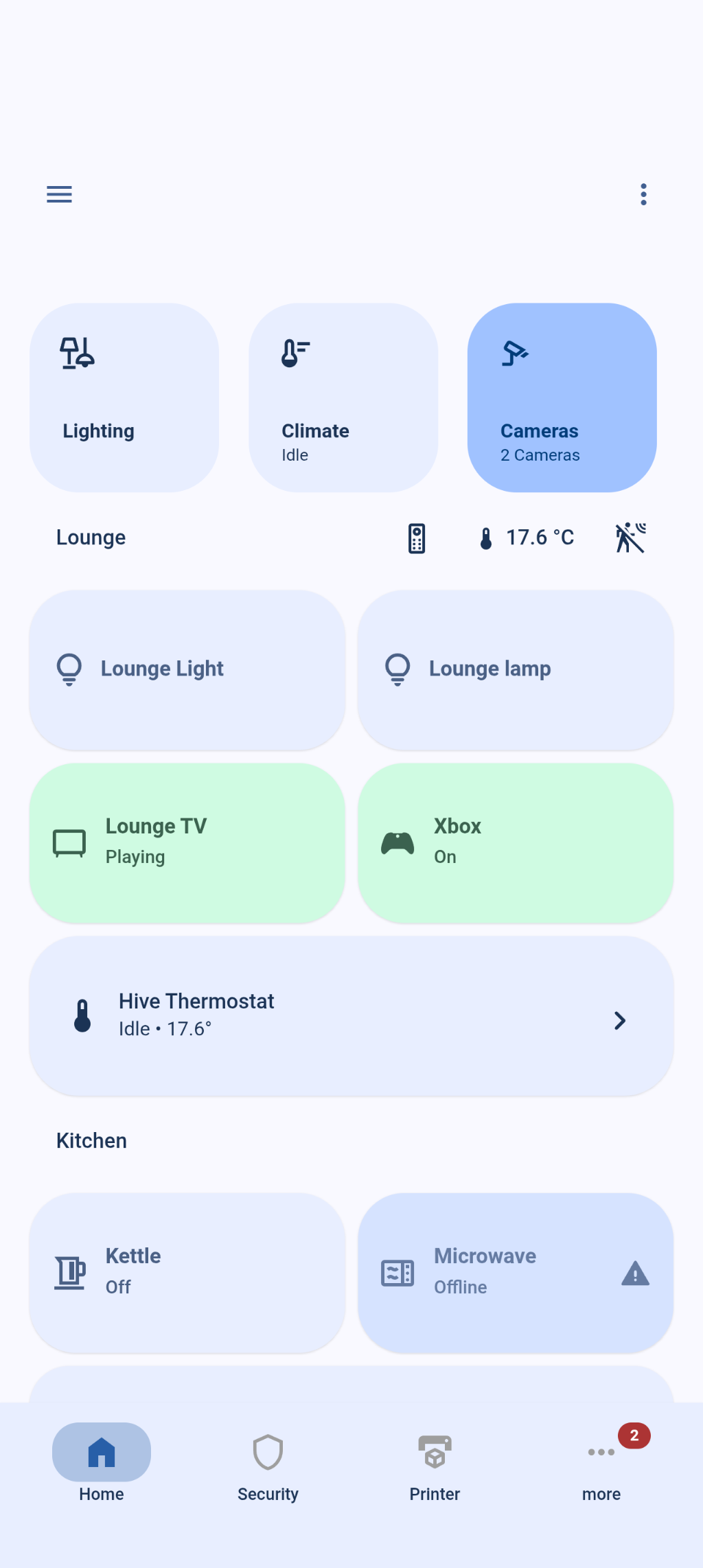
I double checked, and my dashboard views were not set to any theme for some reason.
Switching them to this theme changes the colours.
Still can quite get the Google Home look, but its close
I double checked, and my dashboard views were not set to any theme for some reason.
Leave the individual dashboard themes set to default/none so they inherit the user theme. If you set them at the view level it overwrites the colors set by the module.
Have you tried playing around with different contrast levels, schemes, and specifications? The companion app only provides the base color which can be used to set the corresponding input helper with an automation, but the other fields have to be user set.
It looks like Home Assistant changed something recently that makes the view level theme no longer overwrite the module set values. Still I’m not sure why the colors are slightly different when you set the theme at the view level.
Otherwise it’s likely a difference in the contrast level, scheme, and specification. There’s a new 2026 specification but a bug in Material Color Utilities (not this module, the package that it uses for color theme generation) prevents it from being used yet.
Thanks for taking a look
I feel like something weird is happening / is broken here if I’m honest
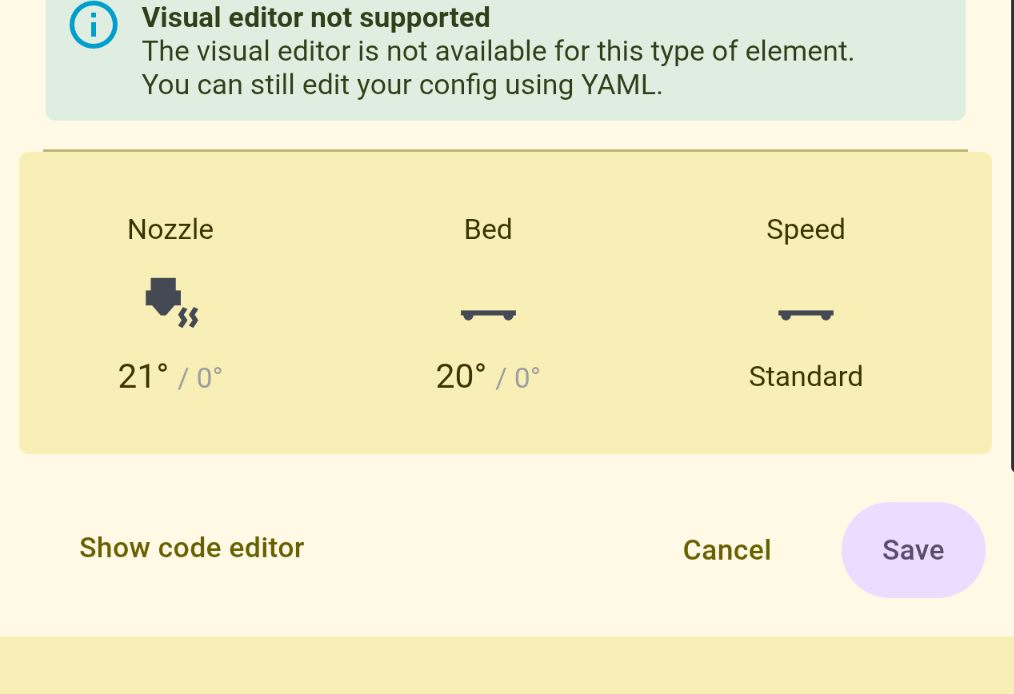
If I edit a card, it looks like this, note the BG colour:
That’s odd. Does this also happen in desktop browsers? Are you using the translucent card variant? Can you use browser developer tools to inspect the ha-card component and see where what it’s deriving its background from?
The vacuum custom-button-card card has no bg colour defined in the config, so is assuming the theme variable, from the user set theme - the dash view has no theme set.
So the only workaround i can see is to add the card_)mod styling to each Material You card…
I think
This feels (and looks) like RGB vs sRGB color space issue somewhere. See my comment on a button-card issue where I posted some information and links that may be relevant.
I’d like to take this opportunity to thank you for your work.
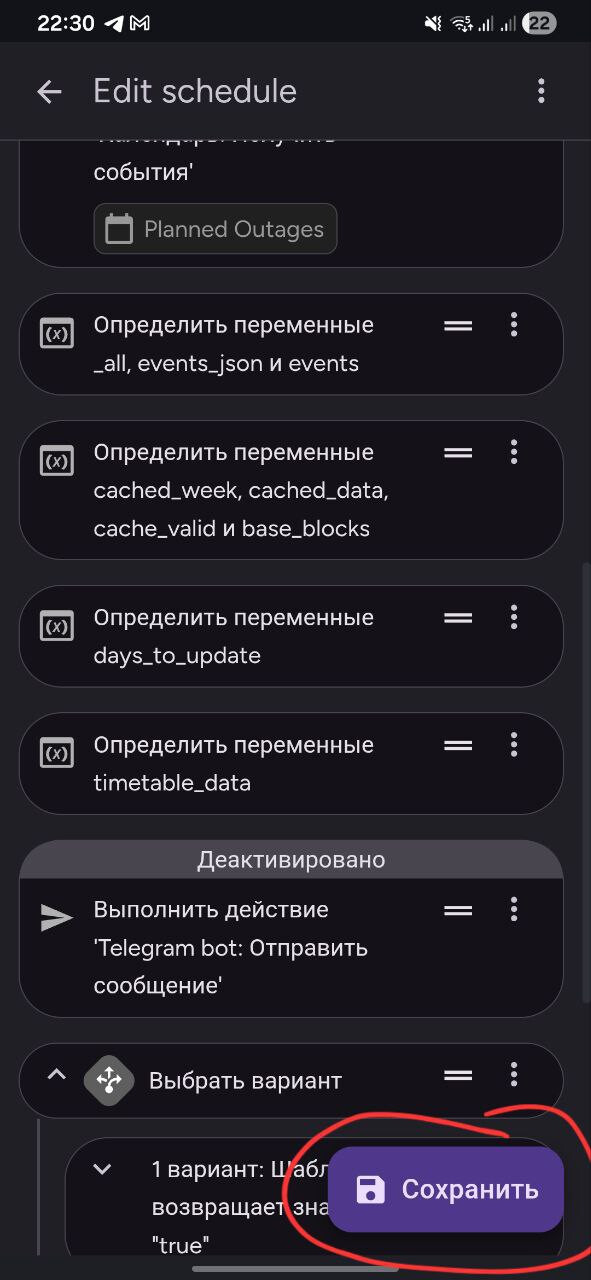
Currently, the “Save” FAB is always displayed in the automation, scene, or script UI editing. Is it possible to hide the “Save” FAB if there are no unsaved changes? This is the same as in the standard HA theme and as it was in previous versions of this theme. Thank you very much.
Yeah Material Home Components are based directly on Google Home’s components and do not use this theme’s card background colors. That being said card colors shouldn’t be different between the editor and in a view unless the card background is translucent.
To my knowledge I have nothing that is translucent.
I am going to try and move away from the Material Home Components. Although they look pretty good, they seem to cause too many problems and disparities with other cards when it comes to themes.
I am having some success in re-creating them with custom-button-card, just a bit of a slog, as my styling / CSS skill aren’t great


 In HA version 2026.1, there’s a problem with the new date picker overlapping with the navigation bar, which is at the bottom by default in this theme. Is there any way to fix this?