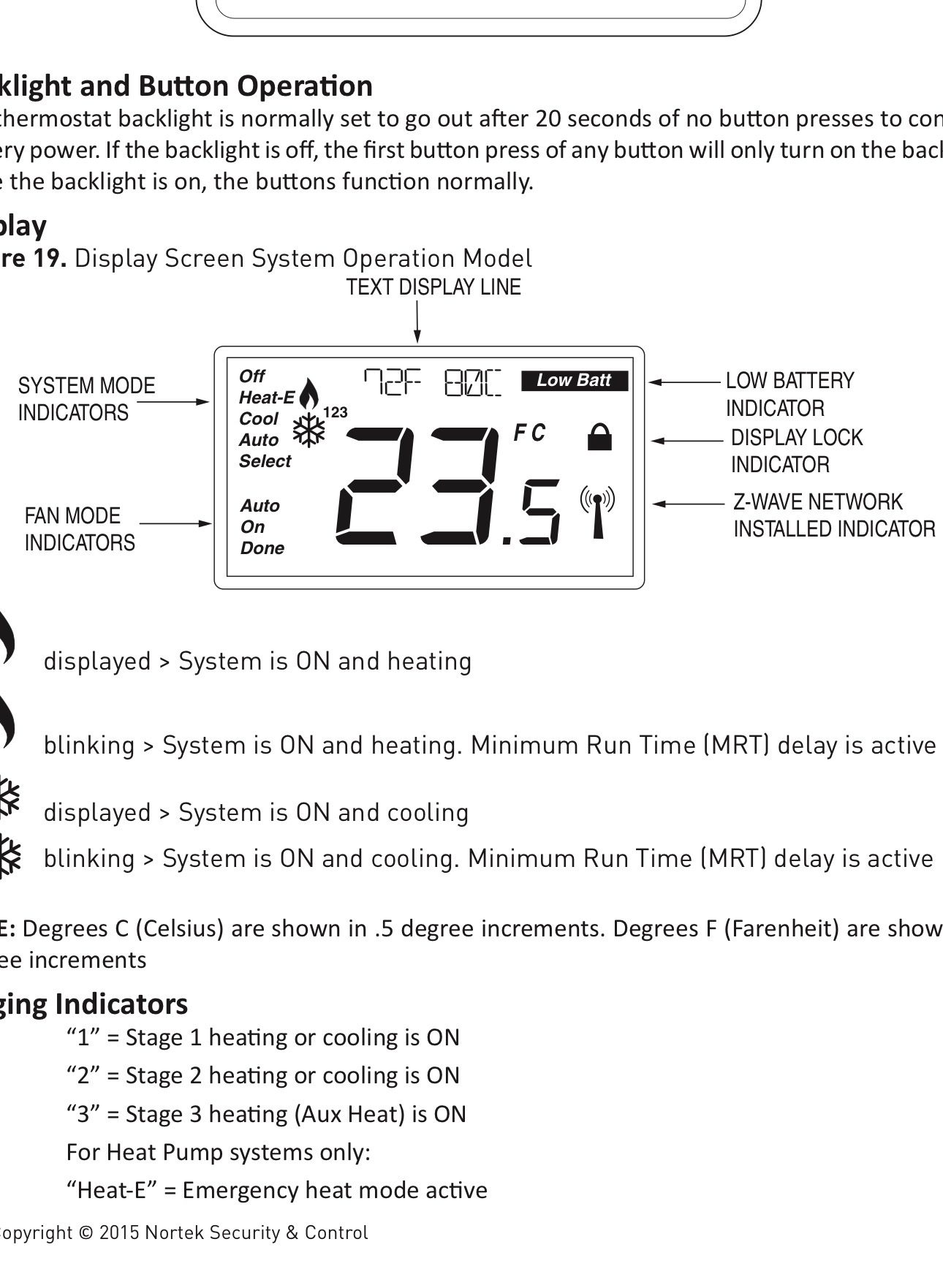
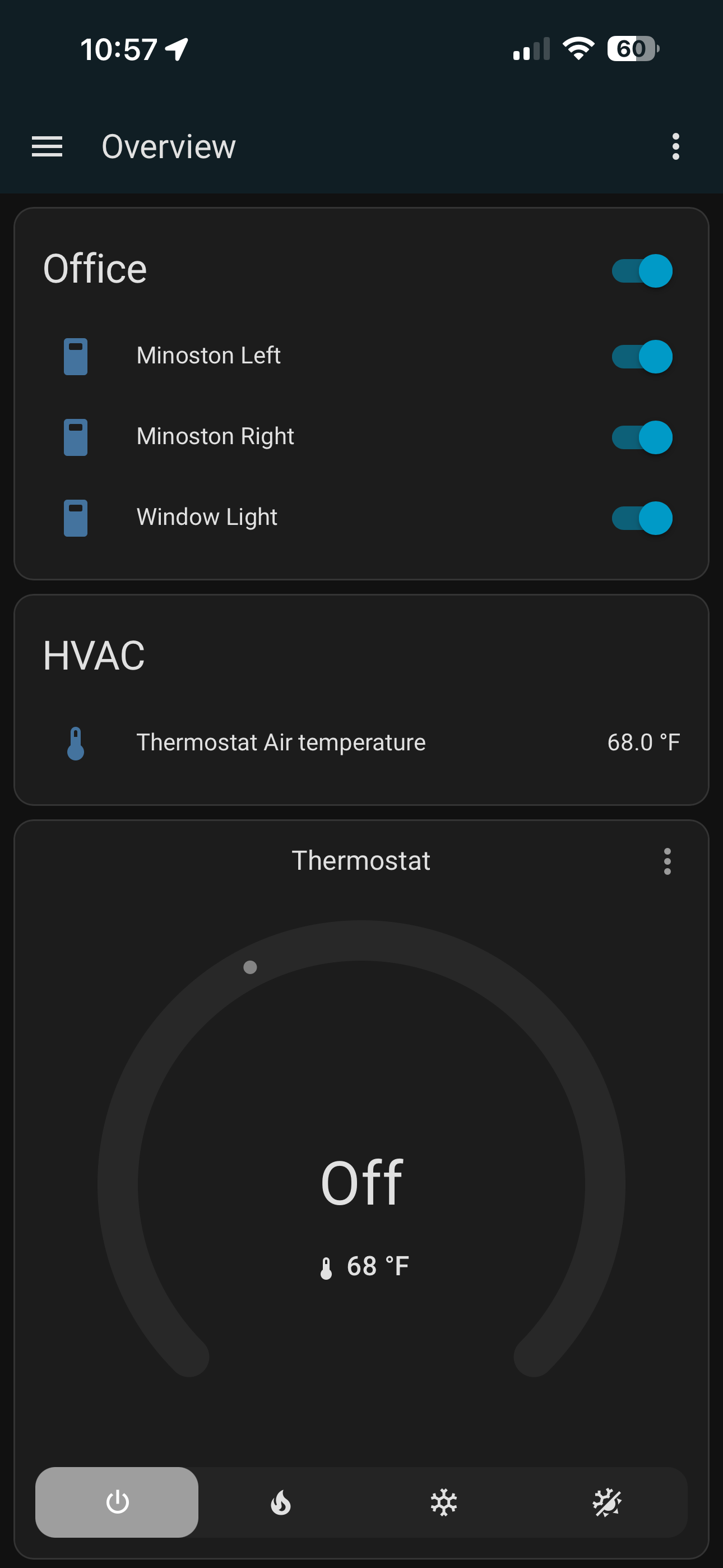
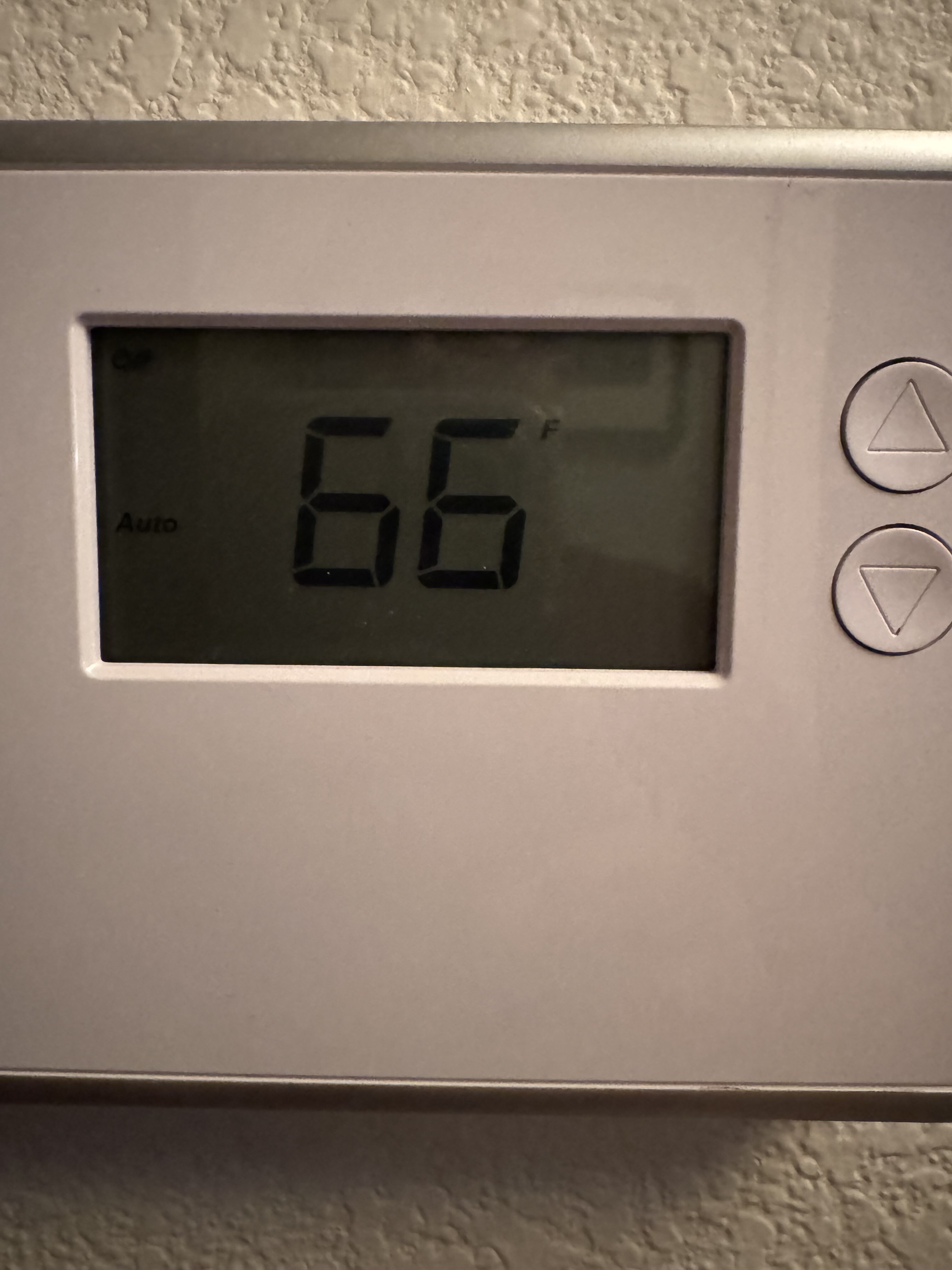
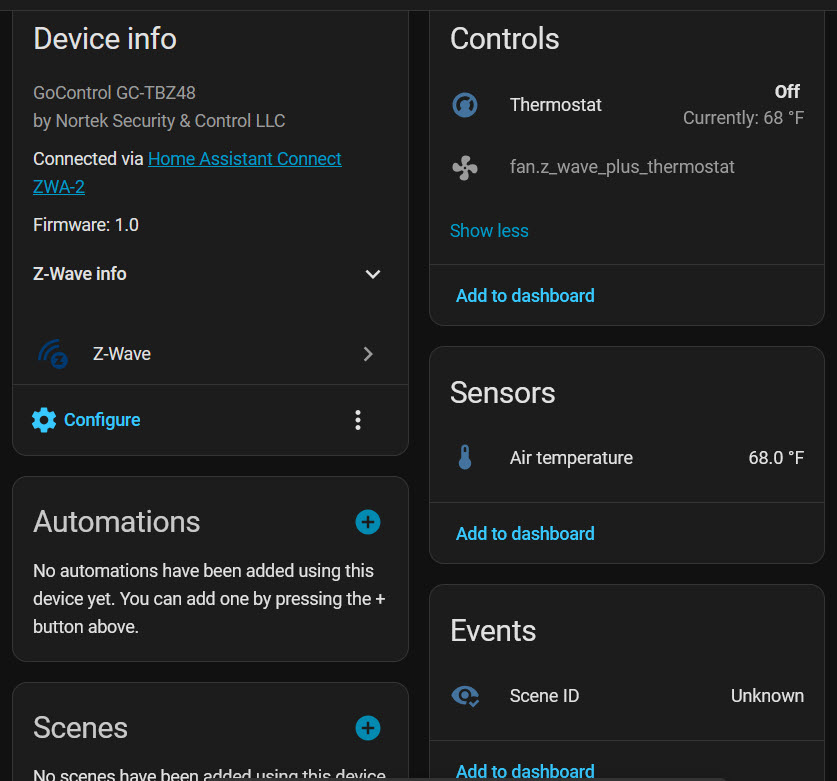
It always says 68 degrees on the app even when the panel says other temperatures. I also noticed that the Z-wave network installed indicator icon does not display on the panel when connected to HA as it did when connected to Vera. I attached a screen shot of the indicator in the bottom right corner. It doesn’t show up now as it used to.
Also, It’s been reported in other posts that a change to the zwave.js fixes it but I don’t want to mess with the system. I want something that works without tweaks.
Here is excerpt from that post.
I stumbled upon this post which prompted me to upgrade from Z-Wave JS to Z-Wave JS UI and then add the thermostat to Association Group 1. That has fixed this problem: temperature is now automatically updated in the thermostat card.
Odd. I am not seeing anything that you have posted.
Mine updates fine in HA. The Z-Wave indicator is on in the display. I have not made any tweaks for this. I have had it for three ish years in two houses.
Can you show a screen shot from the app? And, the code to your dashboard for the card?
So, the one that concerns me is parameter 46. But, that should only matter if parameter 43 is not zero.
In my previous house, the thermostat was in a place that when it got to temp, the living room was NOT comfortable. So, I had a temp sensor in the living room and I would update 46 with the current temp of that sensor. But, to do that, 43 was set at 1 instead of 0.
I think I am stuck at trying to help now. Maybe flip 43 to 1 and back to 0. Not sure what else.