My open source ESPHome project: universal controller, turn any A/C to smart one, connect to Home Assistant instantly

Announcement: The source code in my project is mainly generated by AI.

I shared an Arduino project before that can do the same, but that on needs Arduino environment and relies on MQTT, not very convenient to implement. This is original post:

So I decided to make my own ESPHome version of it. It's not a port of the Arduino code, but based on the official ESP-IDF example. Thanks to the AI, otherwise it's almost impossible for me.

Highlights:

  • Can use any ESP32 module as controller
  • Controls any A/C with a LCD IR remote
  • One click pairing
  • Can decode IR remote operation and sync back to HA
  • No physical buttons or LCD is used, all operation is done in HA

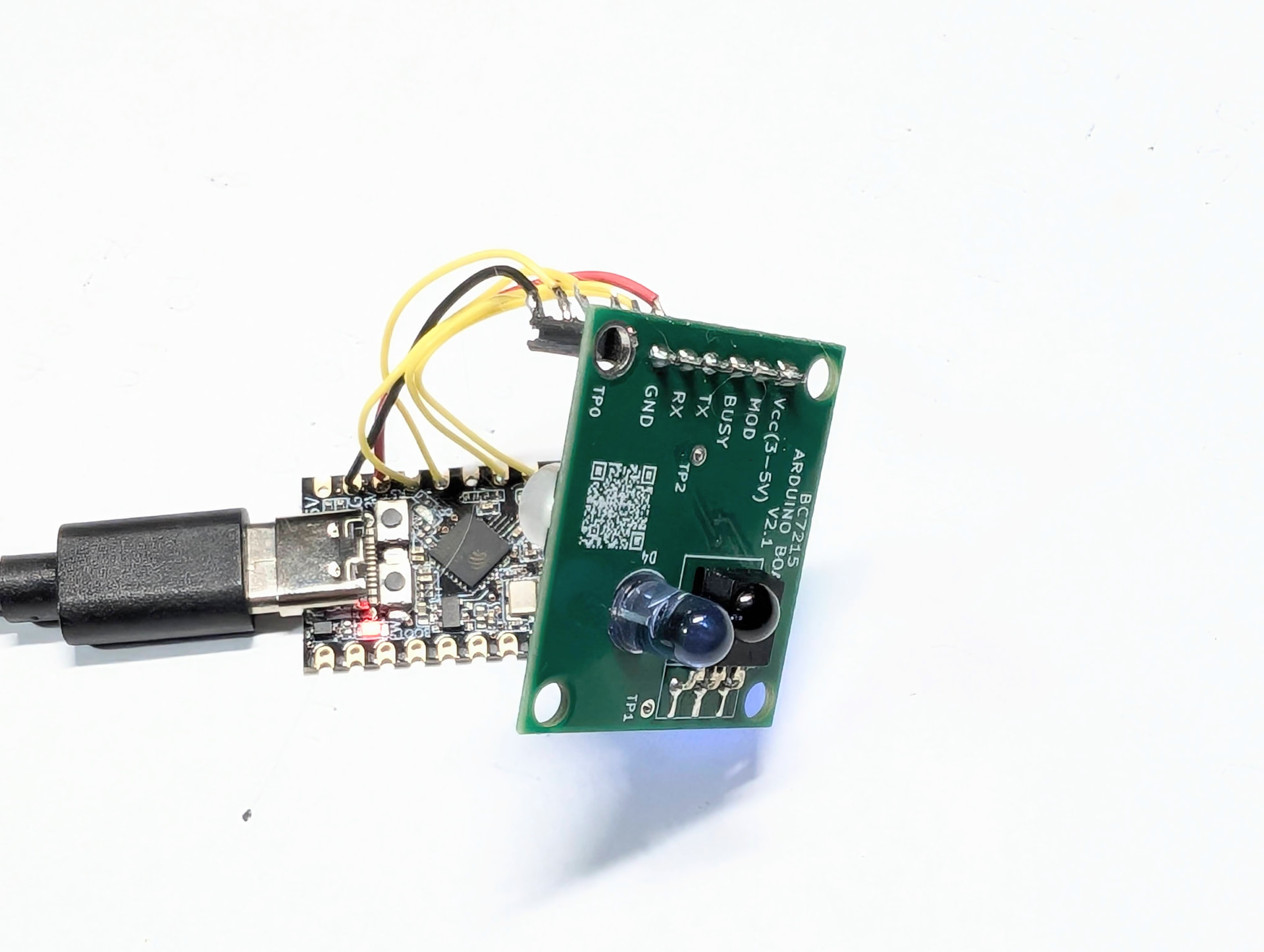
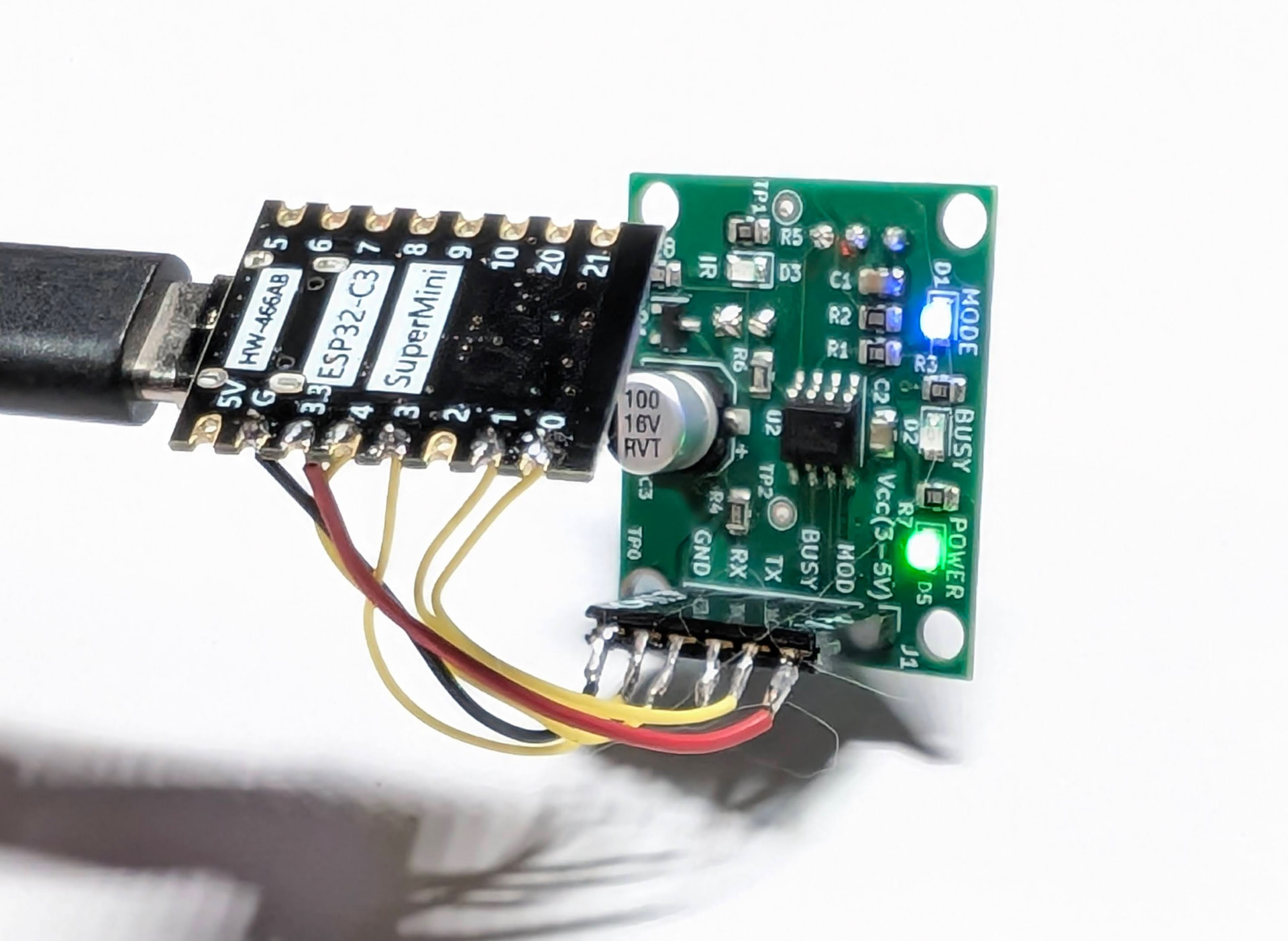
I used an ESP32-C3 SuperMini as the controller:
I made it open source at Github:

There is a detailed guide for installation and use, But some part of the guide such as the installation for docker installed ESPHome, is from AI sugestion and not tested as I don't have that environment.

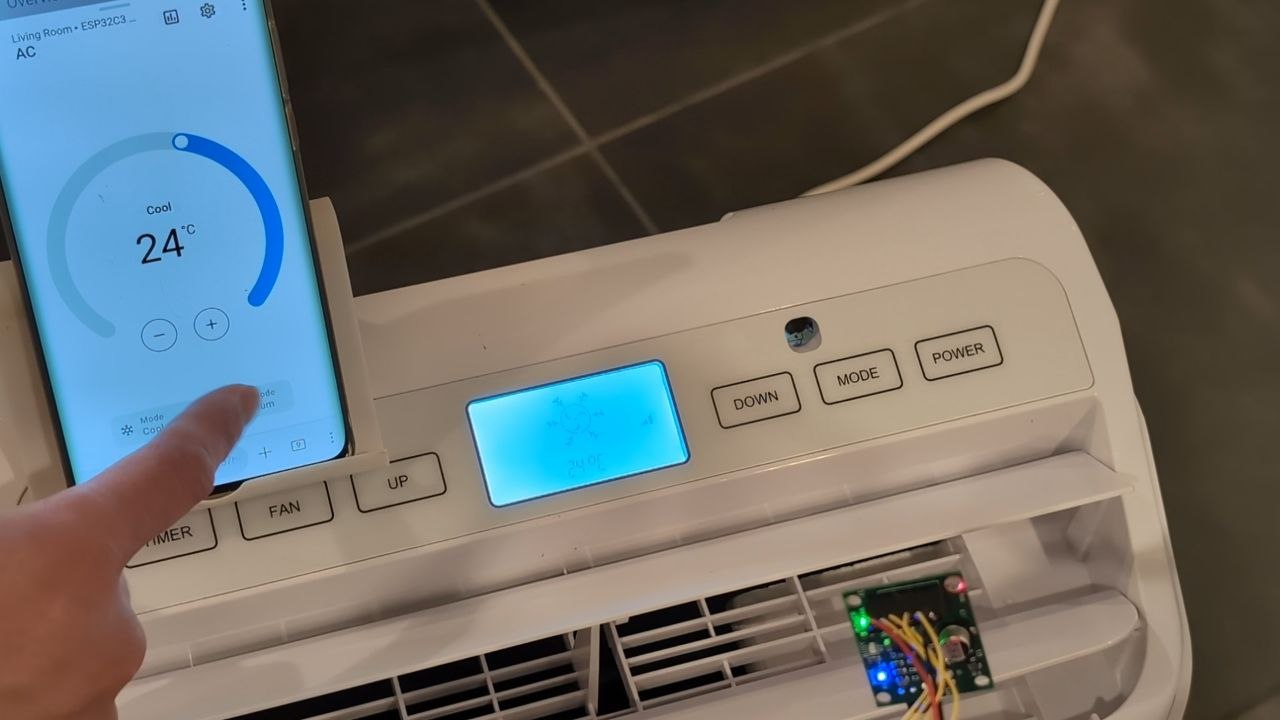
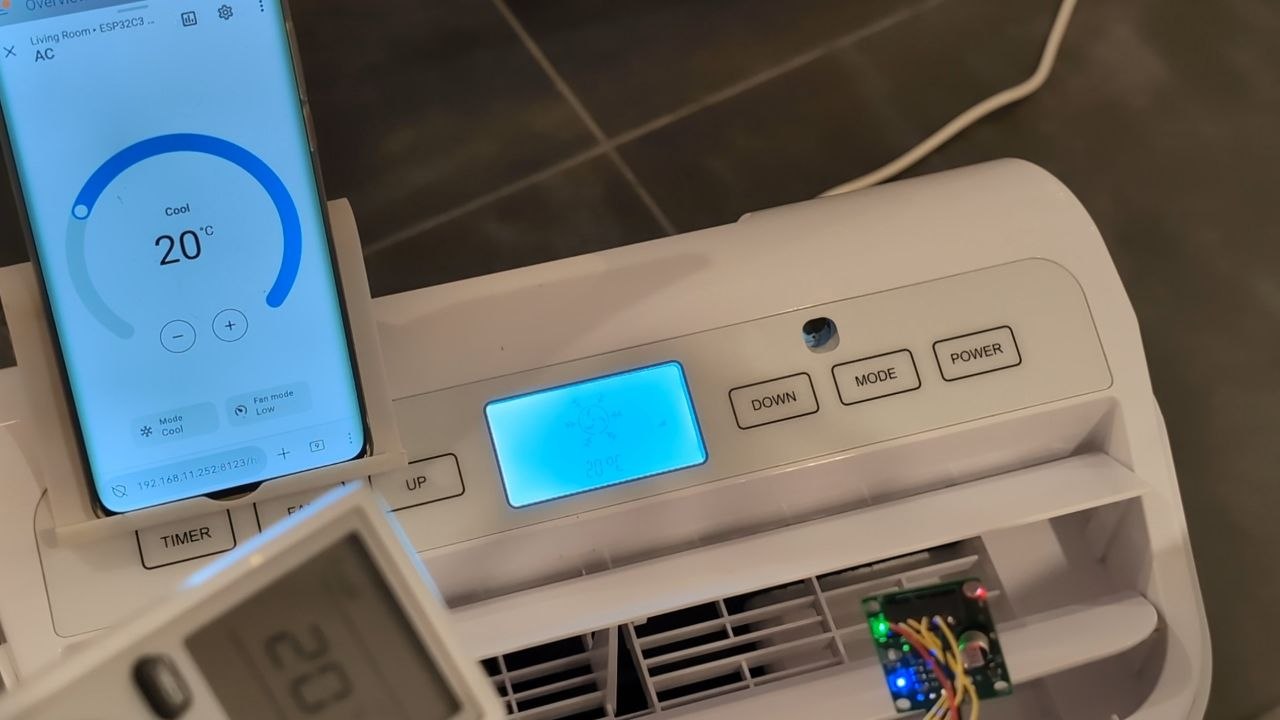
I made a short video with my portable A/C, to choose the portable A/C is because that I can capture all the LCD displays in one view simultaneously. Unfortunately it's not allowed to post videos here, there are the 2 screenshots of the video.

Will be very glad to see if anyone can actually DIY their own and make it working. This is my first ESPHome project and would be happy to answer any questions about it.
Leave me a star on Github if you feel this is useful for you :slight_smile:

While, sadly I can only post 1 picture in a post, I'll try to post the other pictures in replies.
There's a much better was that does not rely on IR: Need Daikin Wifi? Use the Open-Source Faikin ESP32 Hardware instead of the official wifi Modules

There are many old A/Cs don't have wifi, I think this project is the best way to get them integrated in Home Assistant.
The projects like the one you shared are normally brand dedicated, while this IR approach is universal.

You're probably aware, but fyi the library this project depends on has obfuscated C source code. For eg, bc7215_ac_lib/bc7215_ac_lib/bc7215_ac_lib.c at 5e3d69ea65e0ed3e0bb8b02368e3e6bcae8fe58d · bitcode-tech/bc7215_ac_lib · GitHub

Yes that part is not truly open sourced, to my understanding, that library is used for generating the IR command data.

Hi tim , great project if been searching for something like the for awhile now.
Is it possible you could make a tutorial on how to use esphome to flash the esp32 with the firmware

Thanks for the comment. I'm new to ESPHome actually, mostly I rely on AI to do what I want. It's a bit complicated to write a tutor for flashing firmware with ESPHome I guess, as there are many situations to consider, different system environment needs different methods.

But you gave me an idea, and I asked AI and found it may be possible, ESPHome has a web tool, should be able to let user to install firmware even without installing ESPHome, I'll try to ask AI to see if I can give my project a web version. Please keep your attention on this topic, I'll find out soon.

Hi, I have just built a web tool so firmware installation is as easy as browsing a web page.
please check it out

I have ordered the components , as soon i received i will be trying it out , i will let you know how it goes

got my stuff today set up and its working thanks, only one thing it keep going unavailable and its kinda slow, can i port this to a esp32

I saw some people had issues with that ESP32 super mini 's WIFI, not sure it's the cause of your problem. You may try to move the device closer to your router to see if anything changes, or you can change the module to a traditional ESP32, but that needs you to install ESPHome then change the config and compile.

Hi there.
I installed your project on the same board you did use (ESP32-C3 SuperMini, i just got a version with headers on since i wanted to test with headers and no soldering should also i confuse something on the wiring), and hooked it up to the BC7215 module.
I tried to use it with my AC system (Aermec SPG250W, but these are units from Gree, really), to no avail. No matter the protocol i do use to pair or something, i always fail to control the AC unit.
More surprisingly, the module kinda receives and reflects the commands i instruct from the remote (mostly), but looks like the module cannot command the AC properly at all. Aermec is listed as a supported vendor tho from the BitCode documentation.
I guess it could well be that my AC units are not supported by the module really, but i figured out i may ask here for some input first.

Hi Michele, to my experience if it can decode the IR remote, then it should already been paired correctly. The BC7215 module has a problem as the IR receiver and the transmitter LED are facing the same direction, which is not ideal for our application, maybe you can check if the LED is pointing the AC unit ? Another issue I could think of is the power supply from the ESP32, maybe the 3.3V has not enough power to drive the IR LED, you can try move the device closer to your AC, pointing the LED to the receiver on the AC, to see if anything changes.

Hi all,
May I ask how we know persistence / how state sync works with this? As in, this acts just like a remote, right? Now if you set stuff up with a remote then, for example, change the AC's state via the WiFi module, the remote will never know. It's not a 2 -way sync, just a broadcast. This is the same, right? So the module, and thus HomeAssistant itself, will never know if the asked operation actually worked/works/is the current state, it can simply broadcast what it asks & wants?

Hi Michele, to my experience if it can decode the IR remote, then it should already been paired correctly. The BC7215 module has a problem as the IR receiver and the transmitter LED are facing the same direction, which is not ideal for our application, maybe you can check if the LED is pointing the AC unit ? Another issue I could think of is the power supply from the ESP32, maybe the 3.3V has not enough power to drive the IR LED, you can try move the device closer to your AC, pointing the LED to the receiver on the AC, to see if anything changes.

Hi. I conducted additional tests and i determined that in cool mode, the AC unit seems to mostly respond correctly to the inputs from the module (I also have the original WiFi modules using the Gree cloud installed to check what is really happening). Not at all in others (I know the AC should receive something because it beeps anyway), even though it mostly interprets correctly what i do command from the remote. Mostly because, for example, if i put the AC in dry mode, the module treats that as cool mode still.
I surely did notice the effectiveness of the control is really dependent on the orientation of the module towards the AC, but that's something that seems to be really taken care of later anyway. I also tried to hook up the module to the 5V VCC (since the BC7215 is also explicitly rated for that) but surprisingly it does not work at all that way.