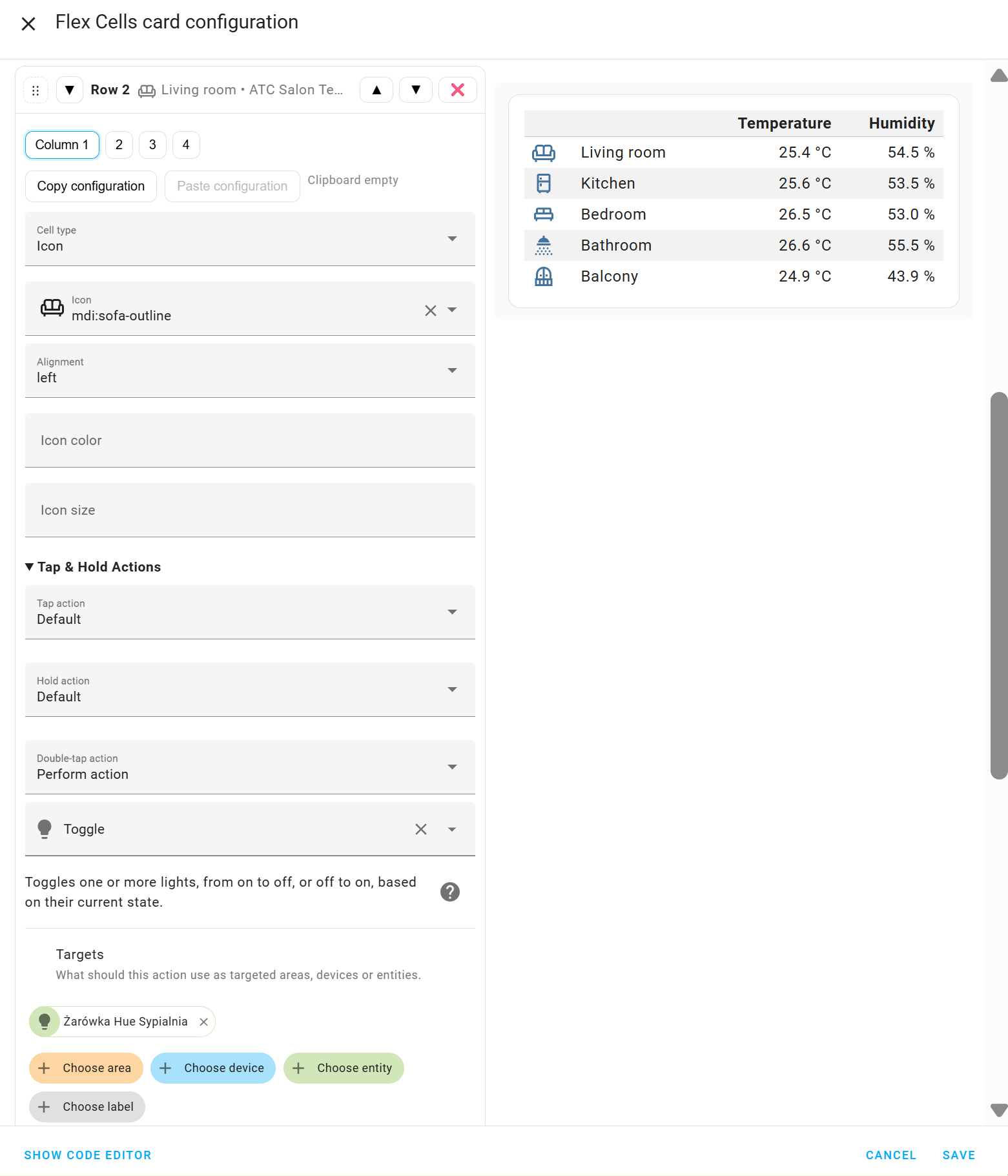
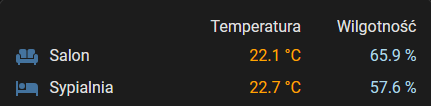
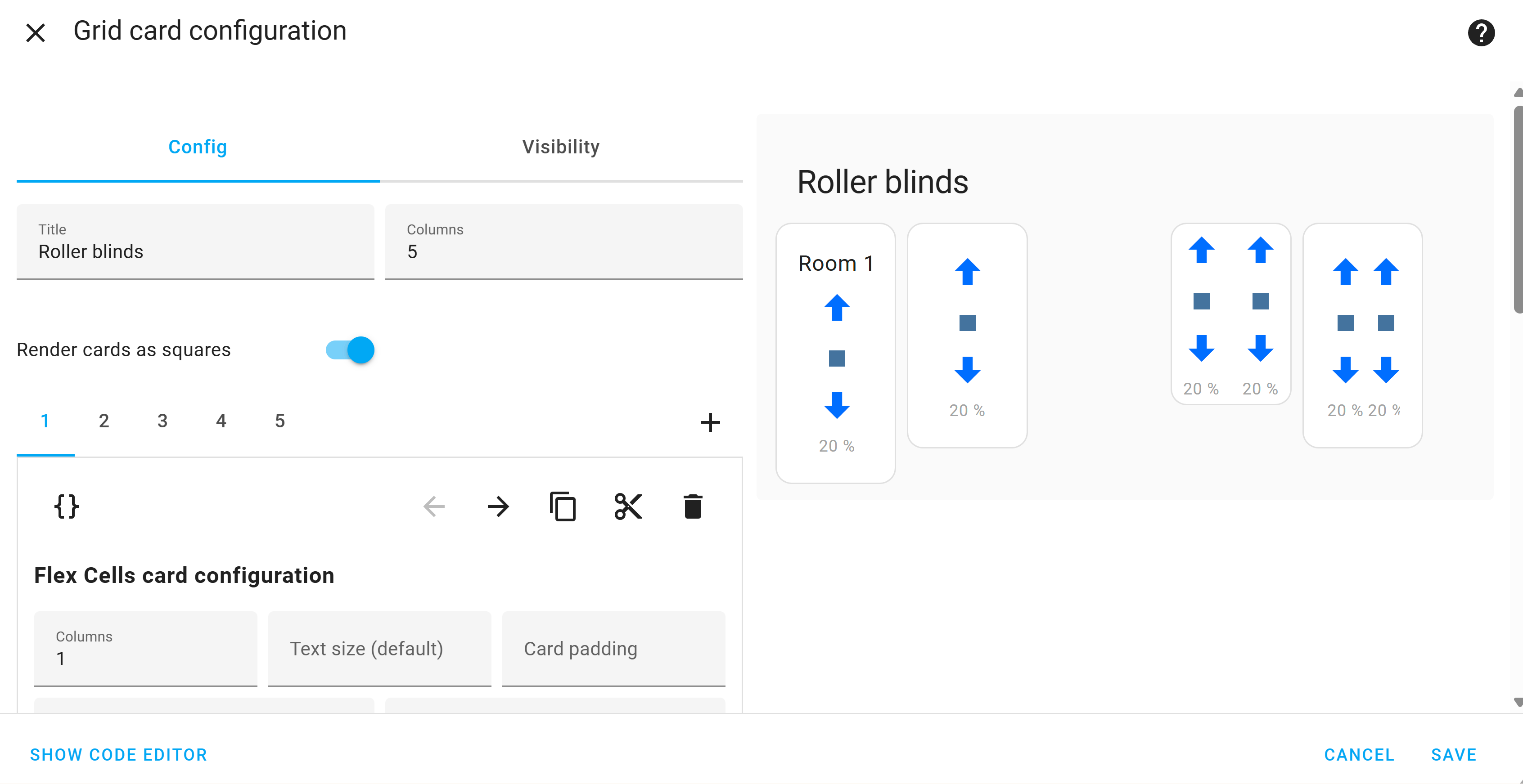
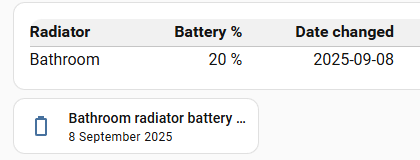
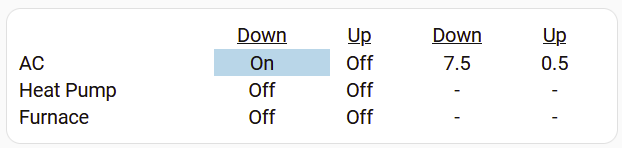
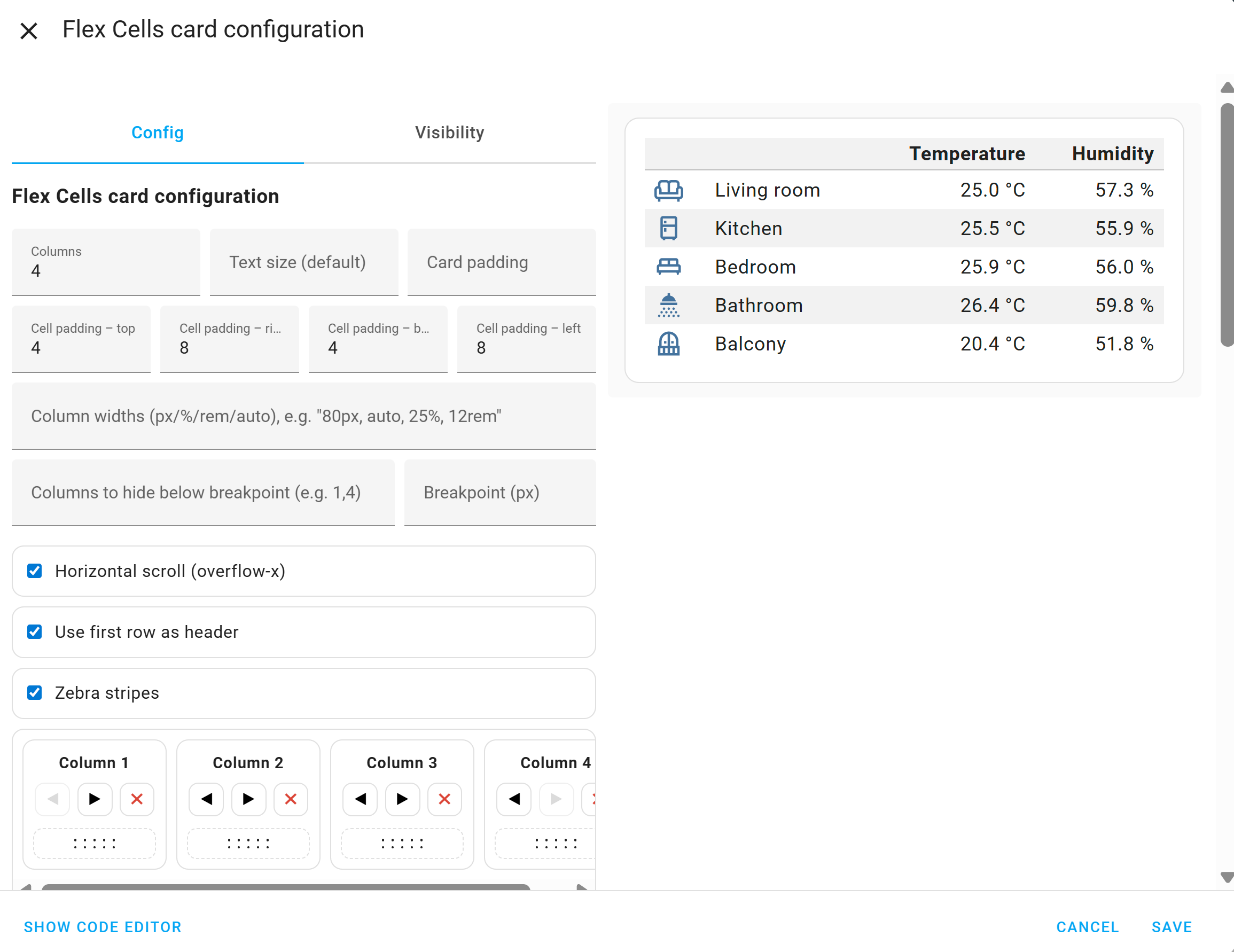
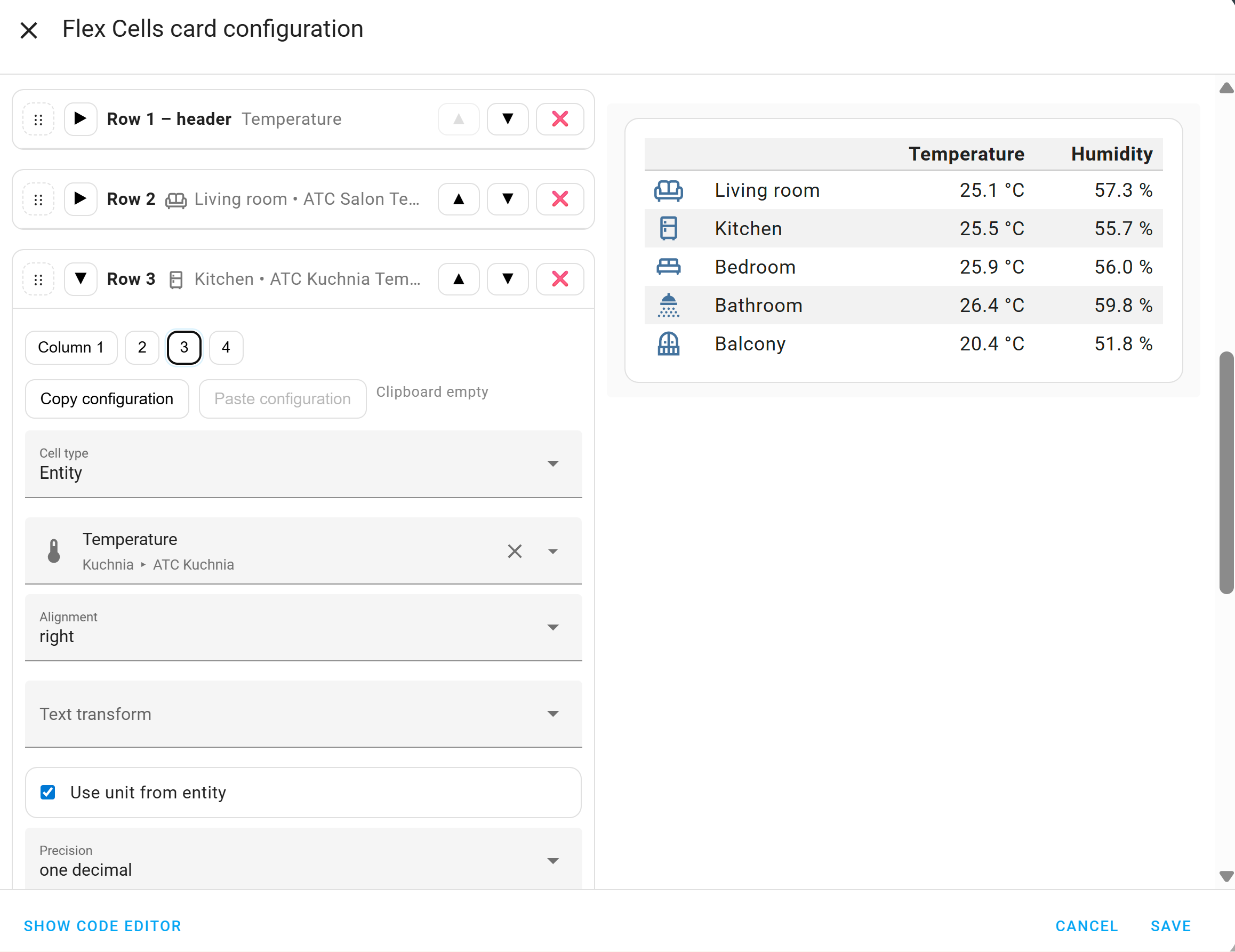
I’ve just made my first Lovelace card – Flex Cells Card.
It lets you create table-like layouts with icons, text, or entities, configurable from a visual editor.
In the future, I plan to add cell actions.
Let me know what you think!
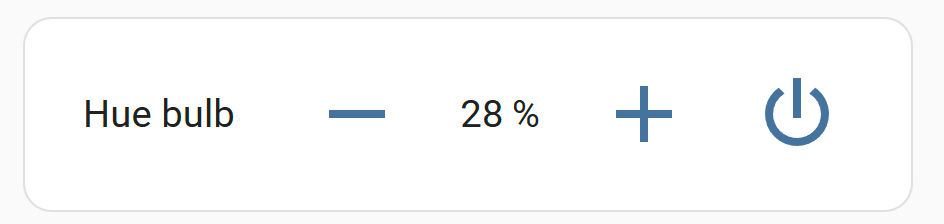
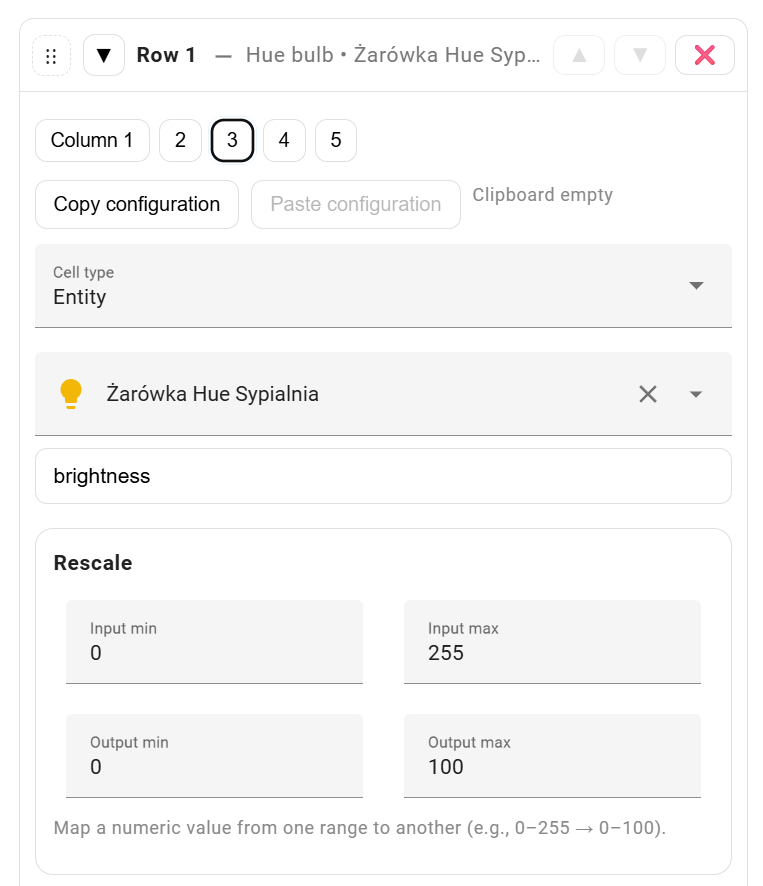
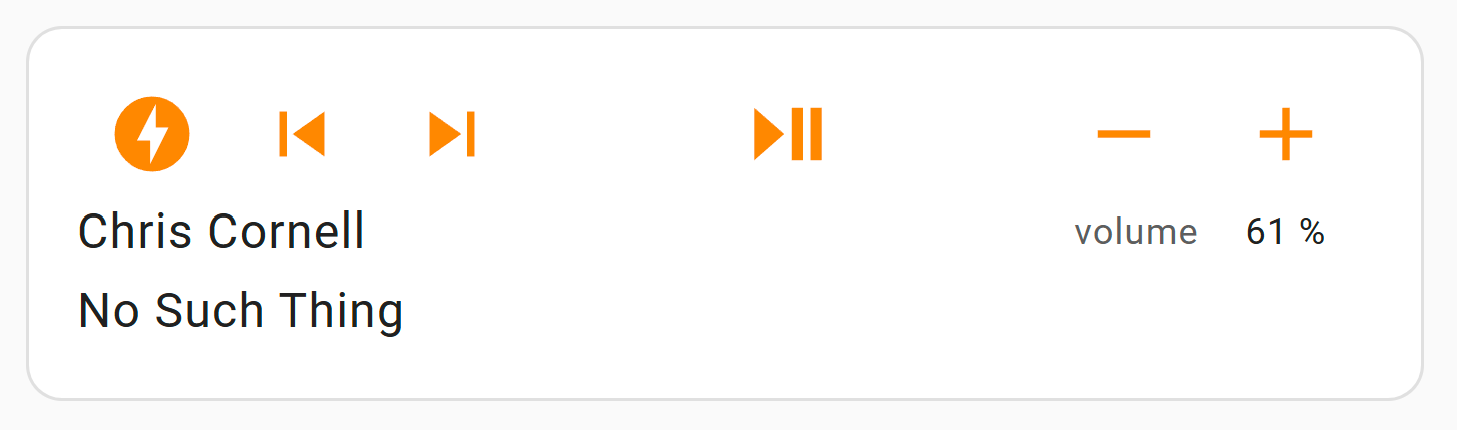
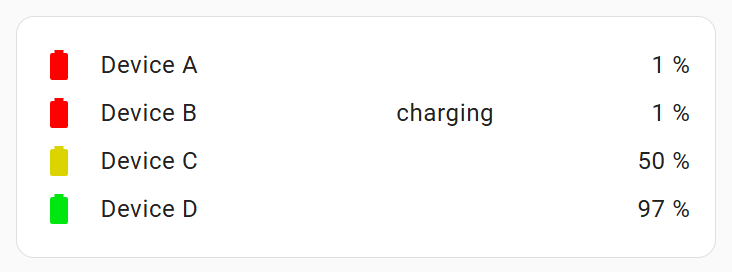
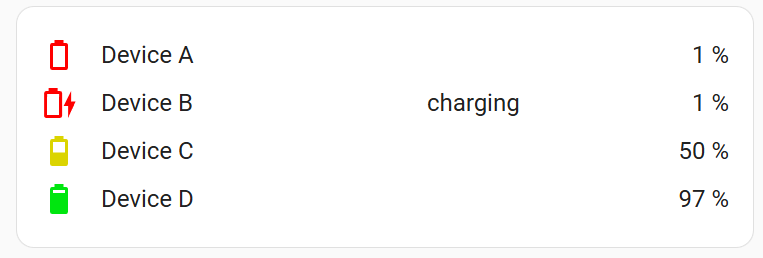
Additional examples of what can be quickly and easily created using Flex Cells Card. While creating the media player, I thought it would be useful to display images, for example, the cover of an album being played, so that will be added in the future.
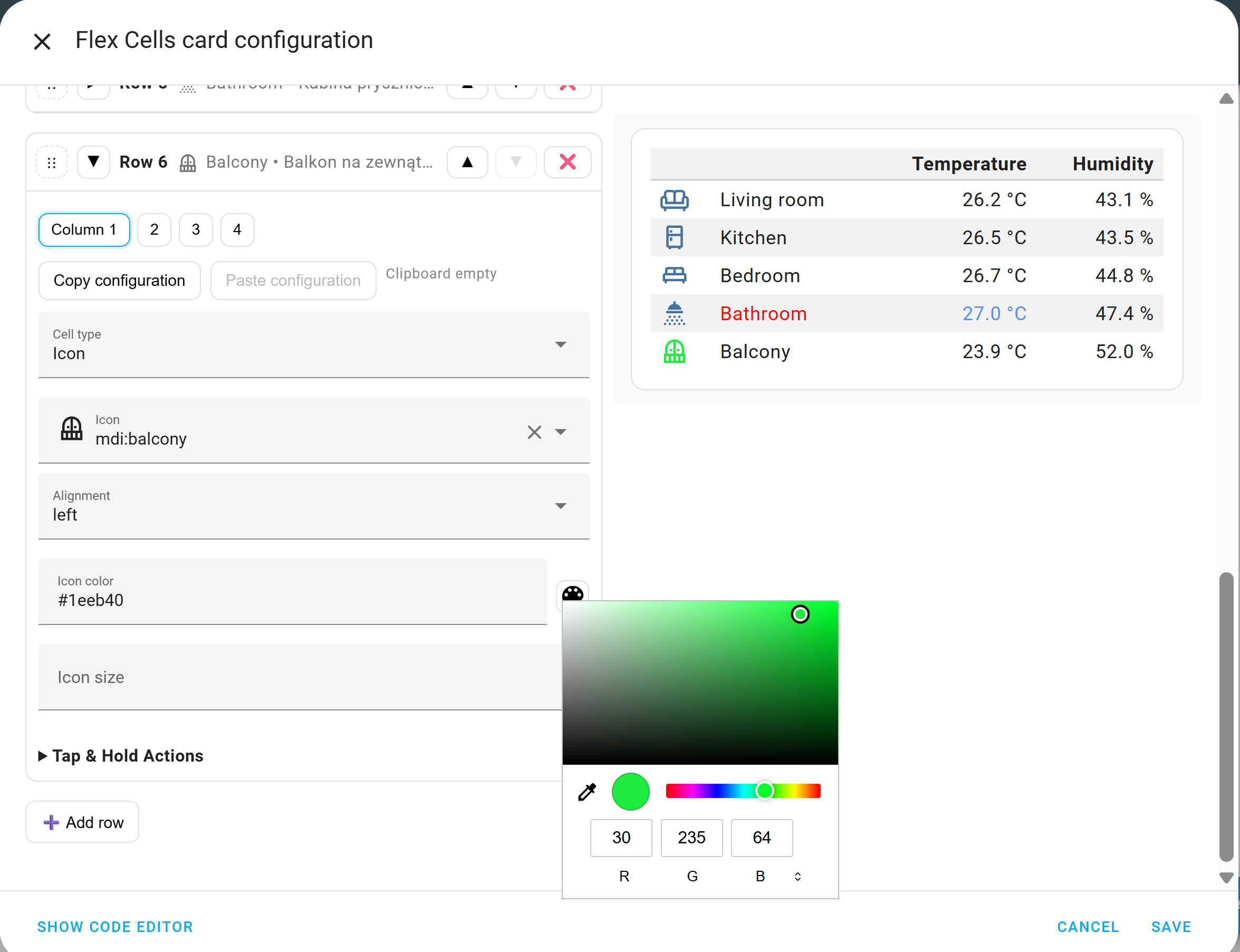
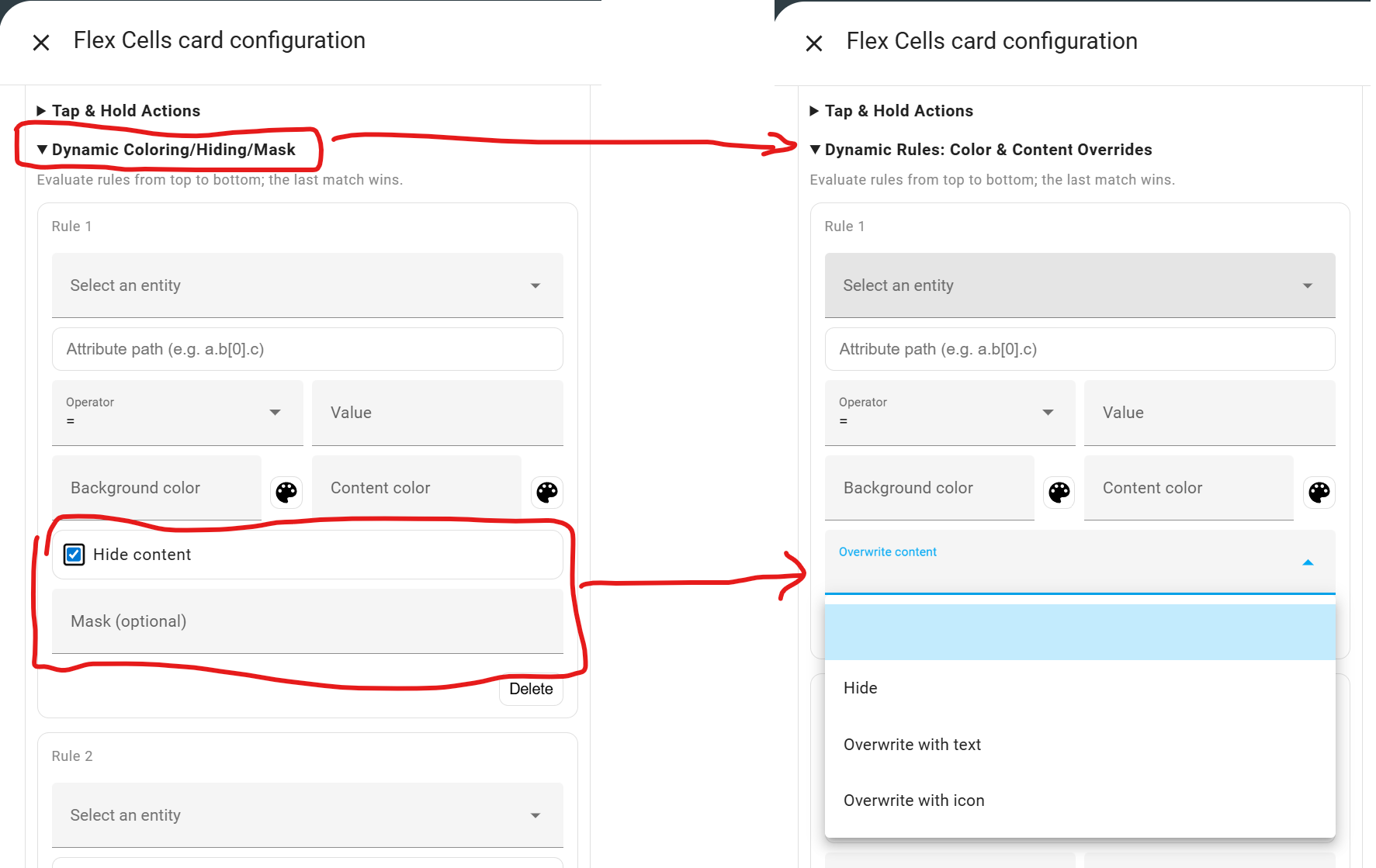
I’m working on it. In about a week, you’ll be able to use dynamic colors for content and background, and you’ll also be able to hide content when a condition is met. Cardmod won’t be needed.
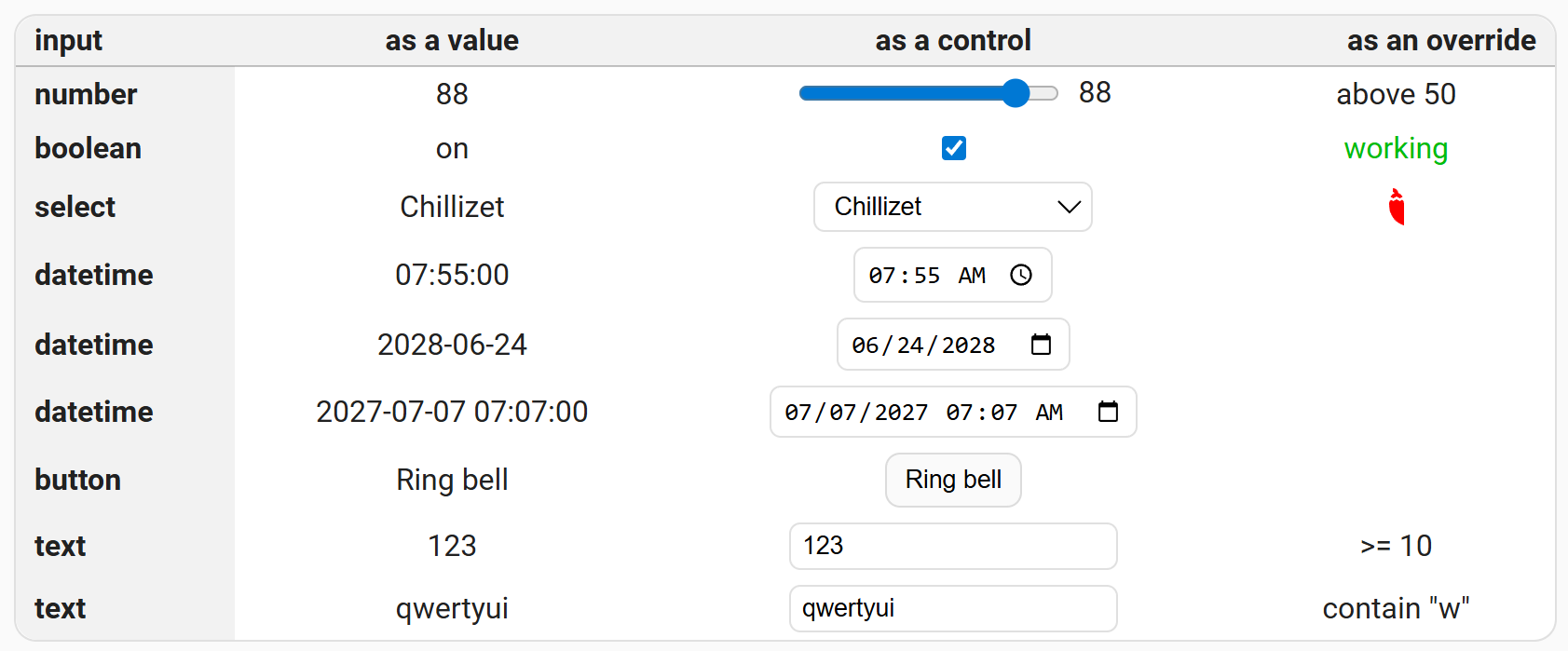
While developing this functionality, I thought it would be nice to have dynamic icons. They could be similar to coloring, but instead of selecting a color, you’d select an icon. With this functionality, the above example could look like this:
When I display the date from an input_datetime helper it doesn’t seem to display according to my user profile language settings - it gets displayed as yyyy-mm-dd, instead of dd-mm-yyyy.
Is it possible to change the format?
The Tile card displays the full month (which would be better)
I just want to chime in and say THANK YOU for this excellent card! Very useful and intuitive, and allows me to display things just the way I want. I especially like the padding controls, so i can fine tune the white space displayed.
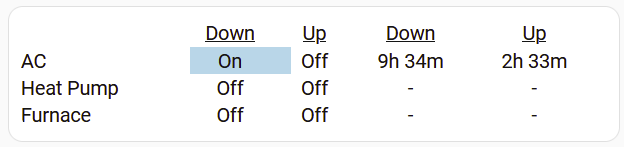
Another Date/Time related request: Please add a display format option that would let me show a “time” entity as “XXh, YYm”, so that the “7.5” in the image above would display as “7h 31m”.
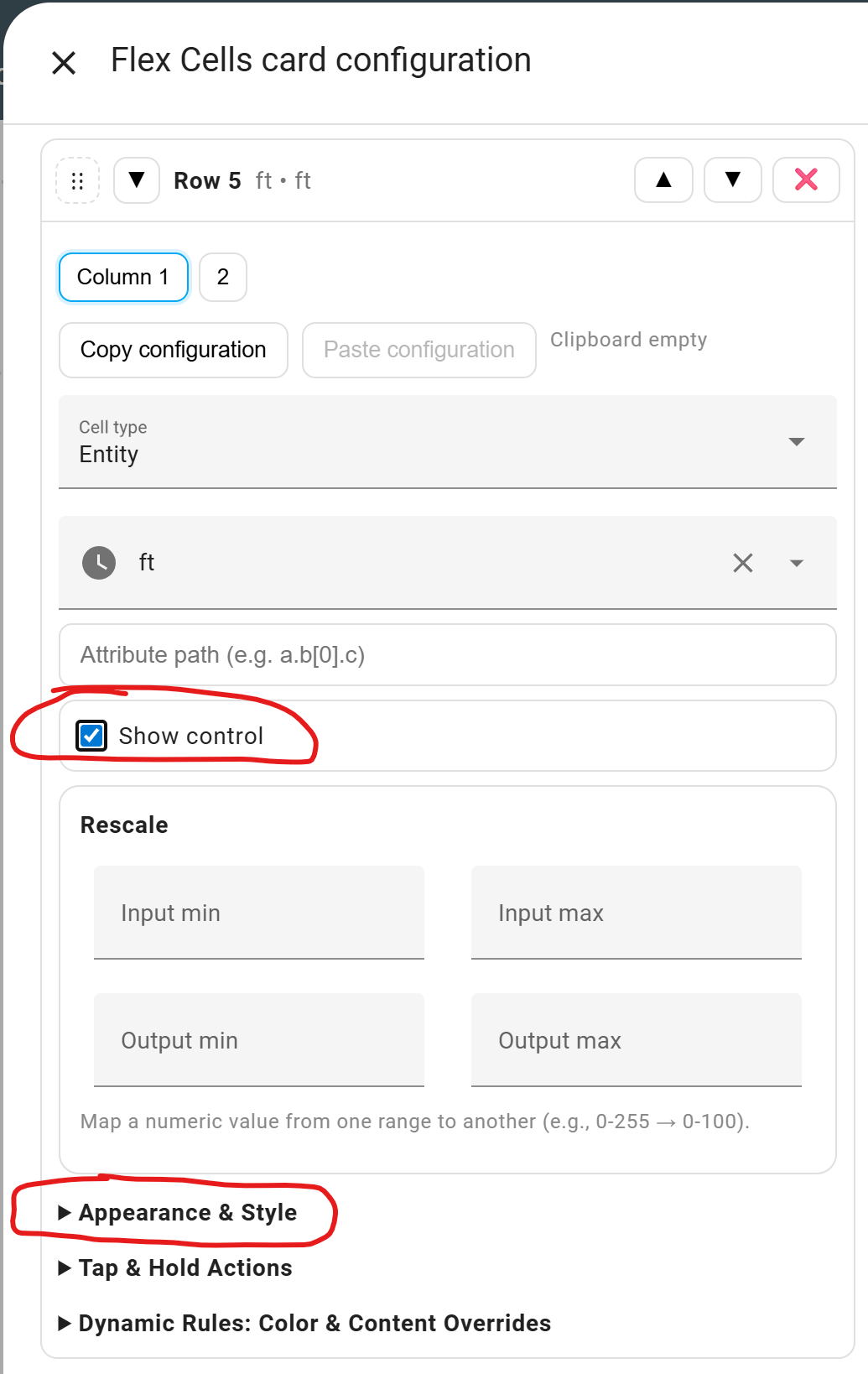
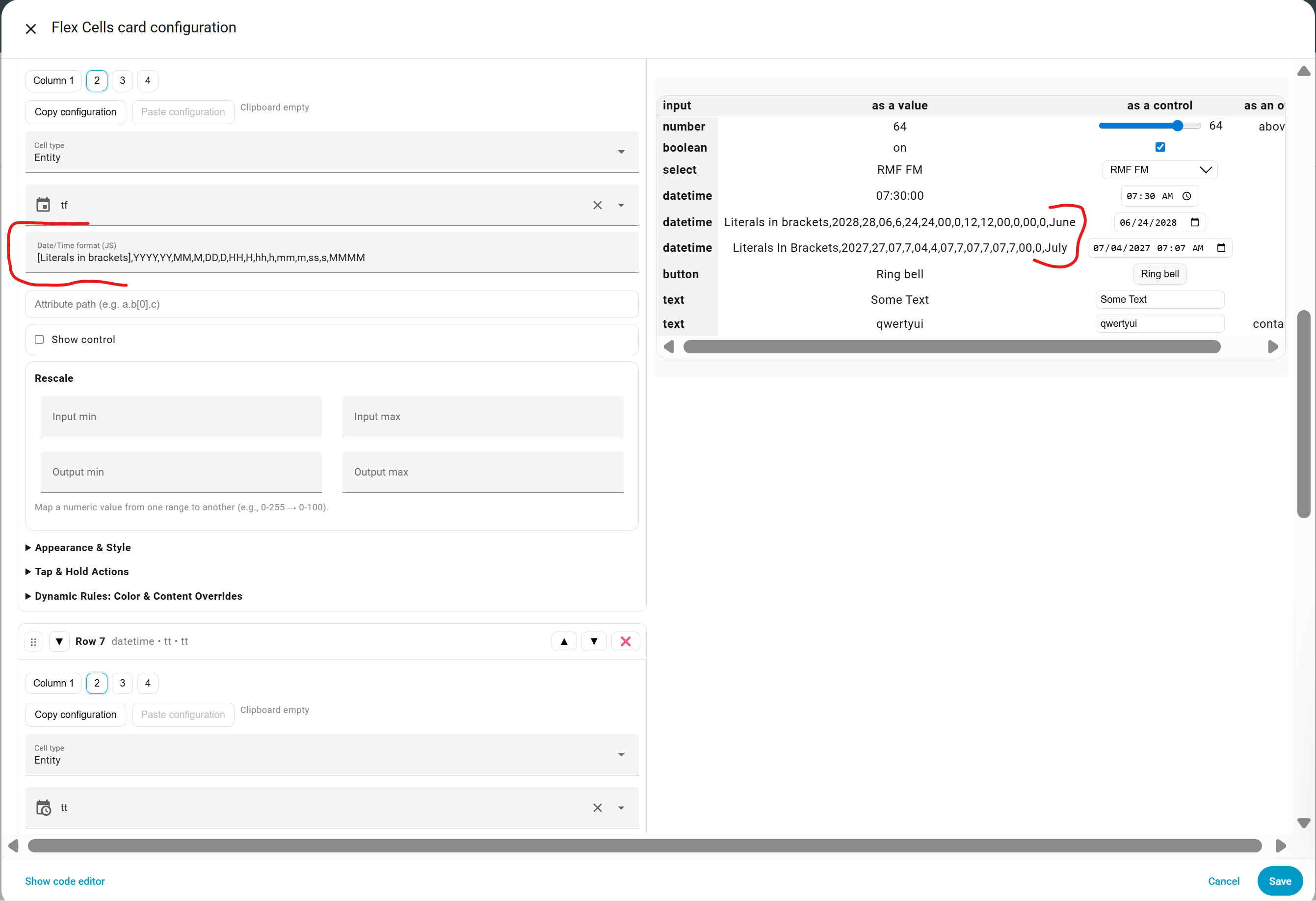
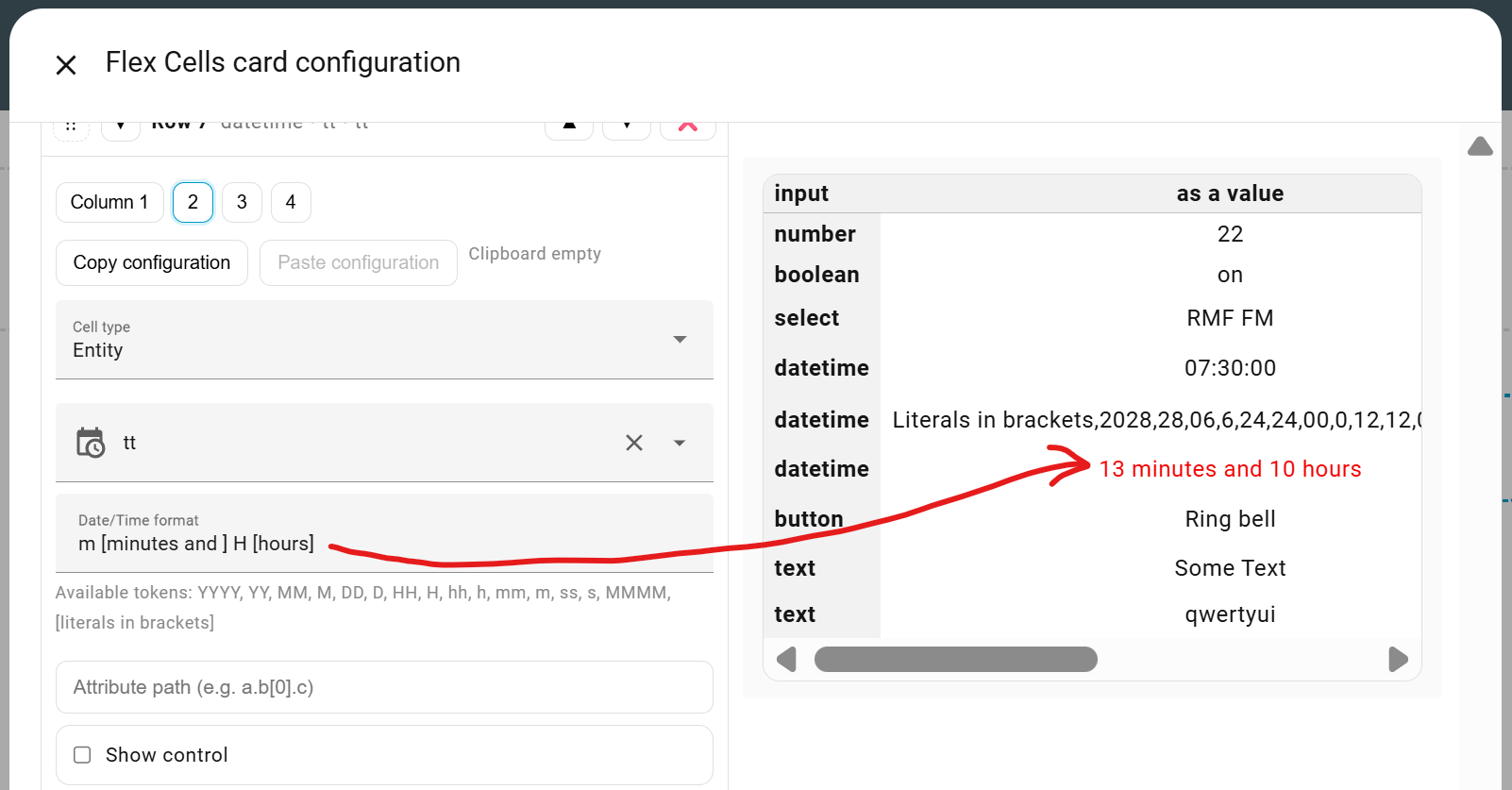
Regarding input_datetime formatting, that’s a very good idea. I’ve already prepared a preliminary version that will offer the tokens visible in the screenshot. The MMMM token will be displayed in the language selected in the HA settings.
Thanks for the update - that will indeed be very helpful for datetime entities!
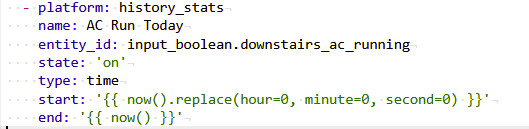
Unfortunately, the one I’m using in my table above is of type “time”. It’s a history_stats value that tells me how long the air conditioner has run today, created in YAML using:
I don’t have any plans for this at the moment, but that doesn’t mean this functionality won’t be available in the future.
For now, try this:
# template.yaml or configuration.yaml under "template:"
template:
  - sensor:
      - name: "AC Run Today (HH:MM)"
        unique_id: ac_run_today_hhmm
        icon: mdi:clock-time-four-outline
        state: >
          {% set v = states('sensor.ac_run_today') | float(0) %}
          {% set h = v | int %}
          {% set m = ((v - h) * 60) | round(0) | int %}
          {% if m == 60 %}{% set h = h + 1 %}{% set m = 0 %}{% endif %}
          {{ '%02d:%02d' | format(h, m) }}
This hasn’t been tested, so it might not work. You’ll have to figure something out.
 TOP !!! Thanks for this nice lovelace Card