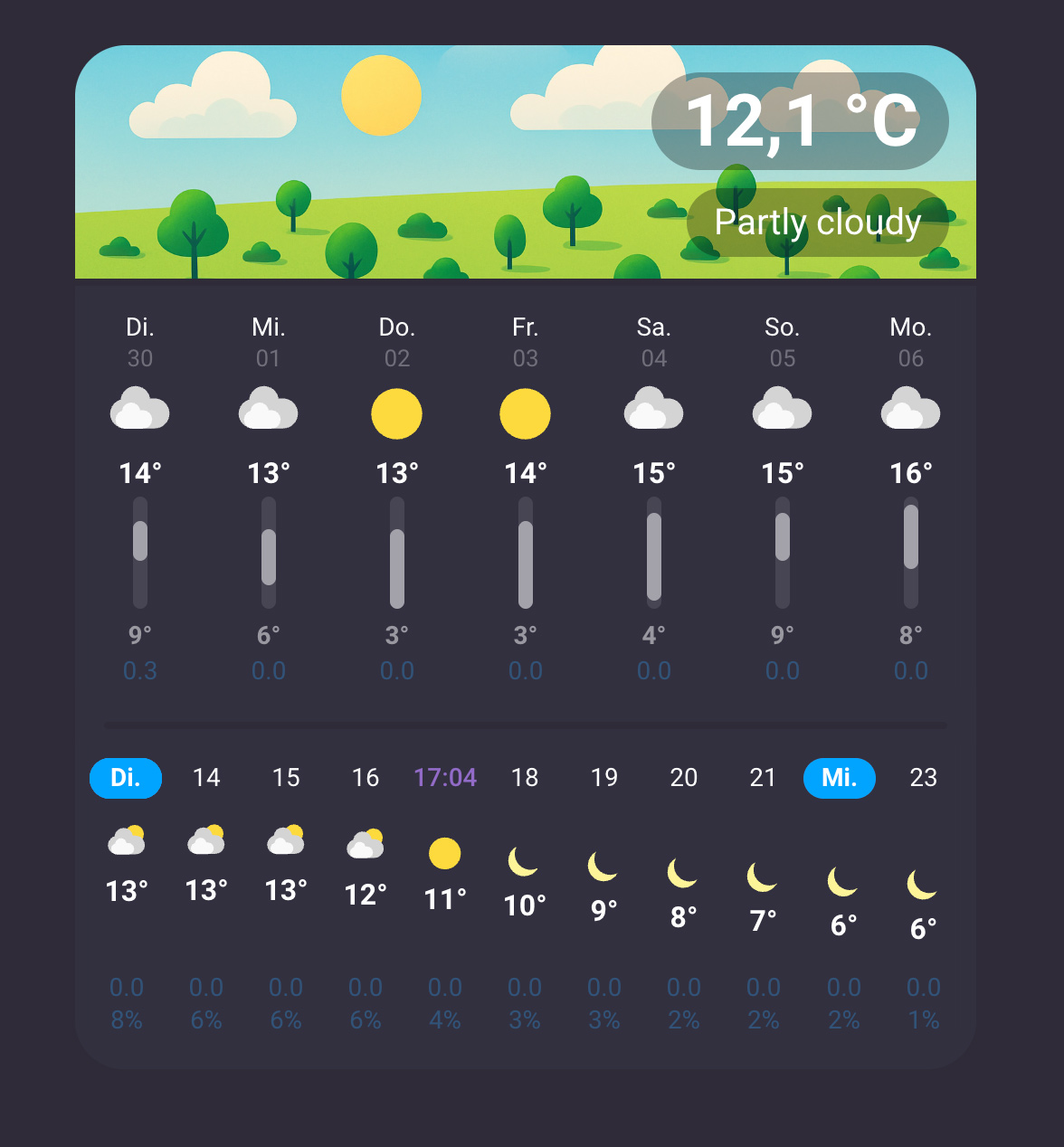
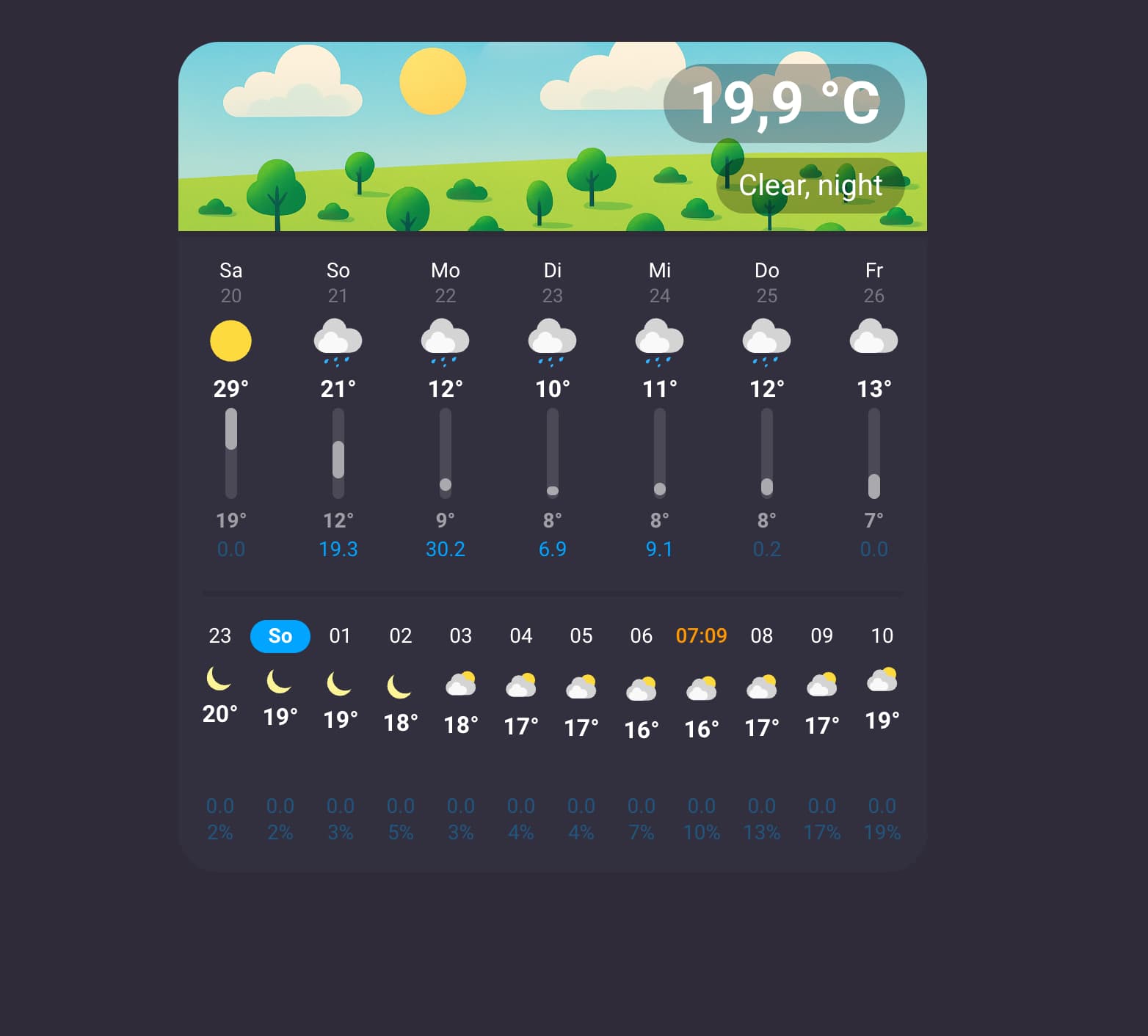
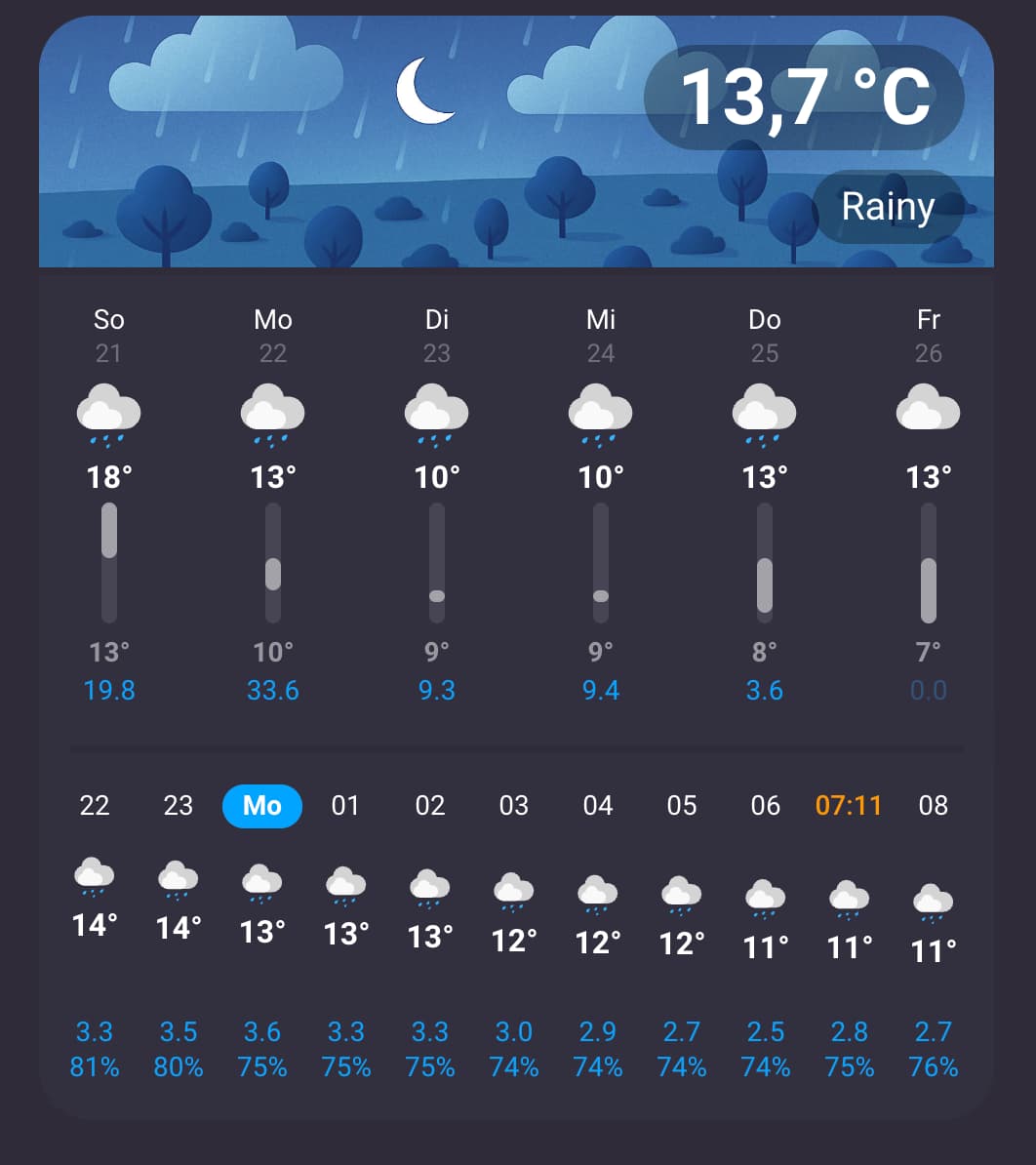
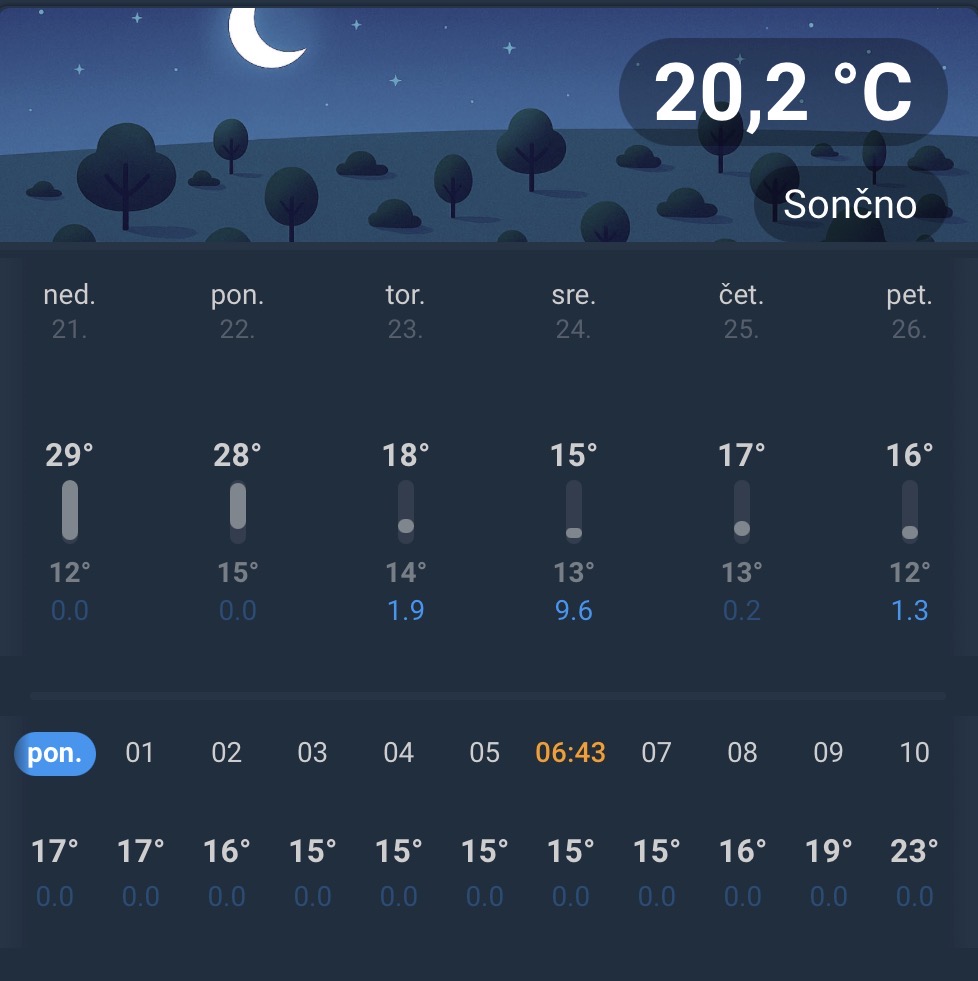
I’m currently creating a weather card for using it on my smart clock, that I hopefully will be able to release here soon.
edit: The card is released, click here for more info.
The goal was to enhance the default weather card with rain amount and perception.
So it uses the default HA weather icons and a similar layout at least for the daily forecast.
(Ok, after a lot improvements, this text isn’t really true anymore I guess )
For a quick glance, the rain values are dimmed when they are below a certain value.
Hourly conditions are translated vertically based on the temperature, also for a better “on-a-glance” experience.
The daily forecast shows a bar with min / max temps, also helping to get as much of a quick look as you can.
The forecast can be scrolled horizontally, so you can also look at the hourly forecast of next days.
Clicking on a day scrolls the hourly forecast to this position.
The hour number is replaced with a full hour:minute format for the sunrise in orange and for the sunset in .
The card also auto-calculates the gap between the items based on the card width and does snap into position when scrolling ends, so the card looks always nice and clean.
When you scroll through the hourly forecast, a blue sticky day indicator helps you to not get lost.
Header can show a different current temp as the one from the forecast, so you can use your own outside temp sensor.
2 different layouts (vertical / horizontal) and the single sections like header, daily forecast and hourly forecast can be disabled separately.
The current weather section is using some images instead of an icon (thx to ChatGPT). I guess it would be nice to make them user-configurable with a something like an image theme directory.
If anyone has more little ideas about user interactions that makes a weather forecast better to use, or other must-have features I’m happy to hear.
I also thought about adding bars as a graph for the precipitation as an option, let’s see how it looks. Not sure if it should be in the background of the text, or below as a second row just containing the bar, like there’s a second row of text in the daily forecast.
One thing I would have also liked to add, but didn’t so far as the vertical space in my smart clock is limited: Adding floating rounded bars to the daily chart per day to display the span of max and min temperature.
But I came up with the idea to switch to a side-by-side layout on landscape devices (and add an option to force portrait or landscape layout or use auto to switch automatically e.g. on Devices like phones when they are rotated).
That way, this could be added to the daily forecast easily, as there’s quite some unused vertical space in a quick test hacked together. Let’s see.
Really nice, would like to use this on my Nest Hub dashboard.
Do you plan to make it possible to use a separate sensor for the outdoor temperature?
Thats a must requriments from my familly, so it excludes a few of the existing weather cards for me
I already have the current temperature of our own outdoor sensor combined with min/max from the weather forecast on the clock screen (screensaver of the device),
so this is also planned to be possible with this weather card.
Love it but i di think that it’s not good idea to make it sooo big in heigh just to show “time of the day”. i think that second block should be compact and inline like the week day part. it looks very strange when icons go down also as i mentioned takes too much space.
the card has 2 sections.
One is daily forecast and use the bar to show temperature ranges.
The other one is hourly forecast and uses the vertical position of the icon to reflect the relative temperature.
A lot apps use this to give a better glance about the temperature trend of the next hours.
The card is also meant to be used with things like wallpanels,
or a dedicated dashboard tab on the phone to replace a seperate weather app.
I think there are already a lot cards that can display small weather widgets, but I wanted something more feature complete for a full-page weather forecast.
But you won’t have to use it that way.
The card will shrink the bars on daily forecast and the vertical spreading of the hourly forecast icons if you reduce the height of the card.
I will also add the possibility to use only the daily forecast as well.
Currently I’m too busy with creating tools for assist, to make my VPE smarter, but the card doesn’t need too much work anymore to be ready for a beta release …
The card has only be tested on my setup with the weather service I use (DWD) so far.
Be prepared for bugs everywhere.
Add this repo to HACS and search for weather-forecast-extended.
There isn’t any versioning as of now, so just install the only option provided.
It looks better on dark themes, just like the default HA weather card does (as it uses the same icons who are not perfectly optimized for bright backgrounds).
Disabling the daily or hourly forecast isn’t working so far, so you have to use the full version.
It needs some height because of it, in a section based dashboard a height of 9 rows or more should be used.
Switch to YAML configuration in this case and add something like this to the card config:
grid_options:
  columns: 12
  rows: 9
Features:
Click on a day and the hourly forecast will scroll to it
Provide gps coordinates or select the home address from HA to get sunrise / sunset informations in the hourly forecast
bar graph for daily min/max temps
hourly weather chart with vertically shifted icons to reflect the temperature trend over time
What’s missing so far:
Option for a seperate temperature sensor entity to use for the “current temperature” instead of the weather forecast
Automatic min-height (row-height) calculation for section based dashboards
Option to disable header / daily-forecast / hourly forecast to only some of the cards sections
Configuration options to select which weather attributes are shown in the header
Dark header background pictures versions for night time
I added versions/releases to the repo, so hopefully you will see an update to v0.1.2 in Home Assistant.
Option to select an separate temperature sensor for the current outside temp
The card now auto-sizes to its minimum size based on the activated sections and layout options (as long as you don’t overwrite it in the layout options)
Night versions of the header background images.
I just added them quickly, have to test them for some time to see if they need some adjustments to look good with the card.
For the time being, there’s an card option to stick with the day pictures 24/7.
I haven’t seen this so far.
Maybe others can post if it’s working for them?
As there haven’t been that much replies here, I’m not sure if others are facing the same problem.
You shouldn’t have to do anything to get them displayed, as they are bundled with the card.
It uses a class with the same SVG icon code as the official HA weather card. So I guess it’s not a problem with the SVGs itself.
Can you tell me where you use the card exactly and the YAML code of your card instance? (Panel dashboard, section based, …) Then I can see if I can reproduce it.
Could also be a problem with the HACS installation of the card.
Some people had problems with that in the past with various custom cards.
Could you try to delete everything from the directory config/www/community/weather-forecast-extended and copy the files from here manually in the folder?
Just to be sure its not a deployment problem with HACS.
edit:
One more thought - which weather provider do you use? Could you try the default HA met.no service?
I just tested that one and DWD so far.
This looks promising. Icons work for me using OpenWeatherMap.
Is it possible to squeeze the minimal height of the cards to 2 rows somehow? I am aware that it leaves little space for the min/max range, but my dashboard only has 2, max 3 rows of height free for weather information ^^;
I’d be nice to be able to put more info on the header like UV index (min/max), feels like temperature and stuff like frost risk (i.e. via Thermal Comfort integration, displaying text or a snowflake)
Thank you replay and help.
I have this in Masonary view.
Have deleted all, but get error, not configured card.
I have tried with met.no, arso Slovenia, open-meteo, Tomorrow.io, all showing the same. I have also deleted frontend cache
The full card, or only one of the sections at a time?
For the full card I see no way.
For the header, sure the rest might be problematic as well.
Daily won’t work with the bars, and without it’s basically the same as the default HA weather card.
Hourly would most likely work without the vertical icon translation.
But then we’re again very close to the default HA weather card in hourly mode …
Yes, this is already planned.
Just have to figure out how to do that (mainly the card editor part) in a good way,
as this is my first try on a little bit more complex custom card.
I’ve seen other cards doing things like that with UI picker for attributes, so I might take a look at a few of them.
 )
)