Only one of the sections at a time, but yes, you’re right about the space constraints. Maybe scaling down the icon is a way to make more space for the bars.
Probably not just me, but I’d be fine with templating support and slots where I can put my stuff into, kind of like primary and secondary info on mushroom template card.
I added it to the ideas list in my notepad.
Most likely this shouldn’t be the default behavior when adding the card to the dashboard.
But it could be used when the row-size in decreased manually.
Still not sure if its possible with 2 rows for all parts of the card.
If you need a quick solution, you could play around with card-mod.
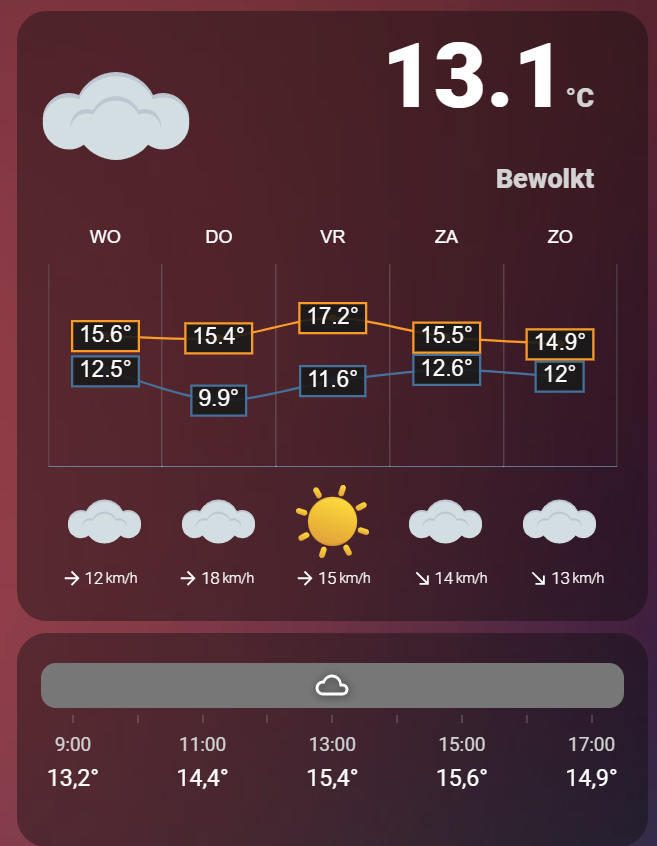
I guess this is the problem (Not using the default theme in general, but the Waves theme).
This theme seems to overwrite a lot stuff for the default weather card.
As my card is using weather resources from the default weather card, the Waves theme might break it.
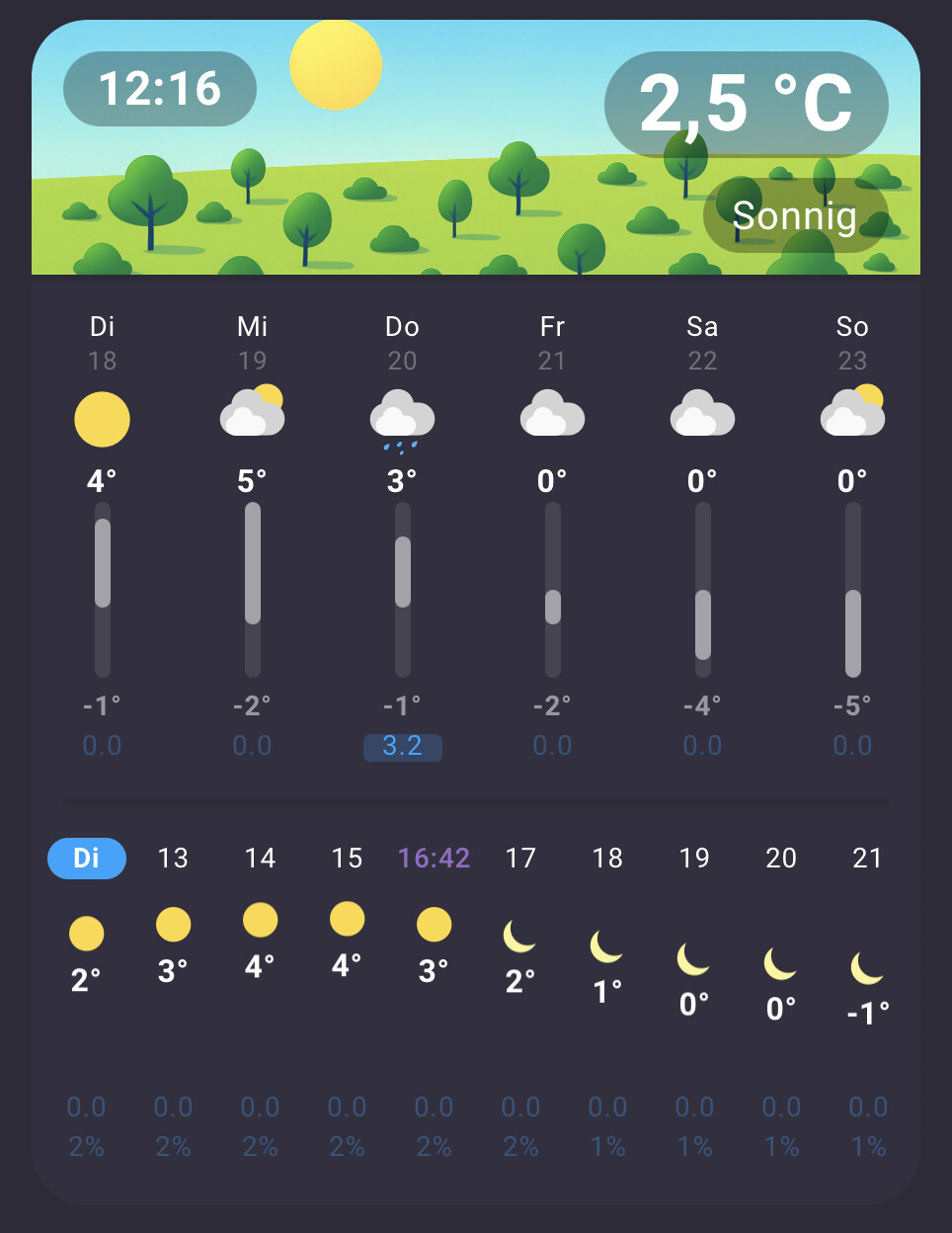
Uploaded a new version that enables sticky scrolling to the day-badge of the hourly forecast (current badge always stays on the left edge of the scrollview, so you never get lost).
Is it possible to add a click action to the card?
My use case is that I plan to have this card on a table dashboard (with daily forecast), and when I click on it should take me to my weather dashboard where I have more info, like the full week weather.
The daily forecast already has click actions (scrolling to same day on hourly forecast) and I have also some ideas about interaction with the hourly forecast.
But actions might make sense on the header, or the single texts in the header.
(Which also might be useful for other displayed attributes here, as soon as I have implemented the possibility to display them in the header )
Maybe someone noticed that there was already a new release 0.3.1.
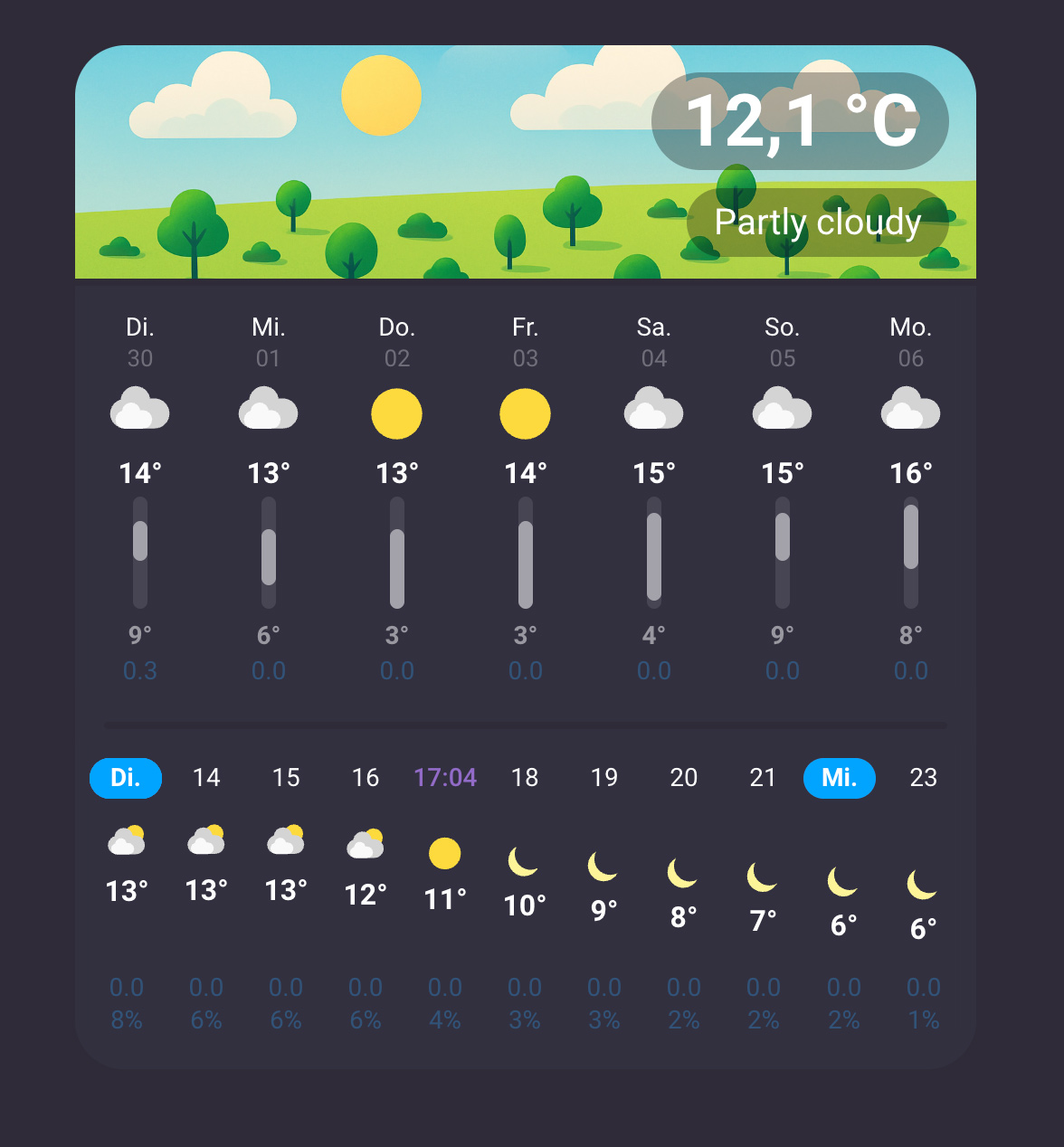
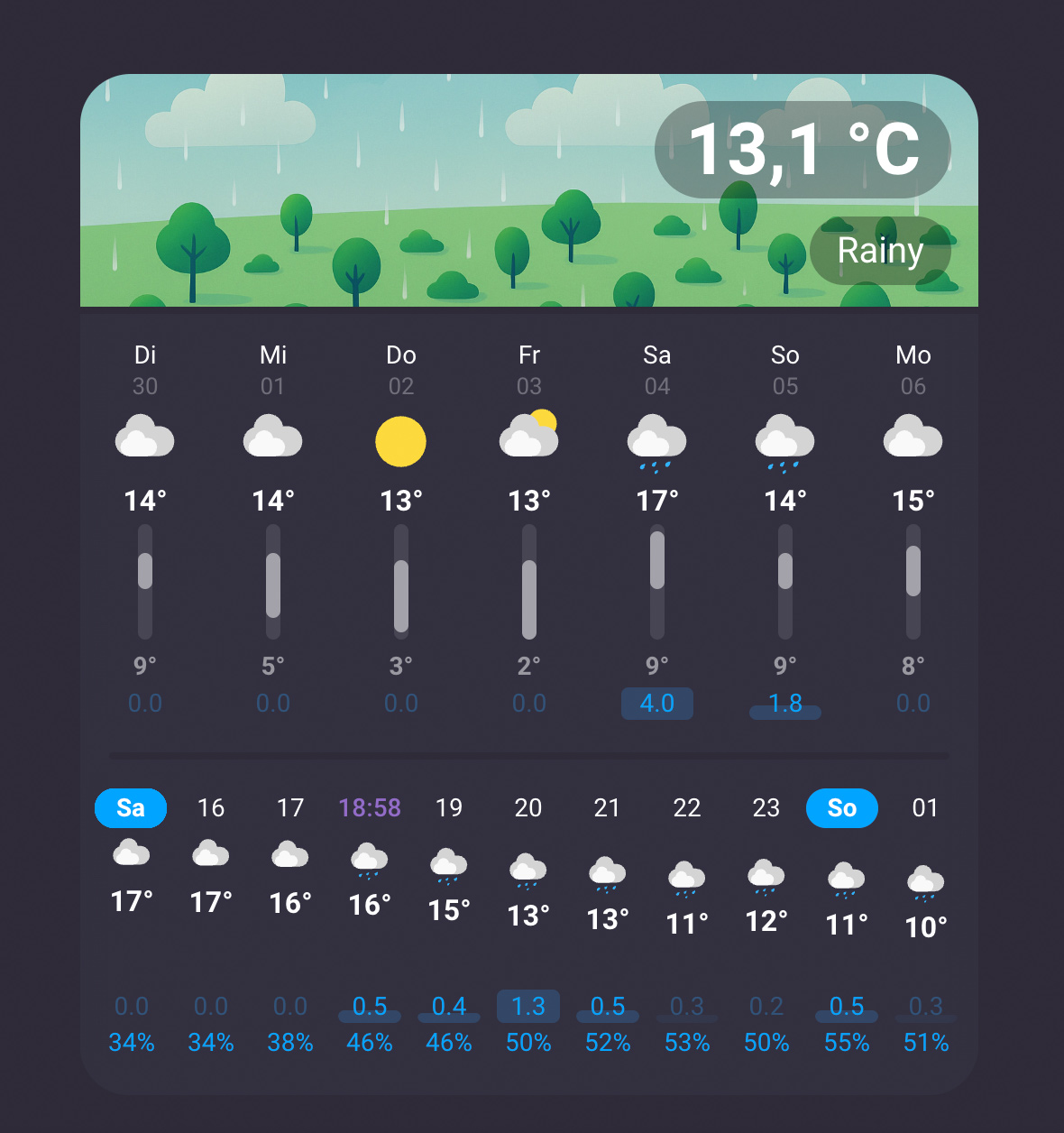
Only adds a little feature to display the daily and hourly precipitation as blue bars behind the already shown numbers for this values.
Once again a small step to be able to see the weather at a glance.
This is an awesome card, I really like it!
Not sure if it’s already on your ideas list, but I’d like to be able to switch the location of the hourly and daily chart. So in the vertical position, I’d want the hourly on top for example
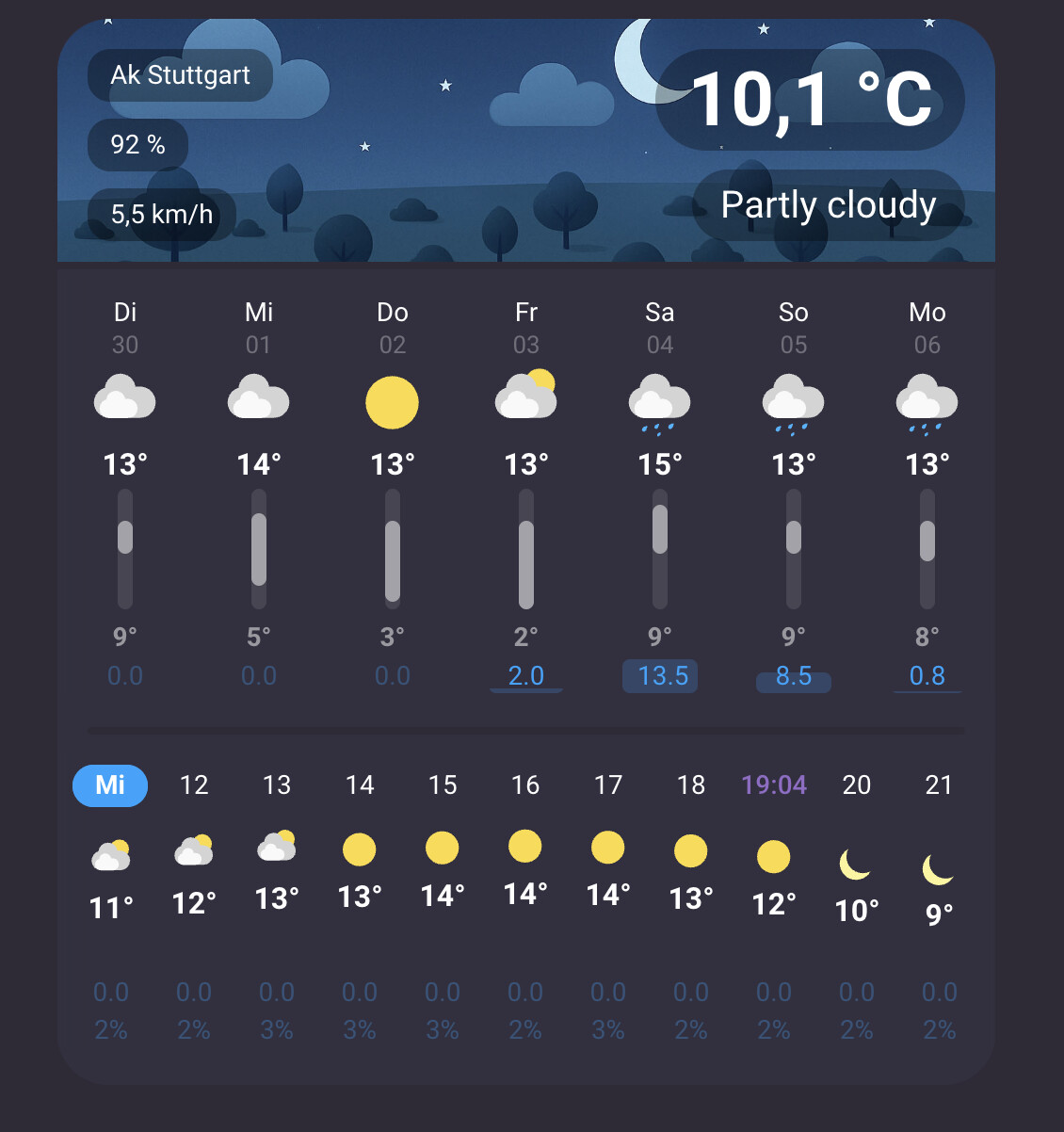
You can select up to three attributes from your weather entity to show up here, as this was quite easy to implement.
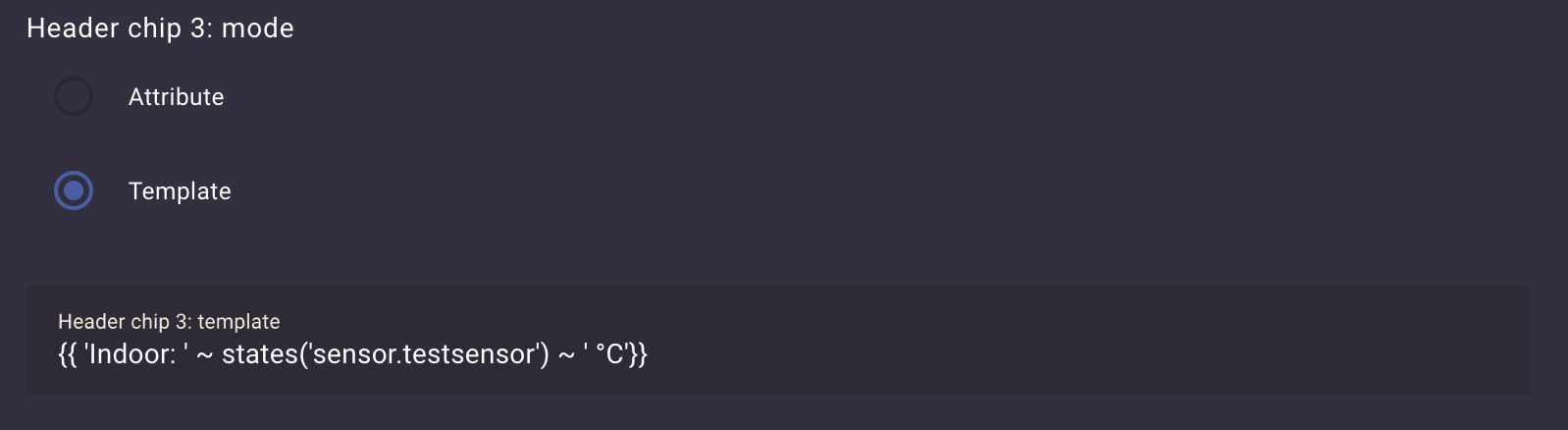
Next step would be an alternative toggle to use a template (or something like that) instead of an attribute I guess …
Yes, I also played around with a bar behind the day.
But didn’t really like the look, so you have to live with the current implementation so far.
Will play around with it a little bit more when I find some spare time for that.
Maybe there’s a way to get a larger rain indicator bar without messing up the look of the card …
Hello, I love the looks of this! I’m trying to install via HACS but in the Custom repositories box, under Type I do not have a “Lovelace” option. I only have Integration, Template, Theme, or Dashboard. Should I choose one of those?
Thanks!
EDIT: I used type: Dashboard and it worked!
However, the Daily forcast section was blank with NWS so I switch to Open-Meteo and it shows up. I would prefer to use NWS though because it provides humidity, is there a way to make NWS show the daily forcast? Does it matter that NWS provides twice-daily instead of daily data?