I would like to share a new weather integration for the Netherlands. I’ve dubbed it NL Weather. It’s using official KNMI sources to provide forecast, observations, radar forecast and weather warnings.
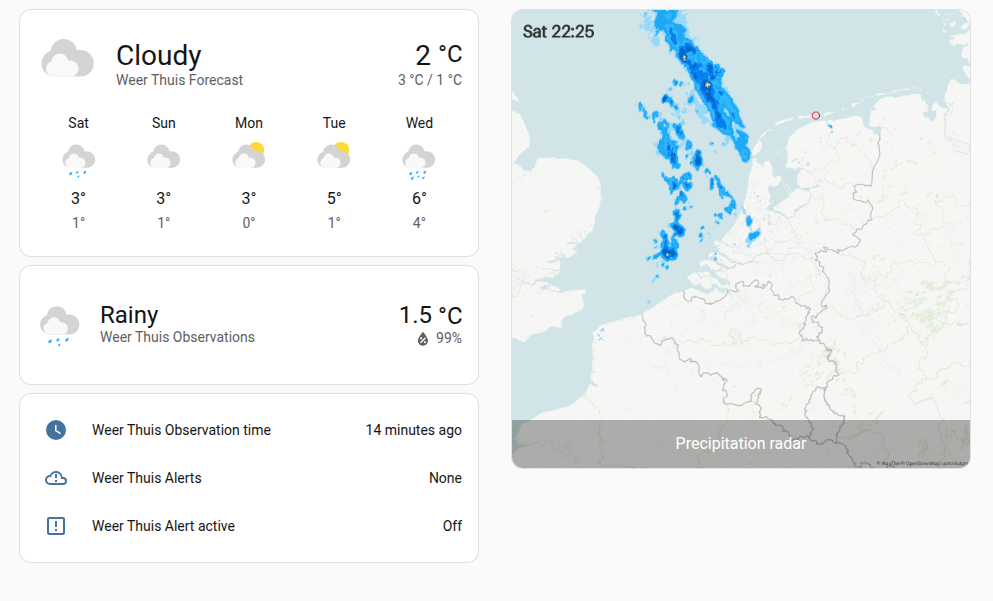
In this screenshot the custom card Weather Forecast Extended is used to display the forecast, warnings and observations. For the radar image the “Picture with entity” card is used.
Using default cards and radar in bright color theme
Entities provided
The integration provides two weather entities per location you configure. One entity is providing weather forecast up to a couple days ahead. The second entity is providing observation data from the closest official KNMI automatic weather station.
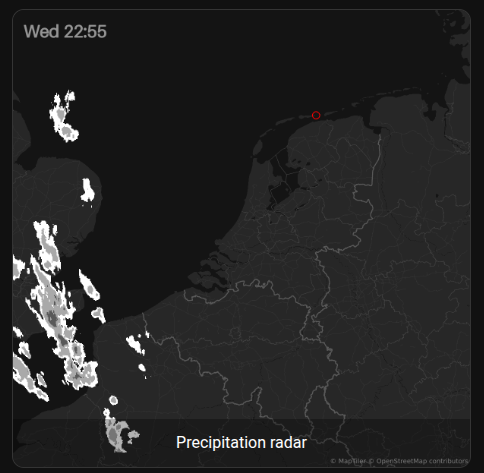
There is also a single camera entity which shows the precipitation radar images from one hour before, and up to two hours ahead in 10 minute time steps. This ‘movie’ is calculated by the integration from static images. This is a somewhat performance intensive step.
Finally, the integration provides several sensor per location providing several weather warning sensors and sensors related to the observation data.
Data sources
The integration uses several different official KNMI APIs to obtain the data. It’s also using a MQTT Notification Service to reduce polling on KNMI APIs. To use the official APIs you need to register on the KNMI Data Platform, and request API keys for the WMS Service, EDR API and Notification Service.
Does the KNMI API also provide sun and snow ‘radar’ images?
Nope, not directly. You would need to calculate this yourself from raw radar and satellite source datasets. That’s beyond the scope of a HA integration.
Thanx for your work! I was just searching for a alternative for buienradar. Always good to see another option. Though one thing i’m still looking for is a dark mode radar, any idea if this is possible in some way? When opening my dark mode dashboard this radar is absolutely blinding me lol.
pretty cool stuff so together. I was wondering how you render the radar data and choose colors. I tried reading the code, but cant figure it out. Could be that it all is server side rendered? (and is control possible?)
My family claims that the blue tints are not clear enough to distinguish intensity, so I started digging into the data and rendering logic
Overhere:
there it has gray and red tints, can i request/configure to this color set somehow?
(background image is fine though, so lets leave that )
A pre-rendered image, generated from radar data, is fetched from the KNMI WMS API. This service does a lot of the heavy lifting, such as geographic projection on a map. But it also determines the colors of the image (the style).
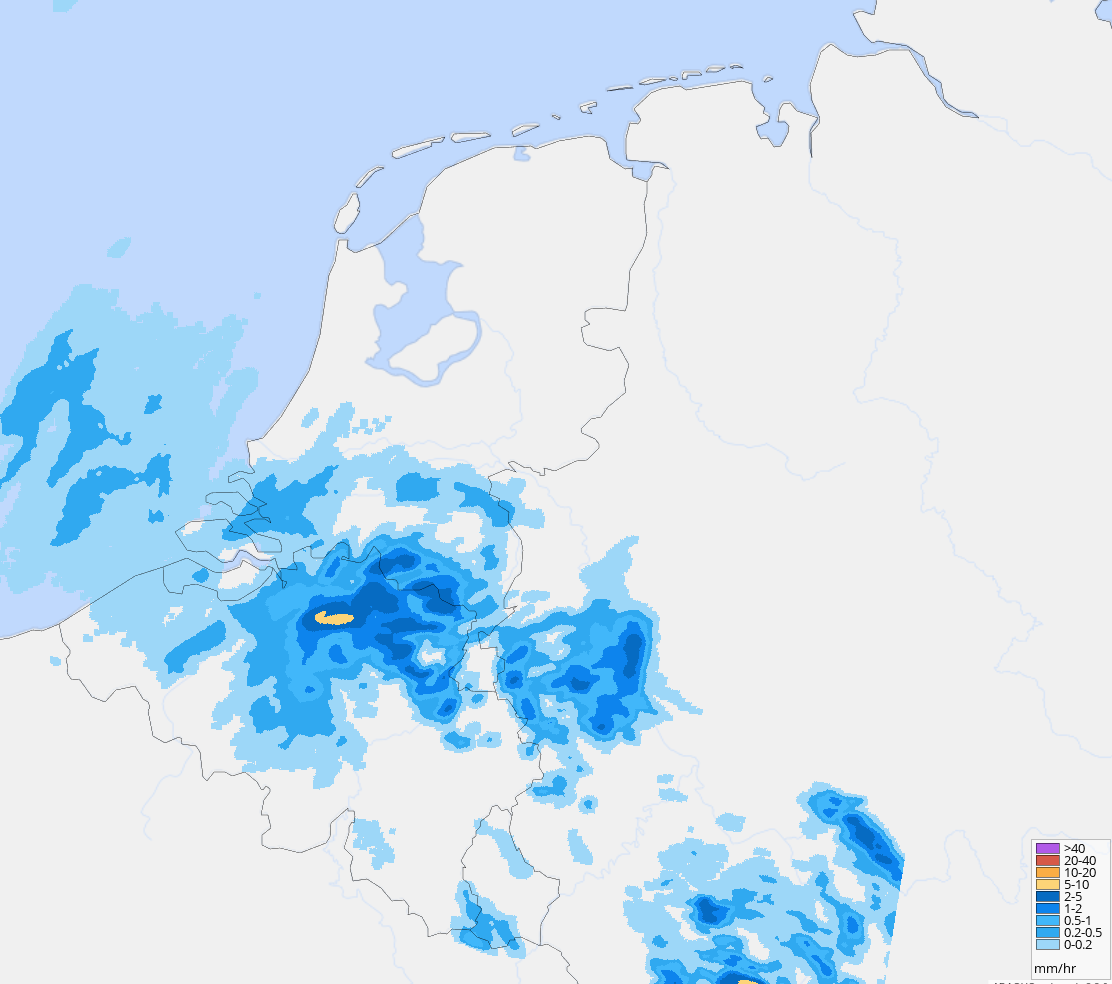
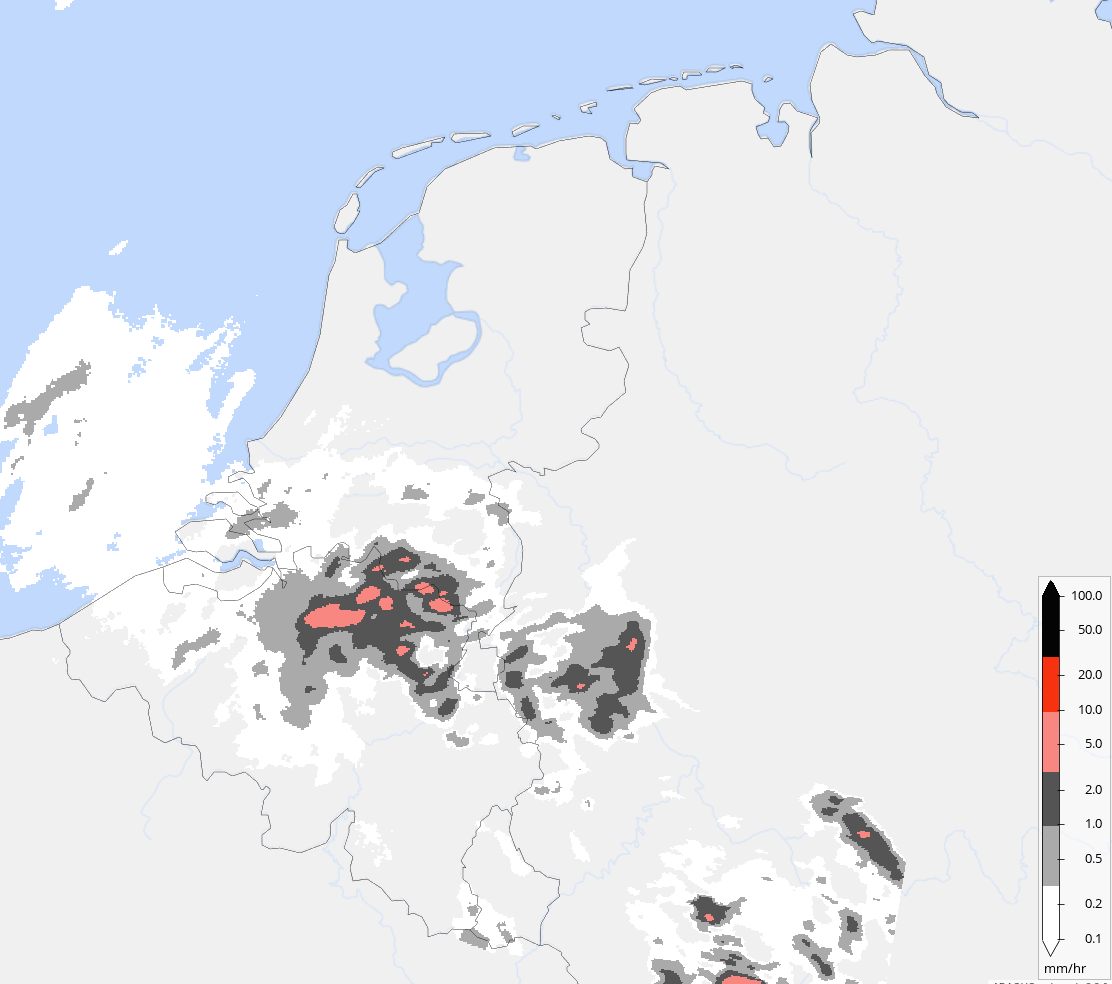
The integration stitches a series of these images together to an animated gif. The radar datasets have two different styles available: a white/gray/red one and a blue/yellow/purple one. See a comparison below of the exact same moment.
As you can see, the color scale will lead to different contrast of different precipitation intensities. If you look at the legend, you’ll see the intervals for the different colors.
I had chosen the blue/yellow/purple one originally because it quite nicely matches the default home assistant style. I will see if I can make a dark mode using the white/gray/red color scale and a different background image. I’ve opened an issue for it.
fully get the blue style, i agree it matches the general color schemes.
An option to choose either of them is definitely a good addition.
I’ve looked at replacing colors while building the gif.
Bit raw results so far and haven’t got to proper color catching, but with some polishing, it could be set to user chosen colorpalette by config if there is any request for it:
  for time, buf in radar_images:
            img = Image.open(buf, formats=["PNG"]).convert("RGBA")

            # --- START KLEURCONVERSIE ---
            pixdata = img.load()
            width, height = img.size

            for y in range(height):
                for x in range(width):
                    r, g, b, a = pixdata[x, y]

                    # pixel bluetint
                    # KNMI blue guessed r < 100 en b > 100
                    if a > 0:
                        if b > 180 and r < 100:  # light rain(Blauw) -> grey
                            pixdata[x, y] = (150, 150, 150, a)
                        elif b > 100 and r < 150: # medium rain-> red
                            pixdata[x, y] = (255, 0, 0, a)
                        elif b < 100 and g < 100: # heavy rain -> black
                            pixdata[x, y] = (0, 0, 0, a)
            # --- EINDE KLEURCONVERSIE ---

            draw = ImageDraw.Draw(img)

            if time <= ref_time:
                fill = (48, 48, 48)
            else:
                fill = (200, 0, 0)

            draw.text(
                (28, 28),
                dt_util.as_local(time).strftime("%a %H:%M"),
                fill=fill,
                font_size=45,
                stroke_width=0.8,
            )
            images.append(Image.composite(img, self._background_image, img))

        _LOGGER.debug("Generated image")
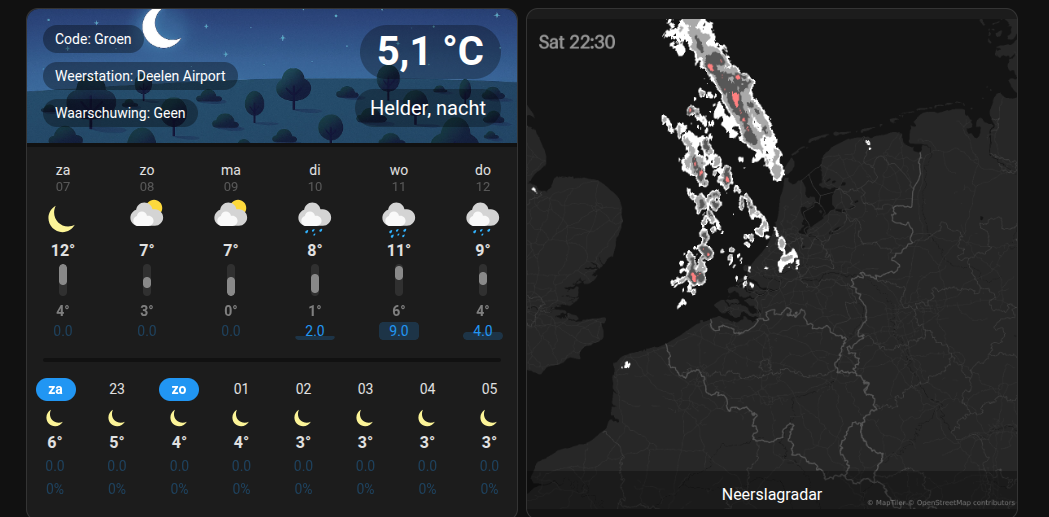
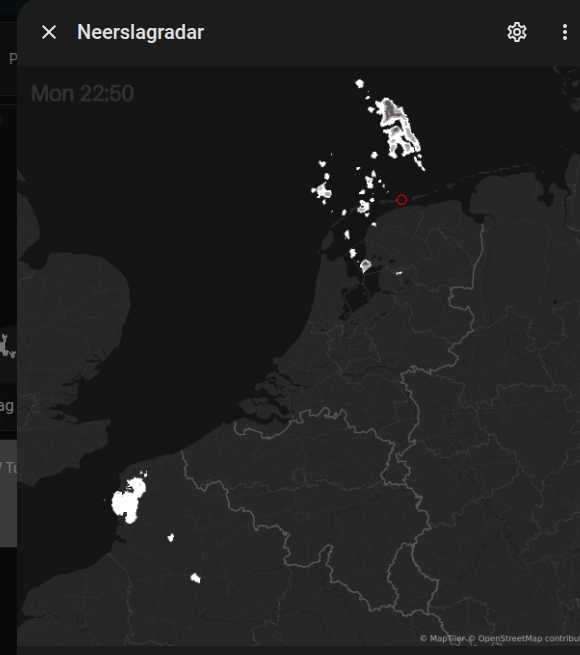
Here a screenshot of an initial version of a dark mode radar image. Still need to fix the colors of the text and location marker. And some more cleanups.
I’ve opened a PR for it here. You can test it out, if you’re brave. You can change to dark mode by using the gear icon on the integration config page.
The dark mode radar works great for me (blends well in into my dashboard) also happy with the location marker. The text (day/time) is difficult to read.
Thanks for testing dark mode I’ve updated the PR and changed the text color in dark mode, added translations and some more fixes. Think it should be mostly ready.
Thanks Technically, it would be possible to create entities for that specific purpose but I think it’s too custom. Instead, you can achieve the same using this template trigger sensor (change weather.thuis_verwachtingen to your weather entity):
is it me? or do you get 3 times same API key, and connecting isn’t working? busy at knmi? will try again in a few days and otherwise not gonna happen on my server. no problemo more addon dont work… and they told it’s so easy hahaha, any ways thanks for the work…