Hi
I have an 8 year old schlage BE469 that in the past years worked well in a smart things setup. Smart things have been gone for years, I did a full reset and attempted pairing with home assistant (which has 3 other devices successfully paired on z wave). After providing the programing code and holding 0, I get the yellow light followed in 4 seconds with the red mark of failure. THe antennae/hardware are within 5 feet, new batteries in the schlage. I used the gui to turn on debug log and dont see any evidence the lock sent anything out. Home assistant never reports finding anything
Any suggestions for further debug? I am ready to go with new hardware…
This worked for me about a year ago on this lock…
I’m curious, were you ever able to get this resolved? If so, how? I have the same lock, and while it will “pair” to Home Assistant, the configuration is incomplete and the lock is unusable. I also moved from SmartThings, and this is the last device of all my many Z-wave devices I need to pair.
My BE469ZP paired easily and without issue, so this very much feel like an issue with the S0 security. I looked @brad.trout’s post, but it may be outdated, as I was unable to find this option in the current integration.
integrations > Z-Wave (or JWave JS) > Configure. Then click Add Node Secure
Not sure if it’s relevant, but i am using the newHome Assistant Connect ZWA-2
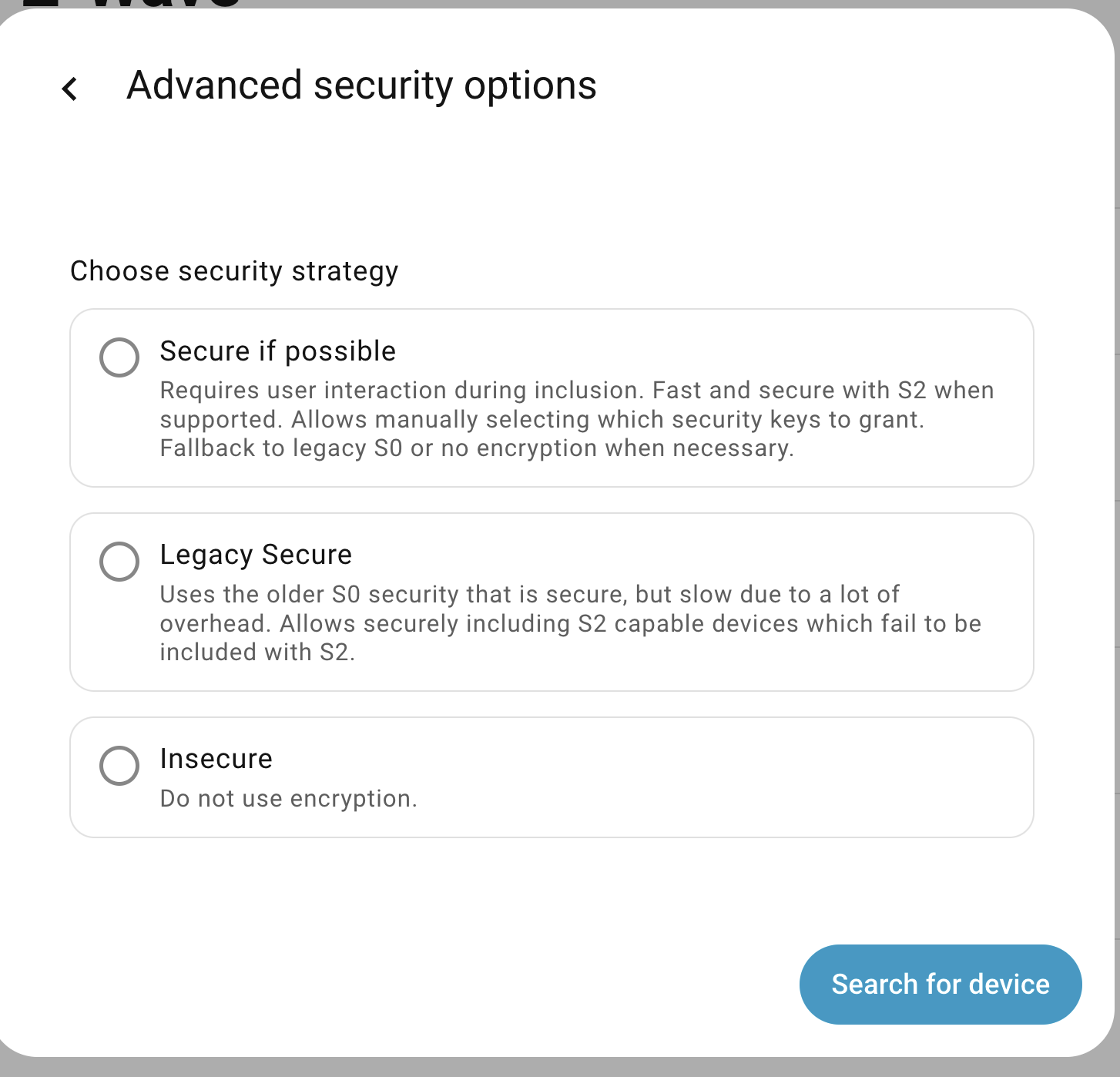
*Edit: After selecting “Scan for Devices,” I clicked on the “Advanced Security Options” and chose the “Legacy Secure” (S0) option. The BE469NX paired instantly. Sure wish I’d tried that sooner.  *
*
HI
No, frustration was getting too much so I worked to get some other success
I tried the Advanced Security Options → Legacy Secure, but my experience was weird in that I clicked the Legacy Secure button, it highlighted for about 3 seconds, and then returned to the unchecked position. I dont know what to make of this
If you’re trying to include an original BE469 (I have several) there’s some key steps that everyone misses. The issues with these locks are:
- They use the old Z-wave “whisper mode” when pairing, meaning they only output very low transmit power to mitigate someone snooping while pairing.
- They take a long time to be interviewed, what happens is that the Z-wave controller times out before a full interview can be completed. So sometimes you get a lock device created in HA with incomplete features.
To work around these issues:
- When pairing, the z-wave hardware controller needs to right next to the lock.
- You need to extend the timeout during the interview, if using Zwave-JS-UI, then make sure the following setting is checked under the Zwave configuration settings:
- Once you’ve done the above things, exclude the lock, make sure a device no longer exists in HA/ZwaveJS, then start the inclusion process. Be patient, can take from 30 to 45 seconds.
- After it’s added successfully, make sure to uncheck “Increase node report timeout”

Hope this helps.
Wow, thanks, how did you figure this out?
I have poked around but I can’t find the config setting you reference, can you give me a few more bread crumbs ?
Which Zwave integration are you using?
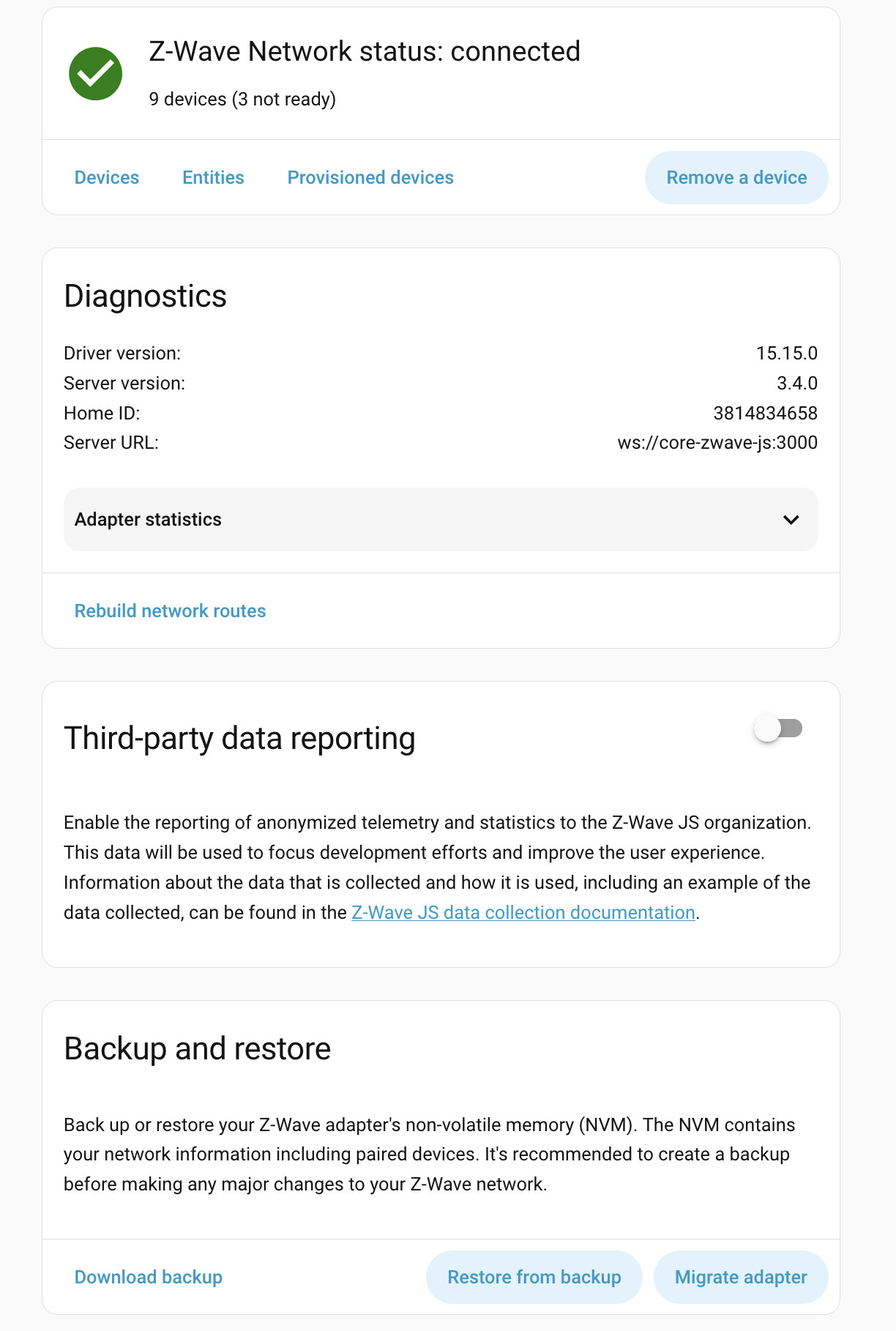
You need to add the Zwave-JS-UI add-on in order to access the additional settings, as best as I can tell. I say that because I have totally decoupled Zwave-JS-UI (It runs on a separate networked Raspberry Pi, which includes the network controller/driver) from my HS instance.
Here is a thread describing the steps involved to add it onto your HA instance:
Z-Wave JS UI - Configuration / Z-Wave - Home Assistant Community
Had some misteps installing the z-wave JS UI, but now overcome. Validated z wave network working. Tried again with the increased time out, no luck. Lock blinks for 30 seconds like its trying, dont see anything on the HA side.
Each time you try to pair the lock:
- Make sure it is removed from the Z-wave network on the Z-waveJS side. Put ZwaveJS into exclusion mode and then put the lock into exclusion mode (yes, even if you think you already removed the lock).
- Make sure the increased timeout setting is checked (did you reboot /restart Zwave JS after the setting change?)
- Include the lock and make sure S0 security is selected. Be patient, the process takes 30 to 60 seconds.
- During all of the above steps, your Zwave hardware controller must be within inches of the lock. Seriously, like less than a foot. I have a usb extension cable and put my usb Zwave stick on the end of it and taped it to lock.
IT WORKS! Thank you!
I think exclusion was the missing piece (I assumed it never paired with the new controller).
It is so nice to hear this screeching again when it toggles the deadbolt, it has been years…
Now I’ll move on to the Yale lock, see if that goes better…
Awesome to hear, so glad you got it working. I remember going through the same frustrations a decade ago with these (now) old locks and researching the solutions. Newer Zwave+ plus locks should not be as hard to include, the only “gotcha” is still that Zwave JS setting that many folks don’t know about.