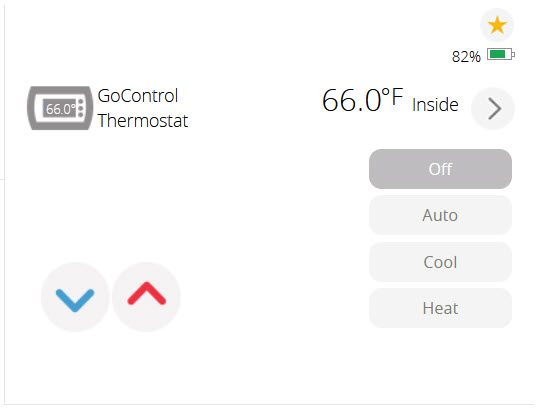
I have a Go Control GC-TBZ48 and looking at threads it has issues with HA. Which Thermostat works best with HA?
I am getting a new furnace on Friday and will probably switch the Go Control GC-TBZ48 out with a thermostat that works easily with HA.
I have a Go Control GC-TBZ48 and looking at threads it has issues with HA. Which Thermostat works best with HA?
I am getting a new furnace on Friday and will probably switch the Go Control GC-TBZ48 out with a thermostat that works easily with HA.
I use the Honeywell T6 z-wave. There are a large number of posts on the forum about using it, even one comparing the two devices.
Keep in mind that when you use the T6 with Home Assistant it kind of becomes a dumb device – meaning it expects to be set via HA, which to me seems like the entire point of connecting it to HA in the first place.
That is what I do not like about the T6. I purchased two of them and returned them, going back to Google Nest.
The latter is a hastle to set up but once set up, they work like a charm.
Well said. I have the same thermostats, and they are rock solid. But HA makes their own built-in “smart” features useless. I can’t fathom why manufacturers have failed to see the market for less expensive devices that simply integrate into home automation platforms.
Jack
I find that curious. I have 2 T6 HomeKit models and have them set up with schedules in the Resideo app but paired to HA not Apple Home. I’m quite happy with them.
After buying the T6 I really wondered why I didn’t just hook up an ESPHome device to run the furnace for like, well, no cost as I have a box full of esp32s. The only reason was to have a “normal looking” thermostat in the hall to manually control, which we never, ever use.
One eventually gets esphome fever where everything looks like it could be replaced with an esp32. We had to replace a gate controller which I’m pretty sure I could have done with an esp32 for, oh, 1% of what we paid…
What do you mean by dumb device? @busman Do you havde a couple screen shots of what it looks like on the app?
@MrRogers do you have some screen shots of what it looks like on the app?
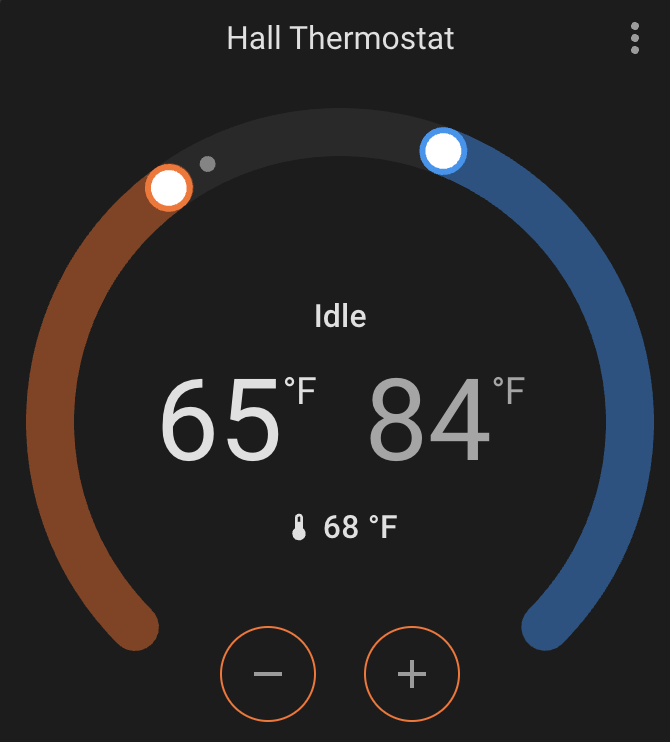
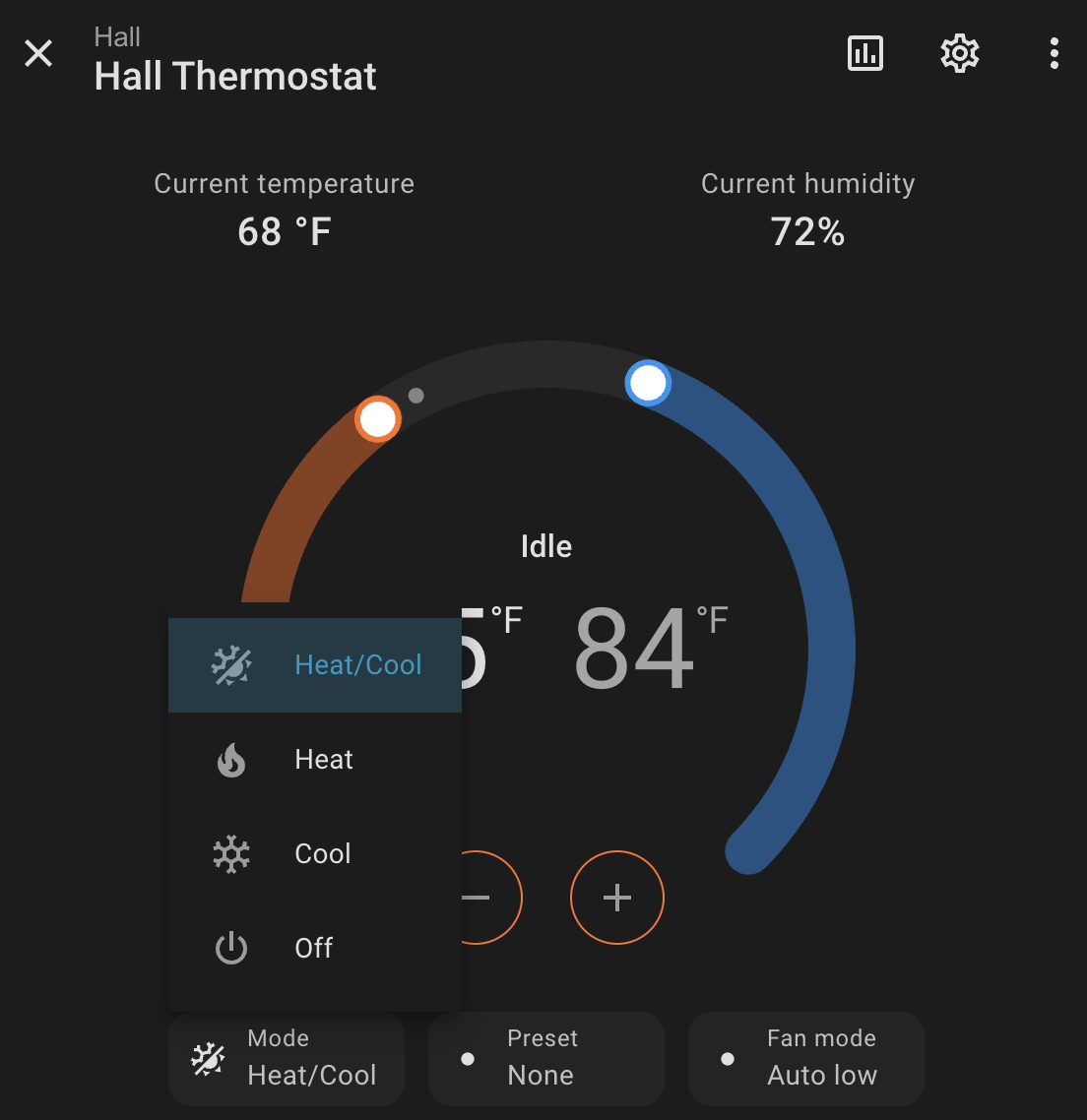
When the T6 is used via z-wave there’s no program settings on the T6 – you can just set the temperature(s) and it maintains that. Things like schedules, and away and detect open doors is all done in HA (e.g. if a door is left open HA turns the heat way down so not to heat the outside).
By app do you mean in Home Assistant? In HA it looks like a normal climate control.
I disagree. Honeywell has 140 years of experience about many aspects HA users are unawre of. It is stupid to throw it all out the window.
Good thermostats can learn from behavior, weather and determine home characteristics. If they know your heating schedule they can anticipate to provide comfort, speed and cost savings.
Integrating with systems like Home Assistant should be there to provide the thermostat with information it does not have about presence, use of specific zones, open windows etc. and should be able to function independently if Home assistant fails.
HA + smart valves can’t get near as good as a true zone based heating system coupled with HA, unless those users know their way with PID controllers, AI learning, zone heating, etc.
So knowing now dumb the thermostat will get is a very valid question.
Sure, I agree with that. But the T6 doesn’t provide that once connected to HA, AFAIK. I’ve had the T6 for almost three years and it’s just managed completely by HA. Why I mentioned it being “dumb” originally as in other threads people complain that you lose that functionality when connecting to HA.
Are there other HA-compatible thermostats you are aware of that retain all that functionality? I’m sure there must be much more advanced commercial ones.
Our old thermostat was a pretty fancy Honeywell and it learned how long it would take to get to temp, but didn’t have any knowledge of how cold it was outside. Never really got it right. I live where there is morning fog, but can warm up fast – and HA will take the forecast into consideration when setting the temp in the morning. Having HA control it really means you can do anything.
Well, my setup does but I would not recommend it for several reasons. I have a Tado V3 true zone setup with an Opentherm boiler. Tado is set to assume we’re home every day and all users have both the Tado app doing home away and Home Assistant intervening on all sorts of stuff.
But Tado is, among other things:
I was one of the lucky ones to have full smart features and no rate limits for free. And the v3 integration is full featured, Tado X isn’t afaik.
Is Honeywell Evohome still a thing? It was always expensive but I believe it was quite good. But that was at least 5 years ago, ages in IT. There are many new players in the mrket and I haven’t researched any because my Tado setup is doing pretty well.
Thanks! It looks like the T6 is discontinued @busman
It is available in the Amazon Honeywell shop. Look for TH6320ZW2007/U. I bought one about a month ago.
Just triple check that you are getting the Z-Wave version.
Honeywell TH6320ZW2007/U Z-Wave Plus v2 T6 Pro Programmable Smart Thermostat with SmartStart ?
I bought this one on the USA site:
It says:
- Set temperature schedules throughout the week with or without inclusion into a Z-Wave network
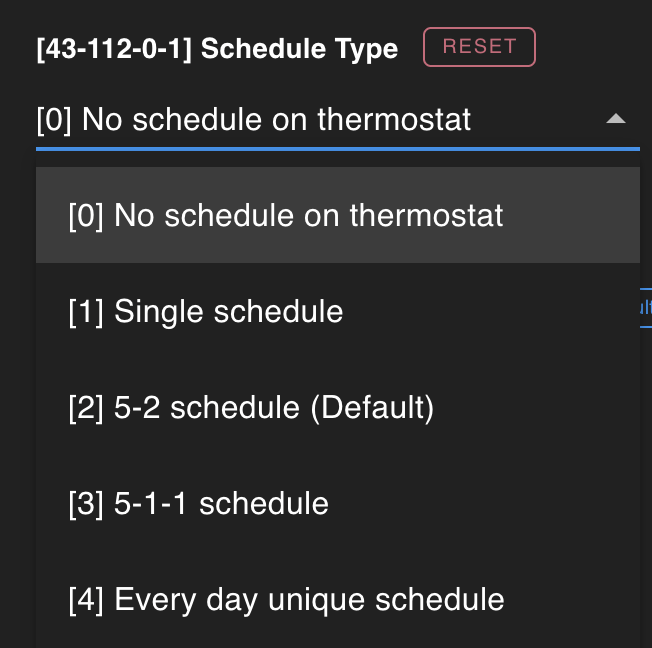
I have mine set for no schedule on the thermostat. It’s been a while since I set it up, but I’m not sure if you can run a schedule as well as control it from z-wave. I’m not sure what that would look like as there doesn’t seem any way to push a schedule out via z-wave.
I am finding it here too. Does this look right? @busman
Honeywell T6 Pro Z-Wave Programmable Smart Thermostat, Adaptive, Humidity Display - Walmart.com
Yes, the 2007 version.
Again, just note: (from first google hit for the manual)
Flexible scheduling: The thermostat is fully programmable when not included into
a Z-Wave network.
If the thermostat is included in Z-Wave network it typically follows the setting on your
Z-Wave controller. If you adjust the temperature setting, it overrides the current setting
until new state (eg. Home/Away) and/or the new temperature setting is received from
Z-Wave controller. Setting of Hold until time and Permanent hold (see below) will not
be available on the thermostat screen at this time.
Once the thermostat is included into Z-Wave network, it assumes to be programmed
from your Z-Wave controller and the program schedule on the thermostat is turned
OFF by default.
Although there is a section, but probably doesn’t apply in HA since it has full control.
Enabling thermostat schedule when thermostat is included in Z-Wave network
(optional):