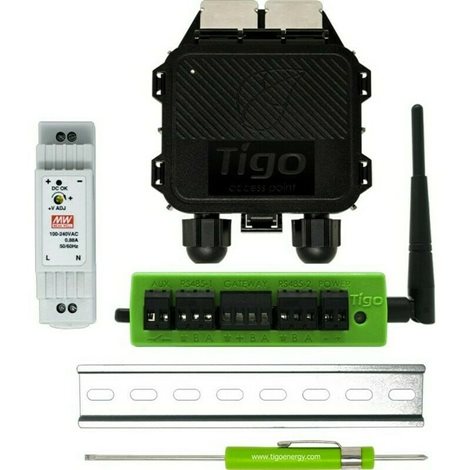
Hi,
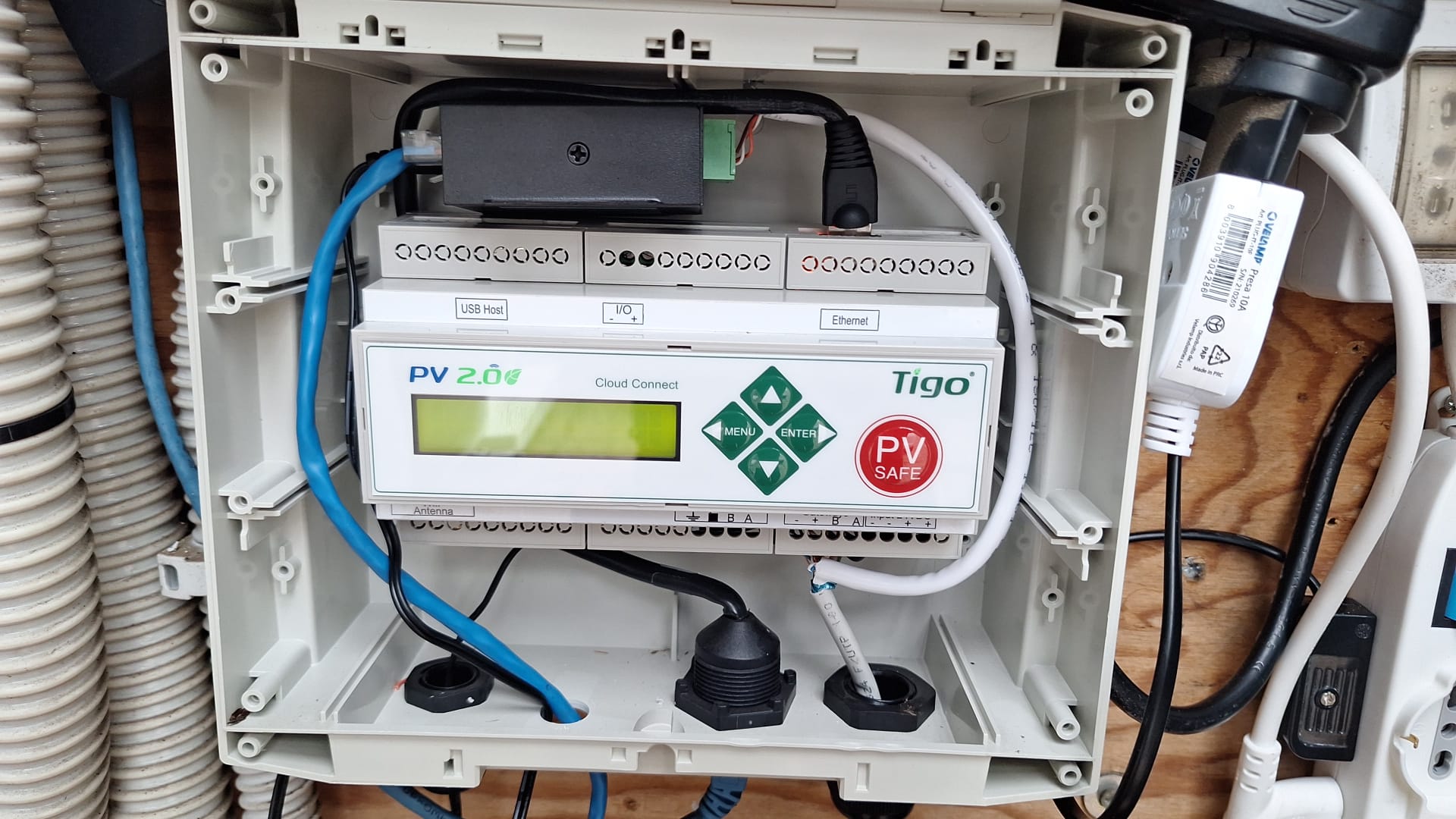
I have a TIGO system with 16 FV pannels optimizers with the following software:
{ “code”: 0, “serial”: “04C05BA003B1”, “software”: “4.0.0-ct”, “uts”: 2051980183, “sysconfig_ts”: 1752395497, “sysid”: 163281, “status”:[ { “id”: 1, “name”: “Cloud Connection”, “status”: 0 }, { “id”: 3, “name”: “Gateway Communication”, “status”: 0 }, { “id”: 4, “name”: “Modules Communication”, “status”: 1 }, { “id”: 5, “name”: “Discovery: 15/16”, “status”: 3 }, { “id”: 6, “name”: “S/N: 04C05BA003B1”, “status”: 0 }, { “id”: 7, “name”: “S/W: 4.0.0-ct”, “status”: 0 }, { “id”: 8, “name”: “Last Data Sync: 3 min ago”, “status”: 0 }, { “id”: 9, “name”: “Cellular detected”, “status”: -1 }, { “id”: 10, “name”: “Cellular up”, “status”: -1 }, { “id”: 11, “name”: “Kernel: 4.1.15-2.0.4”, “status”: 0} ] }
I used a simple local approach, just accessed the device at its local IP and got this data:
What can be used in Home Assistant (or elsewhere):
The access is simple – just do an HTTP GET request to e.g.
http://local_IPaddres/cgi-bin/summary_data?date=2025-07-13&temp=pin
Where:
temp=pin= powertemp=vin= voltagetemp=iin= currenttemp=rssi= signal strength
You need HTTP basic authentication:
User: Tigo
Password: $olar
Based on the request, you get this in your browser:
{“lastData”:“2025-07-13 23:59:59.000”,“sunrise”:6.350000,“sunset”:16.690000,“light”:4.870000,“dark”:18.170000,“dataset”:[{“order”:[“A1”,“A2”,“A6”,“A7”,“A8”,“A9”,“A10”,“A11”,“A12”,“A14”,“A15”,“A16”],“data”:[{“t”:“00:00”,“d”:},
{“t”:“20:00”,“d”:[16,16,15,14,14,16,14,16,8,8,8,8,8,8,8]},
{“t”:“20:01”,“d”:[20,19,19,18,19,20,17,20,7,8,7,7,7,8,6]},
{“t”:“20:02”,“d”:[26,24,24,22,24,26,20,27,8,8,8,8,8,8,8]},
{“t”:“20:03”,“d”:[15,14,14,14,13,14,13,15,8,8,8,8,8,7,7]},
{“t”:“20:04”,“d”:[12,12,12,12,11,11,11,12,7,8,7,8,7,7,7]},
{“t”:“20:05”,“d”:[11,12,12,11,11,11,11,11,7,8,7,7,7,7,7]}]}]}
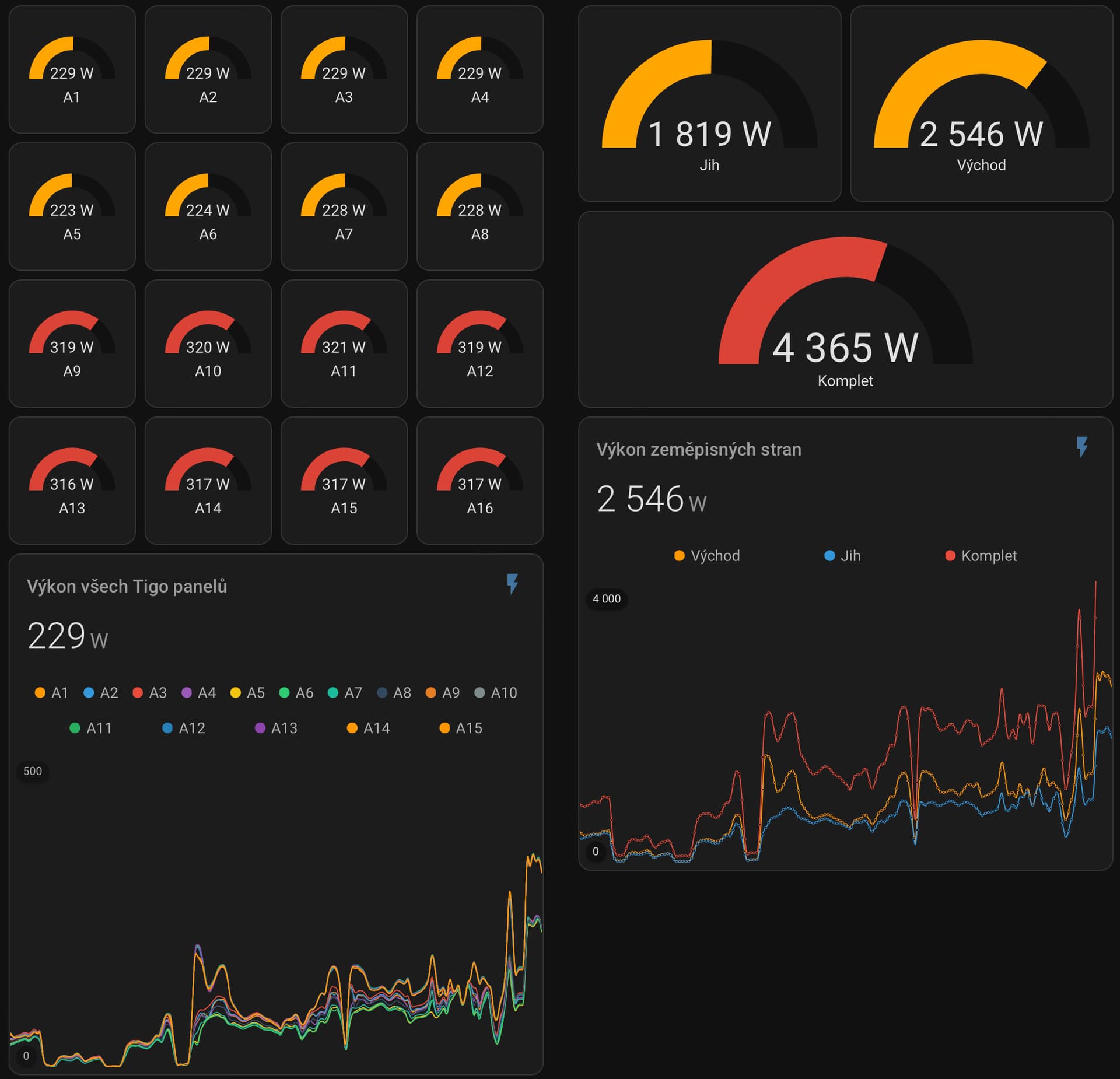
And this can be read directly into Home Assistant as sensors.

Something like that:
- platform: rest
  name: Tigo Vykon
  resource_template: "http://YOUR_LOCAL_IP/cgi-bin/summary_data?date={{ now().strftime('%Y-%m-%d') }}&temp=pin"
  username: Tigo
  password: $olar
  authentication: basic
  headers:
    Accept: application/json
  value_template: "OK"
  json_attributes:
    - dataset
    - order
  scan_interval: 60
- sensor:
    - name: "Tigo Vykon Last"
      unique_id: tigo_vykon_last
      state: >
        {% set ds = state_attr('sensor.tigo_vykon', 'dataset') %}
        {% if ds and ds[-1].data and ds[-1].data[-1].d %}
          {{ ds[-1].data[-1].d | join(',') }}
        {% else %}
          unavailable
        {% endif %}
      attributes:
        t: >
          {% set ds = state_attr('sensor.tigo_vykon', 'dataset') %}
          {% if ds and ds[-1].data %}
            {{ ds[-1].data[-1].t }}
          {% else %}
            unavailable
          {% endif %}
- sensor:
    # VYKON
    - name: "Tigo A1 Vykon"
      unique_id: tigo_a1_vykon
      state: >
        {% set v = states('sensor.tigo_vykon_last').split(',') %}
        {{ v[0] | float(0) if v|length > 0 else 'unavailable' }}
    - name: "Tigo A2 Vykon"
      unique_id: tigo_a2_vykon
      state: >
        {% set v = states('sensor.tigo_vykon_last').split(',') %}
        {{ v[1] | float(0) if v|length > 1 else 'unavailable' }}
    - name: "Tigo A3 Vykon"
      unique_id: tigo_a3_vykon
      state: >
        {% set v = states('sensor.tigo_vykon_last').split(',') %}
        {{ v[2] | float(0) if v|length > 2 else 'unavailable' }}
    - name: "Tigo A4 Vykon"
      unique_id: tigo_a4_vykon
      state: >
        {% set v = states('sensor.tigo_vykon_last').split(',') %}
        {{ v[3] | float(0) if v|length > 3 else 'unavailable' }}



 ) But I was able to implement two features heavily needed to make HA taptap addon more useful.