I don’t really even know what I’m asking, but here goes.
I want to do the following and wondered what would be the accepted solution for it - if it’s even a thing. Any pointers gratefully received.
I have three states on some speakers on a HEOS device - A, or B, or A+B, and rather than have three buttons clogging up my dashboard with each button linked to a different script, is there an easier way to toggle between the three?
The basic way would be to use an Input Select and an automation or a Template Select which will give you a dropdown in most cards.
Something a little closer to a multiposition toggle is available in the custom slider entity row which can create a slider with a position for each option of an Input Select or Select entity.
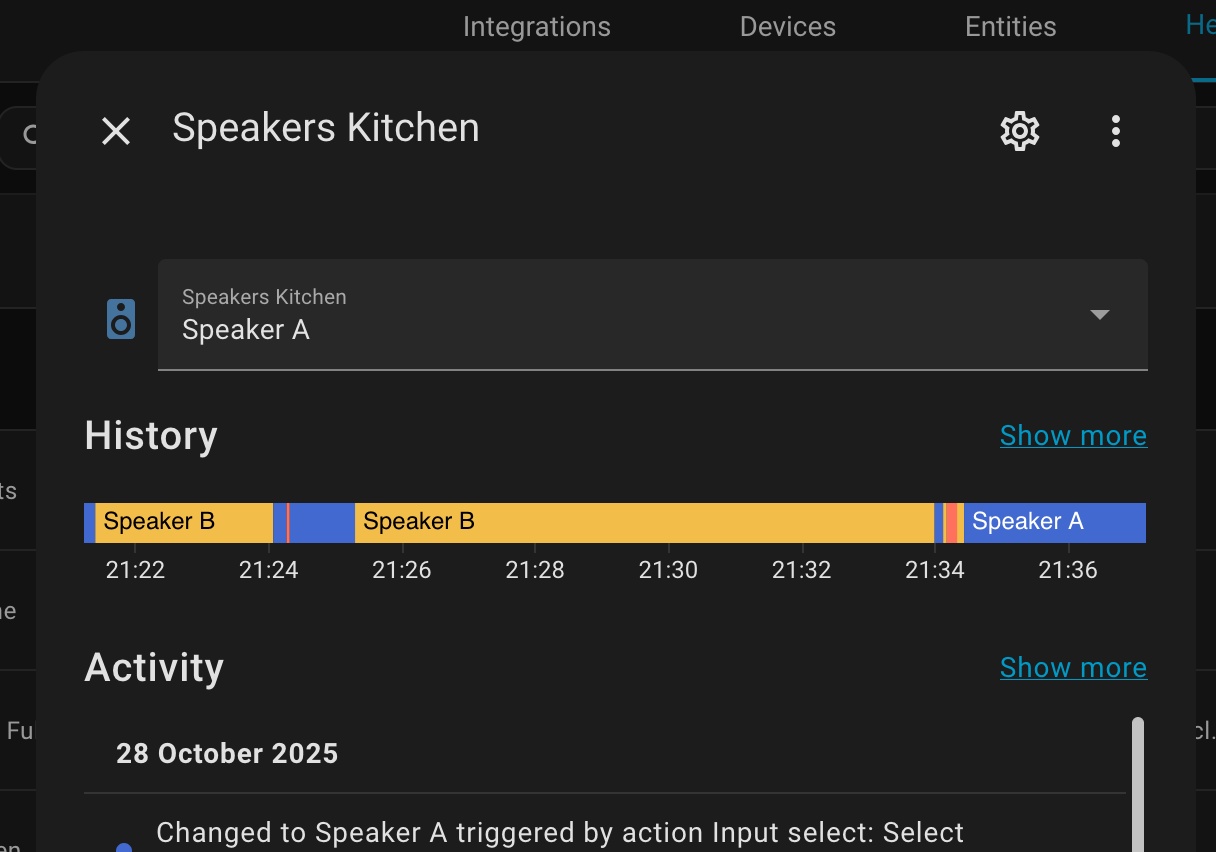
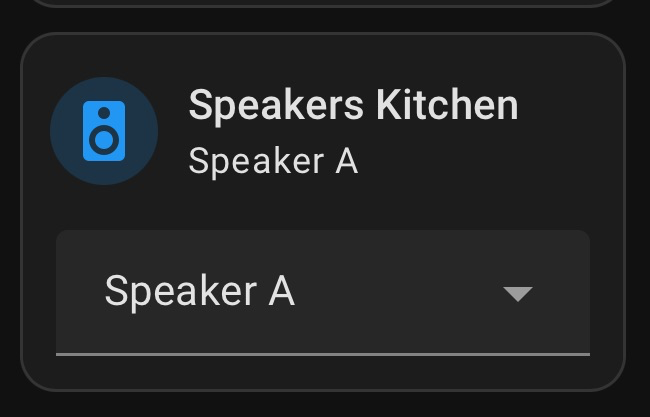
I’ve got it working with a Helper and an automation sat behind it monitoring the “Speakers Kitchen” drop down. So that’s fantastic thank you. Means we’re not scrambling for the remote every time we want to switch the speakers.
I suspect there’s a slicker way of doing it, so will take a look at the other suggestions you gave. Do/can they rely pretty much on the same automation?
Yes, both the slider row and selector card feature just given a different option for changing the Input select via the frontend, the automation is still necessary.
An alternative is to make a button that runs a script that switch between the three positions.
It might look better.
If you do not want the speakers to be switched on and off between the switching, then you can make script only switch an input select and then make an automation that triggers when the input select have had a value for a time, like 2 seconds, and that will then switch the actual value of the speakers.
That’s where my brain had gone originally, but I’ve managed to make it look prettier with a drop down (which fits my dashboard) which is also invisible unless the amp is on.