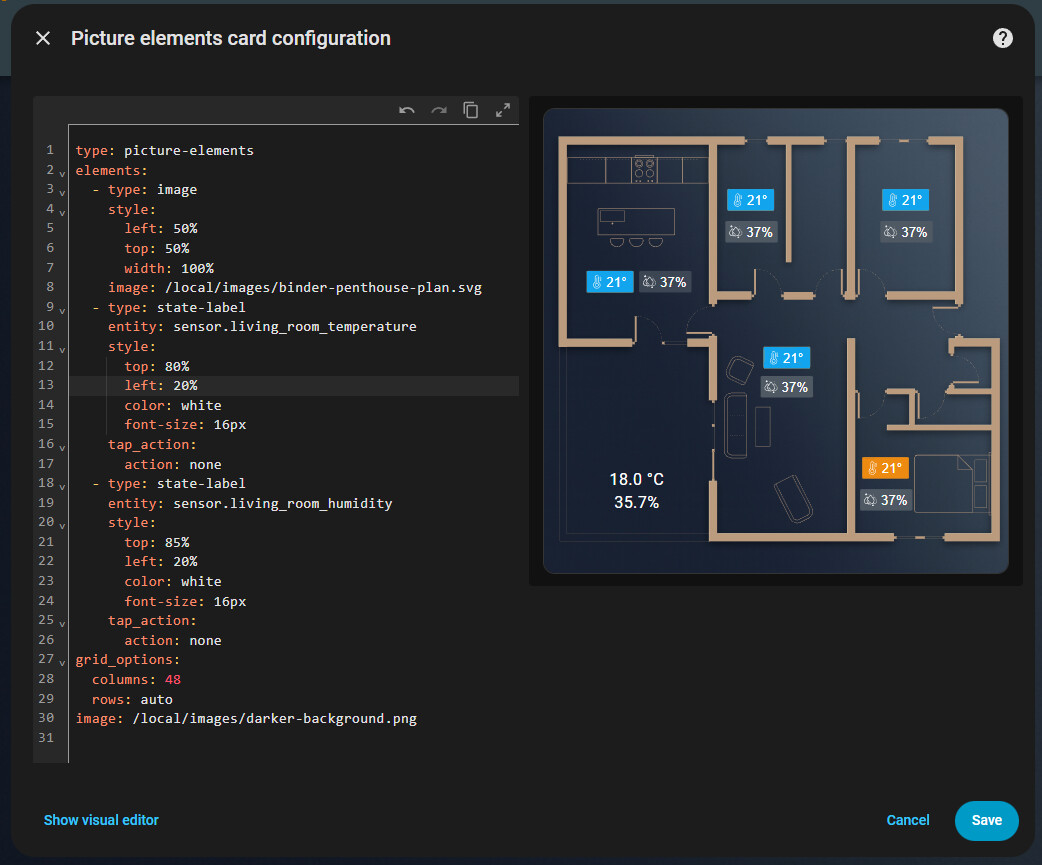
Is there anyone around to point me in the right direction as I/m going crazy, it’s been an hour and I still haven’t figured out how can I upload an svg file to a folder that can be accessed by picture element card?
I don’t understand why is so complicated
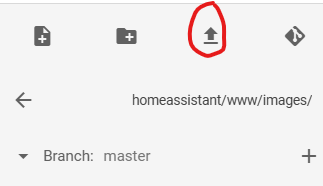
In Media Browser there is no UPLOAD button, i can see there a few photos I uploaded while creating a few section in my dashboard, uploaded for background of my dashboard, the svg is not accepted there.
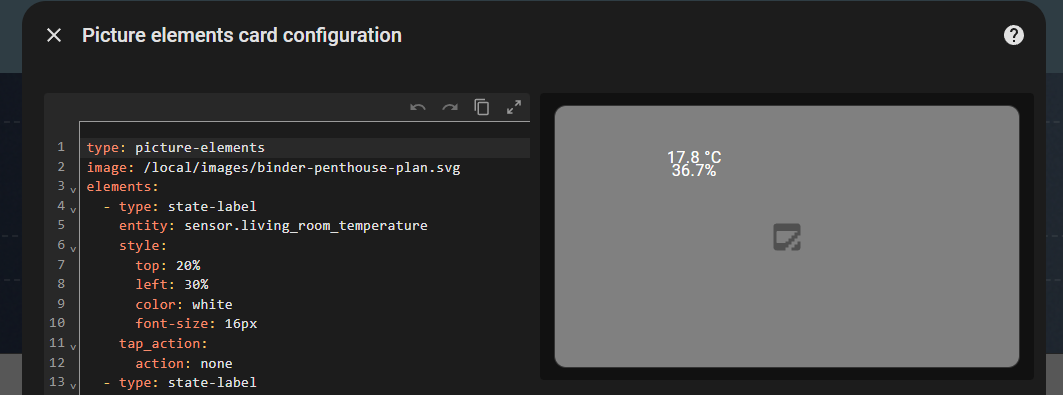
I also have File Editor Addon, but that gives access only inside /homeassistant folder. I have created the www/images folder, the path looks like this : /homeassistant/config/www/images but any svg I place there is not accesible when I write the YAML this :
After googling alot I also disabled Enforce Basepath in File Editor and restarted HA, I don’t see any /config folder when I move out one level from /homeassistant, only the usual system folders.
What I’m missing, why I can’t find a straight forward method to upload in image to be used with picture element ?
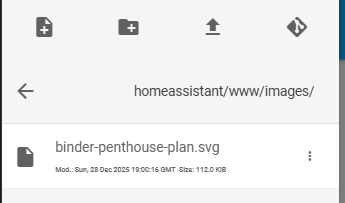
I also tried that way, but haven’t mentioned, so as you can see here I have that file inside the www/images folder yet is still not visible in my dashboard
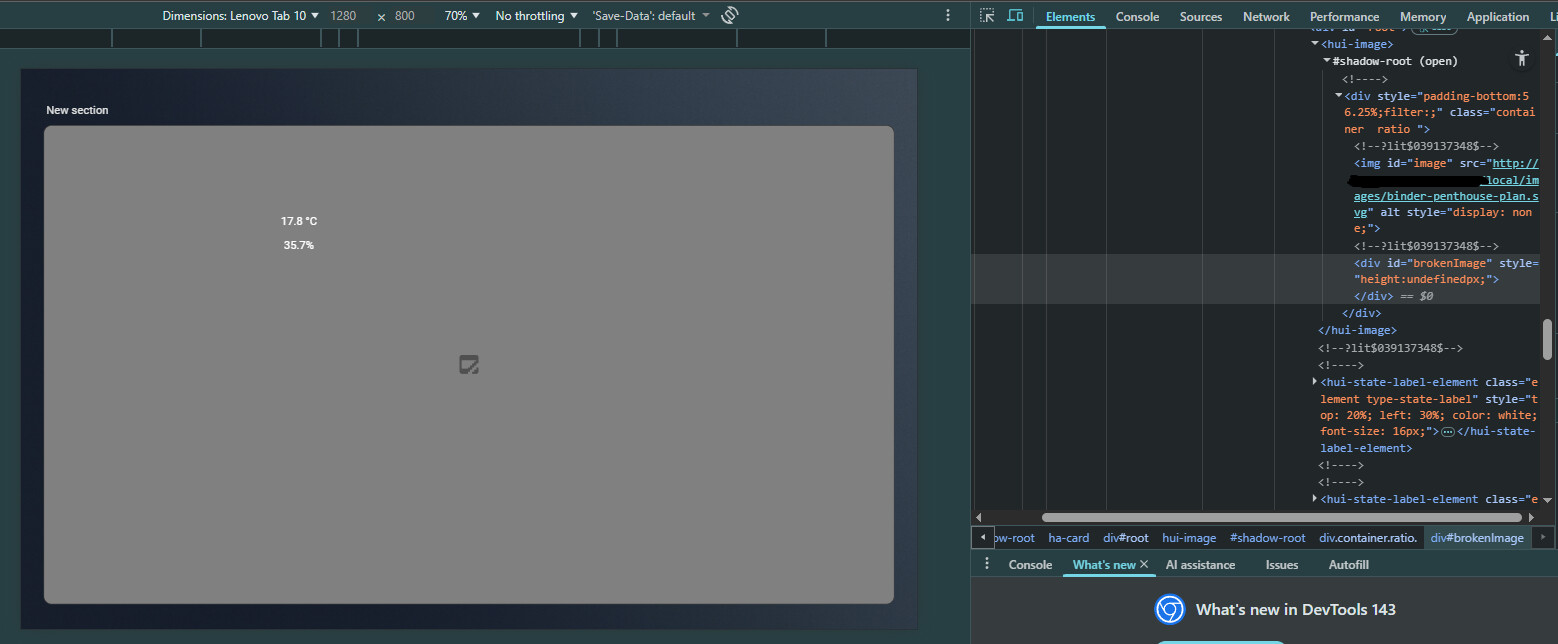
Ohhh … so it’s not the location of the upload, but that picture-element does not allow svg in the image: parameter.
i did follow the suggestion of @LiQuid_cOOled to trick picture-element and it worked but now I have the background twice, but it doesn’t matter… at least now I know that files uploaded using File Editor, in the /homeassistant/www folder is the way to go, to be accessible in dashboard to the /local path
I will try maybe HACS svg-floorplan as I want somehow to inject the text in the svg file, also to hide elelemnts in the svg by their ID and maybe use an class display:none to hide, or display:block to show an elelement