I am trying to integrate unifi protect into home assistant but I cannot generate an api key in the local ui. The only place I can see to generate an api key is in the site manager. Having tried this method I cannot get it to authenticate. Is there any way of generating the api key locally without the ui integrations area being available?
https://www.home-assistant.io/integrations/unifiprotect#local-user
Did you do all the steps? Specially the logging in locally is very important.
ie https://192.168.1.x:7443 instead of via the site manager.

I have same issue there is no api option at all this is just broken
In the version of Protect I am running there is an icon in the bottom left “Integrations”, the API section is in there (in the Protect app, not the udmpro control plane)

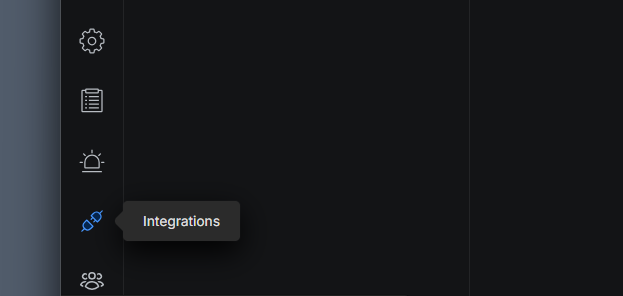
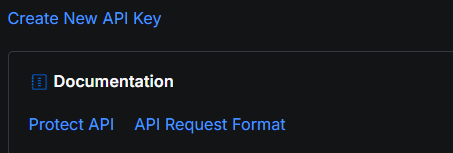
Yea that doesnt exist in the stable channel
If you click control plane in protect, is there an integrations tab at the top, I think thats where it used to be
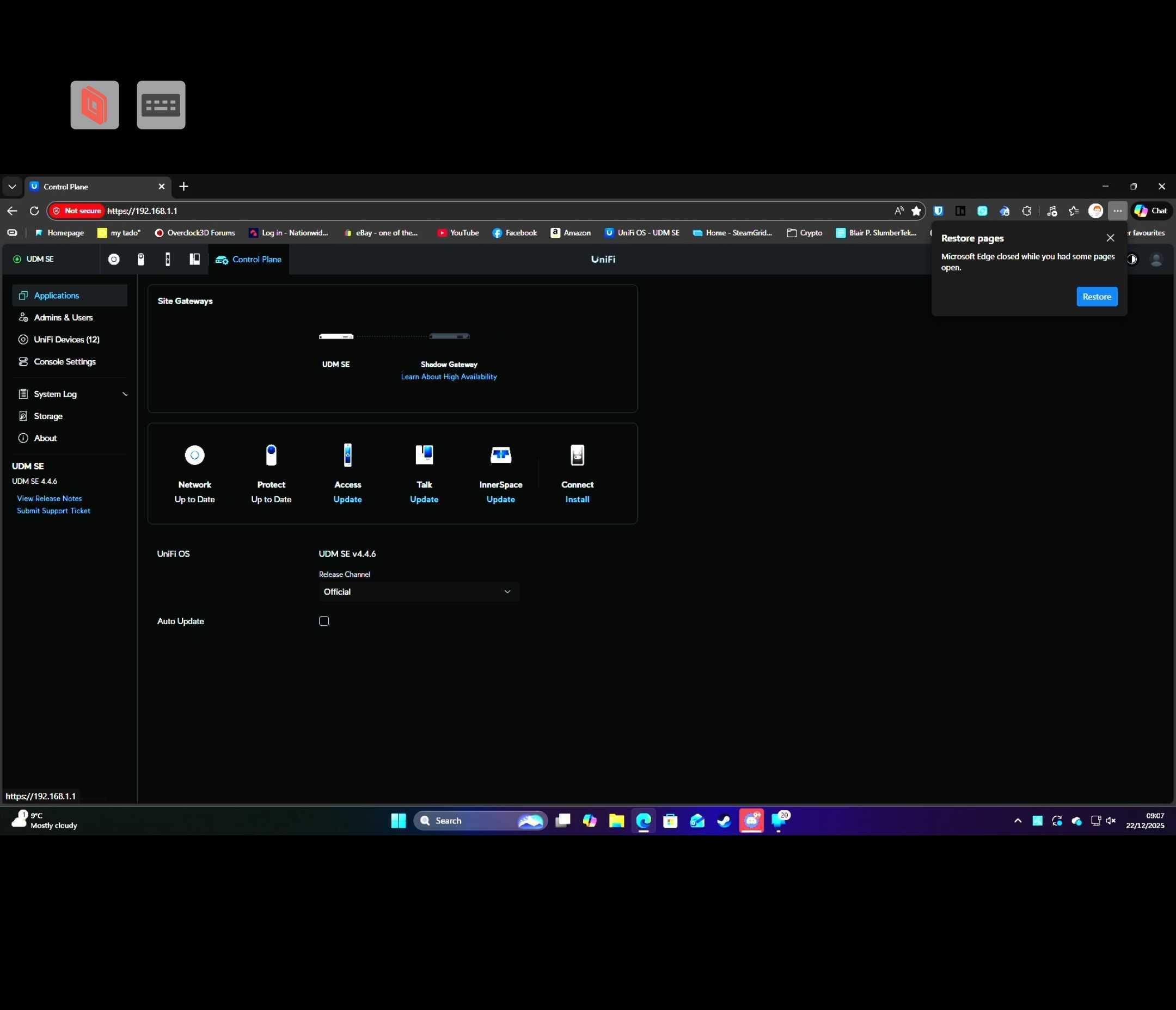
Thats the UDM pro control plane, click on Protect App, there should be a control plane in there as well
there isnt there is no option in protect settings or anywhere i can see for control plane, if i try going directly like myip/protect/settings/control-plane it just takes you to the page i screenshot above.
Ah right, I guess that is all in the newer versions.
im updating the udm os to early access hopefully ill get a update for protect to early access and can see if i get this option.
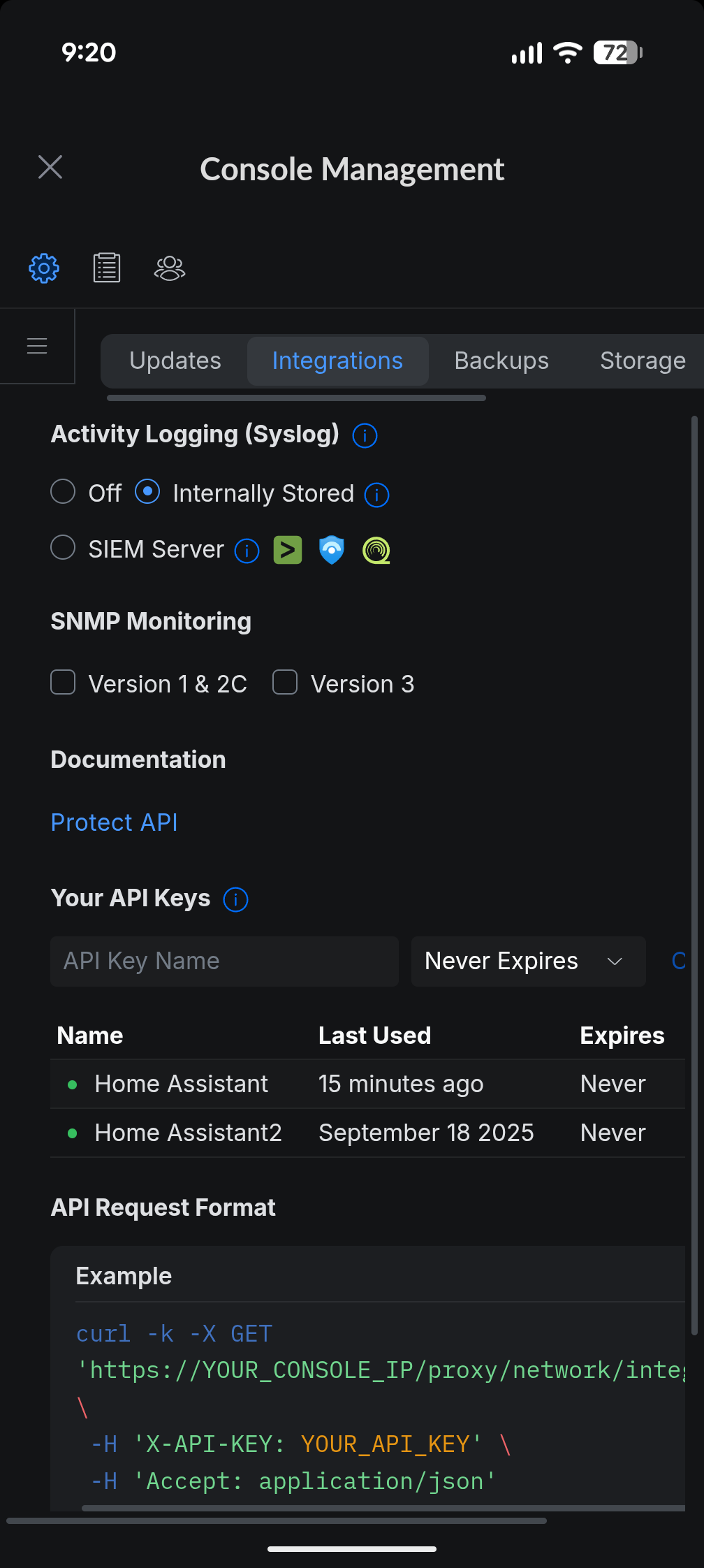
i updated the unifi console and it briefly showed now network has booted its gone back to the ui i screenshot and the option of integration and disappeaered again this is some BS
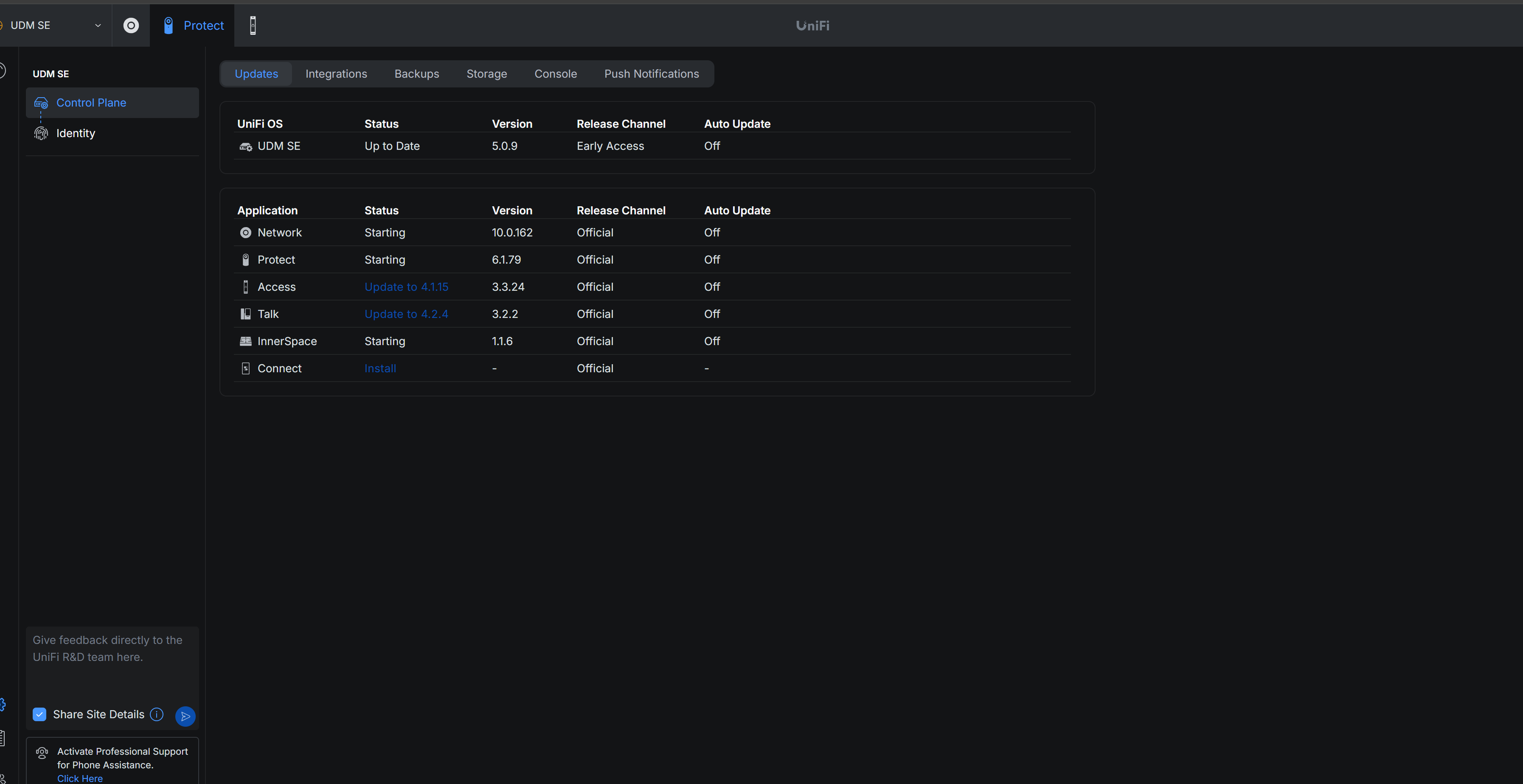
the ui looks like this when network is still booting
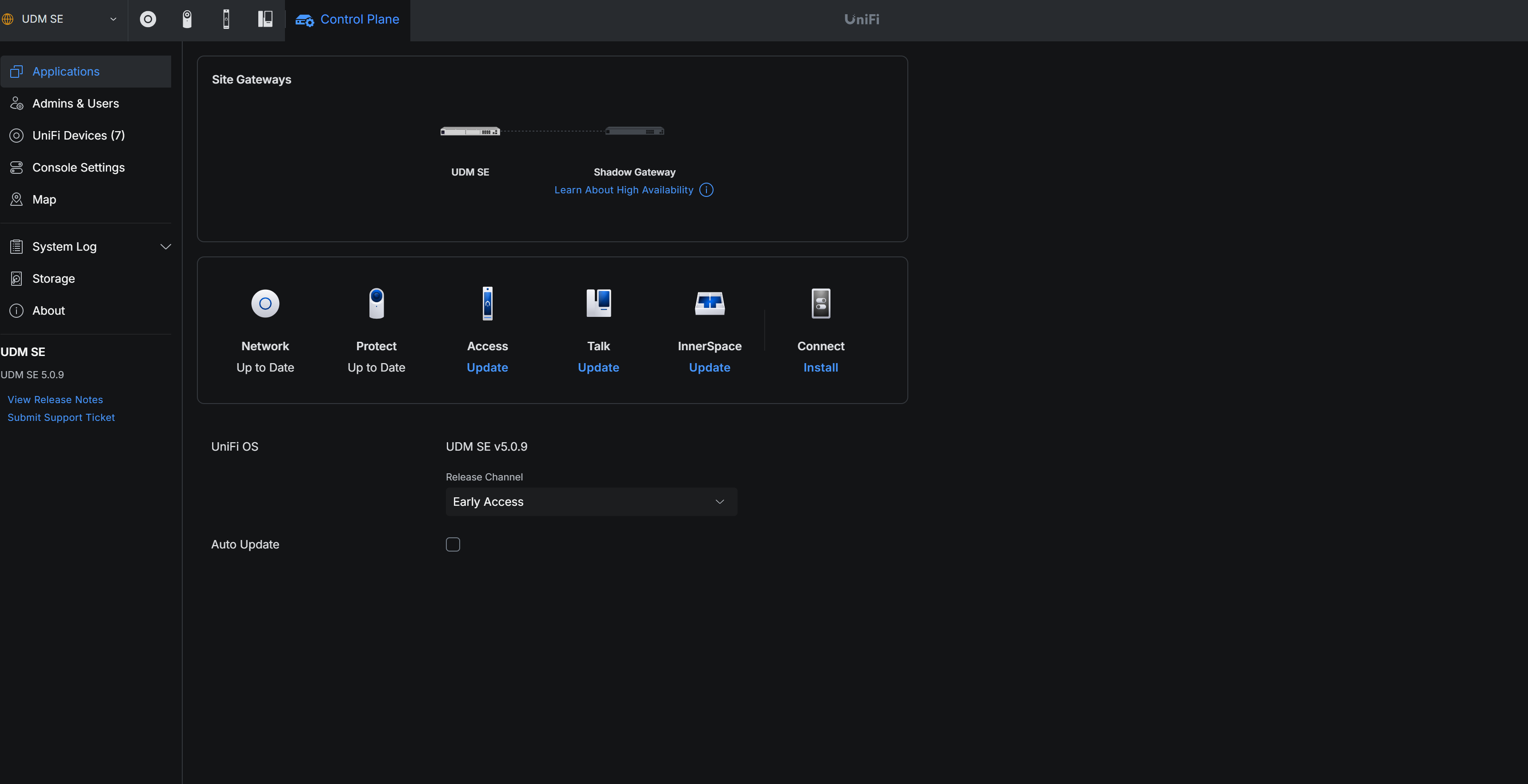
the option is there after booting though it looks like this and option is gone.
what versions network and protect ?
Tried CTRL+F5 browser refresh ?
the versions are shown in first screenshot and yea tried clearing cache, aparently there is a legacy ui mode but of cource where the documentation on unifi site says it is, it isnt so no idea if its something to do with that unifi’s ui is a cluster f**k of a mess.
I dont think its your issue but I have slightly later versions of network and protect. The new layout has been there for a few versions
Just noticed your protect and network are still on official channel
but the option should still be there on official the home assistant integration says doesn’t work with early access so to require a feature only accessible in early access would be daft.
I dont get why the Ui changes after its fully booted think im going to have to contact unifi directly no one in facebook group or reddit seem to either reply or have a clue and claim its just there.