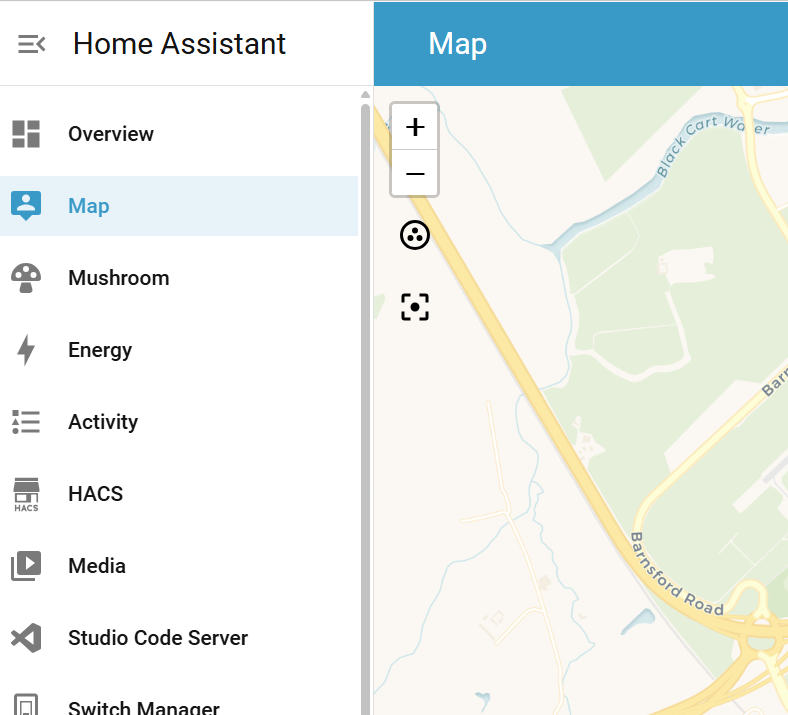
for about a week now, no users are showing their location on the map.
users locations are still being tracked as developer tools template is correctly showing current locations
this had been working fine and i think either a Core or HAOS update caused it to stop working
Installation method Home Assistant OS
Core 2026.1.2
Supervisor 2026.01.1
Operating System 16.3
Frontend 20260107.2
I’ve left the category at uncategorised as not sure where it should be placed.
It’s not a configuration issue as no config has changed at my end, and it’s not an installation issue either.
It could STILL be a core HA issue - just you have not /will not hit the requirements to reproduce whatever issue Op has. For instance I have one that popped ONLY when you use a certain version of HA plus Local first turned on for Voice Assistant. Don’t make the assumption that ‘mine works therefore it’s not core’
It plus mine behaving correctly indicate that it’s not a common configuration issue using core but Op has something unique to thier situation…
to clarify, i didn’t change any settings, just one day i went to look at the map and saw no users showing on it.
HA itself is still correctly tracking user locations, even picking up the zones the users are in, but is now no longer showing their location on the map.
and yes, the “it works for me so can’t be an issue” is a pointless thing to say
mobile devices and their GPS location,
as said, the tracking of the user location is working, as i can see their locations, and which zones they are in using developer tools > templates.
The issue is just that they are no longer showing on the map, they were until a couple of weeks ago.
it’s also not a browser cache issue, as the issue is across all HA platforms, including mobile apps, and on browsers that have never logged into HA previously.
Tracking these used to be my entire job for 12 years for a major developer. I’ve watched WAAAAAAY too many bitten by the well its not this… Assumption. Best to clear it right off the bat. Yes it reduces likely hood but does not eliminate it
Most bugs mathematically happen when someone is not in line with the assumed standard. Yes. Op is out of whack somehow. But do NOT make the assumption I’m fine it’s not core. It causes people to not look in the right places because an entire possible cause is ignored.
Id open a frontend bug on it. Let dev tell you what data is needed to figure it out.
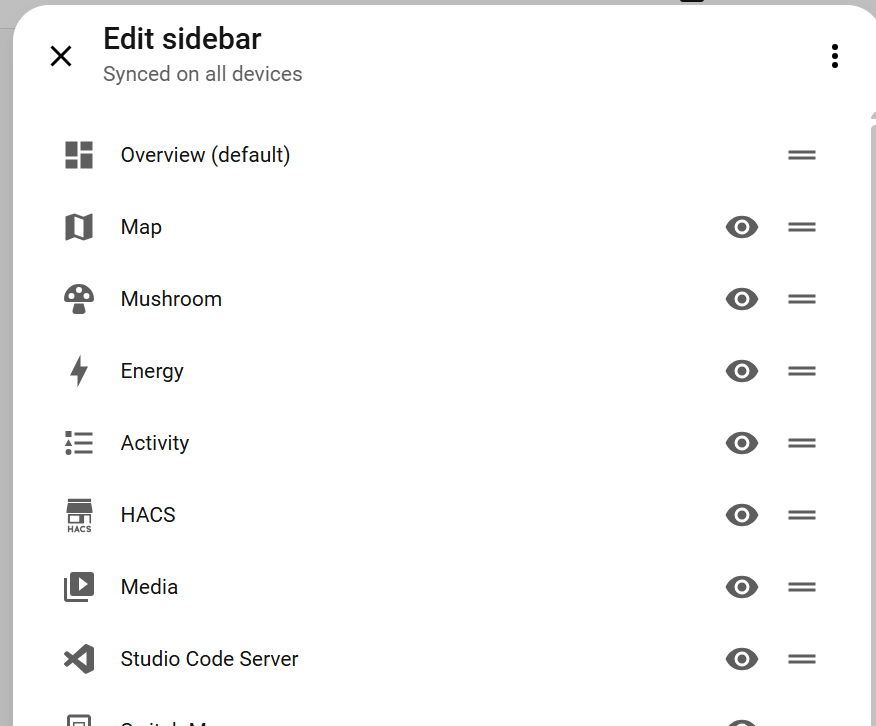
So you have a customized sidebar, putting you outside of the standard. The culprit is probably somewhere there. Maybe if you post your config here, somebody can help.
I believe that map was there in the past by default, but removed later. Since you have Studio Code installed, you could take a look at your sidebar-config.yaml. Maybe you need to create a new entry for map and remove the old.
no disrespect intended, but you’re not actually offering anything here, first you assumed it was a ME problem because “it works fine for me”, then you say it’s my fault for having a customised install when it’s not, now you say it a default option that was removed, well clearly it hasn’t been removed by me as it was there and still is there.
if someone with actual knowledge can let me know what to look for and what specific data is needed then i’ll provide it.
until then, it’ll remain broken until it decides to start working again, in the same way it decided to stop working.
I have the same issue that ALSO started several days ago. I thought it was phone related, but it is not. The map tracking just stopped at one location, and has not seen an update since. That was days ago. I do not access the map from the sidebar.
 The culprit is probably somewhere there. Maybe if you post your config here, somebody can help.