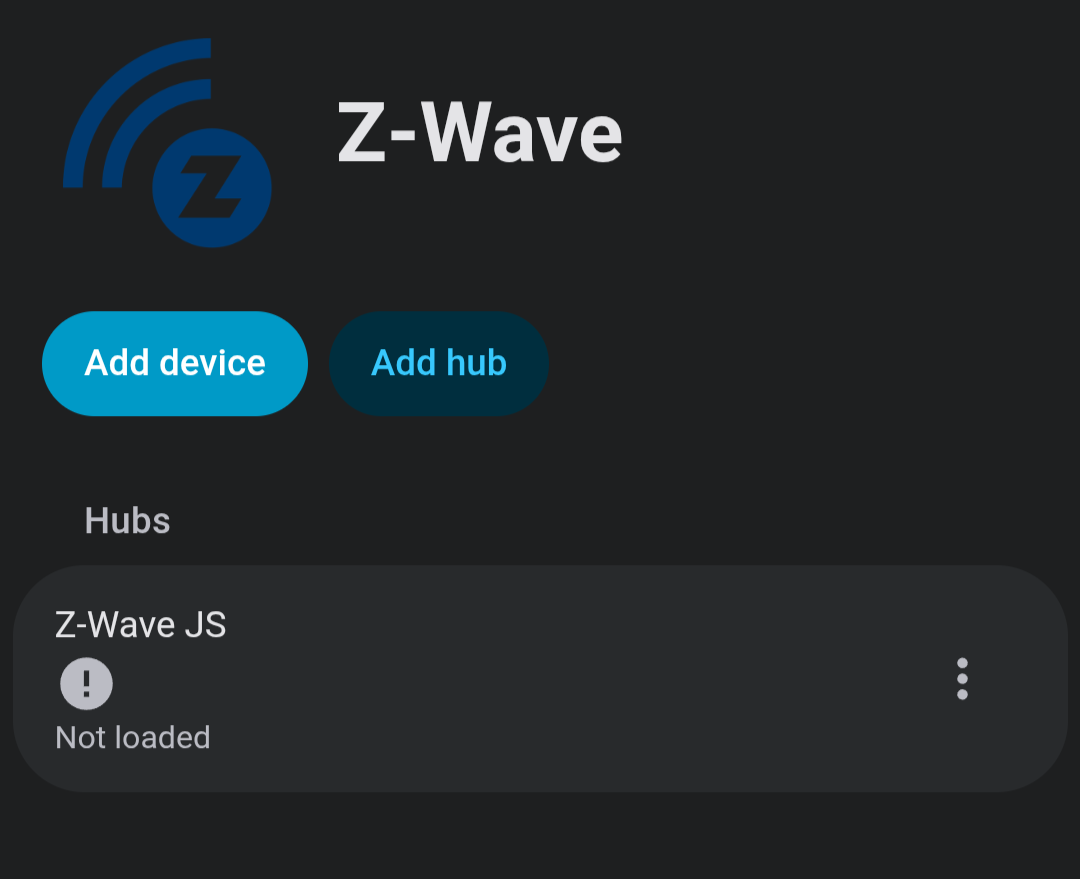
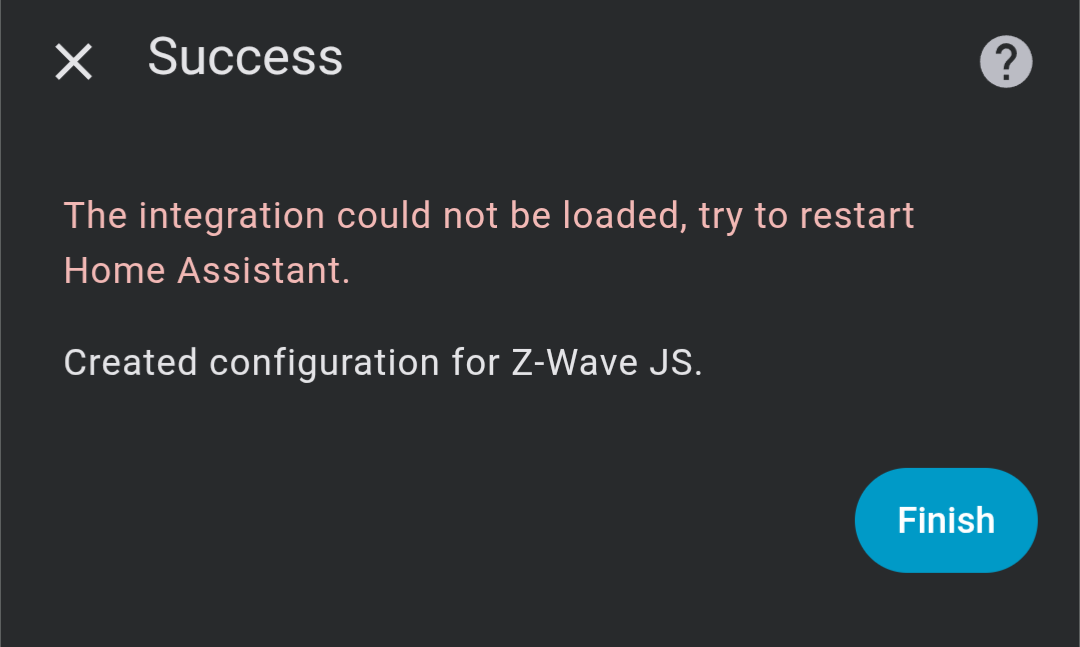
Recently, I made the switch to Z-Wave Js UI, however when trying to get the devices onto home assistant through the Z-Wave Js integration, it says that it’s not loaded, but still creates a blank configuration.
For a while I got around this by using the mqtt gateway however I couldn’t seem to get the S2 security on some devices such as my ring keypad gen 2 to work, especially with the individual buttons. So now I have to get it working using the z wave js integration, specifically through the websocket URL.
switch from what? zwavejs?
Did you remove zwavejs?
does this mean it works with MQTT?
Is ZwavejsUI websocket enabled? zwavejsui >> settings >> homeassistant >> ws server
There is no zwavejs integration.
zwavejs addon - connects with dongle and works as zwave hub/server
zwavejsui addon - connects with dongle and works as zwave hub/server
zwave integration - allows you to add zwave hub/server
Just want to clarify for anyone who see post in future.
should be ws://a0d7b954-zwavejs2mqtt:3000
you do have websocket enabled correct?
I originally was using the recommended installation of z wave on HA I’m not sure whether that is js or not. And yes mqtt did work, just not with the ring keypad as it should, probably something to do with it’s S2 security. I do have websocket enabled in Z Wave Js UI but I changed the port because in HA supervisor it came up with an error saying that something was using the same port, so I changed it to 3100 instead. Not sure if that makes a difference to how it’s configured. I’ve tried connecting the z wave integration by following the steps of unchecking the supervisor add on box and going straight though by putting the websocket URL, it goes through following the same port as Z wave js ui says but creates a blank configuration
I’m running the latest versions of both z waves and home assistant but I’ve been trying for a while now.
Yes mqtt does currently work but I’m not sure whether it’s using the websocket URL as all the devices were added automatically after I enabled the option in the ui
I want to replace it with z wave js ui because of the further settings it allows, but does that mean I have to use mqtt? And if I do why doesn’t my ring keypad work as it should using it?
Because of the way it was installed would be my guess.Re3move the zwavejs add-on completely.
Make sure the zwave js add-on install does not install automatically again by making sure the check box is not checked.
Install the zwave js ui add-on.
Restart and install the zwave integration according to the path listed and instructions from the zwave js ui add-on instructions.
If you have a backup with the original add-on, you could restore that and try to follow this guide:
None of the port settings you changed were required and probably made things harder. No you don’t need MQTT and HA recommends you don’t use it, the integration is preferred.