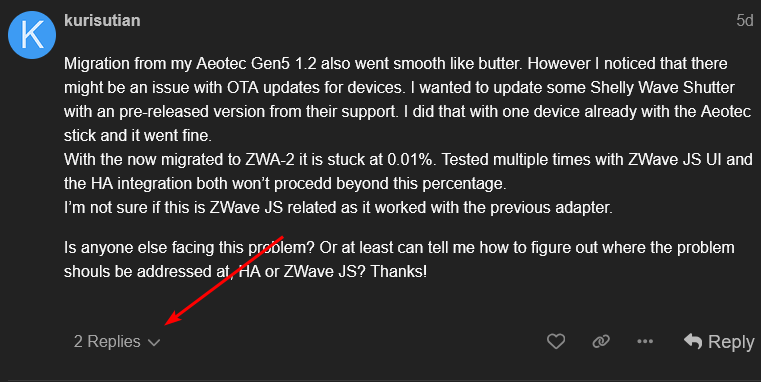
Even with a physical Win10 install the process to get to FW v1.2wasn’t easy, so don’t feel too bad. I feel your pain re-pairing all devices (especially Fibaro FGD-212). A backup of the S0 key might work, but never had to try for years.
The previous RaZberry also had difficult firmware updates - even a saved copy of their OS on a uSD needed credentials reset every time.
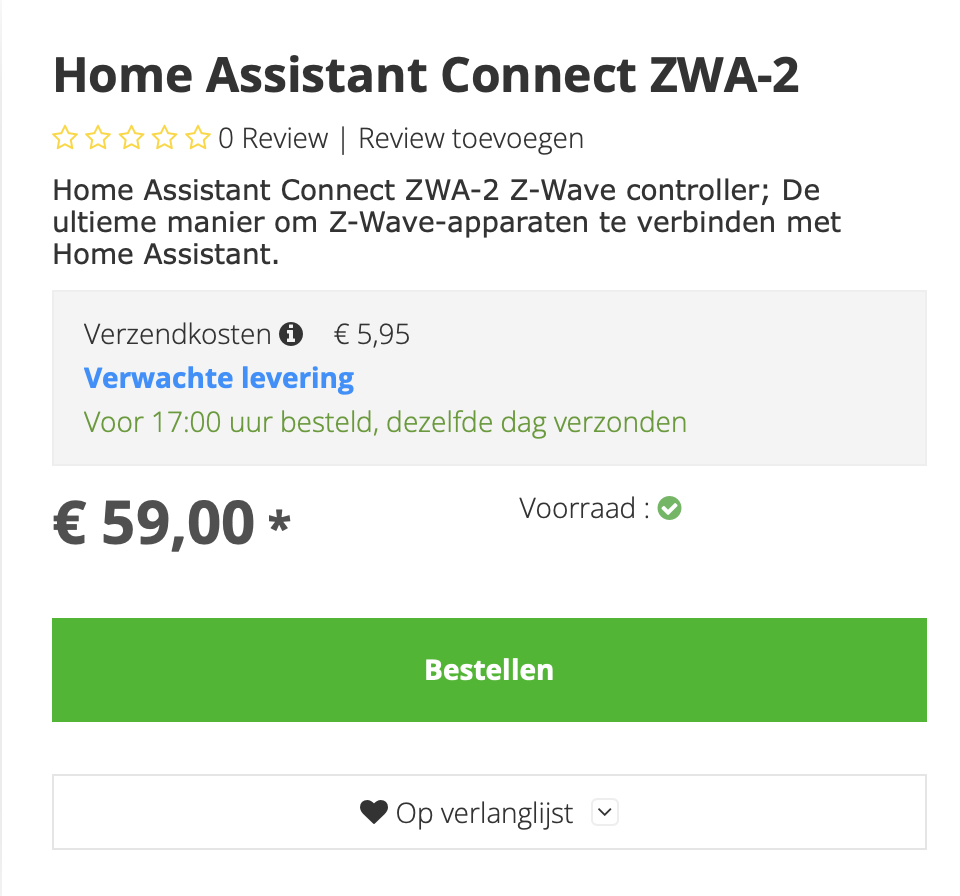
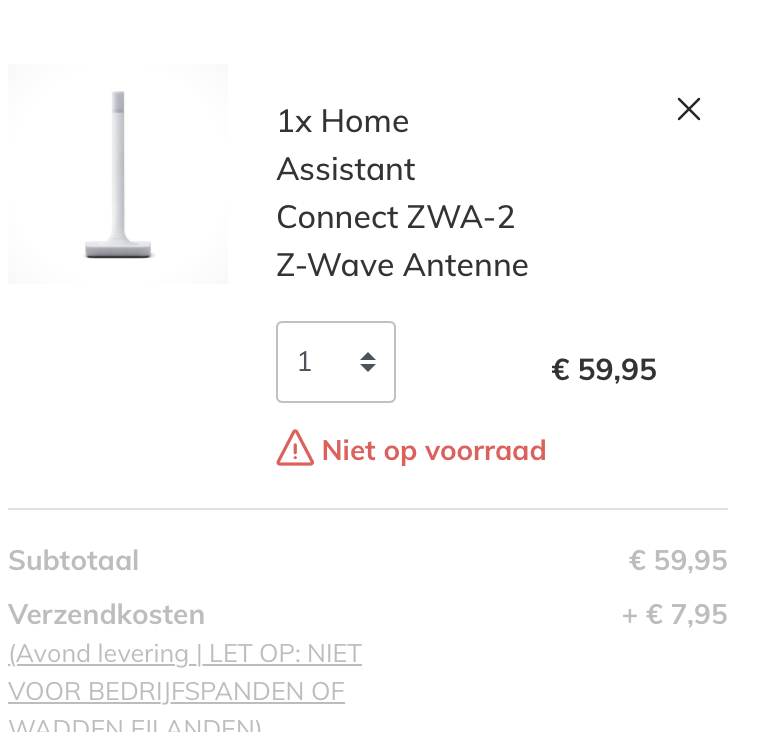
Getting simple firmware updates was enough for me to get a ZWA-2.
I could then support the project, and install it, carefully selecting a few devices at a time, and not risking the silly bricking procedure (which I know will fail under my hands…if I can find a Windows pc that is, otherwise I am stuck anyhow)
I think I dont really ‘need’ it, but maybe Ill re-think that after installing it…
I’d recommend to test with another device. For me it seems like it is a hardware issue as I got it to work with another device, same model. So I will probable have to factory reset this one to see if I can bring it back to live. If not, I will have to replace it. So if you have other devices of the same model, I would check them if they work.
There are multiple ways to run Z-Wave JS servers and there are Advanced installation instruction for running the Z-Wave JS server installation varient which a decoupled client-server architecture that I understand allow multiple Z-Wave networks configured, each running from its own Z-Wave JS server (which each also have their own didicated Zigbee controller radio adapter), similar to how you can run multiple instances of Zigbee2MQTT Zigbee gateway installations (each with their own Zigbee Coordinator radio adapter). See:
This is considered a very advanced use case. In this case you run the Z-Wave JS Server or Z-Wave JS UI NodeJS application directly. Installation and maintaining this is out of scope for this document. See the Z-Wave JS server or Z-Wave JS UI GitHub repository for information.
Does anyone know if there are plans to extend the usability of the LED?
I guess it can only light blue, but maybe different blink sequences or “breathing” to allow visual notifications for different uses would be nice.
The blinking signal in case the antenna is tipped over is a nice gimmick, but at least in my case is of limited use.
I tested it once tipping the thing over intentionally (it worked), but I don’t see any danger of that happening accidentally in the future.
The initial firmware update on installation said something like “remove RGB functionality” suggesting no.
You can of course copy the default ESPhome config and extend it, but you than take on the responsibility of updates.
ISTR ESPhome allows you to include external projects, and only add the config you need, but never tried it on a production device (even extending copied device names with MAC address seemed unreliable last I tried).
Instructions basically say “if you brick it, try try again, maybe that’ll did it”. If you only have a few devices may just start over but if you have A LOT maybe give it a go
Esp in zwa-2 is for usb only. Does it also control light?
No, while the Connect ZWA-2 does contain an ESP32 chip, it does not run an ESPHome-based firmware. Though it includes a Wi-Fi/Bluetooth antenna, it is inactive. It uses the ESP32 chip as a USB controller. The firmware for the ESP32 in the Connect ZWA-2 is open source and can be found here, and the firmware for the Z-Wave chip can be found here.
I migrated from a Zooz ZST10 700 with fw 7.18.3 on Z-Wave JS (not the “UI” variant). Migration was successful on the first attempt. My z-wave devices work better than ever: more responsive, better signal. The noise floor shows average 6-10 dBm improvement. I had a few far off corner devices that were never great even though the whole mesh thing is supposed to take care of that, but those are now working better.
The ZWA-2 with its large antenna is a winner for me, even sitting inside the network closet on top of the UPS on the floor since I still need to figure out a wall mount or shelf for it.
With zwave finally getting some HA love maybe battery operated devices could start report their battery level now? You know, like other controllers with zwace have been doing the last 20 years?
Smooth upgrade from the Aeotec Gen 5 - And it took less than 5 minutes!
But there’s no noticeable improvement in my Z-wave network. No increase in direct connections, and I have the same number of devices making three hops as before, even after rebuilding routes several times. I’m not too disappointed since most of my Z-Wave devices are at least 5 years old and still Gen 5, so I wasn’t expecting much.
I’m still happy with my purchase, though. I’ve been meaning to replace my controller for a few years now, and I’m glad I waited long enough to be able to buy one that supports Home Assistant.
Well, it seems to work for some, but there is a lot of us who can’t get it to work.
Here is one of the threads in this forum, Battery Levels not updating via Z-Wave JS
But there is a lot of talk about this problem going around.