Z2M - Philips Hue Dimmer Switch - Ultimate Controller (Device Triggers + Double Clicks)
This blueprint is a modern, “Frustration-Free” controller for the Philips Hue Dimmer Switch (both Gen 1 and Gen 2) running via Zigbee2MQTT.
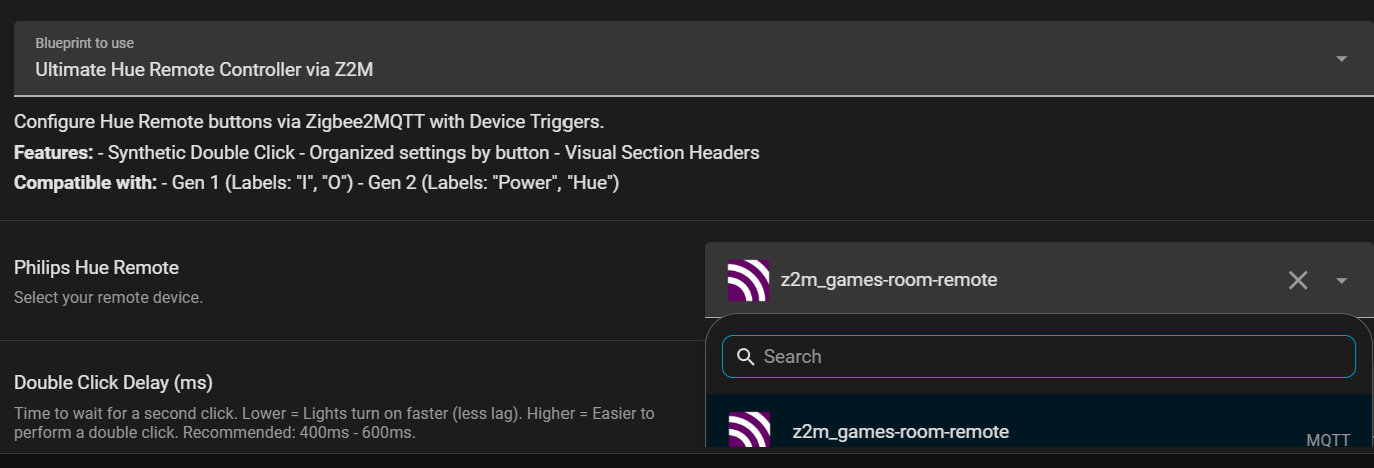
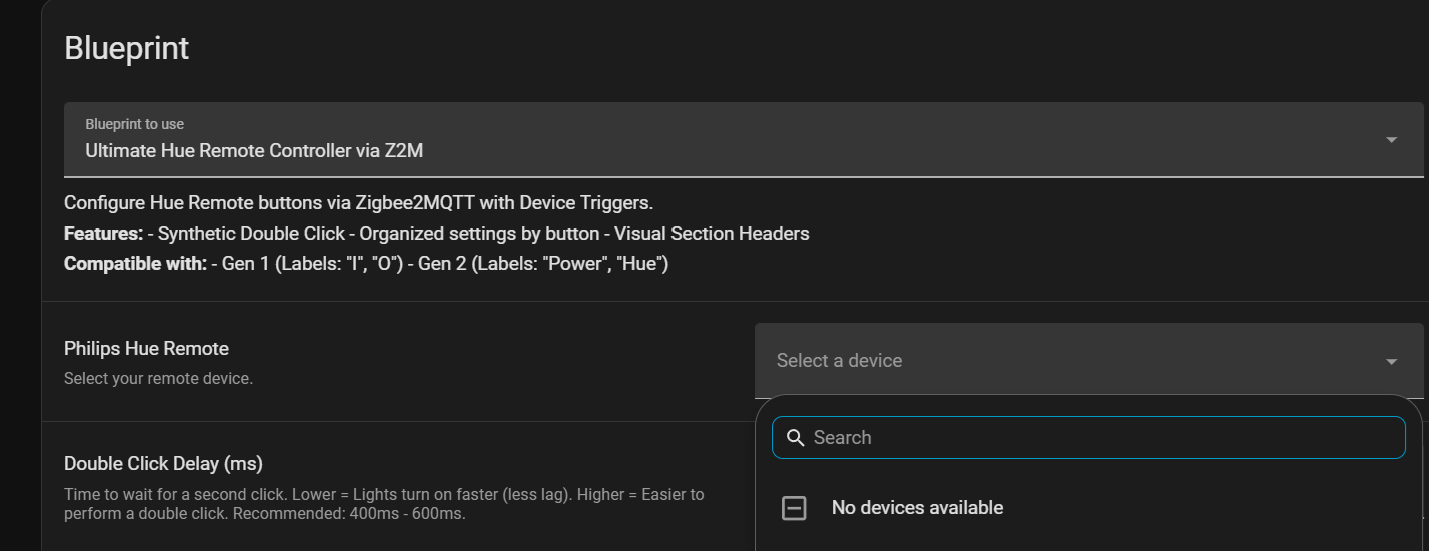
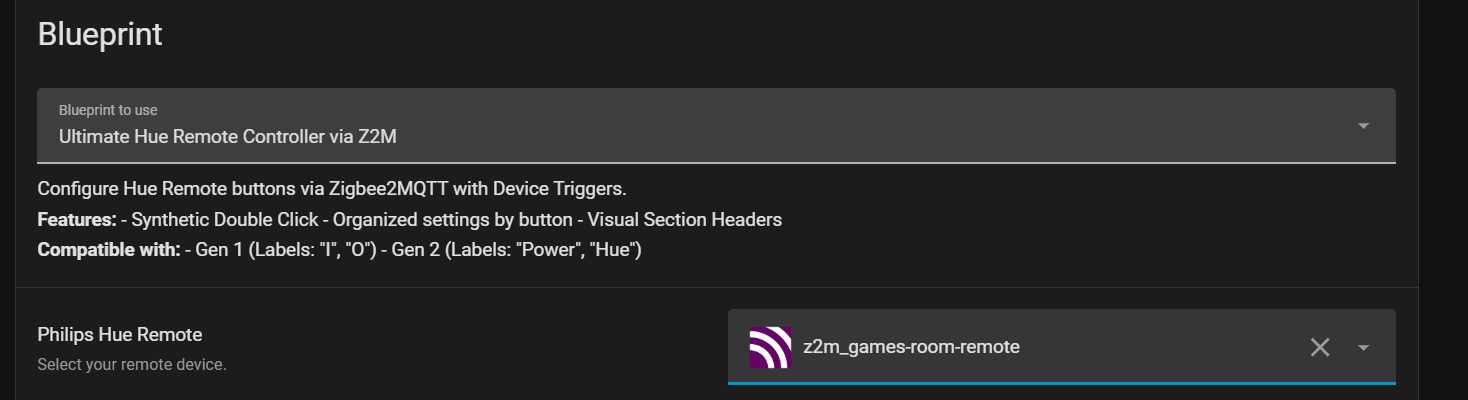
Unlike older blueprints that require you to manually type MQTT topics or enable hidden legacy sensors, this blueprint uses Device Triggers. You simply select your remote from a dropdown list, and it just works.

 Features
 Zero Configuration: No need to find “Action Entities” or type MQTT topics. Just pick your device.
 Synthetic Double Click: Adds Double Click support to all 4 buttons (a feature the hardware doesn’t normally support!).
 Configurable Delay: You can adjust the double-click speed (ms) to match your preference.
 No “Ghost Clicks”: Uses
 mode: singleto ensure a Double Click doesn’t accidentally trigger the Single Click action too. Frustration-Free: Intelligently handles the “Hold” vs “Press” conflict. Single clicks only fire on release, ensuring they don’t misfire when you mean to hold the button.
 Visual Labels: The inputs are organized with section headers and use emojis matching the physical buttons (I/O for Gen 1, Power/Hue for Gen 2).
 Supported Actions
For every button (Top, Up, Down, Bottom), you can assign:
- Single Click
- Double Click
- Hold
 Prerequisites
- Home Assistant (2024.x or newer recommended)
- Zigbee2MQTT
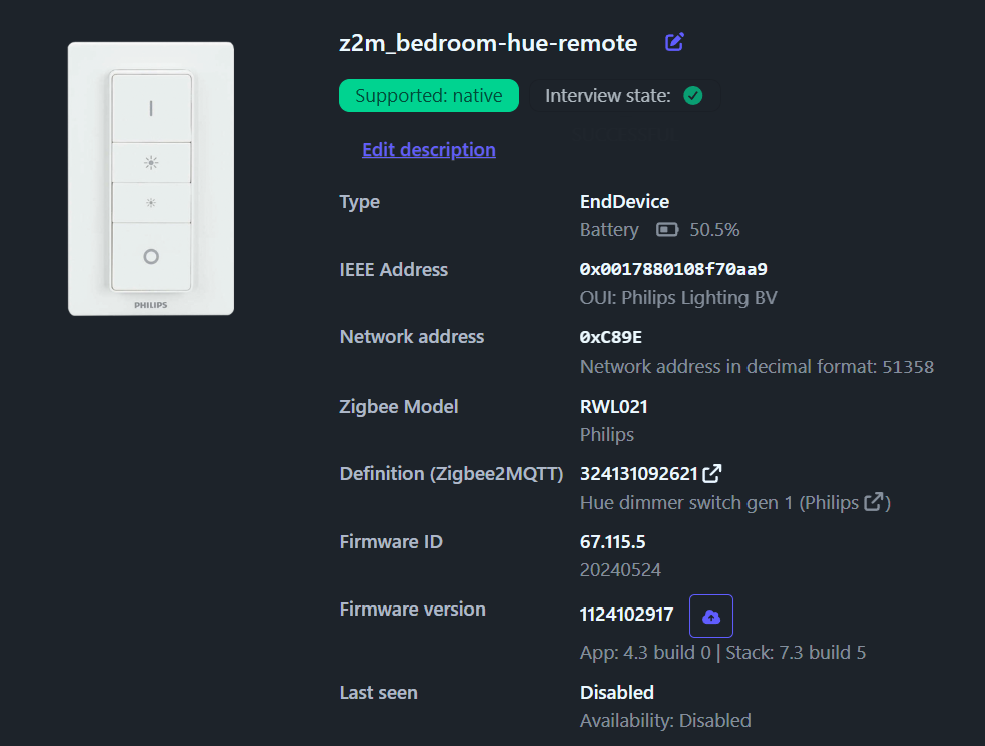
- A Philips Hue Dimmer Switch paired via Z2M.
 The Blueprint
blueprint:
  name: Ultimate Hue Remote Controller via Z2M
  description: >
    Configure Hue Remote buttons via Zigbee2MQTT with Device Triggers.

    **Features:**
    - Synthetic Double Click
    - Organized settings by button
    - Visual Section Headers

    **Compatible with:**
    - Gen 1 (Labels: "I", "O")
    - Gen 2 (Labels: "Power", "Hue")
  domain: automation

  input:
    remote:
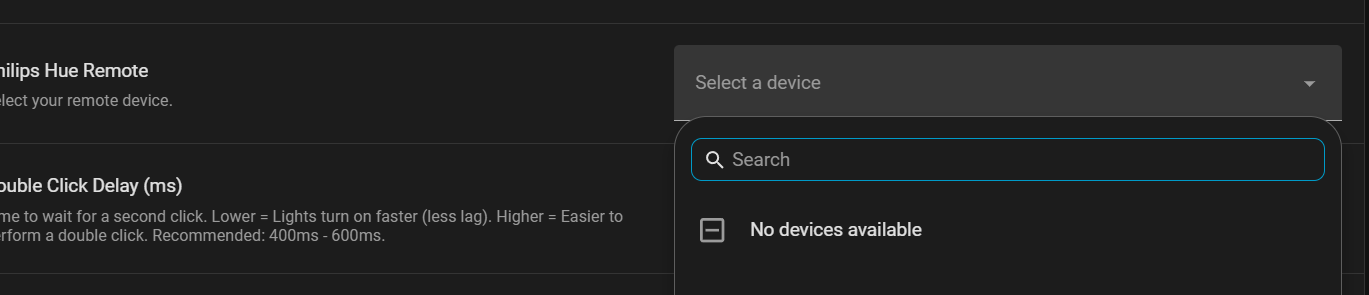
      name: Philips Hue Remote
      description: Select your remote device.
      selector:
        device:
          integration: mqtt
          manufacturer: Philips
          model: Hue dimmer switch

    double_click_delay:
      name: Double Click Delay (ms)
      description: >
        Time to wait for a second click.
        Lower = Lights turn on faster (less lag).
        Higher = Easier to perform a double click.
        Recommended: 400ms - 600ms.
      default: 500
      selector:
        number:
          min: 100
          max: 2000
          unit_of_measurement: ms
          mode: box

    # ----------------------------------------------------------------
    # TOP BUTTON
    # ----------------------------------------------------------------
    on_single_press:
      name: 🟢 Top Button - Single Click
      description: 'Symbol: "I" or "Power"'
      default: []
      selector: { action: {} }
    on_double_press:
      name: 🟢 Top Button - Double Click
      description: 'Symbol: "I" or "Power"'
      default: []
      selector: { action: {} }
    on_hold:
      name: 🟢 Top Button - Hold
      description: 'Symbol: "I" or "Power"'
      default: []
      selector: { action: {} }

    # ----------------------------------------------------------------
    # UP BUTTON
    # ----------------------------------------------------------------
    up_single_press:
      name: 🔆 Up Button - Single Click
      description: 'Symbol: Large Sun (Brighten)'
      default: []
      selector: { action: {} }
    up_double_press:
      name: 🔆 Up Button - Double Click
      description: 'Symbol: Large Sun (Brighten)'
      default: []
      selector: { action: {} }
    up_hold:
      name: 🔆 Up Button - Hold
      description: 'Symbol: Large Sun (Brighten)'
      default: []
      selector: { action: {} }

    # ----------------------------------------------------------------
    # DOWN BUTTON
    # ----------------------------------------------------------------
    down_single_press:
      name: 🔅 Down Button - Single Click
      description: 'Symbol: Small Sun (Dim)'
      default: []
      selector: { action: {} }
    down_double_press:
      name: 🔅 Down Button - Double Click
      description: 'Symbol: Small Sun (Dim)'
      default: []
      selector: { action: {} }
    down_hold:
      name: 🔅 Down Button - Hold
      description: 'Symbol: Small Sun (Dim)'
      default: []
      selector: { action: {} }

    # ----------------------------------------------------------------
    # BOTTOM BUTTON
    # ----------------------------------------------------------------
    off_single_press:
      name: 🔴 Bottom Button - Single Click
      description: 'Symbol: "O" or "Hue" Logo'
      default: []
      selector: { action: {} }
    off_double_press:
      name: 🔴 Bottom Button - Double Click
      description: 'Symbol: "O" or "Hue" Logo'
      default: []
      selector: { action: {} }
    off_hold:
      name: 🔴 Bottom Button - Hold
      description: 'Symbol: "O" or "Hue" Logo'
      default: []
      selector: { action: {} }

# Mode Single is required to prevent "Ghost Clicks" during double click detection
mode: single
max_exceeded: silent

trigger:
  # Triggers for Press (Release) and Hold
  - platform: device
    domain: mqtt
    device_id: !input remote
    type: action
    subtype: on_press_release
    id: on_press
  - platform: device
    domain: mqtt
    device_id: !input remote
    type: action
    subtype: on_hold
    id: on_hold

  - platform: device
    domain: mqtt
    device_id: !input remote
    type: action
    subtype: up_press_release
    id: up_press
  - platform: device
    domain: mqtt
    device_id: !input remote
    type: action
    subtype: up_hold
    id: up_hold

  - platform: device
    domain: mqtt
    device_id: !input remote
    type: action
    subtype: down_press_release
    id: down_press
  - platform: device
    domain: mqtt
    device_id: !input remote
    type: action
    subtype: down_hold
    id: down_hold

  - platform: device
    domain: mqtt
    device_id: !input remote
    type: action
    subtype: off_press_release
    id: off_press
  - platform: device
    domain: mqtt
    device_id: !input remote
    type: action
    subtype: off_hold
    id: off_hold

action:
  - choose:
      # --- TOP BUTTON LOGIC ---
      - conditions: "{{ trigger.id == 'on_press' }}"
        sequence:
          - wait_for_trigger:
              - platform: device
                domain: mqtt
                device_id: !input remote
                type: action
                subtype: on_press_release
            timeout:
              milliseconds: !input double_click_delay
            continue_on_timeout: true
          - choose:
              - conditions: "{{ wait.trigger != none }}"
                sequence: !input on_double_press
              - conditions: "{{ wait.trigger == none }}"
                sequence: !input on_single_press
      - conditions: "{{ trigger.id == 'on_hold' }}"
        sequence: !input on_hold

      # --- UP BUTTON LOGIC ---
      - conditions: "{{ trigger.id == 'up_press' }}"
        sequence:
          - wait_for_trigger:
              - platform: device
                domain: mqtt
                device_id: !input remote
                type: action
                subtype: up_press_release
            timeout:
              milliseconds: !input double_click_delay
            continue_on_timeout: true
          - choose:
              - conditions: "{{ wait.trigger != none }}"
                sequence: !input up_double_press
              - conditions: "{{ wait.trigger == none }}"
                sequence: !input up_single_press
      - conditions: "{{ trigger.id == 'up_hold' }}"
        sequence: !input up_hold

      # --- DOWN BUTTON LOGIC ---
      - conditions: "{{ trigger.id == 'down_press' }}"
        sequence:
          - wait_for_trigger:
              - platform: device
                domain: mqtt
                device_id: !input remote
                type: action
                subtype: down_press_release
            timeout:
              milliseconds: !input double_click_delay
            continue_on_timeout: true
          - choose:
              - conditions: "{{ wait.trigger != none }}"
                sequence: !input down_double_press
              - conditions: "{{ wait.trigger == none }}"
                sequence: !input down_single_press
      - conditions: "{{ trigger.id == 'down_hold' }}"
        sequence: !input down_hold

      # --- BOTTOM BUTTON LOGIC ---
      - conditions: "{{ trigger.id == 'off_press' }}"
        sequence:
          - wait_for_trigger:
              - platform: device
                domain: mqtt
                device_id: !input remote
                type: action
                subtype: off_press_release
            timeout:
              milliseconds: !input double_click_delay
            continue_on_timeout: true
          - choose:
              - conditions: "{{ wait.trigger != none }}"
                sequence: !input off_double_press
              - conditions: "{{ wait.trigger == none }}"
                sequence: !input off_single_press
      - conditions: "{{ trigger.id == 'off_hold' }}"
        sequence: !input off_hold
 How to use
- Import the blueprint or copy the code to
blueprints/automation/your_file.yaml. - Reload Automations.
- Create a new automation and select Ultimate Hue Controller.
- Pick your Device (Philips Hue Remote) from the dropdown.
- Assign your actions!
 Pro-Tip for Smooth Dimming
If you want smooth dimming when holding the Up/Down buttons, don’t just use light.turn_on. Instead, map the Hold action to brightness_step_pct.
- Up - Hold:
brightness_step_pct: 20 - Down - Hold:
brightness_step_pct: -20
This allows you to press and hold to step the brightness up or down significantly.
Enjoy! Let me know if you run into any issues with Double Clicks or Z2M versions.