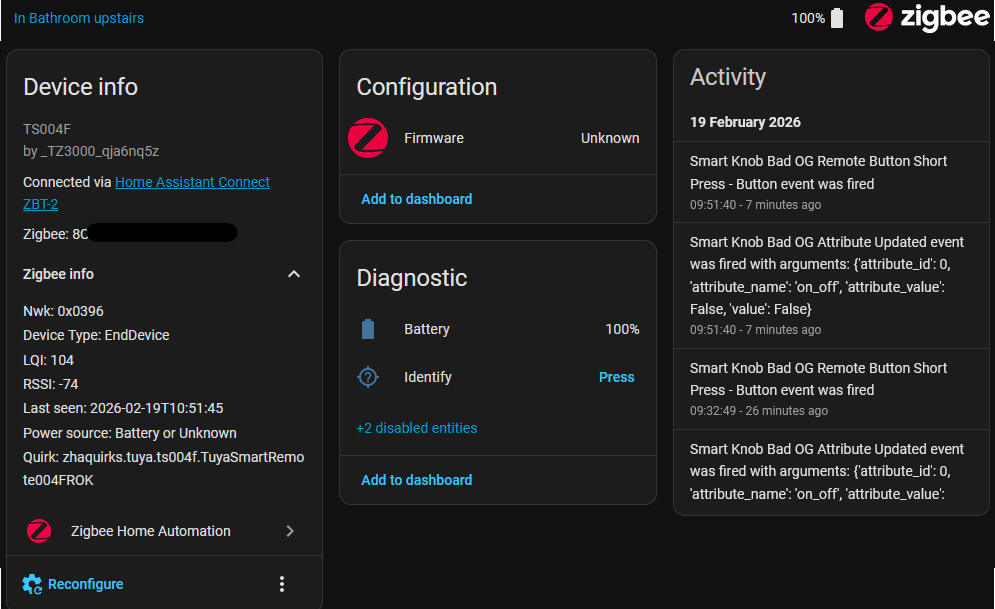
I made a blueprint for the Tuya TS004F rotary button that fixes the sensitivity issue (where pressing the button accidentally triggers rotation events) and handles both operating modes automatically - the button has two modes (dimmer mode with step events, and scene mode with button press events).
Features:
Single press, double press, long press actions
Rotation left/right (works in both modes)
Configurable debounce delay slider
Tested on my setup with _TZ3000_402vrq2i. Works great after adding the debounce.
Hello jrfigura,
Thanks for contributing to the community with a new Blueprint.
I have a suggestion for you. Many people who are not familiar with directory structures will have problems installing this without the Home Assistant MY tools.
Adding a MY link for this Blueprint to your top post would help them a lot.
Here is the link to make that. Create a link – My Home Assistant
You need to be a trust level ‘member’ to edit a post. Understanding Discourse Trust Levels
If you can’t edit, I would load a link into a second post.
When i use it on my TS004F_TZ3000_402vrq2i then i get following error: Message malformed: device does not have trigger (‘remote_button_short_press’, ‘button’)
Didn’t see anything strange myself
In the end had to change some ‘button’ to ‘button_1’ in the yaml for the single click. No problem.
The Long Press i ended up doing with my own fabricated ZHA_event, then i got it.
So in my case i use the button to toggle lights and rotate for brightness. The double click changes to a certain scene whilst the long click changes to another scene.
All works now… thnx…learned a lot again
I am using this blueprint but one of the devices doesn’t recognise the double press. I already re-added the device multiple times but I still have the same issue.
I even tried to be next to the ZBT-2 to test if it doesn’t lose connection as it’s farther away from than the other device.
@Rick99 since the device I’m working with (_TZ3000_402vrq2i) is not handled well by available zhaquirk I’m using a custom zha quirk
your device is using TuyaSmartRemote004FROK class taht I have based on my custom quirk. Both handle double click in the same way: (DOUBLE_PRESS, BUTTON_1): {ENDPOINT_ID: 1, COMMAND: DOUBLE_PRESS},
If you change the blueprint in the UI it will clear your current setup. If you know the blueprint path you could change it in the automations.yaml file
Hi @jrfigura, I tried testing a new switch (TS004F _TZ3000_402vrq2i) using this blueprint with a bulb (simple config for testing, just selected the switch device and an action / target for short_press of toggle), but whenever I try and save my automation I get an error "Message malformed: device does not have trigger ('remote_short_button_press', 'button')".
I tried exactly the same thing using a different blueprint (ZHA - Tuya Smart Knob for lights - v1.2) and it worked first go - wondering if there's a problem with this blueprint? Or am I missing entry of a parameter?
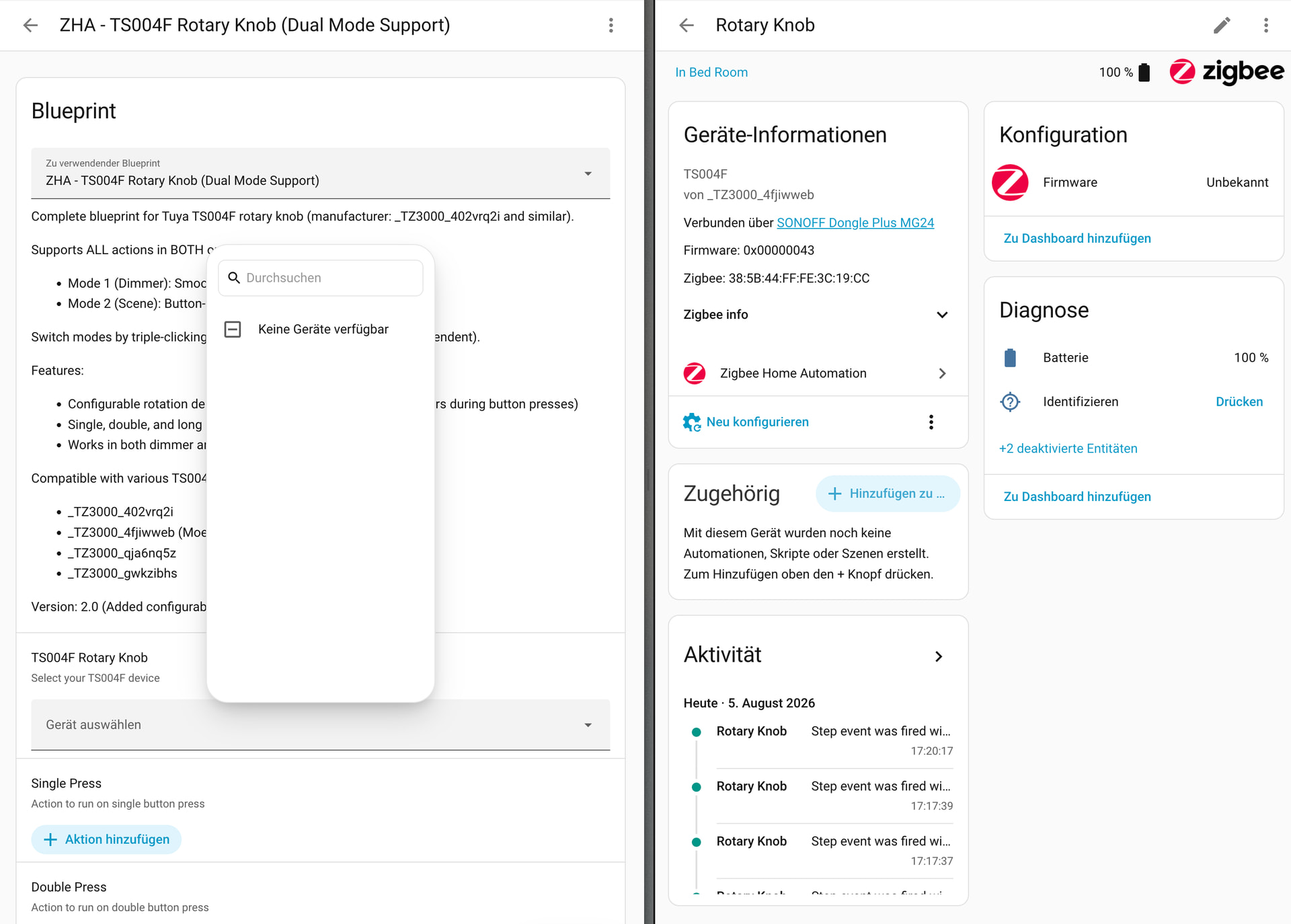
Thanks @jrfigura for this blueprint! Unfortunately, I cannot find my device in the blueprint.
I am having a rotary knob from _TZ3000_4fjiwweb. According to the blueprint docs this should be supported, I think.
I have downloaded the blueprint to my Home Assistant instance and reloaded the HA configuration. But, as described, the device seems not to be available. Any ideas or suggestions? Help would be greatly appreciated.