Zigbee2mqtt configuration

it has been a while that I am trying with zigbee2mqtt
the log is below :
[10:51:25] INFO: Handing over control to Zigbee2mqtt Core …

[email protected] start /app

node index.js

Zigbee2MQTT:error 2025-07-30 10:51:45: Error while starting zigbee-herdsman

Zigbee2MQTT:error 2025-07-30 10:51:45: Failed to start zigbee

Zigbee2MQTT:error 2025-07-30 10:51:45: Exiting…

Zigbee2MQTT:error 2025-07-30 10:51:45: Error: Failed to connect to the adapter (Error: SRSP - SYS - ping after 6000ms)

at ZStackAdapter. (/app/node_modules/zigbee-herdsman/dist/adapter/z-stack/adapter/zStackAdapter.js:94:31)

at Generator.throw ()

at rejected (/app/node_modules/zigbee-herdsman/dist/adapter/z-stack/adapter/zStackAdapter.js:25:65)

npm ERR! code ELIFECYCLE

npm ERR! errno 1

npm ERR! [email protected] start: node index.js

npm ERR! Exit status 1

npm ERR!

npm ERR! Failed at the [email protected] start script.

npm ERR! This is probably not a problem with npm. There is likely additional logging output above.

npm ERR! A complete log of this run can be found in:

npm ERR! /root/.npm/_logs/2025-07-30T09_51_45_392Z-debug.log

Hi - first have a read of this:

One important thing is to use formatted text tags (accessed using </> on the posting toolbar) for logs and configurations, so they look like this:

Zigbee2MQTT:error 2025-07-30 10:51:45: Failed to start zigbee
Zigbee2MQTT:error 2025-07-30 10:51:45: Exiting…
Zigbee2MQTT:error 2025-07-30 10:51:45: Error: Failed to connect to the adapter (Error: SRSP - SYS - ping after 6000ms)
at ZStackAdapter. (/app/node_modules/zigbee-herdsman/dist/adapter/z-stack/adapter/zStackAdapter.js:94:31)

Once you have edited your post to fix that, we will also need to hear about how your environment is configured and will also need to see your Zigbee2MQTT configuration.

Thanks for your kind reply
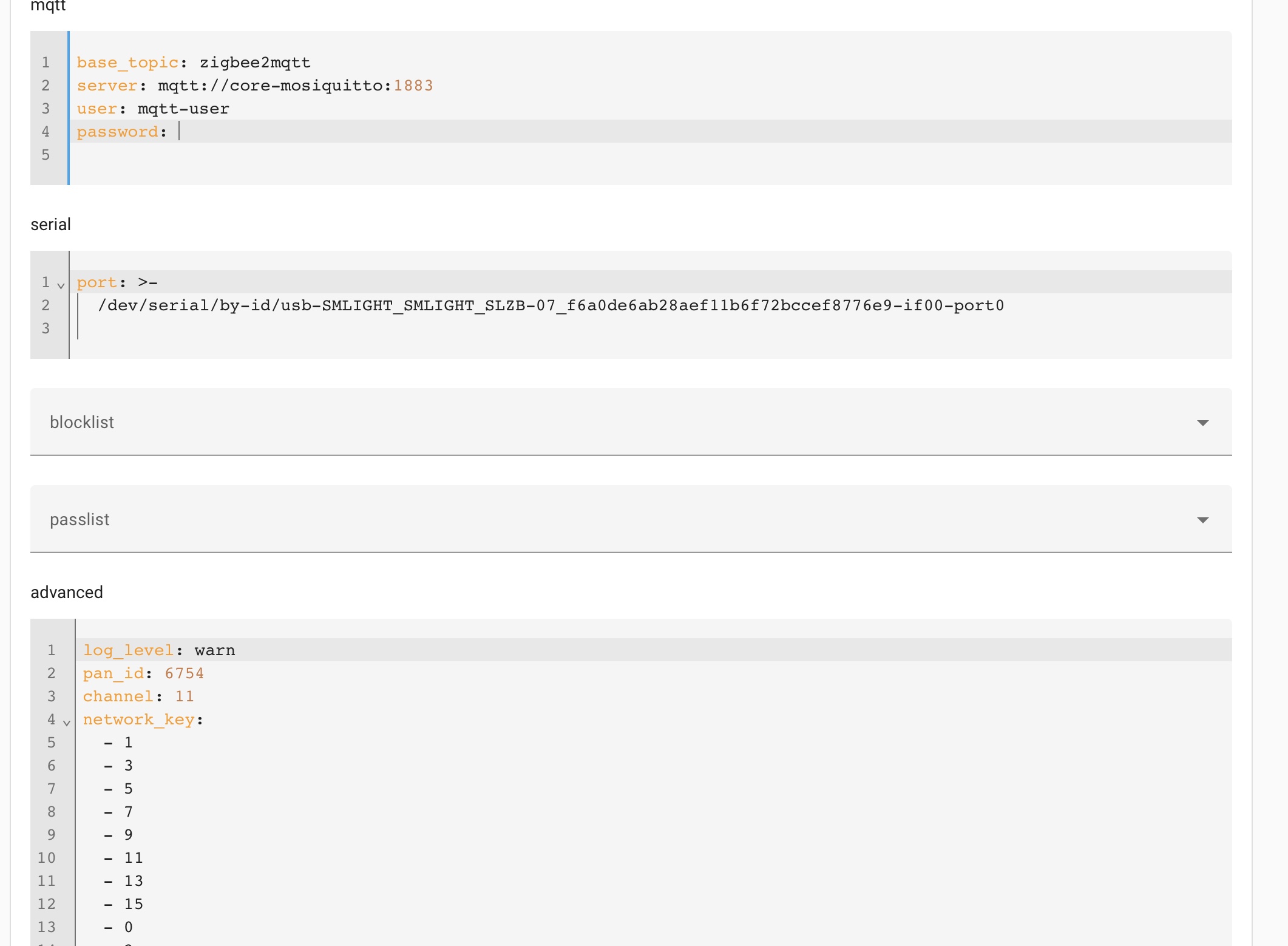
sorry I am just new to home assistant , ok let start with my my Configuration :

My coordinator is :

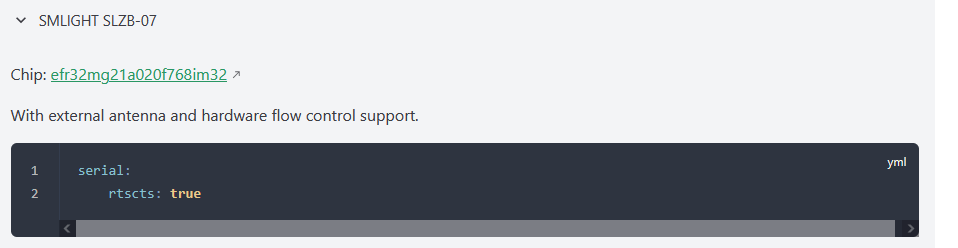
SLZB-07 Zigbee USB coordinator.

My configuration is :

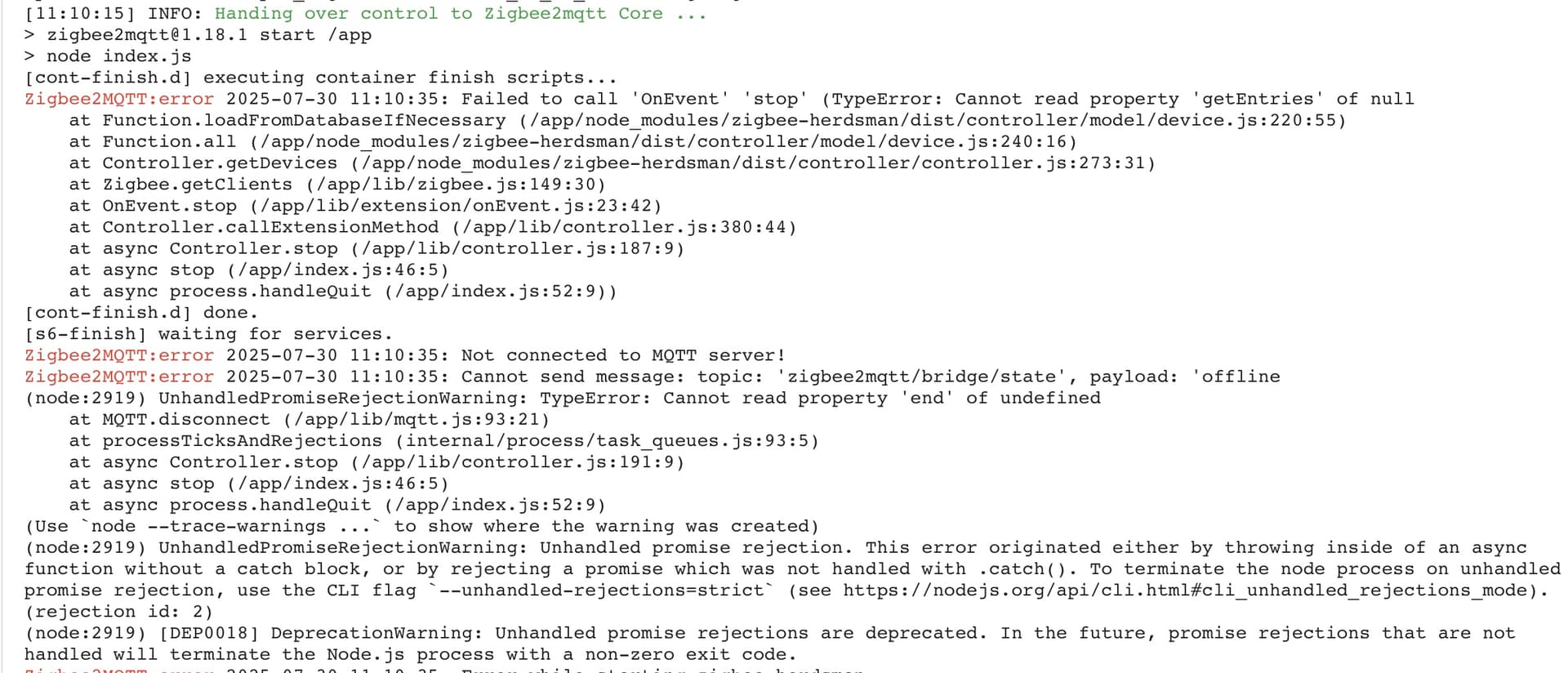
My log :

Where did you get this one ? Already a few years old. Current version is 2.5.0, not 1.18.1

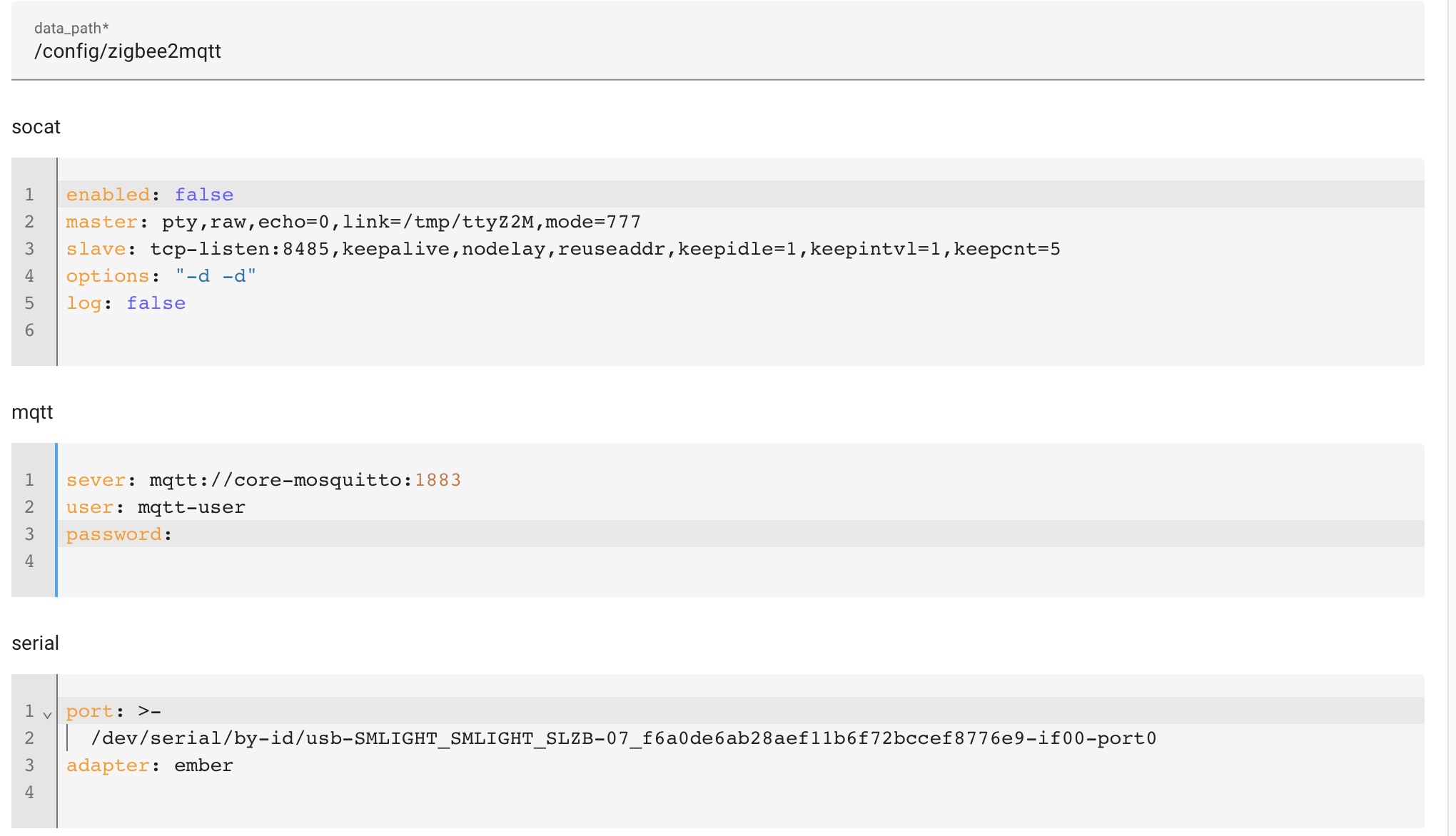
And SLZB-07 has a silabs chipset, so you need to specify ember

thanks for you kind reply

I followed your kind instruction :

My new config

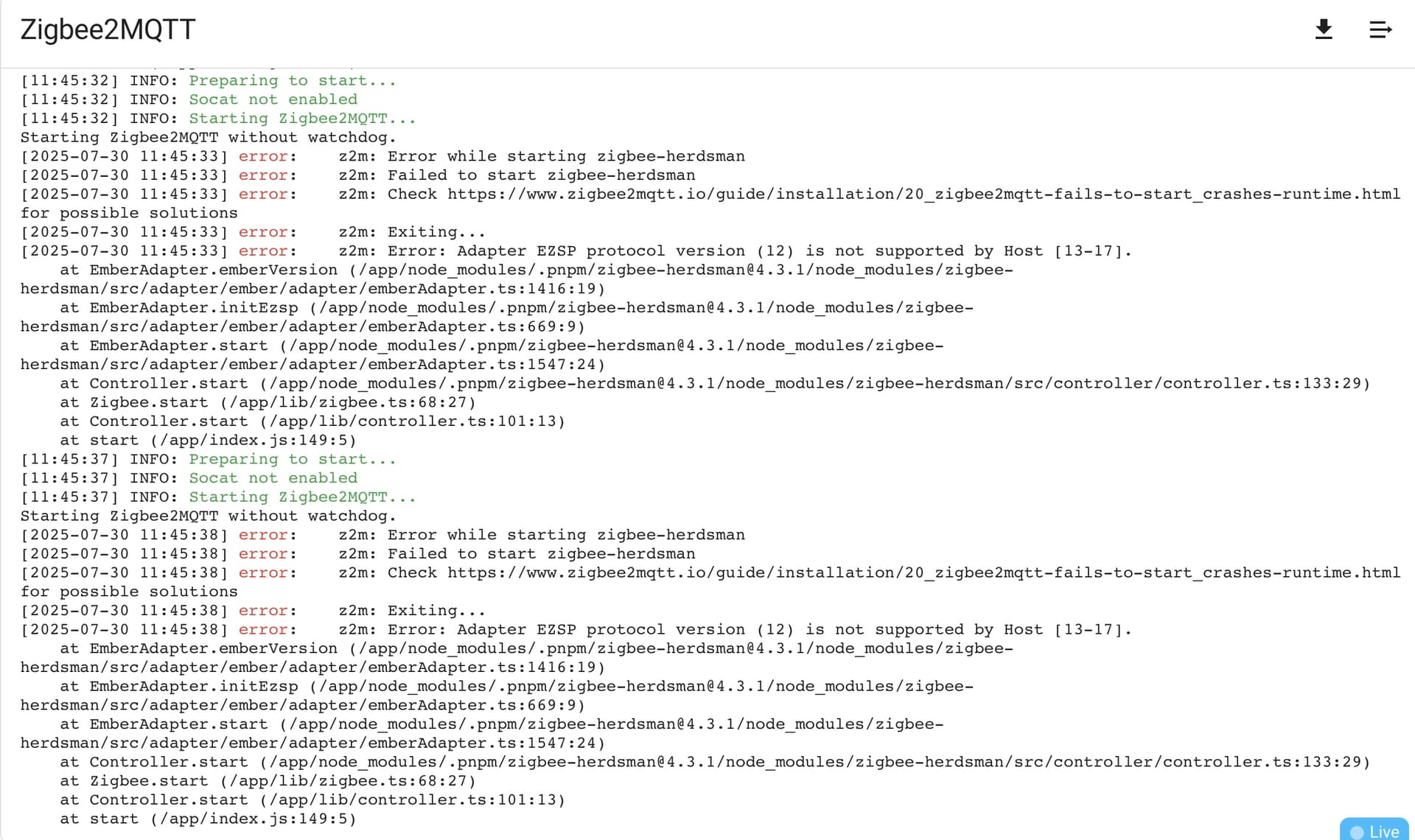
New log of Zigbee2mqtt

it is updated

Difficult to answer if you post logs as a picture.

afbeelding

2 solutions:

  • change ember to ezsp
  • update your adapter to firmware 7.4.x or later (preferable 8.0.2 or later)

Second option is the best.

Thanks for your reply

Firmware updated
to 7.4.1
Adapter ember

[13:21:46] INFO: Preparing to start...
[13:21:46] INFO: Socat not enabled
[13:21:46] INFO: Starting Zigbee2MQTT...
Starting Zigbee2MQTT without watchdog.
Onboarding page is available at http://0.0.0.0:8099/
[2025-07-30 13:22:27] error: 	zh:ember:uart:ash: Received ERROR from adapter while connecting, with code=RESET_WATCHDOG.
[2025-07-30 13:22:33] error: 	z2m: MQTT failed to connect, exiting... (getaddrinfo ENOTFOUND core-mosiquitto)

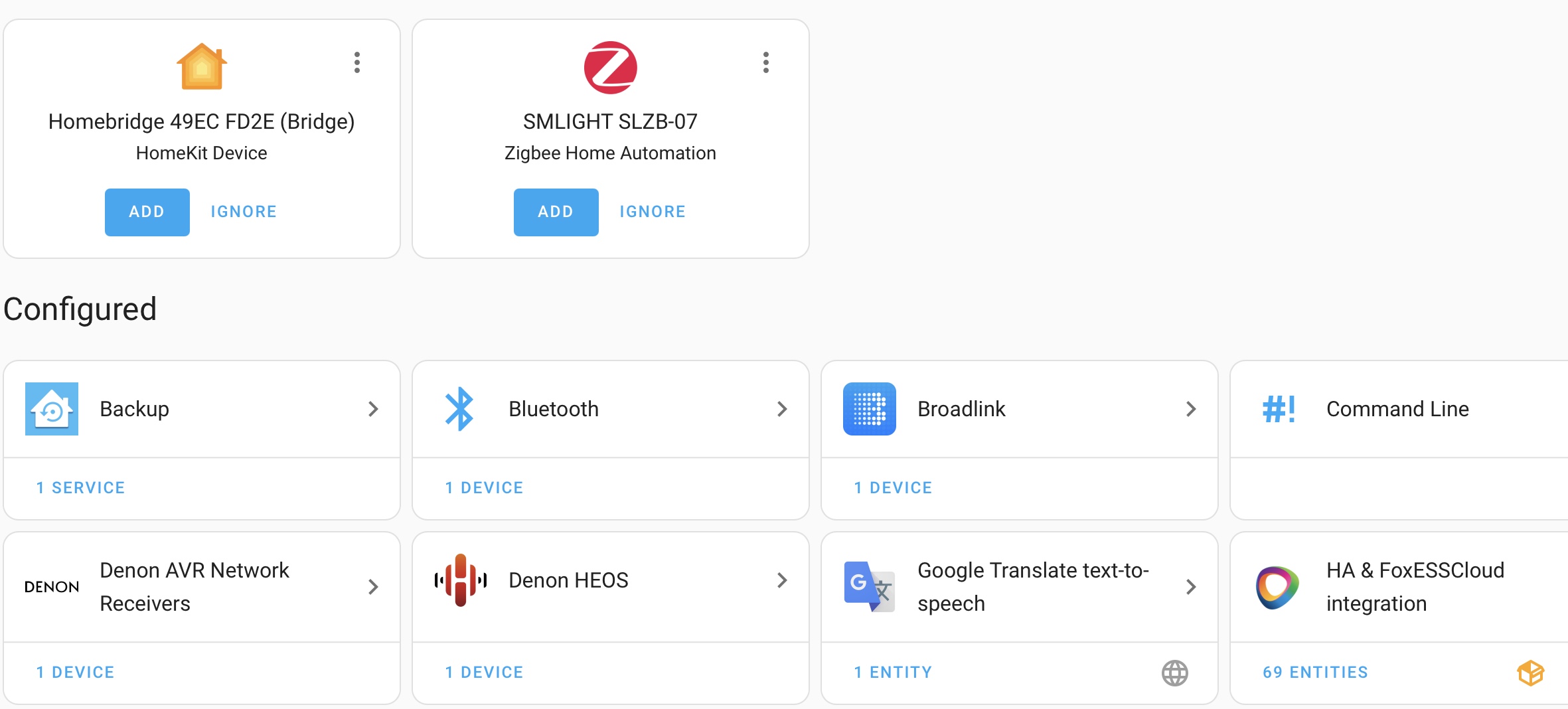
Are you sure Zigbee Home Automation (ZHA) is not running/enabled ?

and this:

I am sure it is not running it is pop up after update

hello after adding antenna
The log file now is

`Starting Zigbee2MQTT without watchdog.
Onboarding page is available at http://0.0.0.0:8099/
[2025-07-30 14:03:59] error: z2m: MQTT failed to connect, exiting… (getaddrinfo ENOTFOUND core-mosiquitto)
``

No password , so fill this in

it is filled I removed for the picture

Did you install the mosquitto add-on ?

installed along with Mqtt integration
it could be that the broker is not working , I was thinking to have the broker running one LXC under Proxmox rather then add on in home assistant

if you are running the add-on, try with

server: mqtt://core-mosquitto

(without :1883)

same issue and same Log

server: mqtt://xx.xx.xx.xx:8123

where xx.xx.xx.xx is the ip address of your HA ?

I think I had this issue myself and for me, it helped to open the configuration from the file editior.
I have these settings in the zigbee2mqtt configuration file:

serial:
  port: tcp://192.168.1.145:6638
  baudrate: 115200
  adapter: zstack
  disable_led: false
  transmit_power: 20

Serial is Ok, it is a problem with the MQTT server.

now this is the log

Starting Zigbee2MQTT without watchdog.
Onboarding page is available at http://0.0.0.0:8099/
[2025-07-30 15:18:48] error: 	zh:ember:uart:ash: Received ERROR from adapter while connecting, with code=RESET_WATCHDOG.
[2025-07-30 15:18:51] error: 	z2m: MQTT failed to connect, exiting... (Invalid header flag bits, must be 0x0 for puback packet)