Check this: Restore device-specific default dashboard
1 Like
So there was thing A and thing B that people were confusing, now there is thing B and thing C. How does that solve the problem?
My constructive suggestions:
- Call everything Apps. Don’t have apps and integrations. For developers there can be multiple types of apps but users find them and install them all from the same place.
- Rename HACS to the “App Store” and include it by default. Merge HACS with the default supplied integrations into one list. Make it clear which ones are officially sanctioned and which ones are “community made” but the install process should be the same
6 Likes
Ah ok so i was just “lucky” that it was still working. Now i have to create new users or is there an other way that you know of? Thanks!
I just create a new user for each device that’s different. Also helps track what happened from what tablet. I just make tablet users that are not persons.
3 Likes
The full URL changes if local or remote and still ends up nesting if you click on the inner button.
The panel_custom options seems like the best for now.
(wish list: if there is side-bar customization coming can it also have a configurable hot keys?)
Yeah good point. i’m gonno do it like that 
This. Just Why?
I mean, when I started with HomeAssistant I was wishing there wasn’t the need of having Developer Tools the most clicked Menu Item 
And still I do maybe.
But as of today, it still is the most clicked Item in the Menu. At least for me.
Now there is Labs, wouldn’t that have been the perfect candidate for “in development, not productive yet, gathering feedback”?
Aside that decision I don’t get - nice update again! For me, the highlights are rather the hidden gems, like actions in entity cards or live inline for templates.
Apps instead of add-ons makes it surely easier for starters, and the device database has a lot of potential
2 Likes
That’s just “awesome” my users are allowed to reboot the Router & Firewall, etc., NO Warnings !, NO, Are You Sure ?, just a click, yup, upppps
Good i don’t have Shutdown/Disable Buttons
Published in Devices
Security / Climate … turn off, ofcause !
I honestly getting tired in my head ALL ADMIN ONLY pages(devices) are exposed
Devs: “ACLs? Don’t know what are you talking about” 
6 Likes
From my point of view, I don’t think the toggle option should be removed. I believe it should be possible to associate an entity with a button so that it performs a toggle action.
I was already using many toggles up until now, but it makes more sense for them to live under Button rather than under Entity. Otherwise… what new value does the Button actually bring?
I hope 2026 is “year of teh RBAC”
HA - don’t like being Pwnd edition…
14 Likes
I was confused when i started with HA, both add-on and integration sounds like adding hardware-support.
After updating I dont see entities, devices and helpers listed… both in android app as wel in pc browser the listst are empty but it shows in the searchbar the totals… is it just me?
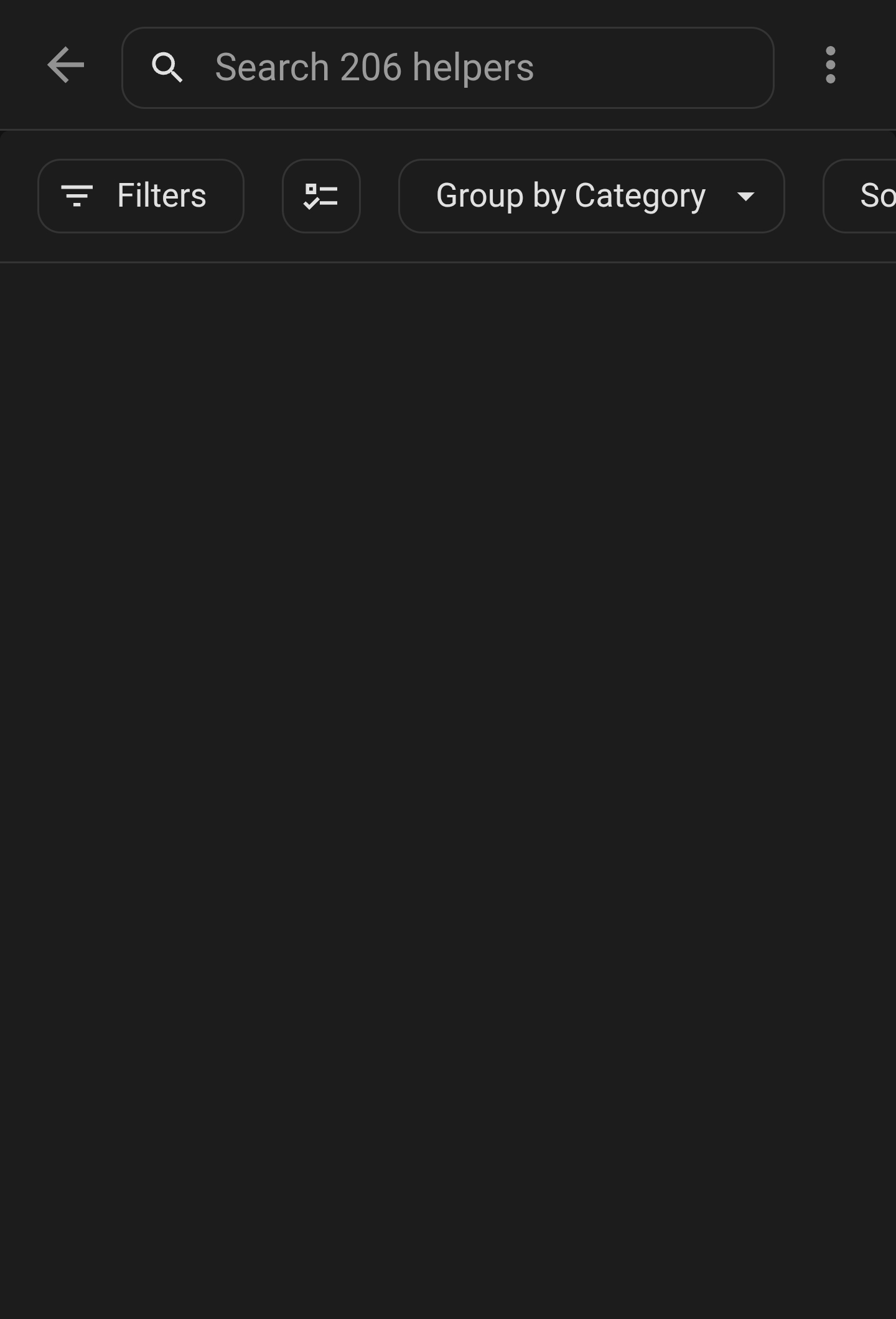
Try purging a “Frontend cache” in App settings.
You mean in android? Delete cache? Did that. Also logging in via webinterface from phone same behavior
I already last Release “raised” this, on the release page, do i have to send them a sledgehammer ?, or are they just not reading this, or don’t care ? it’s basic web-server knowledge
2 Likes
Updating to 2026.2.0 broke my kiosk_mode settings for “hide_add_to_home” and “hide_search” although “hide_assistant” still works.
kiosk_mode:
  non_admin_settings:
    kiosk: true
    igmore_entity_settings: true
  admin_settings:
    hide_add_to_home_assistant: true
    hide_search: true
    hide_assistant: true
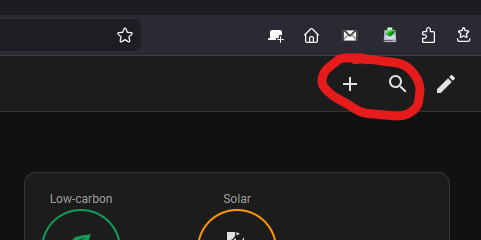
Edit: Kiosk mode v10.0.0 update fixed it.
1 Like
With the new header badges, how can I make an entity badge appear like the button badges do with the border instead of just text? I want to toggle an input boolean and have it show state and state color but appear as the buttons do, but the buttons don’t show state.
I’m just annoyed as hell. I’m going for a walk and then I suppose I’ll fix my damn dashboards again
1 Like
cool idea, but same issue as @busman

(And I dont see it in settings)