11 Likes
Lovely work. However, please, please update the energy card to accomodate fixed daily charges. Daily fixed charge in energy dashboard · home-assistant · Discussion #3877 · GitHub
3 Likes
For platform: template repairs and issues with legacy templates, please visit this page
7 Likes
The card picker updates are exciting!
1 Like
Great stuff so far during the live stream. Thanks to all involved!
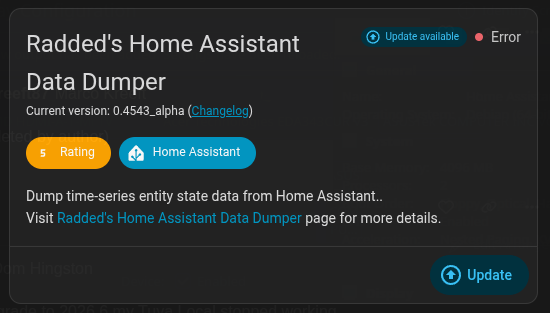
This could just be a skill issue on my part but I can't find where to update installed Apps on the new UI. I'm developing my own App and having to reinstall every time is a little rough haha
Thanks for the awesome update otherwise!
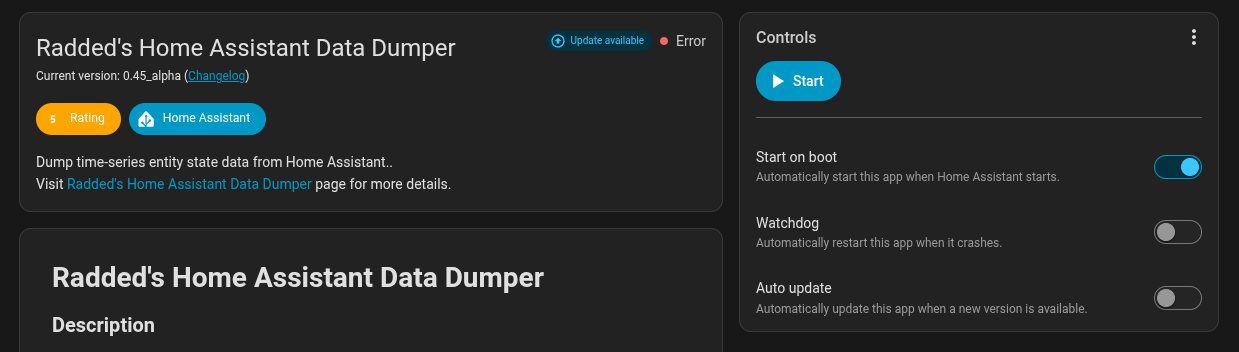
PS: I'm still able to update using the terminal ha apps update [slug]
EDIT: I think my browser was just being a goof, the update button appeared this morning

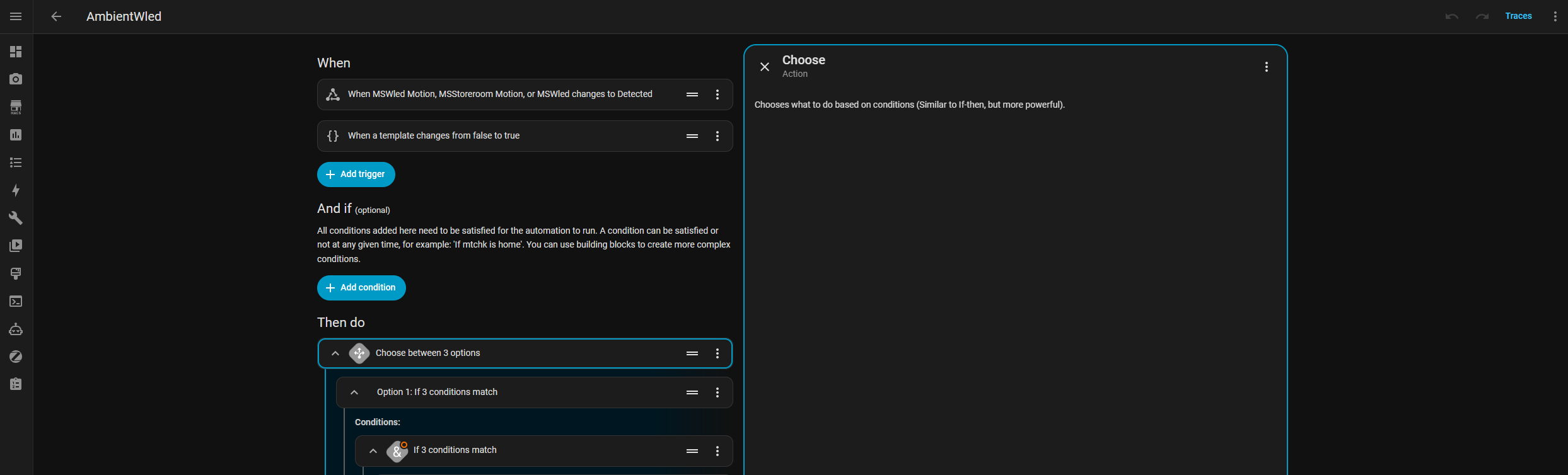
I still can't understand why the maximum width of the editor is being restricted. It would make much more sense to use that empty space on the sides to display the full logic tree for complex automations, instead of constantly having to expand and collapse the action settings block.
For some reason, no margins or padding are applied to the list of automations and scripts. There's absolutely no consistency in this approach.
14 Likes
So glad to see that Xthings has been added. I know the release note say that can only control lights right now, but it also appears to be able to detected my Utec locks. However they are pretty much unresponsive even tho there iate no errors
Anyone else seeing Loading state history state in graphs and just getting a flat line?
In the meantime, you could try something like either this Xthings cloud integration or my local Bluetooth one.
A Mute button on both the Volume slider and Volume buttons features, so you can silence the room straight from the tile.
That Mute button was added to all of my tile cards with Volume slider or Volume buttons 
Please make Mute button optional in the next release.
I also noticed that tile and other card became a bit taller? Especially noticeable in 2-line tile-card. I don't like that.
PS: Dark mode for Blog page when?
4 Likes
In the release party live stream at timestamp 29:37 I asked "does it show which action is triggered?". I wanted to clarify my question. Currently in the "When" and "And if" sections of an automation we are given visual indicators on its triggered and the condition states. I was wondering if in the "Then do" section if it gives an indication of that step of the automation. I use A LOT of Choose automations with Trigger IDs. I think it'd be nice to have a visual indicator on what Action is being pushed, and if the Action fails or something it could give an error. Just having a lil gray dot to the right and if that action is pushed it could go yellow, if the action works the dot goes green, or if something goes wrong the dot could go red. I know there are other was to see this, it'd just be a nice visual thing to have. Also I haven't updated yet, I don't have any updates available? I think I might need to restart HA, but I'll do that later.
Edit: restarting HA got the update to show up.
I had 33 template binary sensors with the old syntax. Guess I missed the constant reminders about that. Thank goodness for Claude 

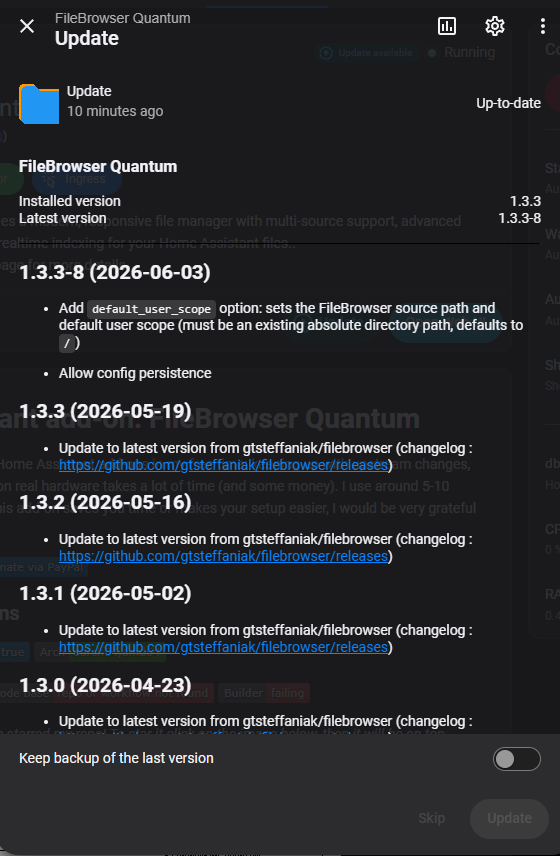
After upgrade to 2026.6 my Tuya Local stopped working.
Can anyone point me in the correct direct to the style name that controls the tiles on the redesigned apps page, on my theme the mouseover colour needs changing:
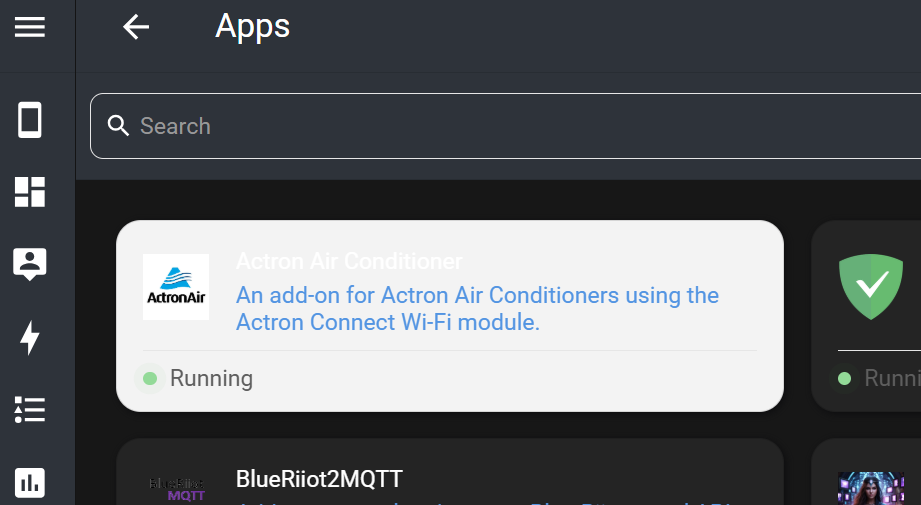
Thanks in advance!
1 Like
Hi everyone,
I noticed a conflict problem with Vistapool.
I'm a user of the Hacs integration: Vistapool Modbus Integration and when I try to install the new HA integration the system cannot find it. When I delete the hacs integration then the nerw HA integration is instalable. But then I cannot install the Hacs one anymore.
Any solutions ? do we need an upgrade of the HACS one?
PS: when I force the hacs install, after reboot the HA integration fails to start! Seems overwritten
So there is no way to have both installed and working!
Did anyone get their battery-powered Reolink device (in my case an Argus 3 Ultra) running? @starkillerOG made a dream come true (thank you!), but the docs do not mention this new option and the way to get it running as a camera.
I also checked the changelogs and the merge process docs, but I found no hint.
Currently, I just find several camera entities, but neither an image nor a stream.
Edit: In case this leads to a more detailed discussion, I created a separate thread here.
Appears to be --ha-color-fill-neutral-quiet-resting
3 Likes